
Solution Connect
Radionix B.V.
No ratings yetUtilitiesAges 4+
Screenshots

About this app
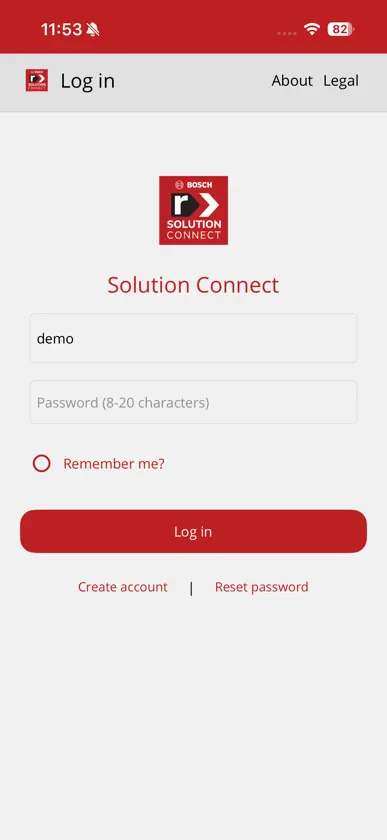
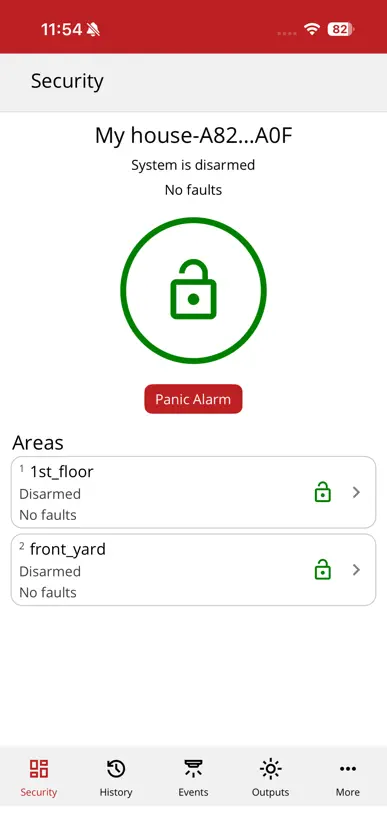
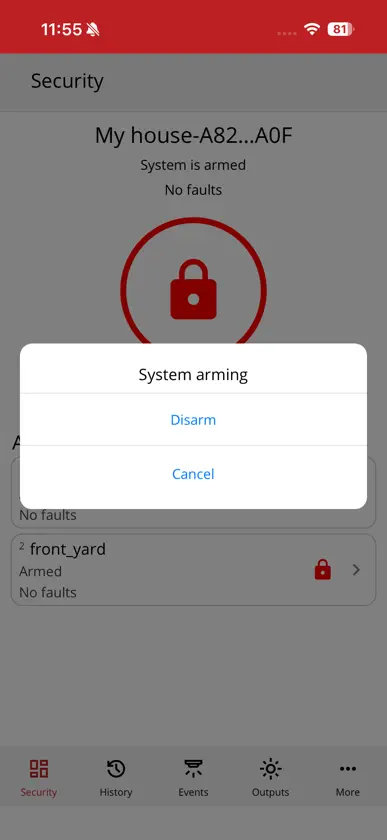
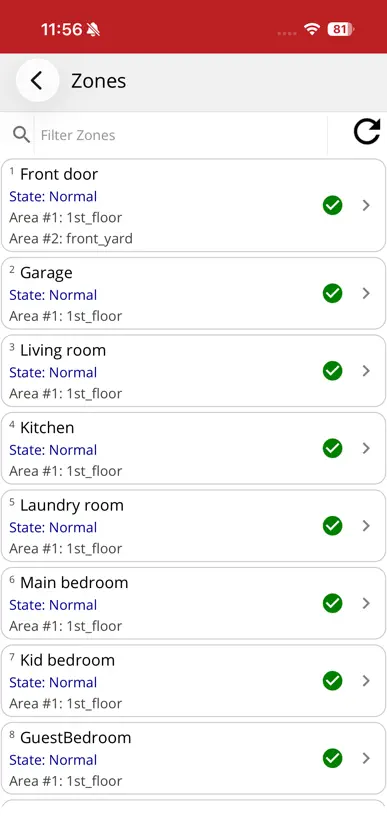
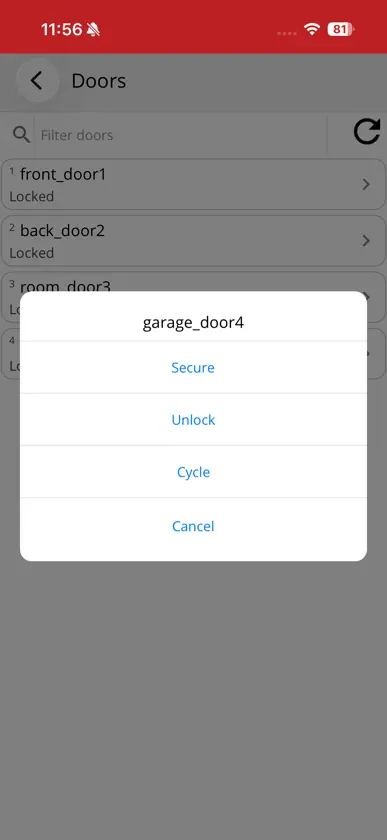
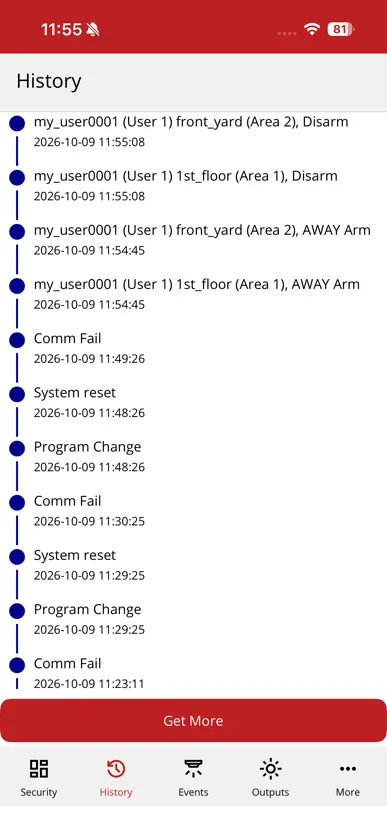
Solution Connect puts simple, reliable security control in the palm of your hand. Rebuilt from the ground up on modern architecture, Solution Connect delivers faster response times, an intuitive interface, and dependable remote access for your premises. Formerly known as Remote Security Control Plus (RSC+), Solution Connect is designed specifically for compatible Solution and AMAX intrusion alarm systems, enabling seamless control from your mobile device wherever you are. KEY FEATURES Instant Push Notifications: Stay informed of system events, arming status, and alarm triggers in real time. Arm and Disarm: Easily arm, disarm, or set perimeter zones remotely. Output Control: Operate relays, lighting, and automation devices linked to your system. Remote Door Access: Lock or unlock integrated doors directly from the app. Event History: Review timestamped system activity, zone alerts, and user actions. Multi-Panel Support: Seamlessly switch between multiple locations or premises from a single account. SUPPORTED SYSTEMS Solution Connect supports the following intrusion alarm panels equipped with compatible IP or cellular communication modules (including B426-M, B450-M, and B428-M): Solution 2000 / 2100 Solution 3000 / 3100 Solution 4000 / 4100 AMAX 2100 / 3000 / 4000 IMPORTANT SYSTEM REQUIREMENTS Solution Connect requires your security installer or system integrator to enable and configure remote access on your panel. Certain hardware features, such as output toggling, door access, system settings and time zones depend on your physical panel configuration and module firmware. Requires iOS 15.0 or later.
What's new
Version 2.0.23 · Nov 6, 2026
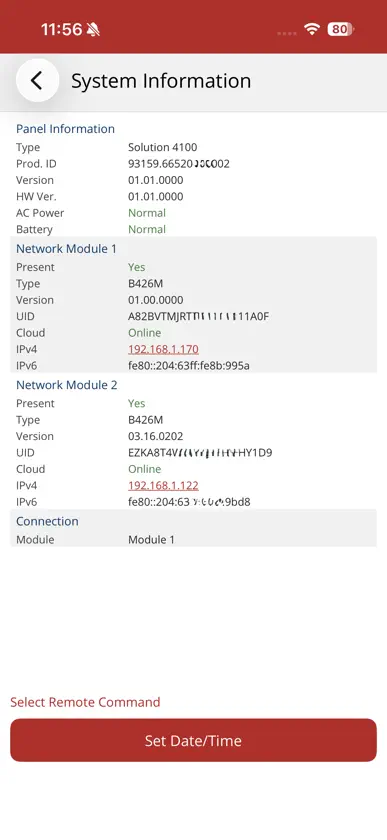
A Fresh Look: Introducing Solution Connect, featuring our new brand identity, updated app icon, and a cleaner visual interface. Rebuilt Architecture: Rewritten from scratch on modern frameworks to ensure faster connection handshakes and smoother navigation. Auto Connect: Added an optional setting to automatically connect directly to your primary panel on app launch. Time Zone Support: Configure panel time zones directly within User Settings before setting system time. Expanded Hardware Details: The System Info screen now displays your communication module type (B426-M, B450-M, B428-M) alongside active firmware versions, with tap-to-open LAN IP browser support. Enhanced Push Reliability: Hardened notification delivery to ensure alerts register consistently across logins and panel reconnects. Crash & Stability Fixes: Resolved edge-case crashes related to panel reboots, abrupt power cuts, and screen orientation changes. Note: Please ensure your system installer has configured remote access on your panel.


