
TimeTo: Countdown Timer
ArGames
No ratings yetLifestyleAges 4+
Screenshots
About this app
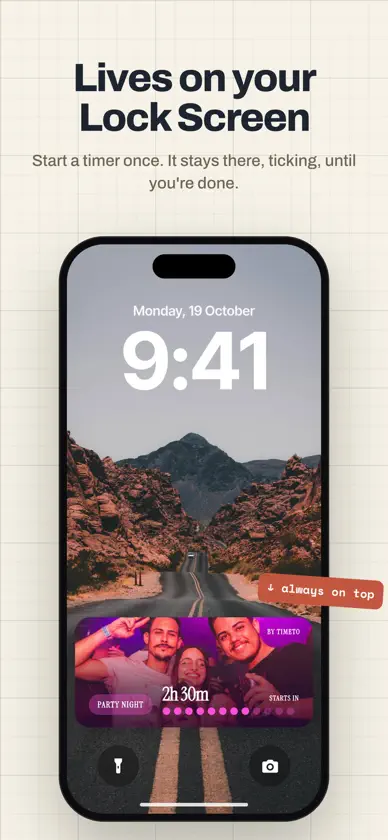
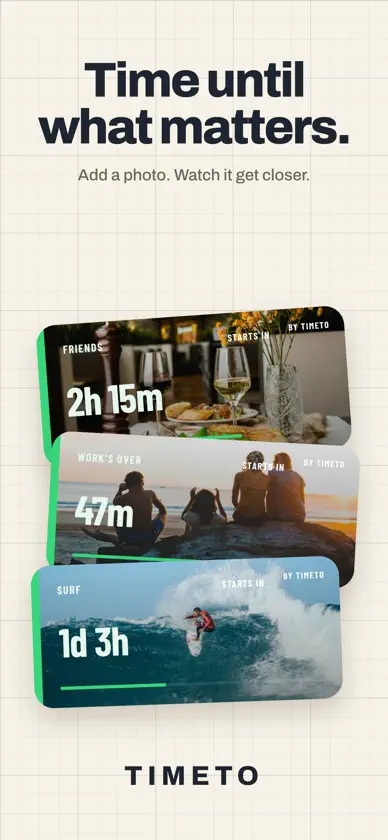
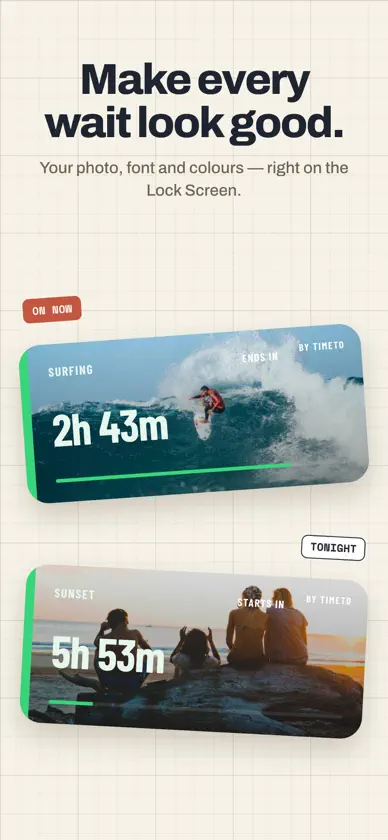
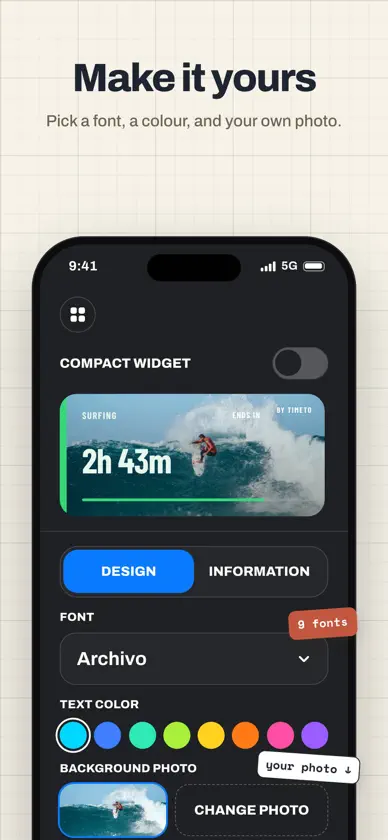
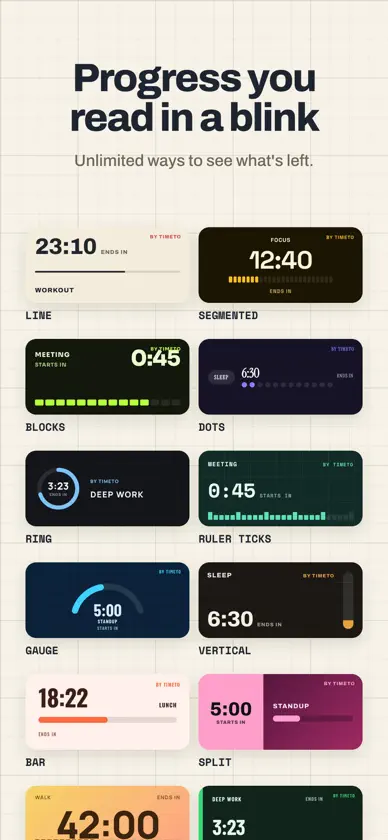
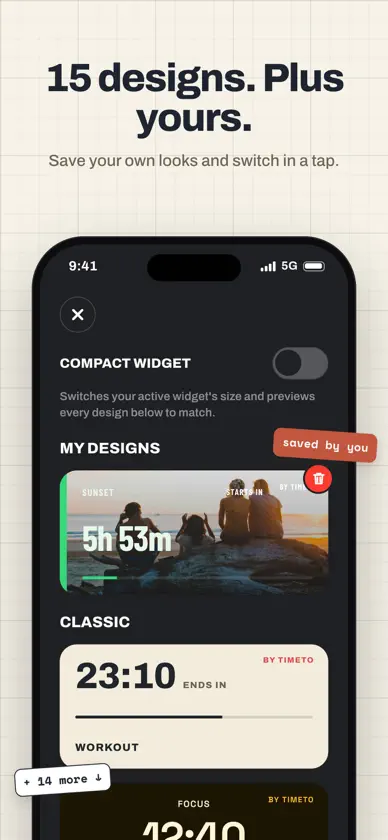
Make time visible. TimeTo turns today's plans into personal countdowns on your Lock Screen. See how long until your workout starts, your meeting begins, or your workday ends—with a live countdown and visual progress at a glance. YOUR NEXT MOMENT, IN VIEW Name your event, choose a time today, and select “Starts in” or “Ends in.” Start your countdown in the app, then follow it on your Lock Screen with Live Activities and in the Dynamic Island on supported iPhones. WATCH YOUR PROGRESS See the time remaining and how far you've come. Choose from 10 progress styles, including bars, dots, blocks, and rings. MAKE IT YOURS Pick a starting look, then personalize your card with a font, text color, and a photo. Preview your changes before saving. CHOOSE YOUR LAYOUT Use a larger card for more detail or switch to a compact layout for a smaller Lock Screen presence. KEEP TWO MOMENTS CLOSE Create up to two countdown cards for the things coming up in your day. NO ACCOUNT NEEDED Your countdowns and photos stay on your device. Get started without signing up. MADE FOR TODAY TimeTo is designed for manually started, same-day countdowns. Start a Live Activity when your event is no more than 7 hours and 58 minutes away. Countdown cards are visual displays and do not send an alarm or notification when an event begins or ends. ON YOUR WRIST, TOO Follow your TimeTo countdown in the Smart Stack on Apple Watch with Live Activities. Check the time remaining with a quick glance at your wrist. Requires iOS 17.2 or later. Live Activities must be enabled. Dynamic Island is available on supported iPhones. The system controls Live Activity availability and placement. Terms of Use - https://argames.in/terms.html Privacy Policy - https://argames.in/privacy.html


