
Screenshots


About this app
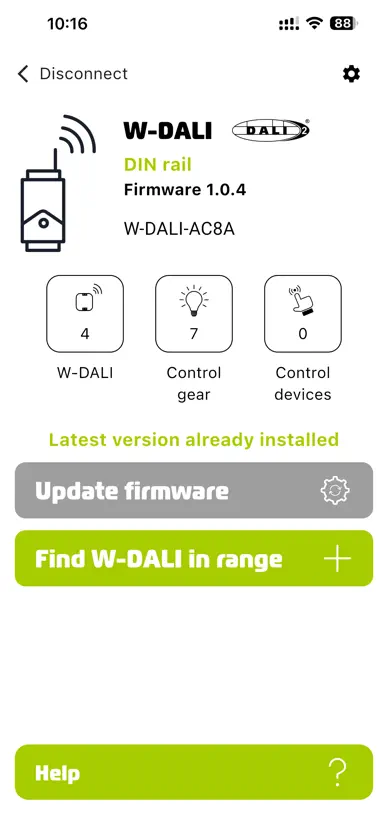
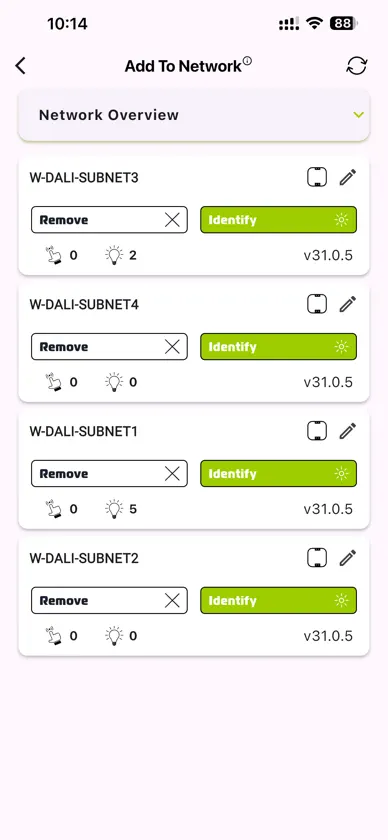
Setting up a complex W-DALI network is now effortless and can be done remotely without physically accessing the W-DALI devices. Simply activate the app mode on the W-DALI DIN rail, press the button on the front to connect to the app, and effortlessly add any available Node to the W-DALI network. In case a W-DALI Node is mistakenly added to a network, it can be easily removed using the app. Multiple W-DALI networks can be set up simultaneously without any interference. Firmware upgrades for both the W-DALI DIN Rail and W-DALI Node can be easily performed through the app.
What's new
Version 1.2.1 · Nov 9, 2026
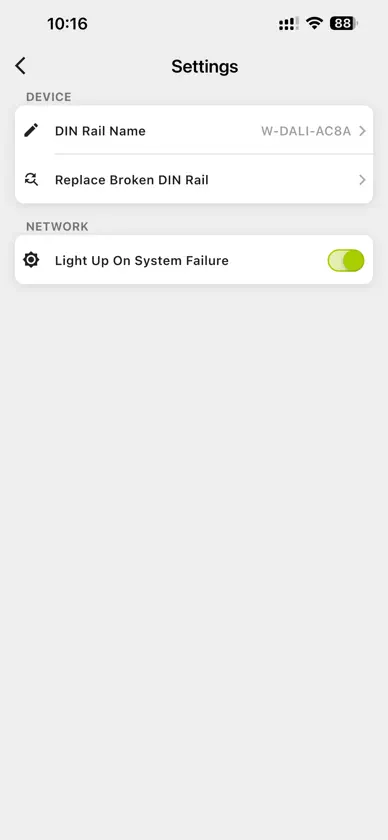
Improved the DIN rail replacement process for a smoother and more reliable device swap experience. Added troubleshooting support to help users diagnose connection issues more easily. Improved app stability and reliability during Bluetooth/device replacement and recovery workflows. Enhanced release/build stability for more dependable app updates. Continued product polish with updated UI and safety guidance during installation and replacement tasks. W-DALI and DALI device counts now correctly update when devices are added/removed.
More from LumenRadio AB


You might also like
 DALI Admin BLEHSI Lighting
 ARANEO NFCLuminex
 Martin CompanionHarman Professional, Inc.
 Slyyd Lighting ControlCreamsource North America, Inc.
 OPTIBRIDGE 3880 SetupKROHNE Messtechnik GmbH
 PROLED Smart ControlUni-Bright
 ModScanWINPASO INC
 4service NFCTridonic
 Interact HorticultureSignify Netherlands B.V.
 EasyLoop SensorBBC Bircher Smart Access