
Workrate: Burpee Timer
Hlynur Stefansson
No ratings yetHealth & FitnessAges 4+
Screenshots



About this app
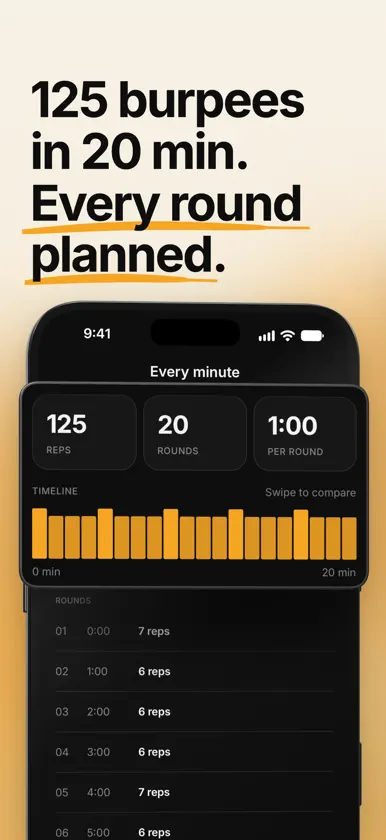
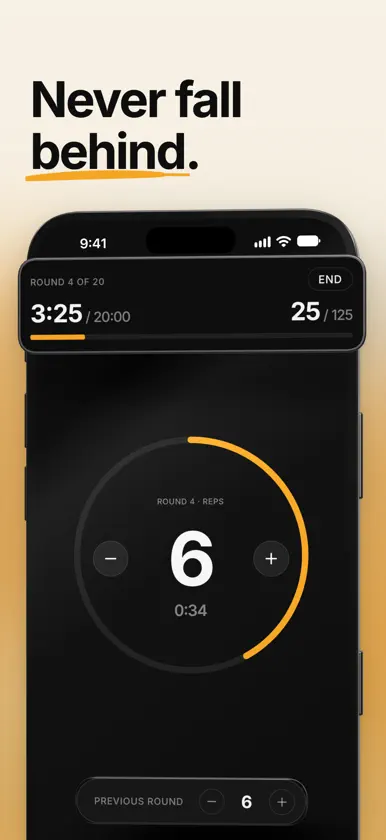
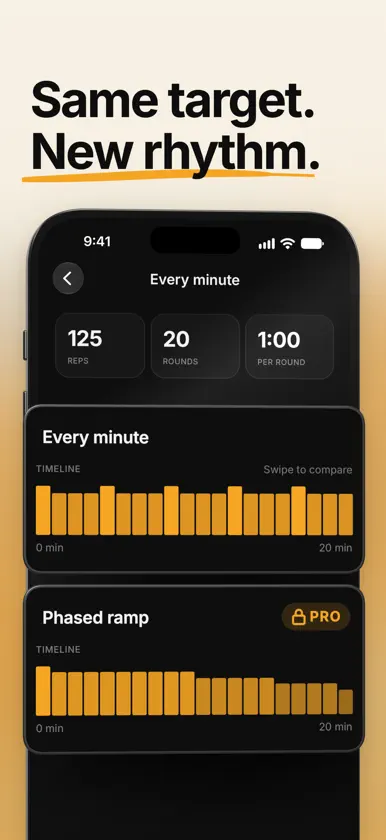
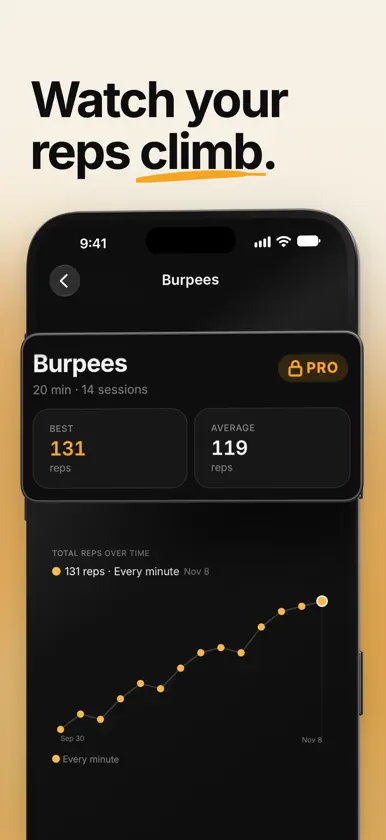
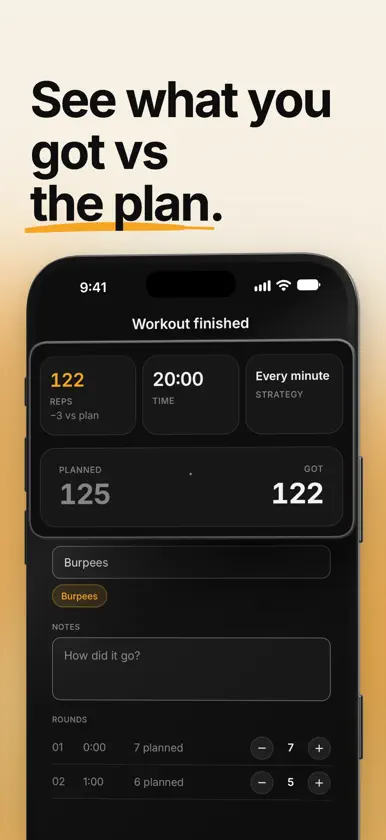
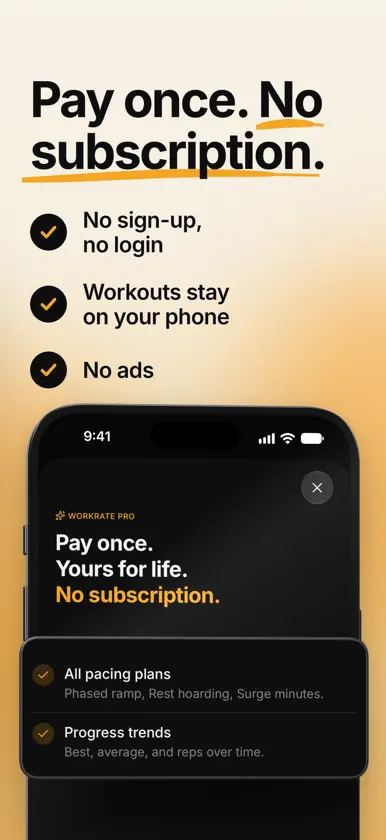
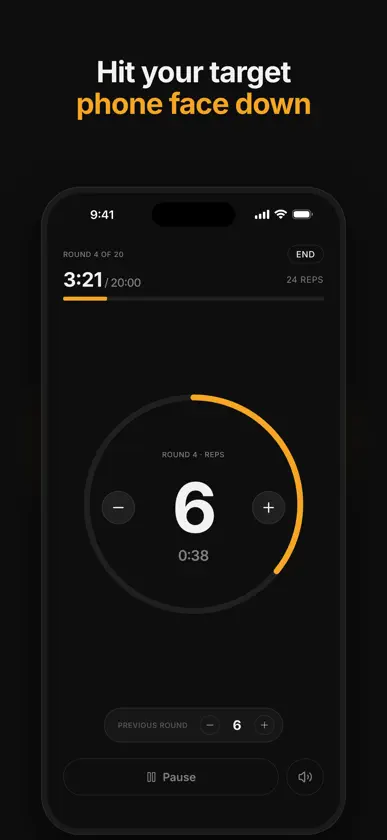
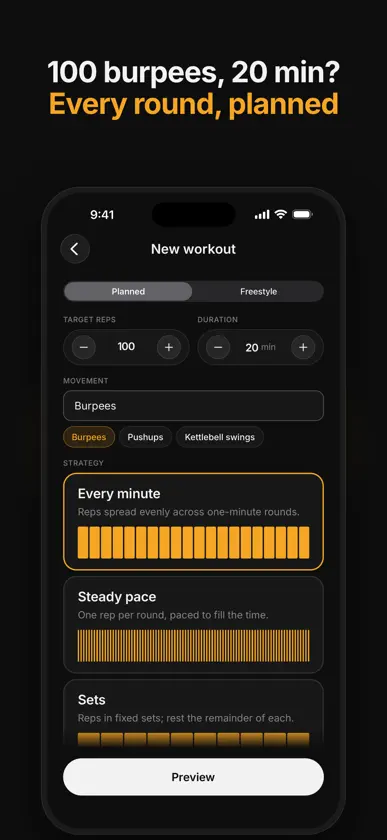
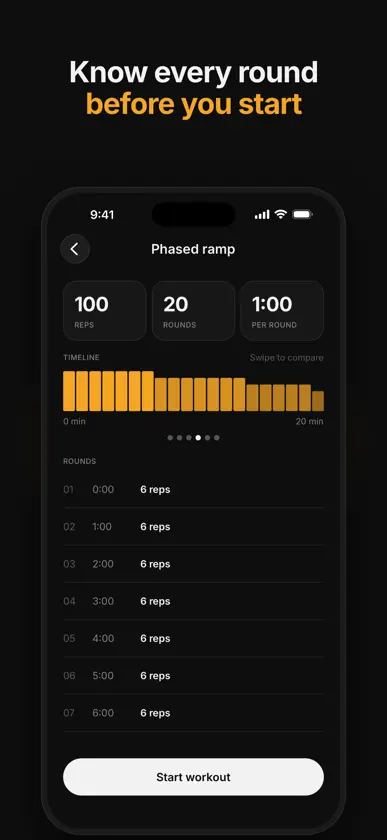
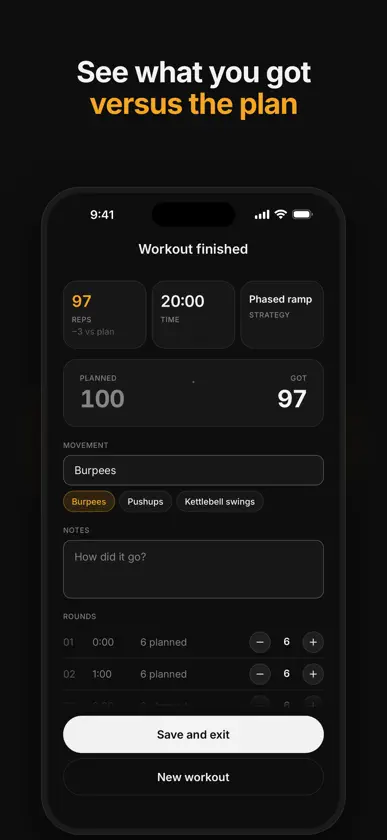
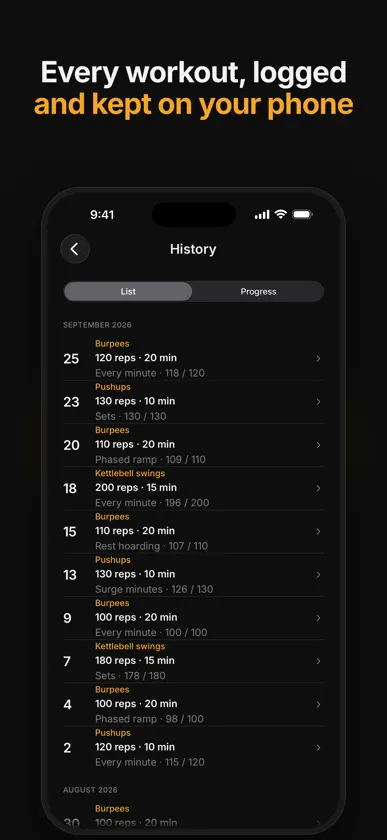
100 burpees in 20 minutes sounds simple until you're five minutes in, breathing hard, and have no idea if you're ahead or behind. Workrate starts from your target. Enter the reps, the minutes and the movement, and it builds the pacing plan: how many reps each round, and when to rest. Press start and follow the audio cues. HOW IT WORKS • Set the target: reps, minutes, and a movement tag like 6-count burpees, Navy Seal burpees, push-ups or kettlebell swings. • Pick a pacing plan and preview it round by round. Swipe to compare plans for the same target. • Follow the cues: a 3, 2, 1 countdown before each round ends, a go tone for the next one, and a final tone at the end. Haptics too, if you want them. • Keep Workrate open on screen. It stops the screen from sleeping during a workout, and your music keeps playing under the cues. • Log what you got each round and see it against the plan. FREE • Every minute: your reps spread across one-minute rounds (EMOM style). • Steady pace: one rep at a time, evenly spaced to hit the target exactly. • Sets: a set count you choose, with rest between sets. • Freestyle: just a duration. Run the clock and log your reps. • Your full workout history, round by round. • Every sound pack, including the coach voices. WORKRATE PRO: PAY ONCE, NO SUBSCRIPTION • Three more pacing plans: Phased ramp, Rest hoarding and Surge minutes. • Progress trends: your best, your average and your reps over time for each movement. • Pro is free for your first 5 workouts, so you can try every plan before you decide. SAME TARGET, A DIFFERENT WAY TO GET THERE Stuck at the same count for weeks? Keep the target and change the pacing. Workrate is built for single-movement volume: 200 burpees in 20 minutes, 150 push-ups in 15, 300 swings in 15. Rounds are at least one minute long, so it isn't a 30-second interval timer. YOUR DATA STAYS ON YOUR PHONE No account, no sign-up, no cloud sync, no ads. Workouts, tags and notes are stored on your device. Anonymous usage analytics can be turned off in Settings. WHAT IT ISN'T Workrate isn't a coach. It won't pick your exercises, judge your form, or change the plan mid-workout. It's for people who already know the work and want a better way to structure it. Terms of Use: https://getworkrate.app/terms Privacy Policy: https://getworkrate.app/privacy Questions or feedback: support@getworkrate.app
What's new
Version 1.0.2 · Nov 12, 2026
• Pro now shows your best pace for each movement and workout length, for example "Best at 20 min: 6.4 reps/min". It appears on a workout's detail screen and on the movement card in Progress. • A workout saves when you tap Finish. Closing the app on the summary screen no longer loses it. • If Workrate can't read your saved workouts, it keeps a copy, tells you, and restores the copy once it can read it. It no longer starts you over with an empty history. • Rest hoarding at 8 and 9 minutes banks its rest before spending it. • Surge minutes no longer adds a 0-rep minute when your target has more reps than minutes. • Workout cues fire on the second, not up to a tenth of a second late. • Home shows your 3 most recent workouts. History has the rest and scrolls faster when the list is long. • Screens no longer slide up under the top bar when you come back to the app. • During a workout, VoiceOver announces each round, rest and the final countdown. It can also read the trend chart, the plan carousel and the round chart. • With Share usage data turned off, the app sends no analytics. The setting used to be called Share anonymous usage data.
In-app purchases
The most popular purchases on the App Store.
- Workrate ProConsumable$14.99
You might also like
All apps like Workrate: Burpee Timer → BurpeePacersKrishna Pradhan
 TwoMeals: 2 Meals a DayYufei Zhihui (beijing) Technology Co., Ltd.
 Liftally: Gym & Workout LogYI SHAN FANG
 300 Pushups TrackerAbhishek Biswas
 Pee-upsHoverstone LLC
 Kalox - Calisthenics TrackerSERHAT FURKAN BOZKURT
 Carb Tracker: Keto Net CarbsAaron Thomas
 Somni: AI Sleep & Smart AlarmTakegami Shoichiro
 Sundial: Fasting & OMAD TimerVitalii Iudin
 Hang Tracker: Dead Hang TimerRadoslaw Jozefowicz