
Skill Notes
Kazuya Fujita
No ratings yetLifestyleAges 4+
Screenshots




About this app
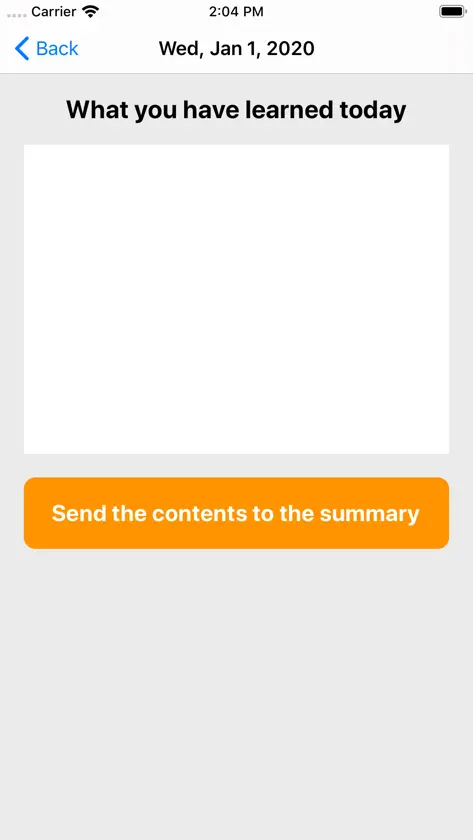
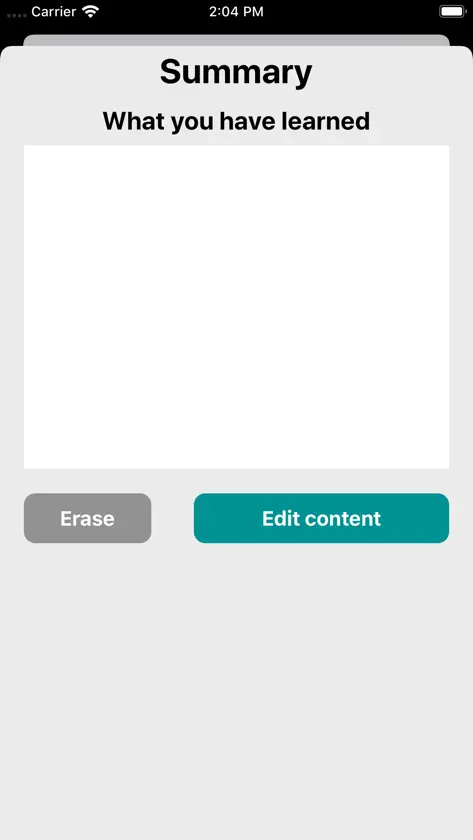
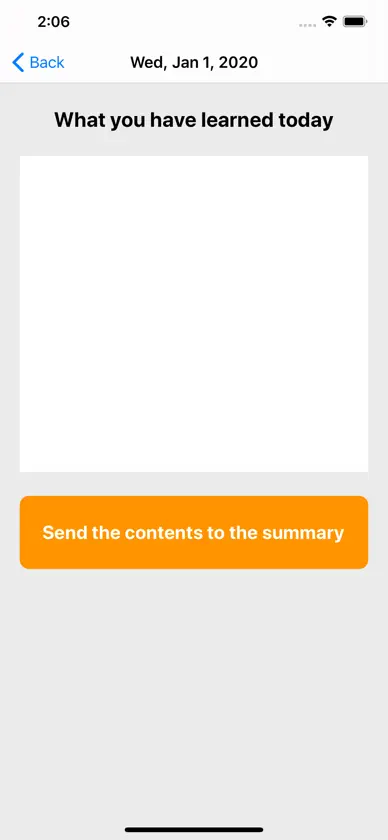
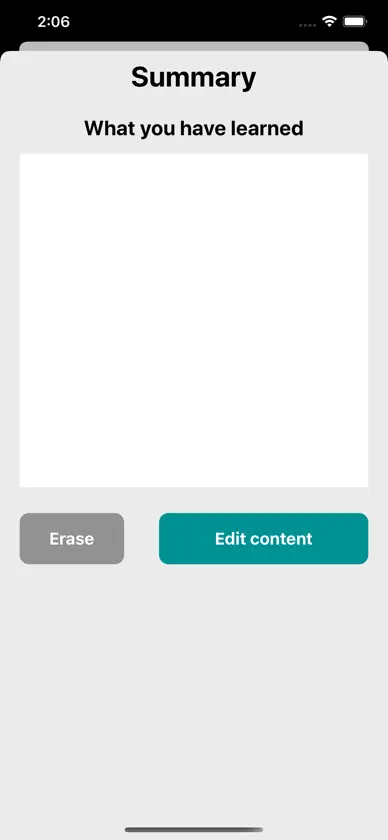
- Daily records ・Tap the “+” at the top right of the main screen and select “Make a record” to select and add the date you want to record. ・ Tap the date you added to go to the screen where you record what you learned on that day. ・ Tap the button at the bottom of the screen to send the contents of the day to the summary screen. -Review summary ・ Return to the main screen, tap “+” at the upper right of the screen, and select “Check the summary” to move to the summary screen. ・ In the summary screen, the contents sent for each date are recorded. ・ Tap the button at the bottom right of the screen to edit the contents of the summary freely, and tap the button at the bottom left to delete the contents of the summary at once. -Delete item ・ If you want to delete the added date, tap "Edit" at the top left of the main screen and select the item you want to delete. Please contact us in the review section or this DM. https://twitter.com/corasck
What's new
Version 1.0.1 · May 31, 2020
Bug fixes and performance improvements.
More from Kazuya Fujita


You might also like
 一行日記メモ|毎日ひとこと日記帳丽佳 施
 就職活動ノートyuki tobita
 Four Line Diary / 4行日記arai.me
 Anniversary Countdown+tadashi atoji
 MetaMindL'ASSOCIATION A BUT NON LUCRATIF ANTENNEFRANCE
 Gratitude Garden: Mind JournalPlexiri Corp.
 ペアハート|恋人・パートナーとつながりを感じれるアプリhashimoto ryouya
 Eat SuppressorJUHWAN LEE
 Memo not to write - KeyocOkyba株式会社キオクオキバ
 Refill Stock & InventoryYUUSUI KASHIWAGI