
Omnia Reader
LiChuan Lin
No ratings yetUtilitiesAges 4+
Screenshots







About this app
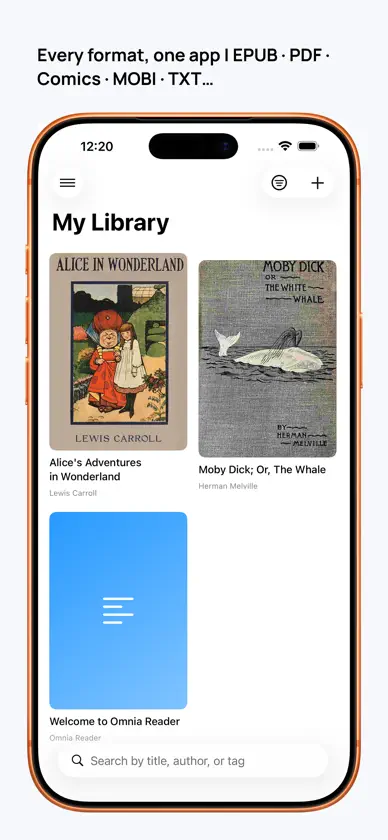
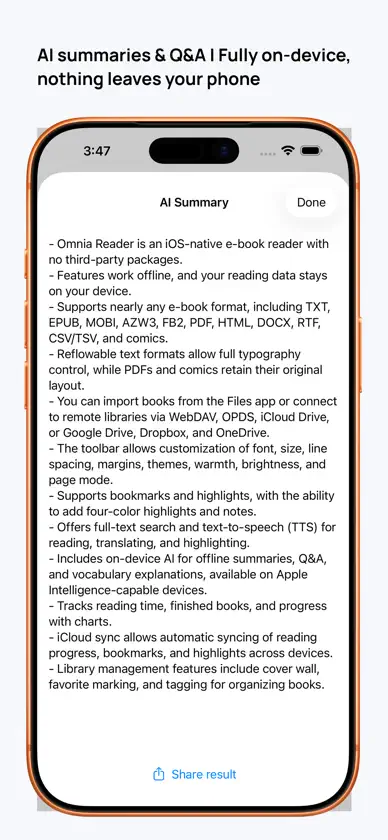
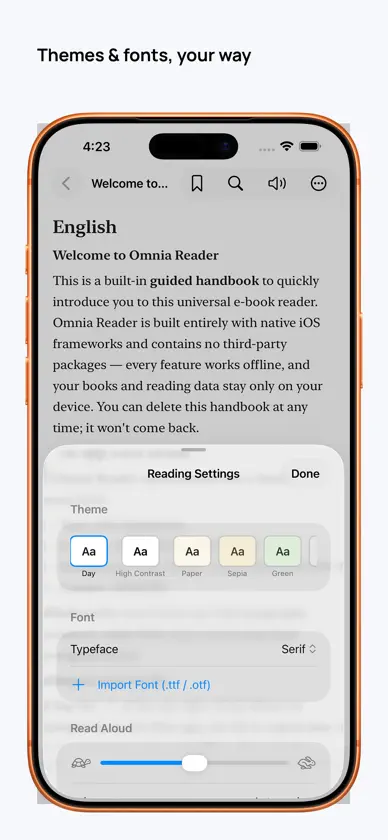
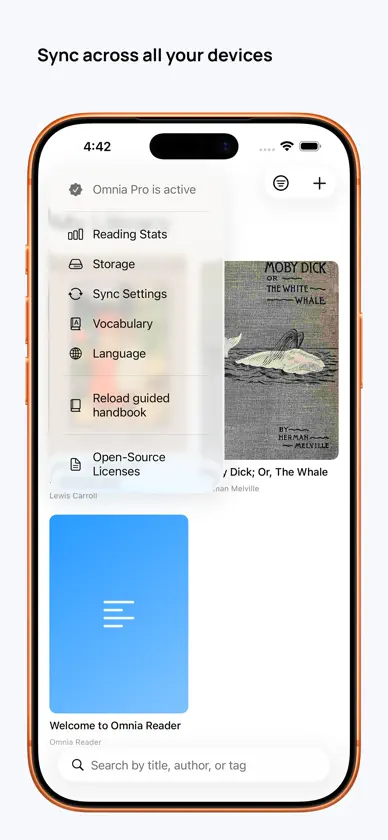
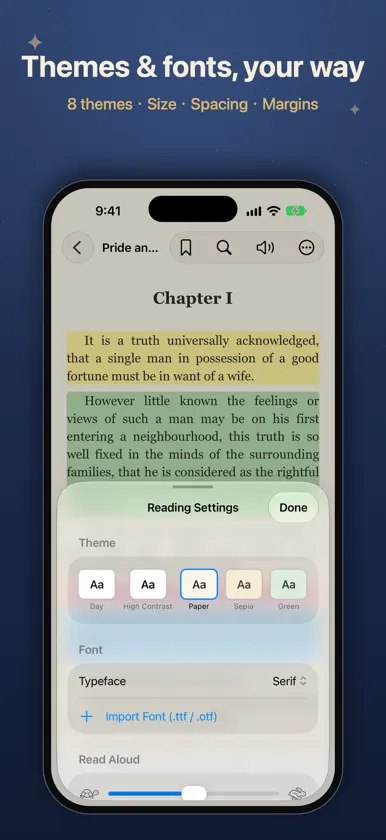
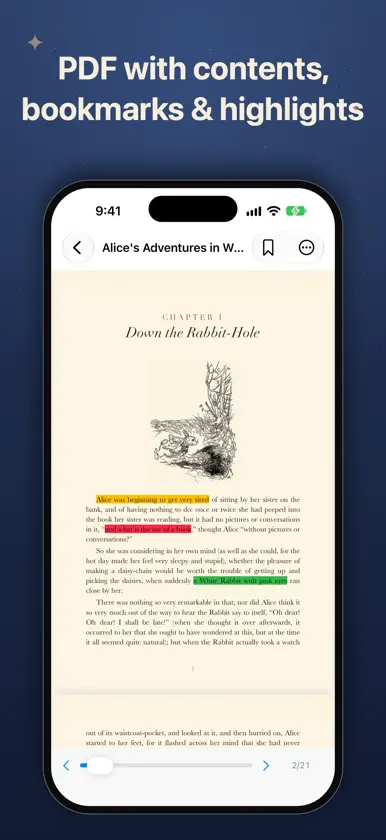
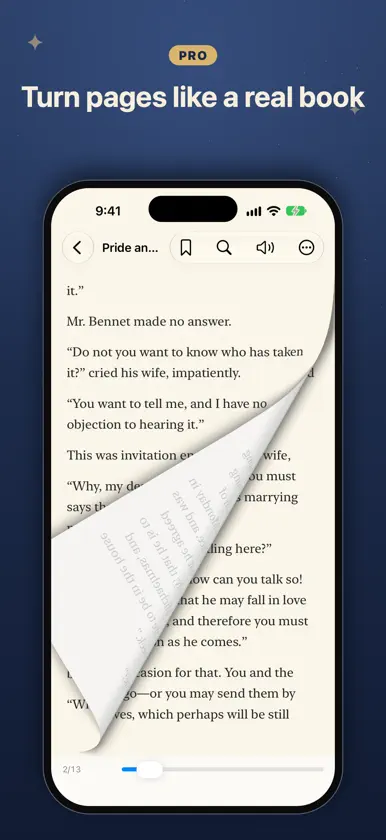
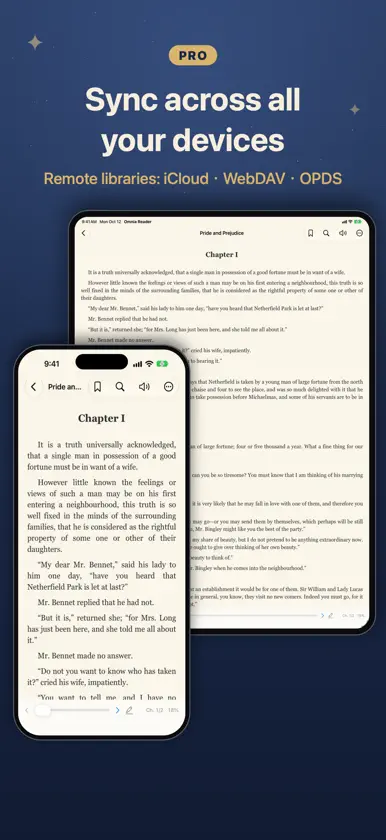
Omnia Reader is a universal e-book reader that opens almost anything — EPUB, PDF, CBZ/CBR comics, MOBI & AZW3 (Kindle), TXT, Markdown, HTML, DOCX, RTF, FB2, CSV — built entirely with native iOS frameworks. No accounts, no tracking, no ads. Your books and reading data stay on your device. READ EVERYTHING, FREE • 12+ formats, unlimited local library • Resume, table of contents, bookmarks • Comics with chapters and zoom; even GB-sized files open instantly • Day/night themes, system fonts, adjustable size, spacing and margins • Dictionary lookup and translation, full-text search • Read-aloud (TTS): automatic voice per language, background playback, lock-screen controls, follow-along, cross-chapter • 4-color highlights + notes (3 per book; unlimited in PDFs), export to Markdown • Beautiful quote cards to share • 17 languages, built-in handbook UNLOCK OMNIA PRO (one-time, no subscription) • On-device AI: summaries, Q&A and vocabulary — free, offline, private • Sync reading progress, bookmarks and highlights across devices — and your book files too • Remote libraries: WebDAV, OPDS, iCloud Drive • Unlimited highlights • Import your own fonts (.ttf/.otf) • Paged mode incl. paged EPUB, page-curl animation, two-page, vertical CJK, justify • Vocabulary deck with spaced repetition, tags, advanced stats WHY OMNIA • Truly native — fast, light, no third-party SDKs • Works fully offline • No subscription, no ads, no data collection • Buy Pro once, use on iPhone and iPad Bring your own books and enjoy reading.
What's new
Version 1.7 · Nov 7, 2026
This update brings Read Aloud and AI to PDFs: listen to a PDF from the page you're on, get a summary or ask questions about it — handy for books, reports and papers alike. READ ALOUD FOR PDFS • Tap the speaker button at the top right to start reading from the page you're on; the page turns automatically as reading moves on • Sentences that the PDF layout splits across lines are joined back together, so reading flows naturally instead of pausing at every line • Long PDFs keep reading continuously — no waiting for the whole file to be processed first • Speech rate, voice choice, lock-screen controls and background playback work just as they do for other formats AI FOR PDFS • Use AI Summary, AI Q&A and Word Explainer from the More menu at the top right; they work with the text from the current page onward • Runs on your device like the app's other AI features — your content is never uploaded • Requires a device that supports Apple Intelligence SCANNED PDFS • PDFs that contain only images, such as scans or photos, can't be read aloud or used with AI; the app now explains why when you try OTHER IMPROVEMENTS • Polished interface text across all languages As always: fully offline, no tracking, no ads.
In-app purchases
The most popular purchases on the App Store.
- ProConsumableUSD 6.99
More from LiChuan Lin


You might also like
 Kinder - Ebook Reader功亮 张
 Renobo: Ebook & Manga ReaderNan Yu
 Foxycape AI Reader成都铁飞鹰科技有限公司
 Book IsleAnyi County Bingzhiyi Trading Co., Ltd.
 全能阅读器 - 多格式电子书阅读器宁伟 陈
 子衿听书-TXT,PDF,EPUB电子书AI配音阅读神器Guangzhou Feynman Information Technology Co., Ltd.
 水獭漫画 - 纯净的本地漫画阅读器宁 权
 SimplyRead - EBook Reader阳 张
 Readify - AI Web AssistantXin Chen
 聊书AI - 懂你的读书助手群 谢