
Zebra: Markdown Knowledge Base
飞 翟
No ratings yetProductivityAges 4+
Screenshots








About this app
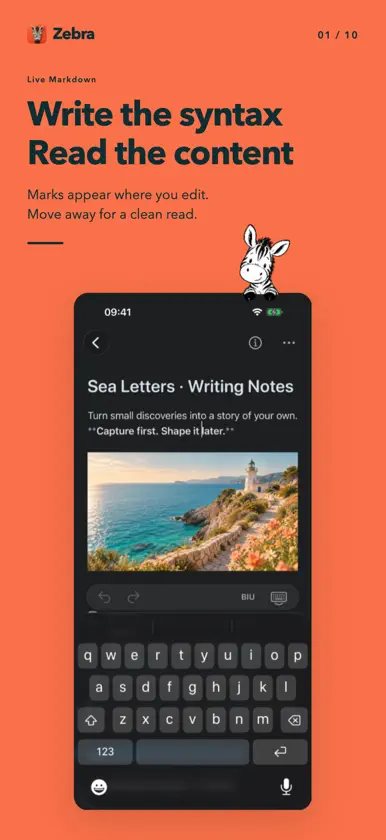
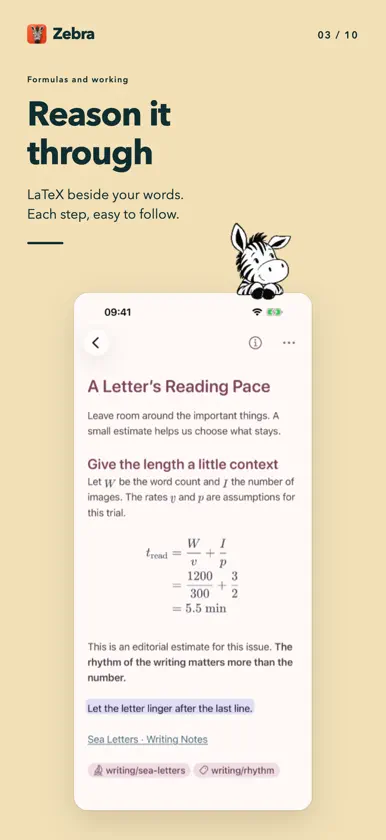
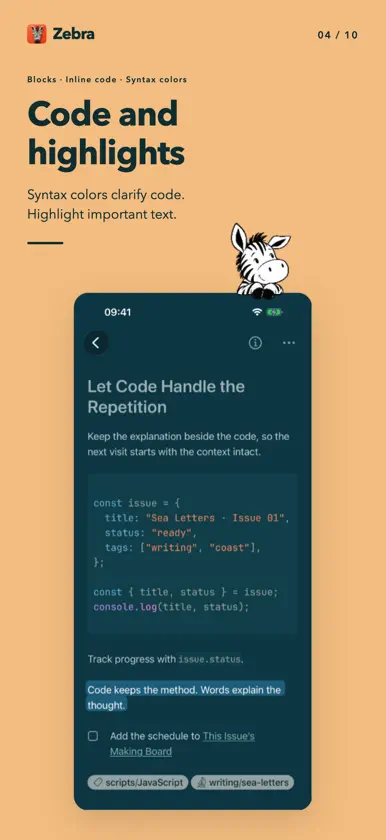
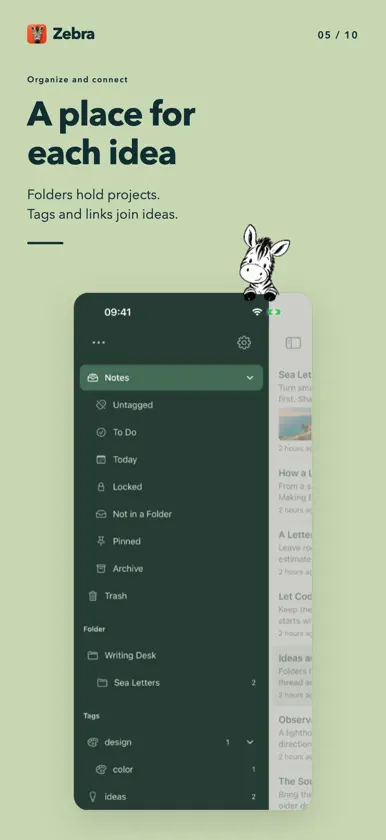
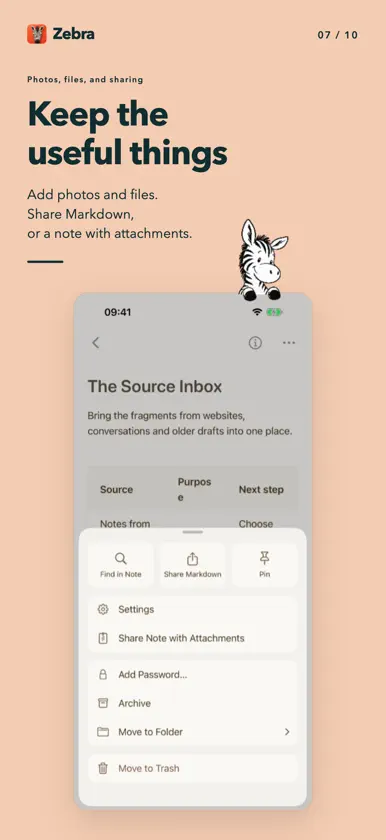
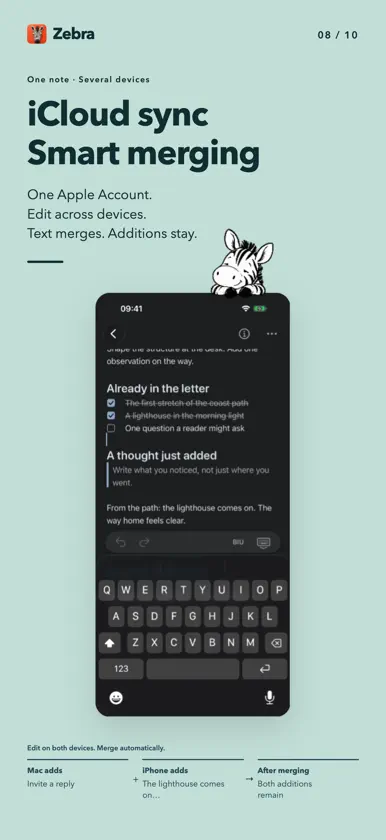
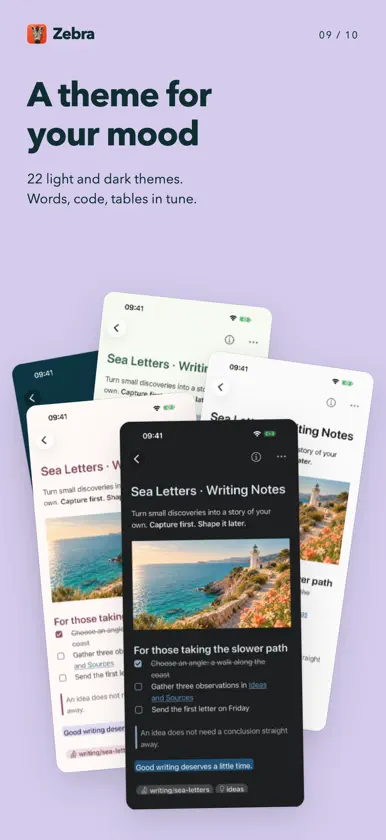
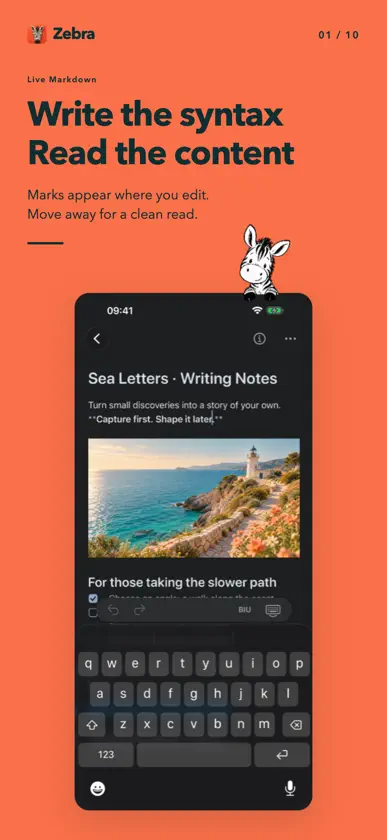
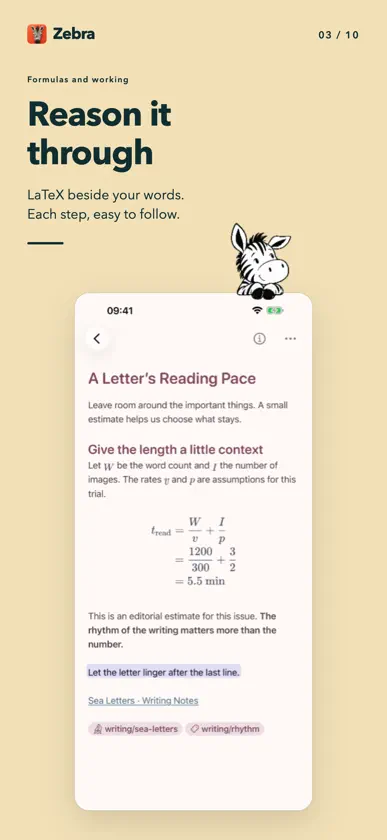
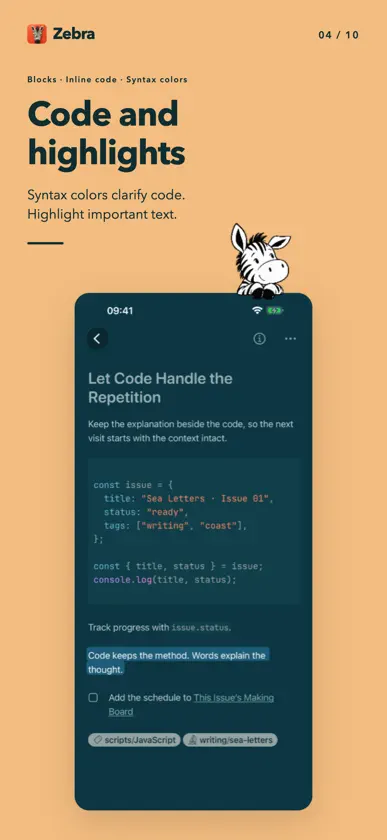
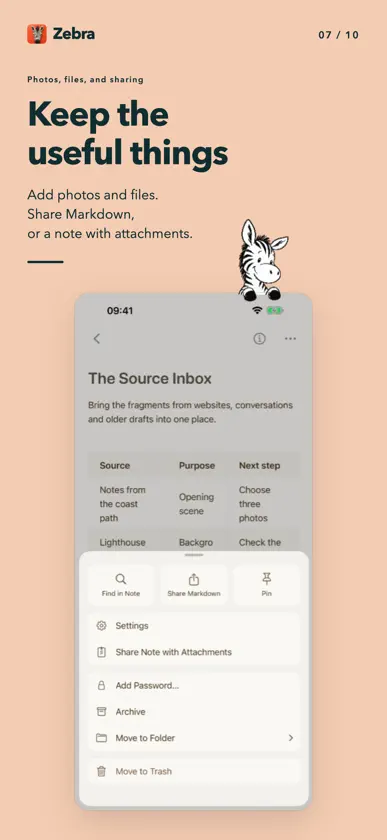
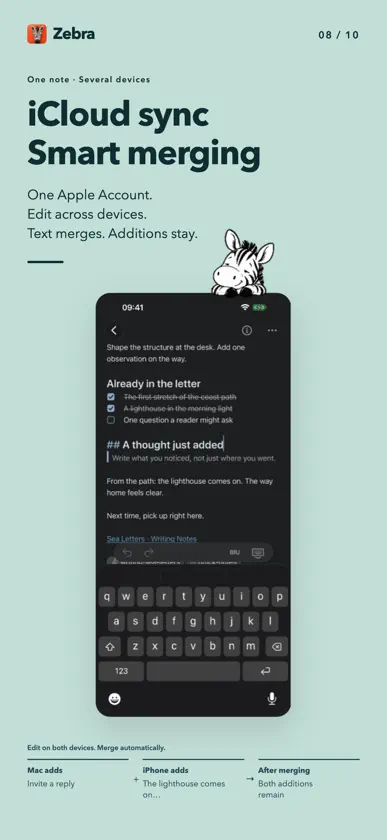
Markdown, as you write. Zebra carries your personal knowledge base in Markdown on iPhone and iPad. Write and read in a native visual editor, organize your notes, and turn a note into a presentation when you need to share an idea. Your library stays on your device by default. Write freely. Keep every note. Create unlimited notes for free. Writing, organization, keyword search, optional iCloud sync and note import/export have no note-count limit. Use headings, lists, tasks, tables and code; typeset LaTeX math and describe diagrams in Mermaid. Keep images and their context alongside your writing. Gather and connect your knowledge Organize with folders and nested tags. Connect related notes with links. Use keyword search to return to the right material. Import notes and share Markdown or a portable package containing your note and its attachments. Choose a theme and adjust typography to suit how you read. Turn notes into presentations with Pro Zebra Pro adds Markdown slides with themes, columns, backgrounds and transitions. Edit the content, preview your deck, and present full screen on iPhone or iPad. Export a PDF or a PowerPoint file to share. PowerPoint exports contain one image per slide; text and graphics cannot be edited separately in PowerPoint. One purchase, across your devices Zebra Pro is an optional one-time in-app purchase. Restore it with the same App Store account on Mac, iPhone and iPad. There is no subscription or automatic renewal, and no limit on free notes. Pro also includes an AI assistant and on-device semantic search in the Mac app. These two features are not available on iPhone or iPad. Mac AI features require a compatible agent you install and sign in to separately. Third-party AI account, subscription and usage fees are not included in Pro. Your library, stored locally Use Zebra without a Zebra account. Optional private iCloud sync connects devices using the same Apple Account; sync is off by default on a new installation. Notes and attachments remain readable and editable without purchasing Pro. Note passwords restrict viewing inside Zebra; they do not encrypt the content or attachments. Turning sync off does not erase copies already stored in iCloud.
What's new
Version 1.3 · Nov 13, 2026
A more comfortable writing experience on iPhone and iPad. • A compact formatting keyboard makes better use of the available width and keeps more of your note in view. • Native web link preview cards help you keep links and their context together. • Improved nested lists, task editing, and cursor placement around code blocks and diagrams. • Refined text selection, image layout, note opening, and editor resizing.
In-app purchases
The most popular purchases on the App Store.
- Zebra ProConsumableUSD 17.99


