
Interact: Interactive Learning
Bijan Boustani
No ratings yetEducationAges 12+
Screenshots

About this app
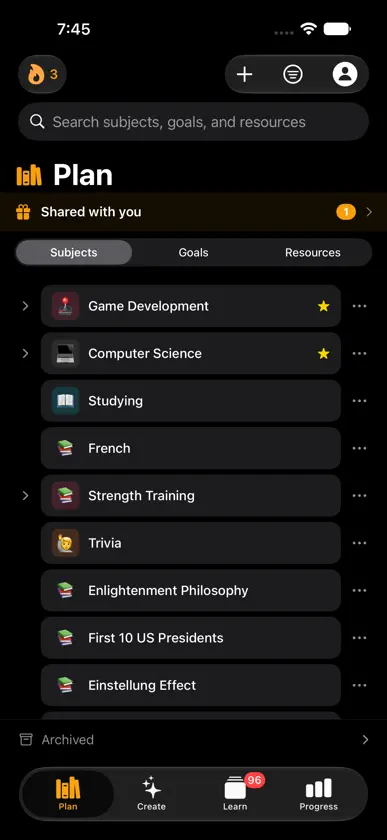
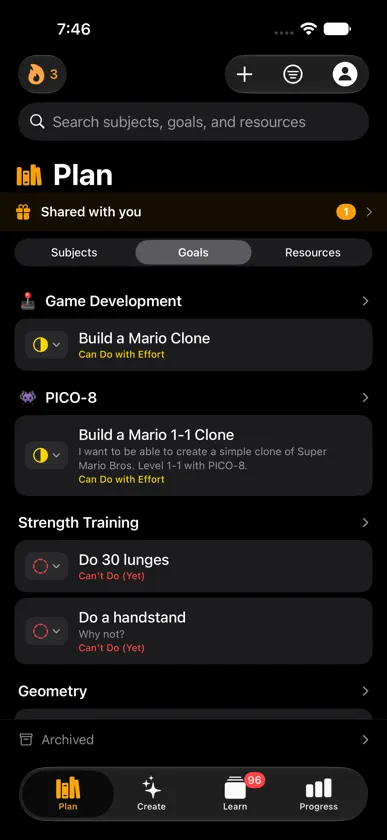
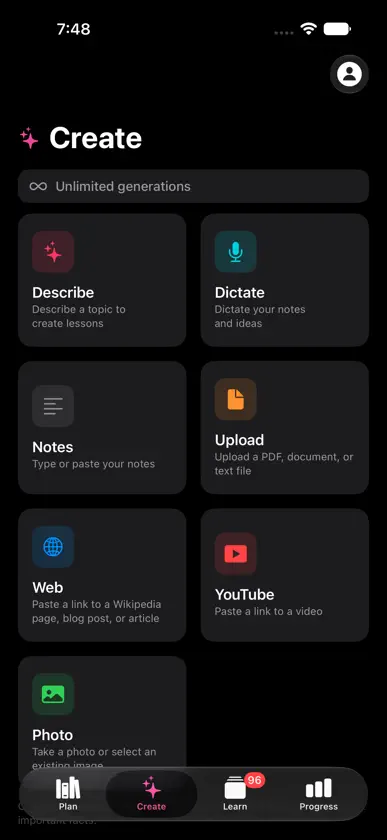
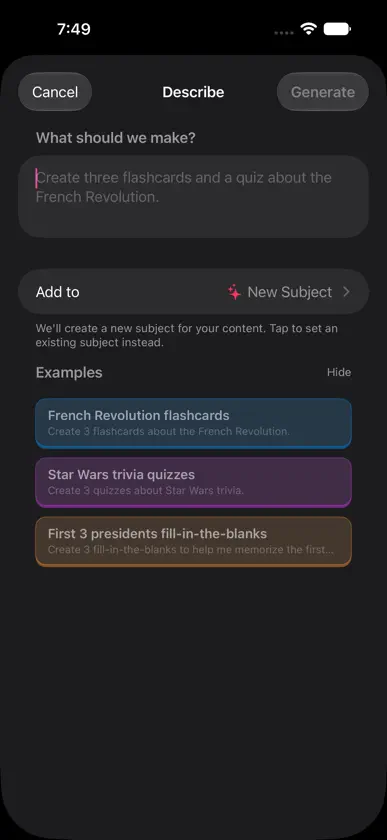
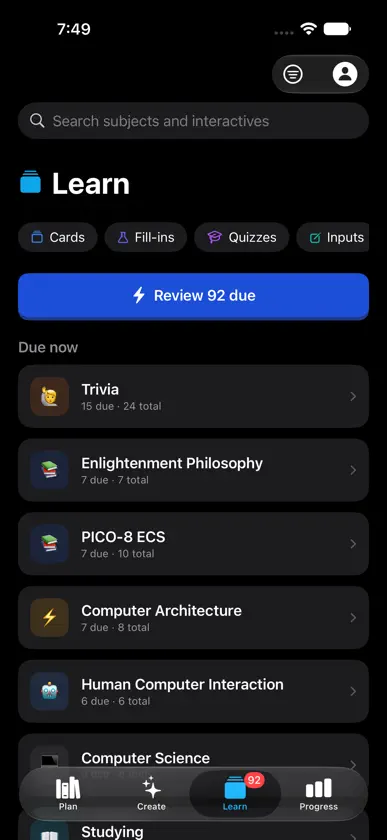
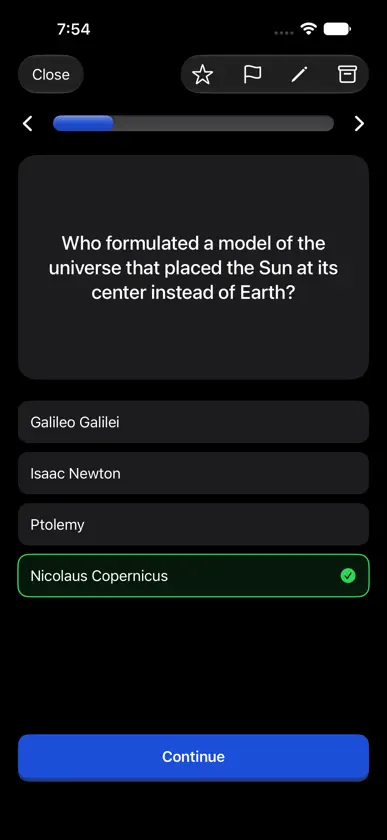
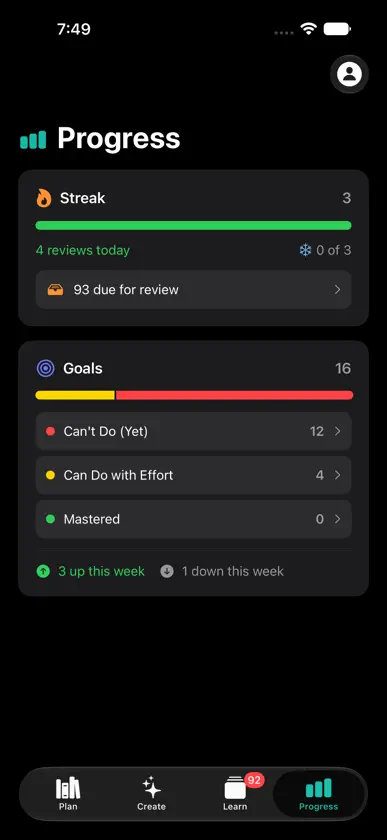
Interact is an educational app for turning the things you want to learn into interactive lessons. Bring all your favorite notes, links, and videos; and turn those into interactives. It's quick and easy to play through flashcards, quizzes, and other types of lessons. The spaced repetition system is built-in so you actually remember what you learn. The idea is to take the things you're already reading, watching, and studying and turn them into something you'll still know months from now. • Create lessons from notes, links, videos, PDFs, photos, and audio • Study with flashcards, fill-in-the-blank, quizzes, typed answers, and image occlusions • Review on a spaced repetition schedule that adapts as you learn • Track your progress across subjects • Continue on the web and your account stays in sync • Share subjects with friends Spaced repetition has been around a long time, but it usually means building all your flashcards by hand. Interact does that part for you, so you can spend your time learning instead of making cards. It's useful whether you're studying for something specific, picking up a new skill, or just trying to hold on to what you read. Interact is free for creating and playing interactives, with a monthly limit on AI-generated lessons. Interact Premium unlocks more capacity and features, available as a monthly or yearly subscription. Terms of Use (EULA): https://www.apple.com/legal/internet-services/itunes/dev/stdeula Interact Terms of Service: https://interact.school/terms Privacy Policy: https://interact.school/privacy
What's new
Version 0.7 · Nov 2, 2026
This latest version is all about adding "juice" to our lesson experience. On iPhone and Apple TV, we added much better sounds and haptic effects. And there are some fun particle effects and even a screen shake. They're all configurable in the settings section. Here are a handful of other fixes and updates: • Shake your phone during a lesson to shuffle the order of interactives • The app icon has a badge to show how many reviews are due • Typed answers are graded more fairly, so typing "8" still counts if the answer is "eight" • A magnifier shows where you're placing a label on image occlusions • Usability fixes, like making sure a toast message doesn't block buttons
In-app purchases
The most popular purchases on the App Store.
- Premium MonthlySubscription · 7 days free trialUSD 12.49 / month
- Premium AnnualSubscription · 7 days free trialUSD 99.00 / year
You might also like
 Language FirstSyed Shabaz
 Mask Note: Image OcclusionHyunChol Jo
 Rina: Learning, PersonalizedHongyu Yao
 ANCHOKO: Image OcclusionBEAK,K.K.
 UnlockAI: Learn AI DailySahajdeep Chhabra
 ClassFactor: AI Study ToolsClassFactor
 Memuri: Occlusion FlashcardsHYUNWOO PARK
 WristWiz - Watch GamesSpiceFactory
 Ai Lawyer - Legal ChatbotFrancis Garoa Mario
 Guide+ for Binding of IsaacRui Pedro Correia