
NeatNotes : Notes and lists
Fusion Engineering
No ratings yetProductivityAges 4+
Screenshots


About this app
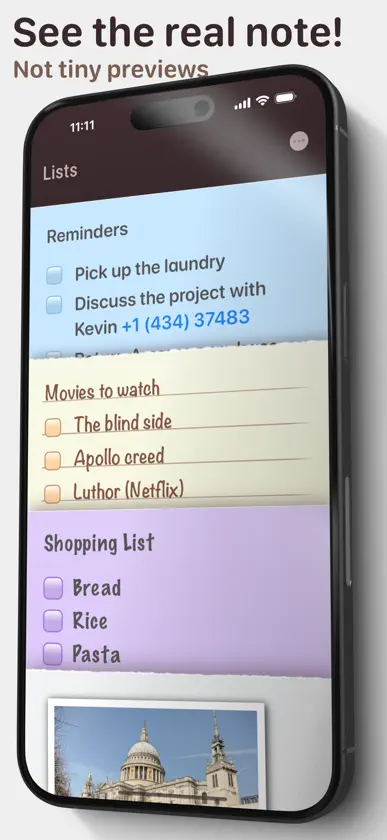
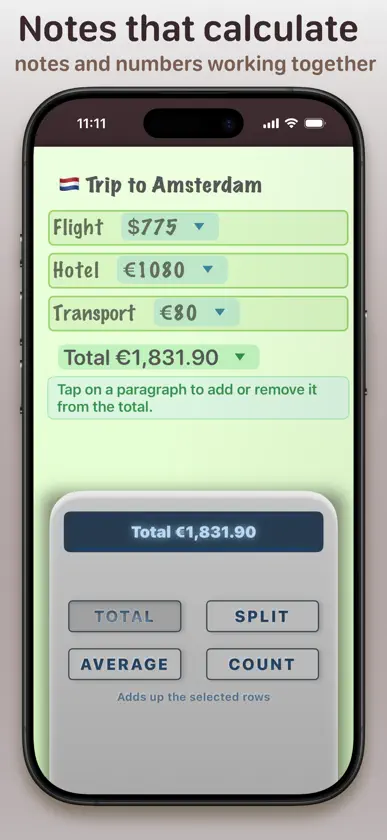
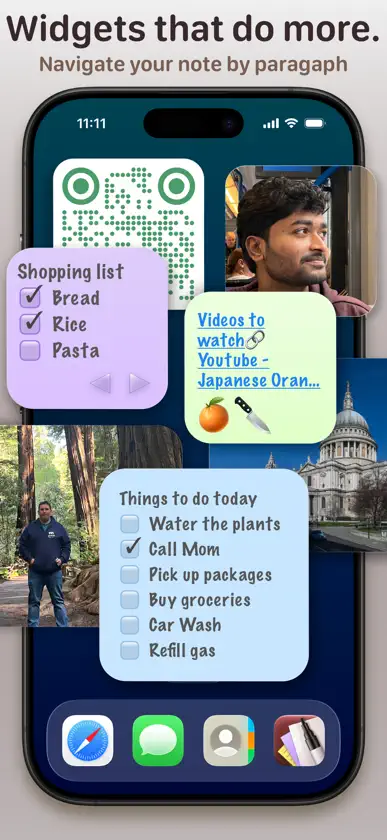
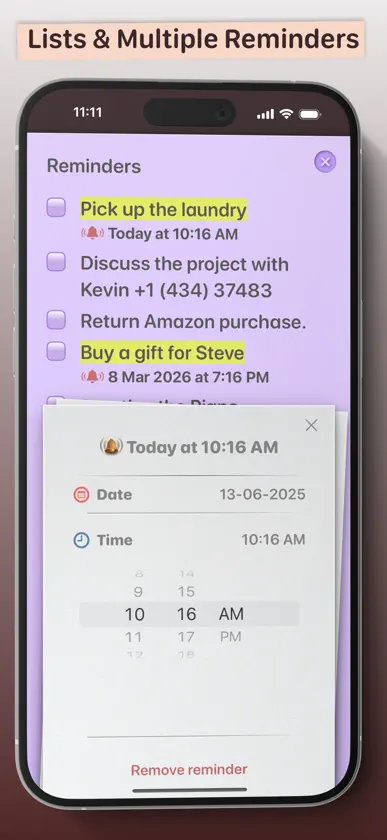
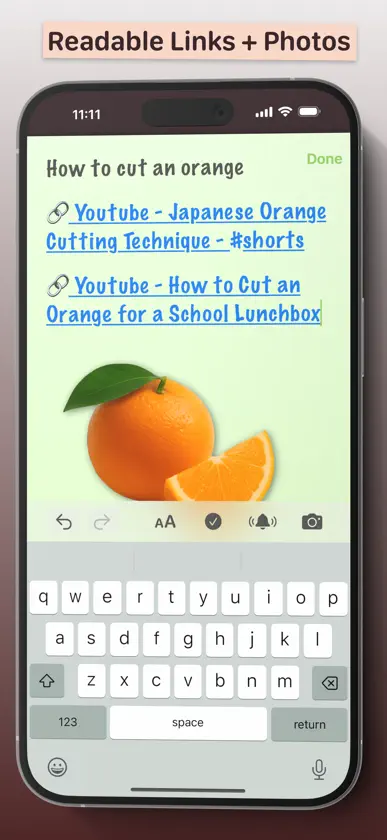
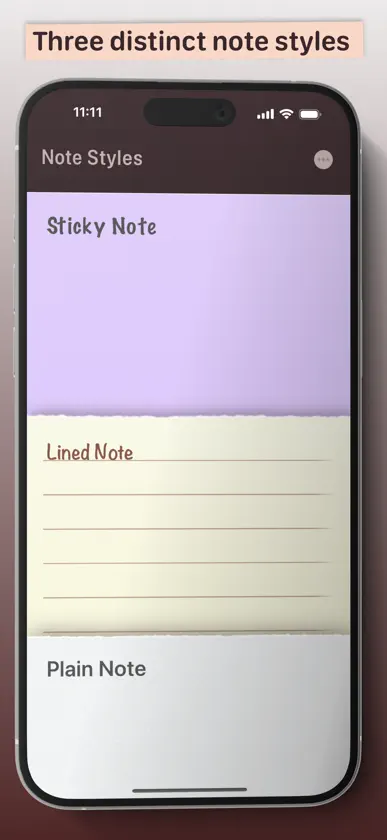
Less is more, when it’s done right. NeatNotes gives you just what you need to capture and organise notes in a flash. While other apps squeeze your note into a thumbnail, NeatNotes lets you see the full note before you open it – quicker to spot, easier to enjoy. Make your notes your own with three distinct styles: •Plain note – with extensive formatting options. •Sticky note – with big fonts, colours and check-lists. •Lined note – for that nostalgic yellow-pad look. Mini Spreadsheets. No Tables. NeatNotes lets you perform spreadsheet-like calculations directly in your notes. Type a simple math expression and the answer is suggested underneath it. Reuse a number by dragging and dropping it elsewhere in your note. This creates a reference, so when you change the original number, every reference and related calculation updates automatically. Make a list of numbers and the total is suggested above the keyboard. You can also calculate splits and averages or count the lines in a list. You can also convert between more than 150 fiat currencies, popular cryptocurrencies, gold and silver using the latest available exchange rates. Widgets that make sense. You can see your notes on your Home Screen with widgets. You can navigate your note by paragraph, check off checklist items, open links and even see photos in your notes. Create multiple reminders Turn any paragraph into a reminder. Tap the bell on the keyboard, set the date and time, and you’ll get a nudge on the Lock Screen. Tapping the alert jumps straight to the right paragraph. Smart Stacks Search is good; Smart Stacks are better. They automatically gather notes that share something in common – like contact info, check-lists, or any word you type – into one tidy stack. Works with Spotlight, Shortcuts, Writing Tools and Siri AI. Find your notes with Spotlight, automate tasks with Shortcuts, and refine your text with Writing Tools. On supported devices, ask Siri to gather flight and hotel details into a trip note, add a restaurant recommendation from Messages with its link, or bring key points from an email or chat directly into a note. Photos and readable links Add photos from your camera, library or by pasting. Paste a link and it’s given a clean title, so you know what it is at a glance. No account needed. iCloud does the heavy lifting Download and start writing — your notes are stored in iCloud and kept in sync across all your Apple devices. Privacy Your notes stay yours. We never see or store them — iCloud does. Turn on Advanced Data Protection in iCloud settings if you’d like even Apple locked out.
What's new
Version 2.3.22 · Nov 11, 2026
You can now import your notes from the Notes app into NeatNotes. You can also use the app with Spotlight, Shortcuts, Writing Tools, and Siri AI. On supported devices, ask Siri to gather your flight and hotel details into a single trip note, find a restaurant someone recommended in Messages and add it with its link, or take key points from an email or chat and insert them directly into a note. Full VoiceOver and Voice Control accessibility support and a few fixes for iPhone Duo are also included.
In-app purchases
The most popular purchases on the App Store.
- Lifetime UnlockConsumableUSD 7.99
More from Fusion Engineering

You might also like
 ToDotto(トドット):ToDo &スケジュール管理AEVIC CO., LTD.
 PottLoood - NotebookAEVIC CO., LTD.
 Esse: AI Video Summarizer100k31d LLC
 Bridges: Link FormattingJonathan Ruiz
 WeeNote Notes and WidgetAlina Vetrov
 WakeMinder - Popup RemindersOmar Sherif
 Cadence - Habit TrackerHyundoh Kim
 Interview: Voice to TranscriptProjek J
 コヨミカ - 六曜と旧暦のスケジュール帳Kentaro Nagayama
 Digital Habits: FocusCENTRE FOR DIGITAL HABITS CIC