
Artscripture
Adam Ever Hadani
No ratings yetMusicAges 4+
Screenshots

About this app
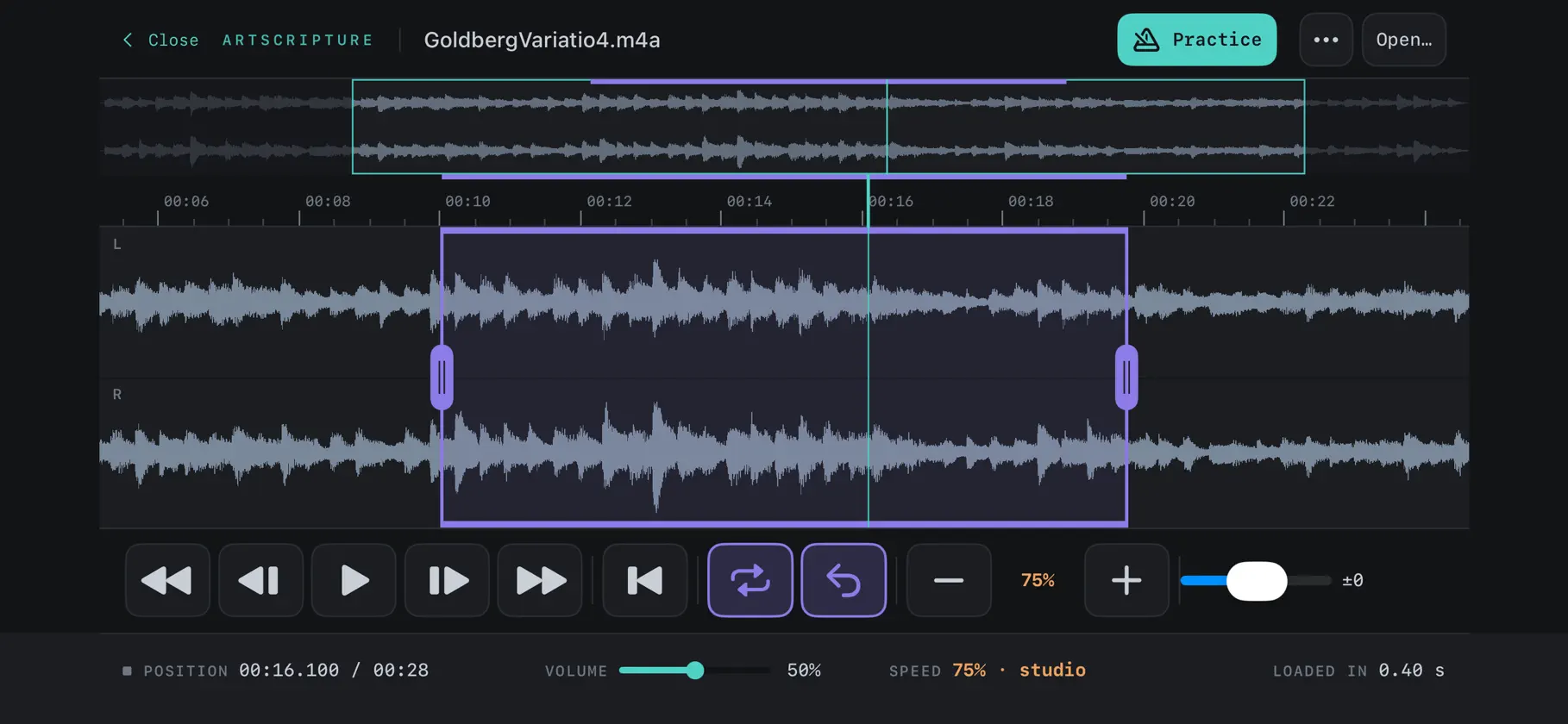
Artscripture is a modern, ergonomic app developed to aid musicians in transcribing music. * Easily make selections and loops in audio files * Slow down or speed up the tempo * Change the pitch * Use keyboard shortcuts on supported devices with a layout optimized for single handed usage * Practice mode offers advanced functionality for practicing alongside music
What's new
Version 1.4 · Nov 9, 2026
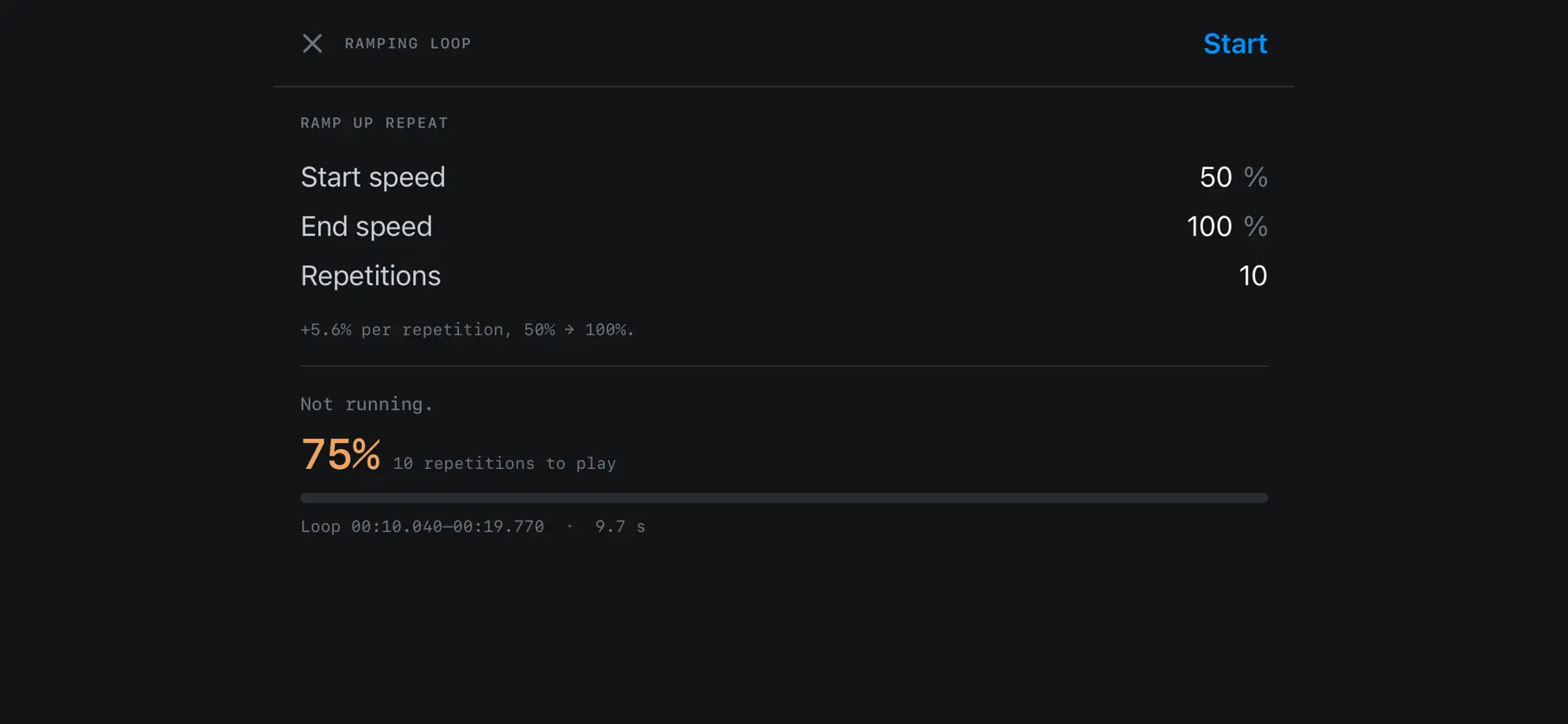
Practice is one tap away. Open a track and a Practice button is waiting in the header, on iPhone, iPad and Mac alike, where it used to be tucked away in the ⋯ menu. Give it a loop and it plays the passage over and over while the speed climbs, from slow to tempo. Start a ramp and the button becomes a live readout: which repetition you are on, the speed you are hearing, filling up as you go, with a stop button right beside it. Put the Practice panel away and keep your eyes on the waveform; the header still tells you where you are. The header's buttons now share one shape and size, so the top of the screen reads as one set of controls. Mark a passage and it loops straight away; playback no longer runs on past the passage you just marked. Tap the loop button if you only wanted to mark it. Scrub through a track by dragging the handle on the playhead, halfway down the waveform beside the loop's handles; with a video open, the picture changes as your finger moves. To move a loop, drag it from anywhere inside it; it keeps its length. Drag its edges to resize it, and drag outside it to mark a new passage, as before. A click or tap inside the loop still just moves the playhead. The transport buttons are bigger and easier to hit on iPhone and iPad, and the readouts beneath them now sit on one line, so the controls you press most get the room. On iPhone the buttons stretch across the bar, and the zoom buttons make way for them; pinch to zoom. On iPhone and iPad, every panel (Practice, Settings, the shortcut reference and About) now has a close button in its top corner, so the way back to your track is always in sight. Fixed: tapping one of Practice's number fields on iPhone could freeze the app instead of bringing up the keyboard. Fixed: stopping a ramp now stops playback too, rather than leaving the passage playing.
You might also like
 NSM Groove MetronomeJason Zachariah
 Tracker Pro: Sampler & SynthsDubspot
 TuneScribeJoshua McMahon
 ORORONShoma Kondo
 SessionBand Ukulele Band 1UK Music Apps Ltd
 Crystal Synth XTGreen Oak Software
 Drones - Ambient Noise MixerWilliam Shouldis
 Cantus - Voicing LabJason Zachariah
 Jazzlore MetronomeAurelien Fontaine
 Clockworks – Easy Polyrhythms!Dylan Cantor