
Connect Desktop
Hana Mobile
No ratings yetProductivityAges 4+
Screenshots




About this app
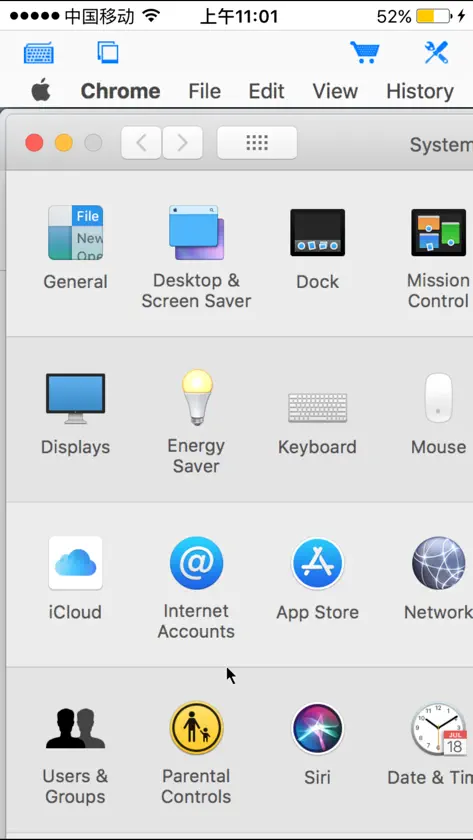
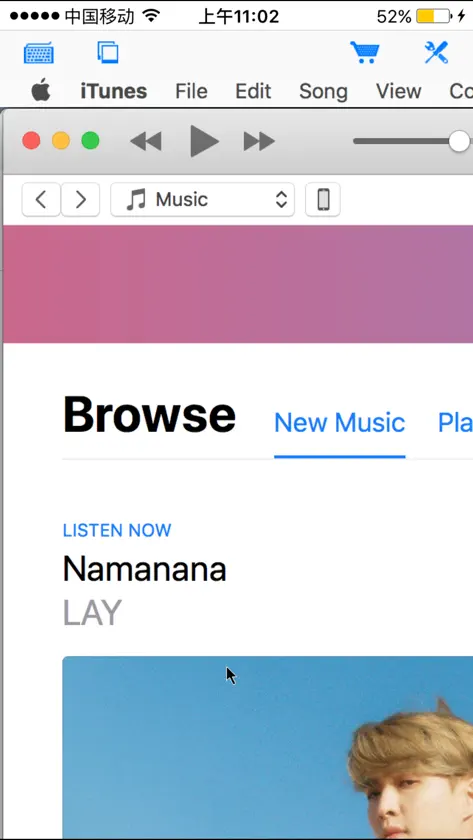
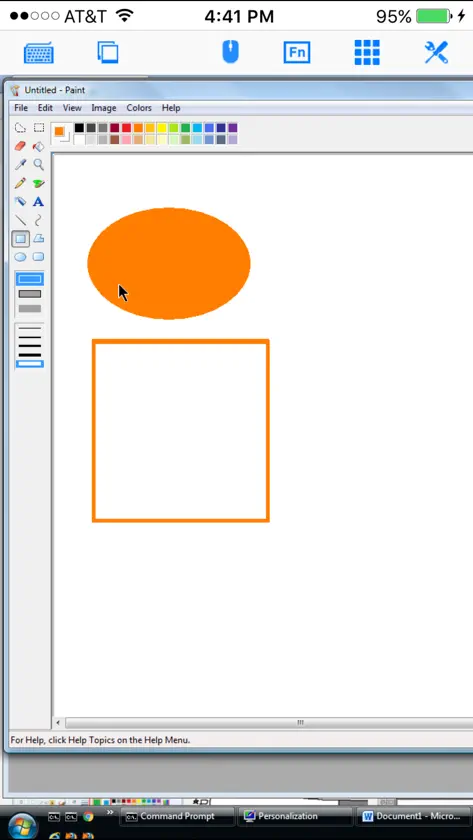
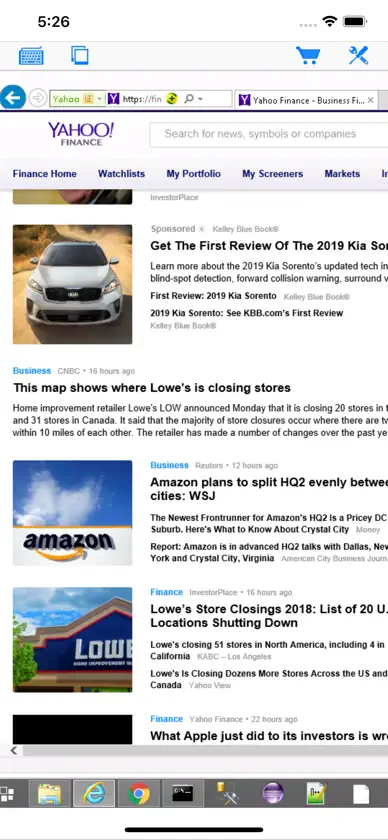
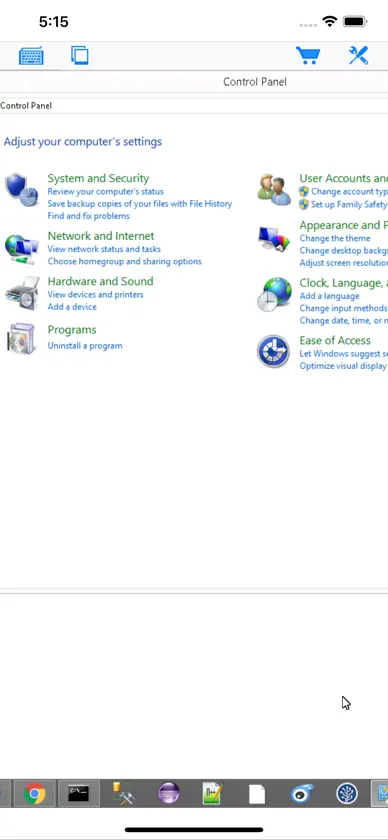
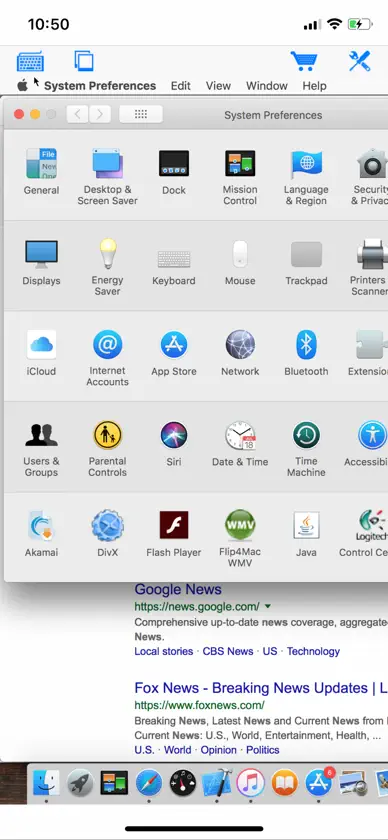
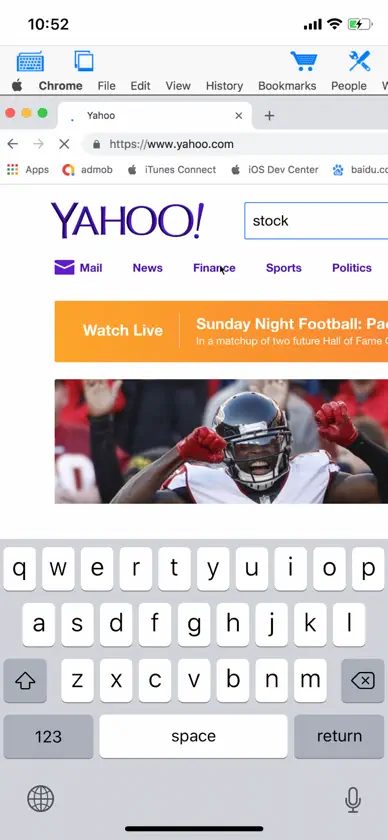
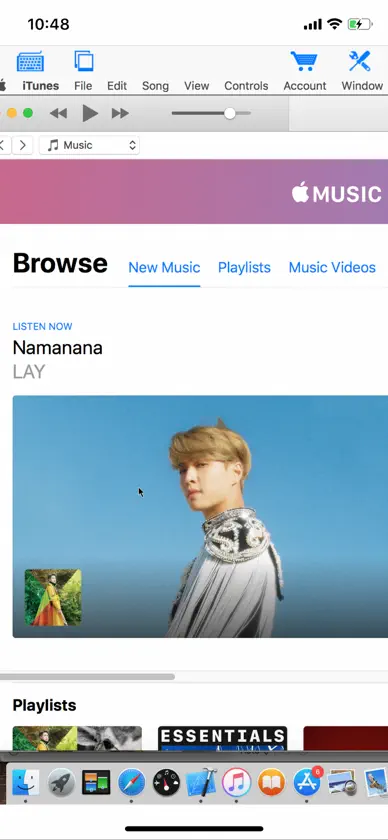
Connect to your Mac or Windows computers from iPad/iPhone at anytime! Specifically designed for both iPad and iPhone!! Optimized to use iPhone X series's HD screen! Introductory price! Grab it before price goes up! Best functionality and great value! Features: - Support both Mac and Windows computers - Specifically designed for both iPad and iPhone - Take advantage of iPad's big screen - Portrait and landscape mode - Multiple connections - Support various resolutions and colors - Tap to do click, double tap to double click, and all easy to use features - Trackpad to move mouse cursor (also support click) and do mouse wheel scroll - Modifier keypad including Shift, Ctrl, Alt and Cmd which enables you to press almost any key combinations. - Cut, copy & paste and other shortcuts keypad, including HOME, END, PAGE UP, PAGE DOWN, Arrow keys, etc. - Pinch to zoom in and out. Choose the zoom scale you like - Better mouse pad with virtual left and right mouse button - Video output (need iPad or iOS4 and output connector) - Better external keyboard support - Easy dragging and resizing using virtual mousepad - Startup password protection - International keyboard support for many languages, including French, German, Italian, Korean, Russian, Swedish, Spanish, Portuguese etc. - Support Mac OS X Login - Compatible and tested with UltraVNC, TightVNC and RealVNC - Easy to use design Supported Platform: - Mac OS X Mountain Lion - Mac OS X Lion - Mac OS X Tiger - Mac OS X Leopard - Mac OS X Snow Leopard - Windows XP - Windows Vista - Windows 7 - Windows Server 2000/2003/2008 Note: This is an VNC client, do not support native Microsoft Windows RDP. See "Connect to PC" for Microsoft Windows RDP support. Brief install instructions (Use it if you do not need step-by-step instructions): How to configure my Mac? - Mac OS Tiger: http://www.macminicolo.net/Mac_VNC_tutor.html - Leopard or Snow Leopard: http://reviews.cnet.com/8301-13727_7-10329122-263.html How to configure my Windows? - Install UltraVNC (remember to install it as a service) from: http://www.uvnc.com/download/index.html - Configure your UltraVNC: http://www.uvnc.com/install/configuration.html For detailed setup instructions and more information, see http://www.hanajobs.com/mobile/forums/show/12.page Send your comments/suggestions to hanamobiles@gmail.com or visit our website.
What's new
Version 1.2.1 · Feb 2, 2019
- Support for iPhone X
More from Hana Mobile



You might also like
All apps like Connect Desktop → Electrical Motor CalculatorHeng Jia Liang
 ThinfinityCybele Software, Inc.
 Remoter Pro (VNC, SSH & RDP)Remoter Labs LLC
 SD-WAN ClientVMware, Inc.
 WebConnectWebConnect World SL
 Halo OSTiago Mendes
 Tima - Jira Timer & WorklogsFELGO GmbH
 Remoter VNC - Remote DesktopRemoter Labs LLC
 Gemeinde AurachtalCosmema WITTICH GmbH
 App Blocker ShieldAtmana Tech