
Famnity
Nikolay Kondratenko
No ratings yetSocial NetworkingAges 17+
Screenshots

About this app
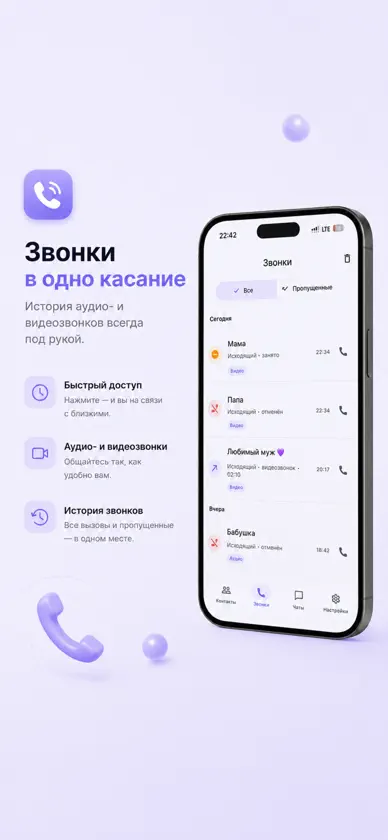
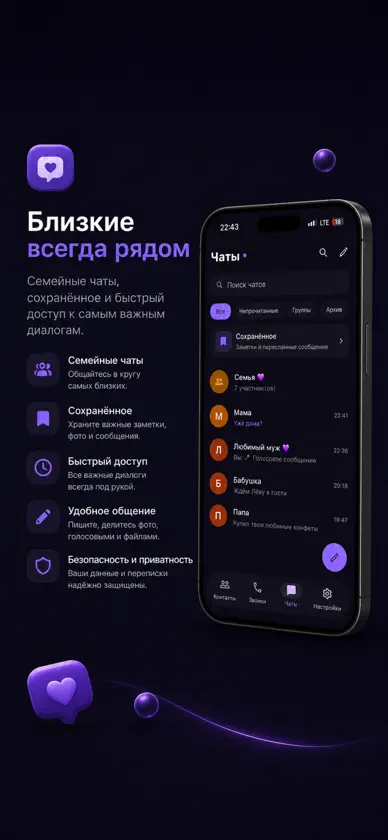
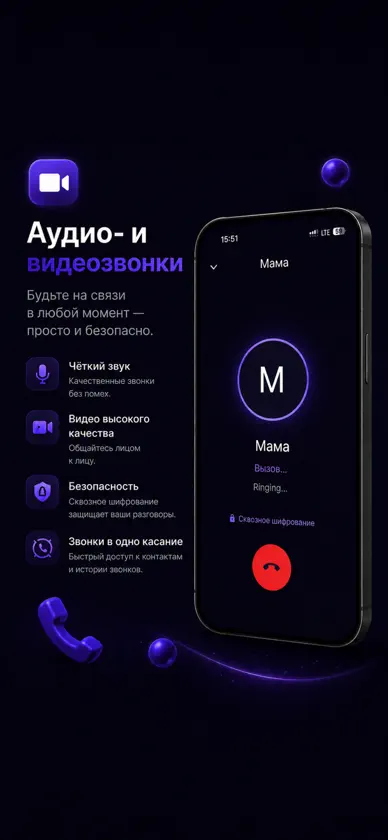
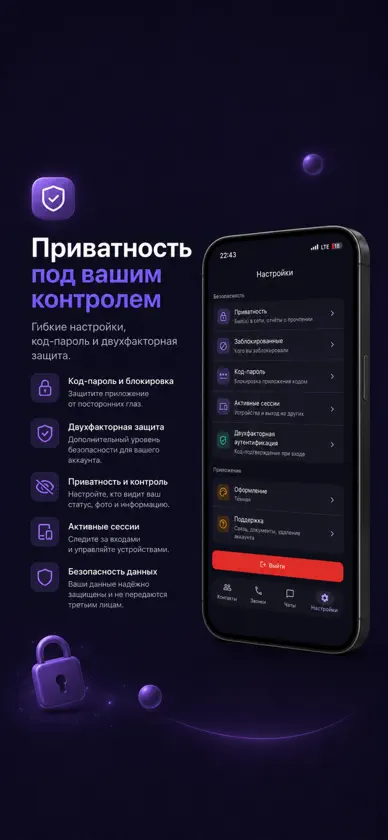
Famnity — личный мессенджер для семьи и близкого круга. Без рекламы и без продажи ваших данных. Только ваши люди — никаких публичных лент. ОБЩЕНИЕ • Личные и групповые чаты • Голосовые сообщения и видеосообщения-кружки • Расшифровка голосовых и кружков в текст — собеседник открывает её одним нажатием • Фото, видео и альбомы из фото и видео, файлы, GIF, геопозиция • Фото с одним просмотром и исчезающие сообщения • Форматирование текста, реакции, ответы, пересылка, редактирование и удаление • Закреплённые сообщения, опросы, упоминания, превью ссылок • Поиск по всем чатам, черновики, офлайн-отправка ГРУППЫ • Владелец и администраторы с настраиваемыми правами • Вы решаете, кто в группе может писать, отправлять медиа и добавлять людей • Исключение и блокировка участников, передача владения ЗВОНКИ • Аудио- и видеозвонки один на один • Групповые звонки • Звонки защищены сквозным шифрованием НАДЁЖНАЯ СВЯЗЬ • Работает при включённом VPN • Сама восстанавливает соединение при смене сети ПРИВАТНОСТЬ И БЕЗОПАСНОСТЬ • Вход по коду из письма, двухфакторная аутентификация • Код-пароль и разблокировка по Face ID / Touch ID • Управление активными сессиями • Настройки «был(а) в сети» и отчётов о прочтении • Блокировка и жалобы СЕМЕЙНЫЙ ПОДХОД • Добавляйте близких по ссылке-приглашению или QR-коду • Поиск по имени и @нику • Своё имя для каждого контакта — его видите только вы • Экспорт и удаление аккаунта в пару нажатий
What's new
Version 1.3.1 · Oct 14, 2026
Famnity now works with a VPN on, chats feel smoother, and photos and videos can go out as one album. CONNECTION • The app connects with a VPN on — even when your VPN struggles to reach our server • When the direct connection is slow, Famnity picks a faster route by itself • A slow connection is no longer cut off too early • Messages written offline go out by themselves — even after a long break • A new "Connection" section in Settings shows what the connection is doing and reconnects with one tap CHATS • Chats open right at the latest message • Messages move smoothly up and down with the keyboard, and you can put the keyboard away by dragging the chat down • After you send, the chat always scrolls down to your message • The other person's name shows right away, not their email address • Long messages are shown in full PHOTOS AND VIDEOS • Photos and videos picked together arrive as one album • Pick several videos at once • Upload progress on photos, videos, files and video messages • An interrupted upload retries by itself, and an unsent video can be sent again with one tap • A new photo and video viewer: who sent it, when, and the photo's caption PINNED MESSAGES • The bar shows the newest pinned message; tap it to go there, and it moves on to the previous one • All pinned messages behind their own button • After jumping to a pinned message, the chat stays where you landed ALSO • Voice and video message transcripts recognise Russian speech more accurately • Signing out works reliably even if the connection drops at that moment • Fixed the titles of the "Who can find me" settings
You might also like
 Pum. MessengerVladimir Koshkin
 Родня — семейная сетьArtem Pauk
 MessengerSkyNdugutse Eric
 Nerve: Private MessengerTYMUR CHMERUK
 Gluline MessengerApri Software L.L.C-FZ
 Nova USLBekbolot Zairbekov
 Scouts: Discover & ChatIllia Safonov
 VayChatEvgenii Novikov
 AYAConnectGleb Dakhno
 VKonnect MessengerPriyank Golakiya