
Markdown Master
Volodymyr Sichka
No ratings yetProductivityAges 4+
Screenshots




About this app
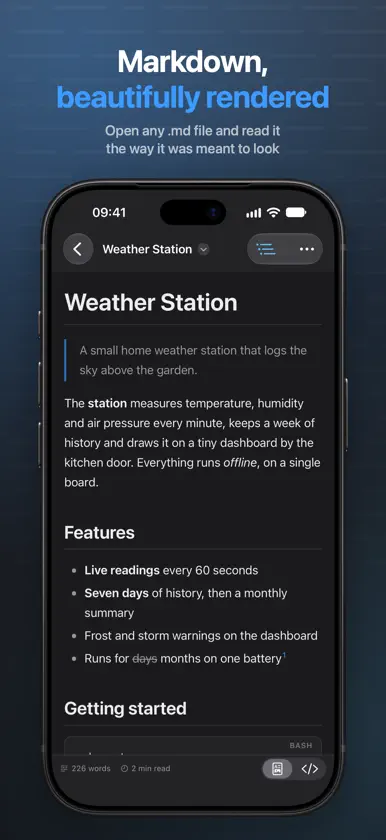
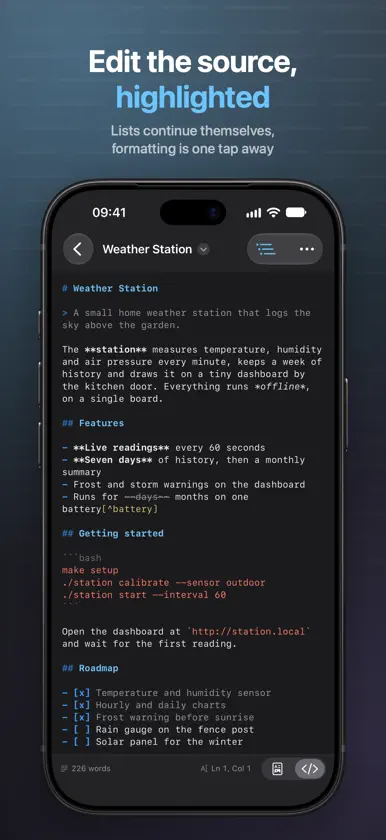
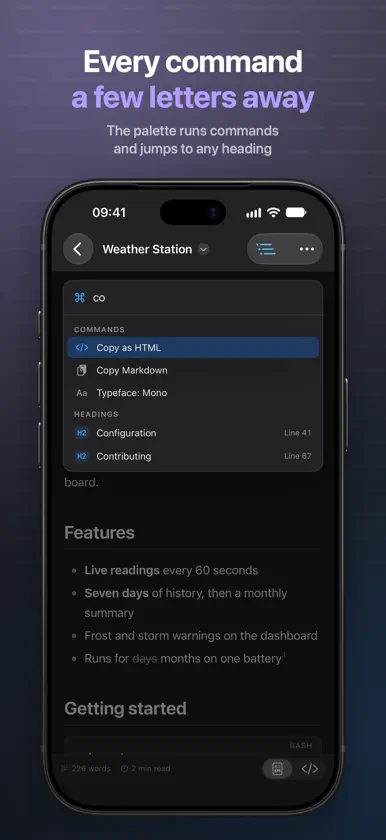
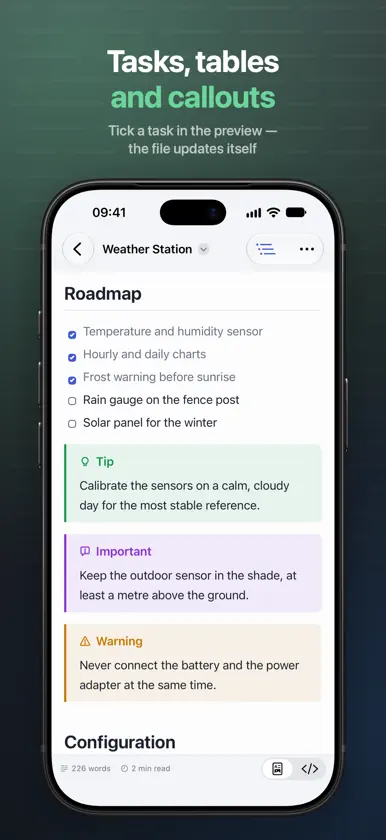
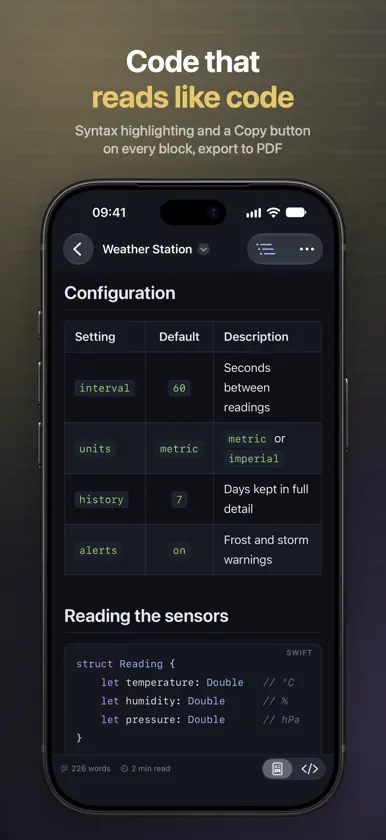
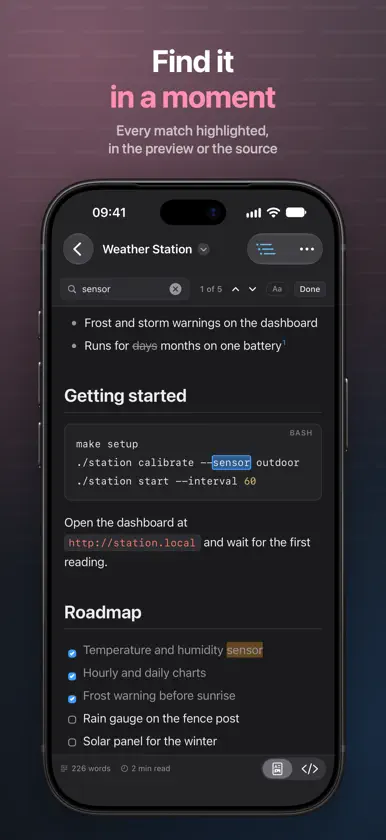
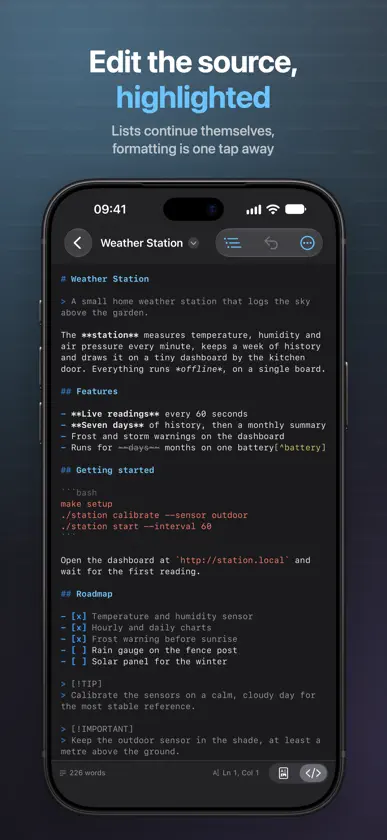
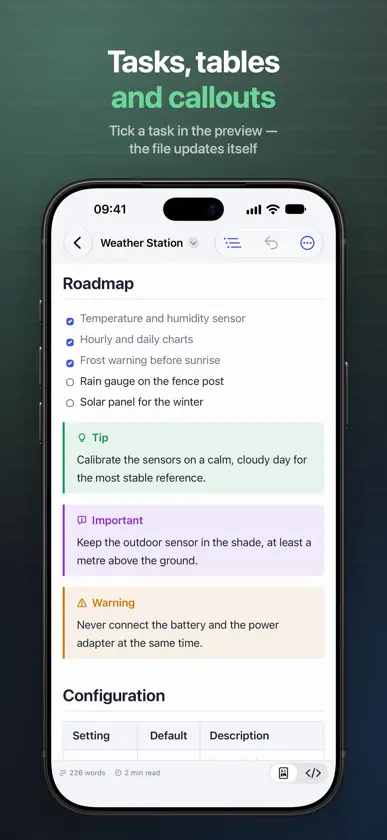
Markdown Master opens any .md file and shows it the way it was meant to look: headings, tables, task lists, code and callouts, neatly formatted. Switch to the source to fix a typo, or put source and preview side by side and write. When the text has to leave the device, export a clean PDF. READ • Formatted preview of Markdown with the popular extensions: tables with alignment, task lists, strikethrough, footnotes, callouts (note, tip, important, warning, caution), front matter and inline HTML • Syntax highlighting in code blocks for more than twenty programming languages, with a Copy button on every block • An outline of the document with the current section highlighted — tap a heading to jump there • Links that work: in-page anchors scroll within the document, others open in your browser • Word count, character count and reading time • Typeface, text size and line width to your taste • Images stored next to the document appear once you give access to their folder • Scripts inside a document never run: the preview is a document, not a web page WRITE • Source editor with Markdown highlighting • Source and preview side by side on iPad and Mac, the preview following the source as you scroll • Lists continue themselves: Return starts the next item, Tab nests it • Formatting commands with keyboard shortcuts, and a formatting bar above the keyboard on iPhone and iPad • Tick a task in the preview and the file updates itself • Find and replace with every match highlighted, in the preview or in the source • Command palette: run any command by name or jump to any heading in a few keystrokes EXPORT • PDF with page breaks that never cut a line of text or a table row, page numbers, A4 or US Letter, and links that still work • A single self-contained HTML file • Print, Copy as HTML, Copy Markdown AT HOME ON YOUR DEVICES • Quick Look previews Markdown files in Finder and Files with the same rendering • On Mac, one click makes Markdown Master the default app for .md files • Opens files in UTF-8, UTF-16 and older encodings • Four themes: Graphite, Midnight, Amber CRT and Daylight • Seven languages: English, German, French, Ukrainian, Spanish, Japanese and Portuguese • A built-in Markdown guide showing every construct with its result No account, no ads, no tracking. Your documents stay in your own folders.


