
PauseBox
Britt Espinosa
No ratings yetProductivityAges 4+
Screenshots


About this app
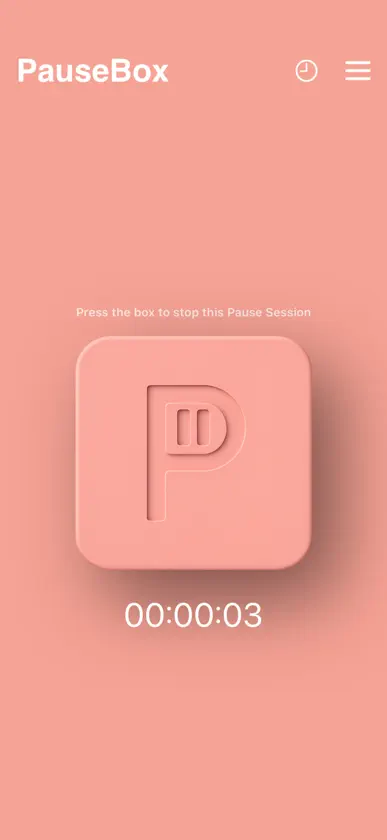
PauseBox creates a physical block between you and distractions. Here's how it works: 1. Select the apps you want to block Open the PauseApp and choose which apps to block, or select the few you want to keep. Create custom Pause Groups like Work, Study, or Family Time, each with its own app rules, schedules, or timers to fit your day.PauseBox creates a physical block between you and distractions. Here's how it works: 2. Tap your phone on PauseBox to block selected apps After selecting a Pause Group, tap your phone on the PauseBox to start blocking apps. Your focus session begins right away. Not nearby? Use “Pause without tap” in the app to start remotely. 3. Put distance between you and the PauseBox Place your PauseBox out of reach to create intentional separation. As a physical barrier to digital distractions, it makes unblocking a conscious choice and helps break the habit loop.
What's new
Version 3.1 · Jun 2, 2026
Fixes a bug where some users updating from a previous version saw their selected apps remain blocked even after unpausing. This update resolves it automatically — no action needed on your part.
You might also like
 Locked: Less Screen TimeSocialMate Pty Ltd
 Bloom - Conquer Screen TimeFind Your Bloom LLC
 StillAcre: Screen Time ControlAldur LLC
 one hour - screen time budgetNicholas Procaccio
 Detach: App BlockerEric Factor
 Recode: Screen Time ControlAlexander Hartigan
 JustnoiseJohnny Nguyen
 Helm — Your Phone, Your TermsBestSelf Co
 Pebble AI: To-Do & FocusPebble Labs
 Blok — Screen Time BlockerJust Commit Inc.