
Visual Working For
AME Mobile Inc.
No ratings yetEducationAges 4+
Screenshots


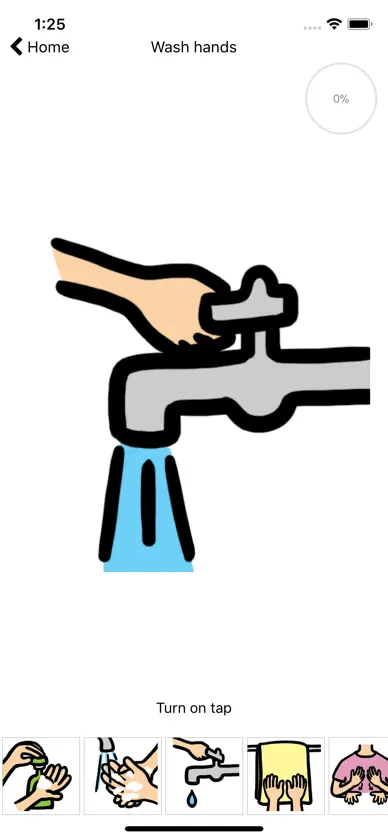
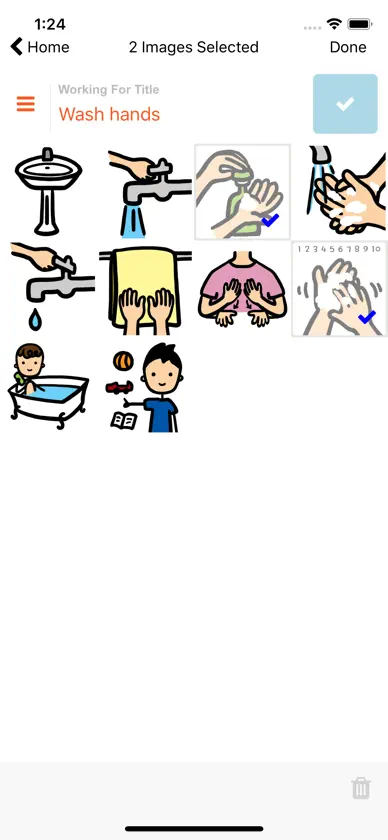
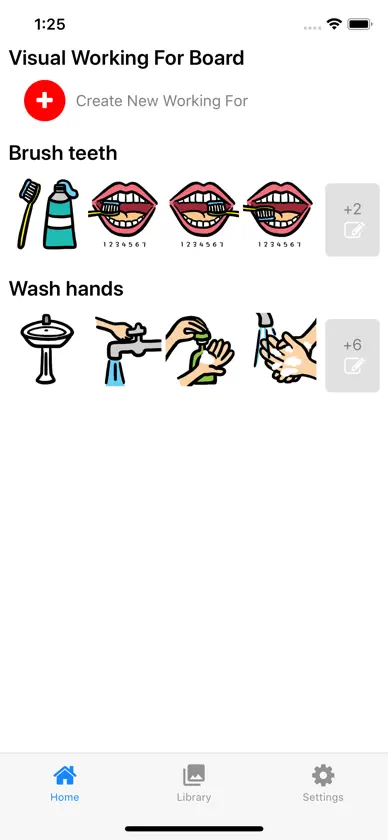
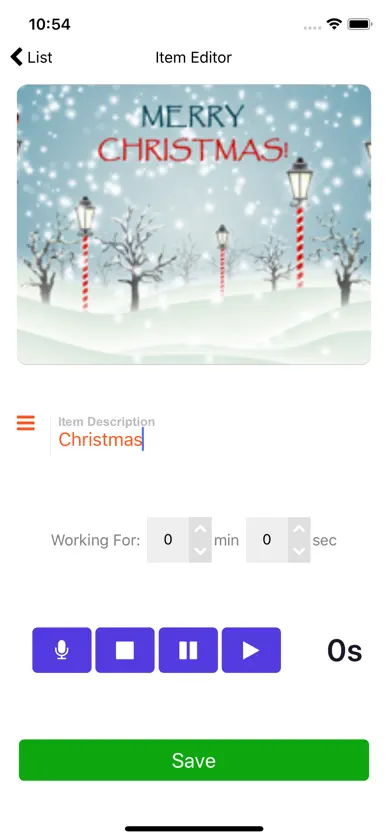


About this app
VISUAL WORKING FOR IS RETIRING AT THE END OF 2026 After 2026, Visual Working For will no longer be updated or sold. Its schedules and Working For boards continue in Visual Cue 10, our next-generation visual schedule app for iPhone, iPad, and Mac. If you own Visual Working For, you can get Visual Cue 10 free and bring your schedules and Working For boards with you until December 31, 2026: open Working For and follow the two steps. Visual Working For keeps working on your device. Using a Visual Working Board for Task Management A visual working board is an effective tool to alleviate anxiety during scheduled tasks. These boards enhance predictability and help children anticipate what comes next. This board is especially valuable as it allows for the gradual increase in expectations before a reward is given. It also supports increasing the number of scheduled activities a child can handle at once, typically presented in a schedule format. Overview of the Board: The board is a straightforward, two-part tool that communicates to children their current activity and what they will do next. It effectively sets clear expectations without overwhelming them with too many activities at once. By sequencing tasks—starting with a less preferred activity followed by a more enjoyable one, like doing math before computer time—the board also boosts motivation. Getting Started: • Start by placing a visual representation of the current activity (using a predefined series of pictures) in the "working items" section at the bottom of the board. • Tap the depicted item to enlarge its image in the "working for" section. • Upon completion of an activity, tap the next scheduled activity, moving its picture to the "working for" section and updating the board with a new image for the subsequent activity. Benefits of the Visual Working Board: • Enhances day-to-day predictability for children. • Motivates completion of less desirable tasks by following them with more enjoyable activities. • Provides clear, manageable information about upcoming tasks without overwhelming details. • Simplifies understanding of a larger schedule into manageable parts.
What's new
Version 9.0.1 · Nov 7, 2026
Visual Working For is retiring at the end of 2026. Thank you for supporting it. • Owners get Visual Cue 10 free: tap Get Visual Cue Free on the first screen or in Settings → Move to Visual Cue. Visual Cue 10 needs iOS 17. • Already have Visual Cue? Tap Copy to Visual Cue, then in Visual Cue open Settings and tap Import from Working For. Your schedules and Working For boards, pictures, recordings, and history come across, and nothing is removed from Working For. • Not ready to move? Choose Not now. Visual Working For keeps working on your device, but the free offer and Copy to Visual Cue end on December 31, 2026. • Creating images with AI is no longer available, because that service has closed. Find Image still searches for photos.
More from AME Mobile Inc.


You might also like
 Accessible dyslexia fontsmichael dardol
 First Then Visual Schedule HDGood Karma Applications, Inc
 iFeel — AMIKEO APPSAUTICIEL
 ASL DictionarySoftware Studios LLC
 Micro ExpressionsMazuzu
 Time in — AMIKEO APPSAUTICIEL
 ChoiceworksBee Visual, LLC
 Boardmaker 7 Student CenterTobii Dynavox LLC
 Autimo — AMIKEO APPSAUTICIEL
 Toddler ABC Learning Games22LEARN Toddler and Baby Learning Games, LLC