
OpenRead: PDF Document Reader
KyoungChan Hwang
No ratings yetProductivityAges 4+
Screenshots

About this app
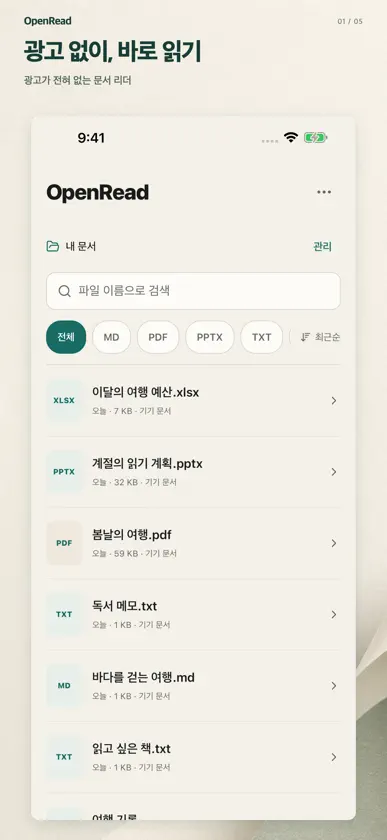
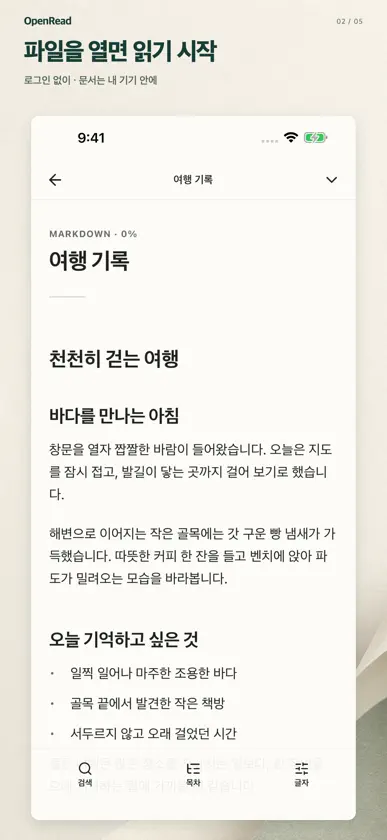
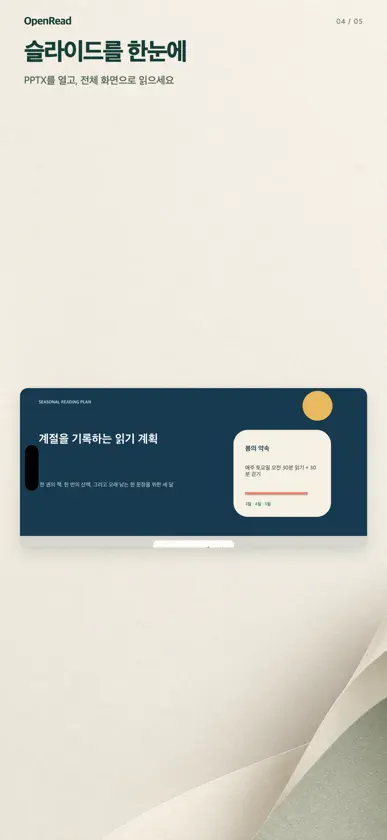
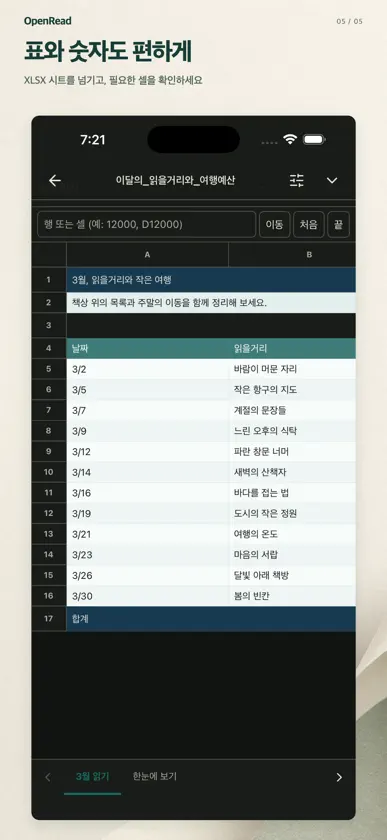
Find your documents and focus on reading. OpenRead brings PDFs, documents, presentations, and spreadsheets into one on-device library. CONNECT A FOLDER ONCE Choose a folder in the Files picker. OpenRead finds supported documents in that folder and its subfolders. Add or disconnect folders whenever you need to. On iOS, access is limited to locations you select and allow. FIND THE RIGHT FILE Filter by file type, search file names, and sort by recent files or name. Open a document directly from the list. READ IN A VIEW THAT FITS Zoom and navigate PDF pages. Read HWP, HWPX, DOC, and DOCX content in a mobile reading layout. Move through PPTX slides and explore XLS, XLSX, and CSV sheets. Saved reading positions help you pick up where you left off. MAKE TEXT COMFORTABLE Adjust body text in the text reader. A separate slider in the More menu changes interface text size in the library, menu, and information pages. KEEP DOCUMENTS ON YOUR DEVICE No account or sign-in is required. OpenRead does not upload your documents or use remote conversion. Downloaded documents can be read offline. Original copies, parsed data, and reading positions stay on your device. Cloud-only files must be downloaded first. SUPPORTED FORMATS PDF, HWP, HWPX, DOC, DOCX, PPTX, XLS, XLSX, CSV, TXT, Markdown, EPUB, ODT, and RTF. Legacy PPT files are unsupported; convert them to PPTX or PDF. Password-protected documents, complex formatting, macros, and embedded objects may have limited support. Rendering depends on document structure and device capabilities. Reading features have no ads, in-app purchases, subscriptions, or app-imposed document-count limit. Terms, privacy information, and help are available in the More menu. Support: david.hwang@kakao.com
What's new
Version 1.0.8 · Oct 17, 2026
The search and filter bar on the library screen now stays pinned while only the document list scrolls. The top area is more compact, and device document scanning is faster and more reliable.


