
Shift Worker
Production Shed Pty Ltd
5.0(2)ProductivityAges 4+
Screenshots













About this app
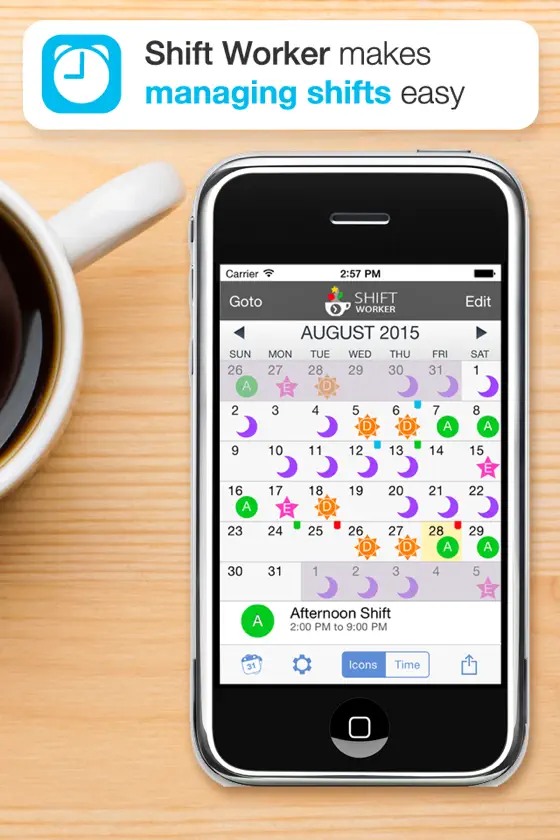
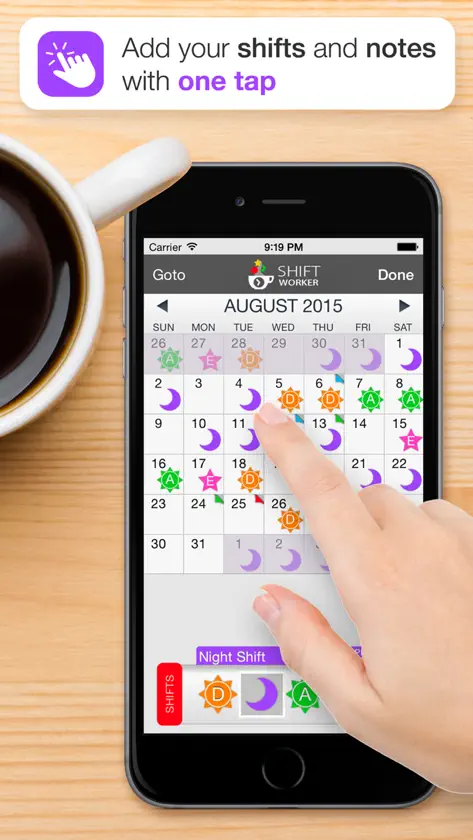
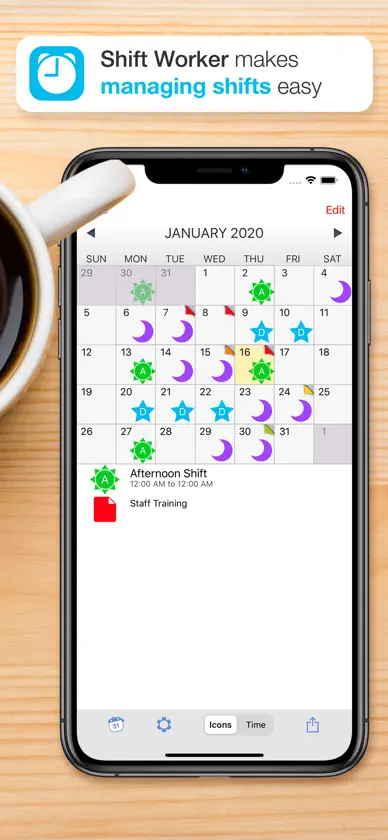
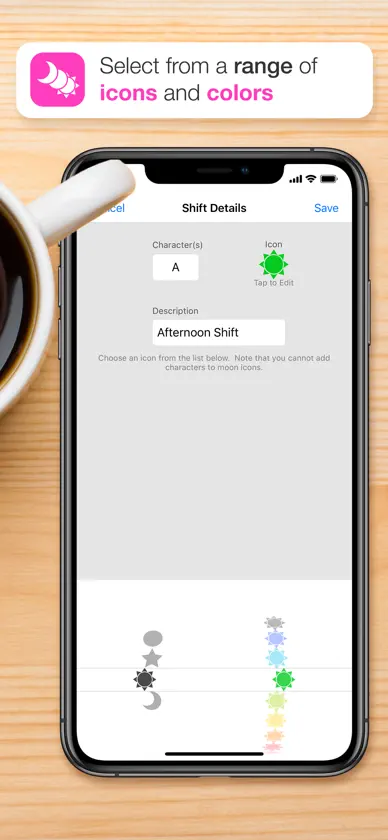
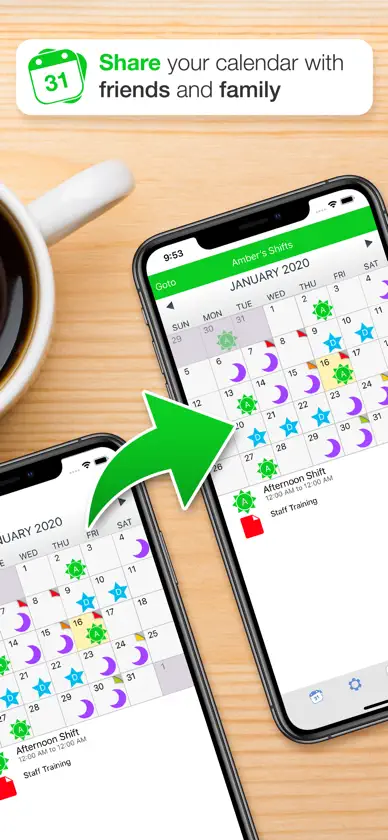
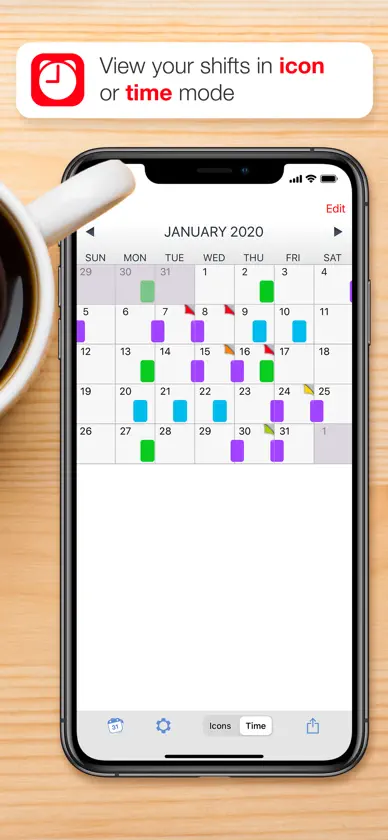
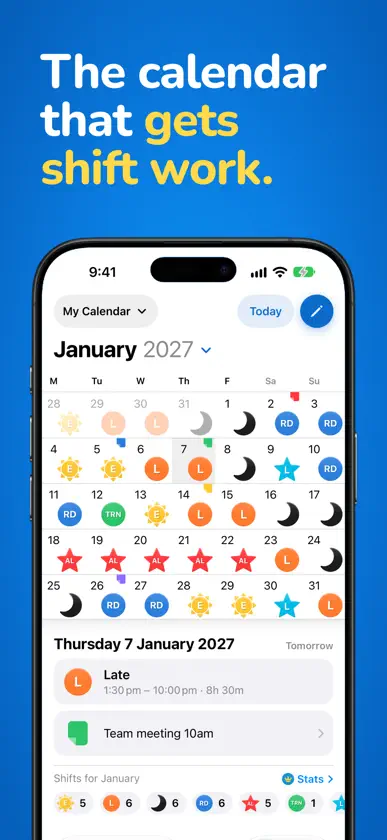
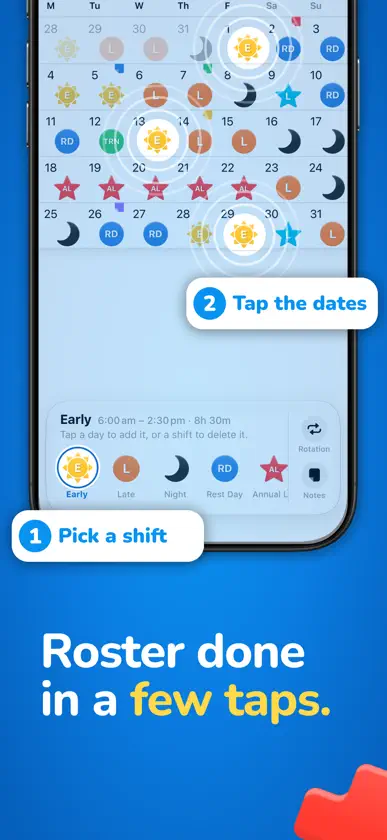
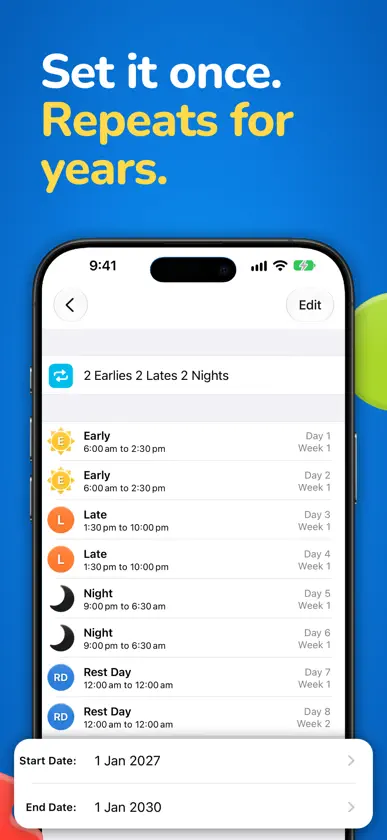
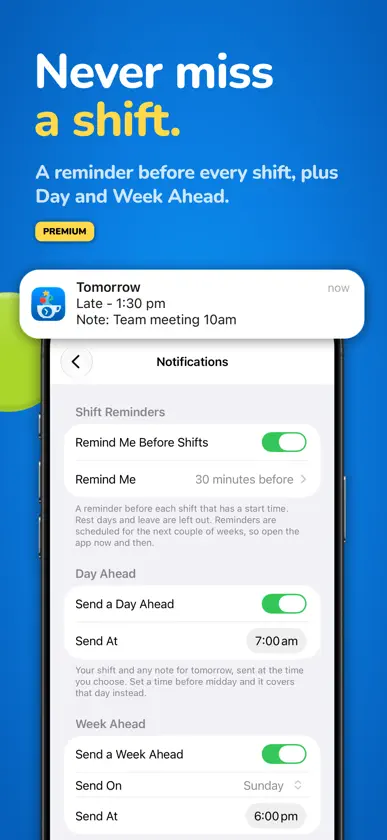
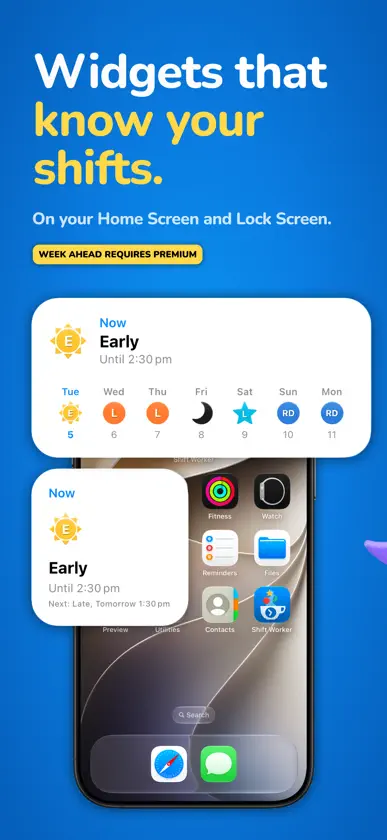
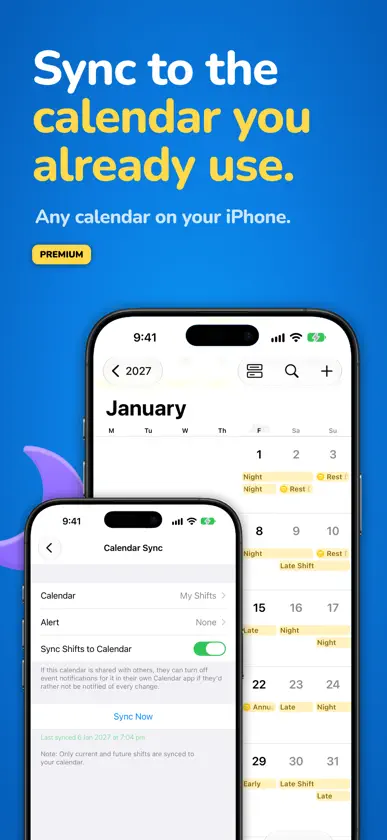
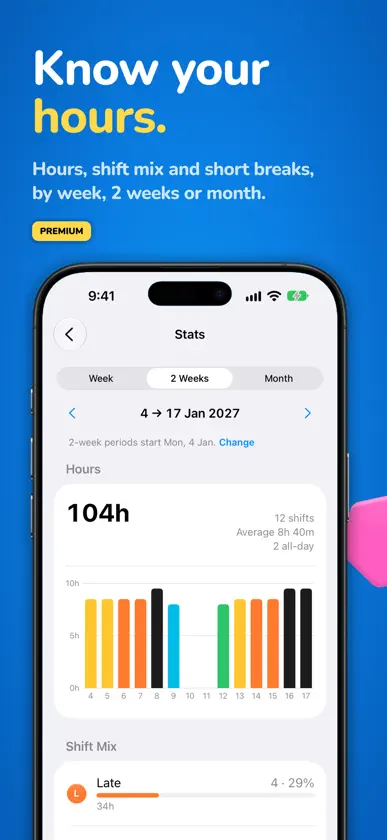
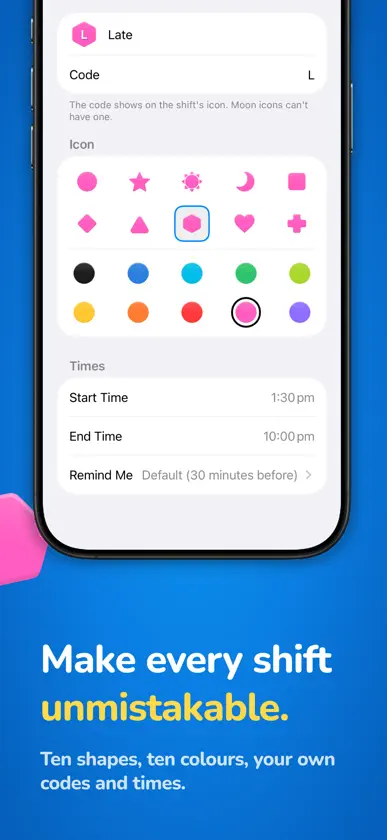
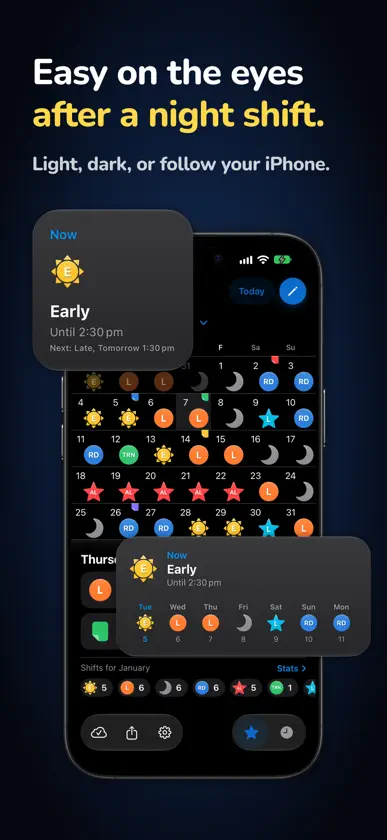
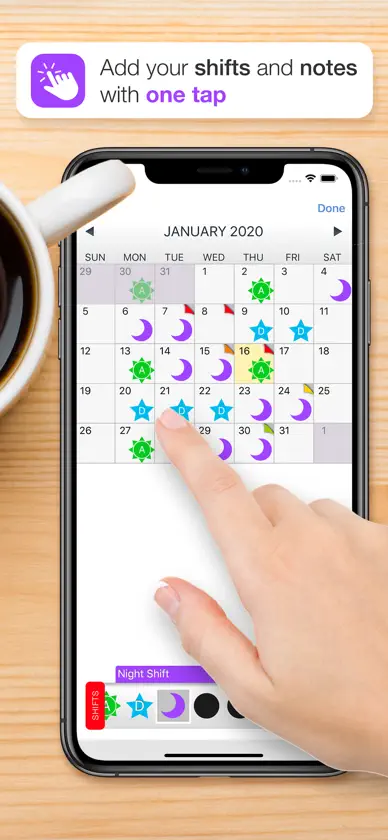
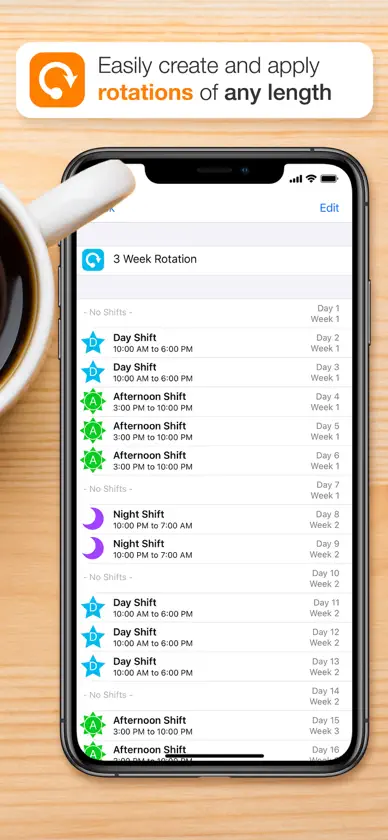
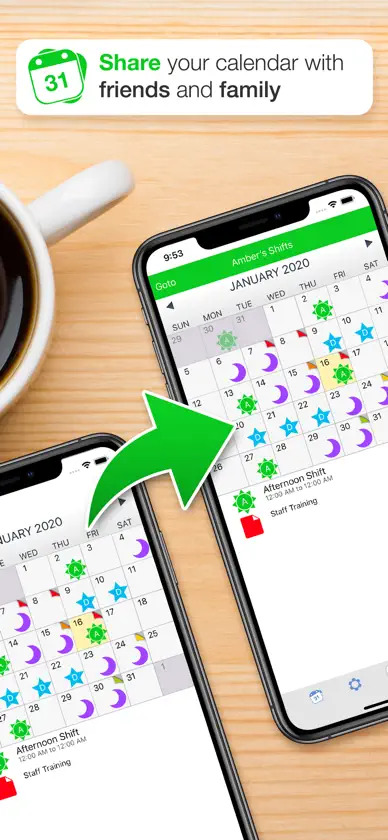
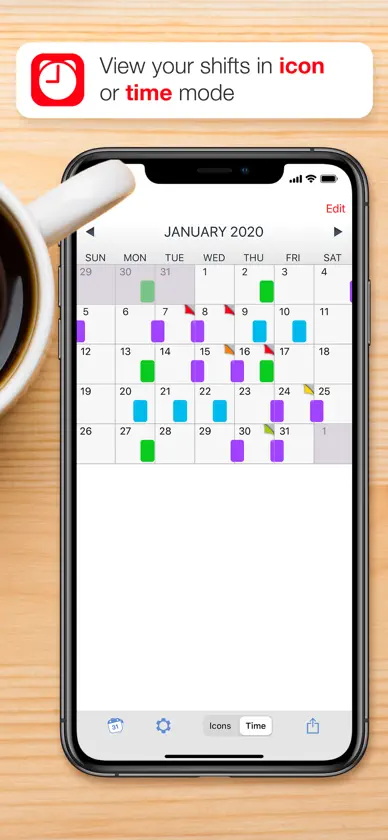
Shift Worker is the calendar built for shift work. See every shift at a glance, fill a month in seconds and never miss a start time, whether you work rotating shifts, night shifts, 12-hour days or a fixed roster. A regular calendar isn't made for shift work. Shifts that don't fit the Monday-to-Friday week are hard to read, slow to enter and easy to lose among appointments. Shift Worker turns your roster, rota or work schedule into a clear, colourful calendar you can read in a glance. Switch between shift icons and a timeline view that shows when each shift starts and ends, with overnight shifts running across midnight, so you can see your shift flow at a glance. It's made for nurses, paramedics, police, firefighters, security, hospitality, retail, factory and warehouse staff, and anyone else who works shifts. NEW IN SHIFT WORKER 2.0 • A completely redesigned calendar: cleaner, faster and easier to read • New shift icons: ten shapes, ten colours and your own codes and times • Light and dark mode, or follow your iPhone • Home Screen and Lock Screen widgets that show your next shift • Reminders before every shift, plus Day Ahead and Week Ahead notifications (Premium) • Calendar Sync puts your shifts in any calendar on your iPhone (Premium) • Stats show your hours, shift mix and short breaks by week, 2 weeks or month (Premium) • Week Ahead widget (Premium) • Prefer the original look? The Classic Calendar is still available ENTER YOUR ROSTER IN SECONDS Pick a shift, then tap the days. A whole month takes seconds and a whole year takes a few minutes. Or add a rotation, like 2 Earlies, 2 Lates, 2 Nights then rest, and Shift Worker fills the calendar for you, up to 3 years ahead in one go. YOUR SHIFTS, YOUR WAY Create as many shift types as you need by combining icons with letters or numbers: suns and moons for day and night shifts, stars for leave, in any colour you like. Add colourful notes to any date, show week numbers or an alternating Week 1 / Week 2 pattern, and use 12-hour or 24-hour time. SHARE WITH FAMILY AND FRIENDS Create multiple calendars to see family and friends' shifts, share your month as an image by message, email or social media, and import shifts from other Shift Worker users to see everyone in one app. SHIFT WORKER PREMIUM (OPTIONAL SUBSCRIPTION) Everything in the app is included with your purchase except these Premium features: • Reminders before every shift, plus Day Ahead and Week Ahead notifications • Calendar Sync keeps your current and future shifts up to date in the calendar you choose • Stats for hours, shift mix and short breaks • The Week Ahead widget Choose a monthly or yearly plan. Prices are shown in the app in your local currency. No ads. Terms of Use (EULA): https://www.apple.com/legal/internet-services/itunes/dev/stdeula/ Privacy Policy: https://shiftworkerapp.com/privacy/
What's new
Version 2.0.0 · Nov 10, 2026
Shift Worker 2.0 is a complete redesign: a whole new calendar, new shift icons, widgets, Dark Mode, reminders and stats. Your existing shifts, notes and calendars come across automatically. NEW • A whole new calendar: swipe between months, tap a day to see its shift and note, and switch between shift icons and shift times • New shift icons in ten shapes and ten colours, with your own codes • Home Screen and Lock Screen widgets show your current and next shift • Dark Mode, or follow your iPhone • Plan further ahead: add a rotation up to 3 years at a time (up from 2) and browse up to 5 years ahead • Clear a range of dates in one go • A tidier Settings NEW WITH PREMIUM • Reminders before every shift, plus a Day Ahead and Week Ahead summary • Stats: your hours, shift mix and short breaks by week, 2 weeks or month • The Week Ahead widget FIXED • Switching your iPhone to 12-hour time could make your shifts look like they'd disappeared. They were never deleted, and they're back. The Time Format setting in Settings now takes priority over your iPhone's. PREFER THE ORIGINAL? The Classic Calendar is still here. Turn it on in Settings, then Display.
In-app purchases
The most popular purchases on the App Store.
- Shift Worker Premium MonthlySubscription · 7 days free trial1,99 € / month
- Shift Worker Premium YearlySubscription · 7 days free trial19,99 € / year
You might also like
 ShiftLife OrganizerOvalKey Ltd.
 myShiftWork - Roster CalendarVozye SMC-PVT LTD
 Shift Work Calendar | ScheduleEbisu Soft Inc.
 BCNU ConnectBritish Columbia Nurses Union
 My Shift Planner – Shift RotaMyBuzz Technologies Limited
 Shift Planner Calendar: SpokePIXO Incorporation
 Rota Calendar: Shift PlannerJRW Studio Limited
 Shift planner & Rota calendarMaryana Yurieva
 Shiftify - Shift Work CalendarBohee Sim
 Shift Calendar / ScheduleLin Chih-YU