
WorkDrivePro
CATALIN TUDOR MOCANU
No ratings yetProductivityAges 4+
Screenshots



About this app
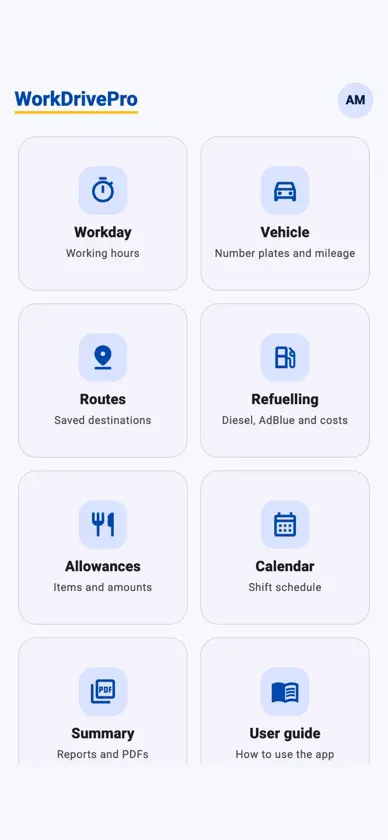
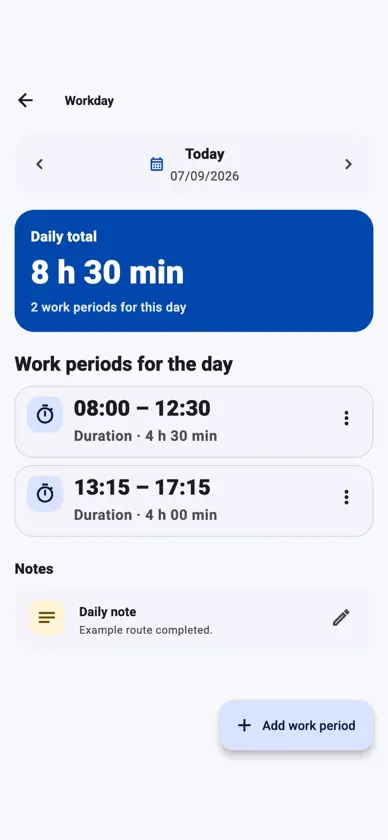
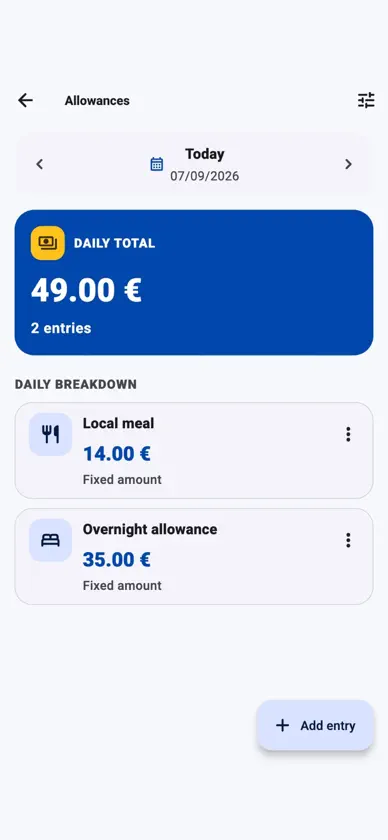
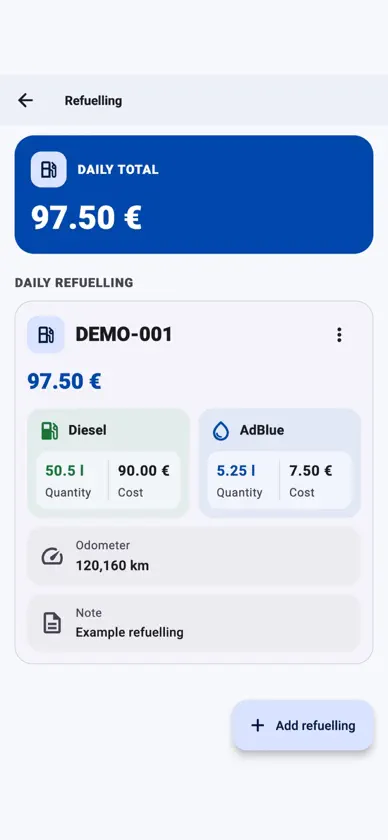
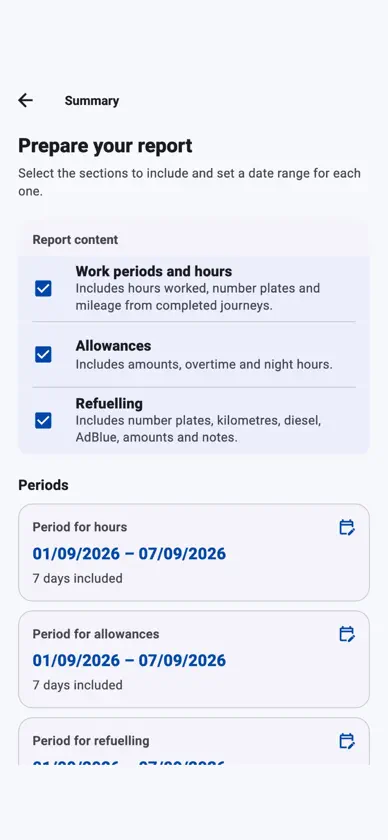
WorkDrivePro helps you organise your day as a driver and keep your records close at hand. It is a personal organisation tool for people aged 18 and over. Work periods, shifts and calendar Record your work periods, check each day's hours and organise shifts in the calendar. Move between dates to review or add entries. Allowances and overtime Record travel allowances, items, quantities and amounts. You can also enter overtime and night hours and view the totals for your entries. Vehicles and mileage Assign one or more number plates to each day. Add start and end odometer readings to calculate the distance travelled in kilometres. Save, edit or delete multiple entries without changing the vehicle assigned to other days. Refuelling Record the odometer reading, litres of diesel and AdBlue, and the cost of each product separately. The total cost is added up automatically. Link each refuelling entry to a vehicle used that day and add an optional note. You can record, edit and delete multiple refuelling entries. PDF reports your way Select Work periods and hours, Allowances, Refuelling or a combination. Choose a separate date range for each section and preview the PDF before downloading or sharing it. The hours report shows the number plates for each day with a work period; the refuelling report includes litres and itemised costs. Readings and distances from the Vehicle section are not included in the PDFs. Routes and user guide Save Google Maps links with notes so you can open them again when needed. WorkDrivePro does not request your device's location or track your movements. The built-in user guide offers instructions and screenshots in your chosen language. Spanish, English, French and German On a new installation, the app uses a supported language from your phone's settings, or English if no supported language is available. Choose a different language in My profile or Settings. Your choice is saved on the device and kept when you update. Your notes and names you enter are not translated. Saved on your phone first You need an account and an internet connection to sign in. Changes are saved on your device first, so you can continue recording data offline. With an internet connection, data syncs when you sign in, return to the app or tap Sync now. Reconnecting to the internet alone does not start a sync. Open journeys in Vehicle stay on the device until you close them. Before switching phones or uninstalling the app, close any open journeys and sync all pending changes. Adjust the theme and text size and rearrange your dashboard shortcuts. WorkDrivePro is a free personal project, with no adverts, in-app purchases or subscriptions. Amounts are in euros, distances in kilometres and volumes in litres. WorkDrivePro is not a payroll service or an official working-time recording system. It does not replace any records, checks or reports required by your employer or applicable rules, nor does it automatically apply tax, employment or transport rules. Legal information is available in Settings. You can delete your account and its data in the app, or request deletion on the dedicated web page.
What's new
Version 1.7.2 · Oct 16, 2026
• Improved visual hierarchy and readability across the main screens. • Calendar, Summary and Routes now use space more effectively and are easier to scan. • Refuelling now presents the total, diesel, AdBlue, mileage and notes more clearly.


