
ZenythPay
ZenythPay, Inc
No ratings yetFinanceAges 4+
Screenshots



About this app
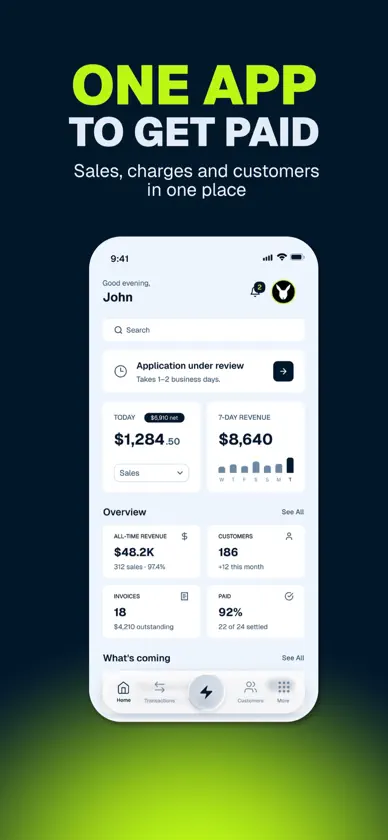
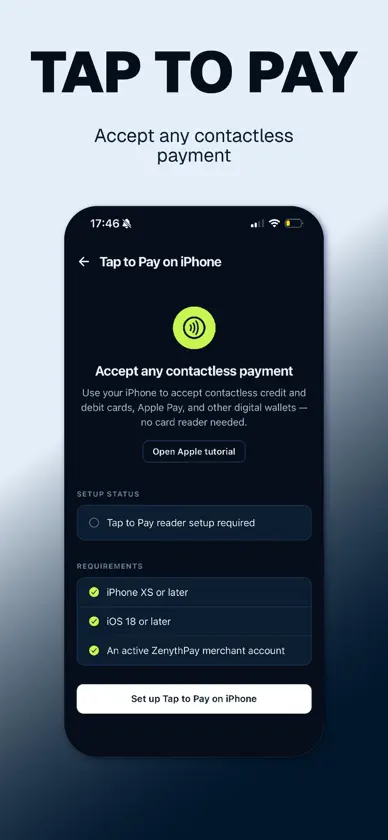
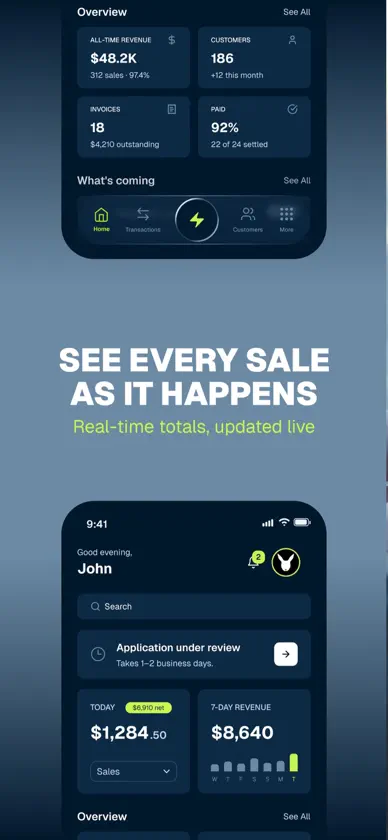
Run your business's payments from your iPhone. ZenythPay is a complete payment terminal in your pocket. Take cards in person with Tap to Pay on iPhone, send invoices and payment links, manage your customers, and see exactly where your revenue stands — all in one app. TAP TO PAY ON IPHONE Accept contactless cards, Apple Pay, and other digital wallets directly on your iPhone. No card reader, no dongle, no extra hardware. Debit PIN entry happens on the iPhone and is secured by Apple. Requires iPhone XS or later. EVERY WAY TO GET PAID • Tap to Pay on iPhone for in-person cards • Virtual terminal for keyed-in payments • ACH bank transfers • Invoices with due dates, delivered by email • Payment links your customer can pay from any browser • Saved payment methods for repeat customers KNOW YOUR NUMBERS Today's sales, seven-day revenue, all-time totals, customer count, invoices outstanding, and paid rate — on your home screen the moment you open the app. Switch the headline metric between sales, authorization rate, refunds, and voids. TRANSACTIONS YOU CAN ACT ON Search and filter your full history. Open any charge to see its decline reason, audit trail, and linked invoice or payment link. Issue full or partial refunds. Void a charge before it settles. CUSTOMERS Build your customer list inside the app, save cards and bank accounts securely, and charge a repeat customer in a couple of taps. PAYOUTS Request a payout to your business bank account and follow every request through to settlement. YOUR TEAM Invite staff as Admin, Manager, or View-only. Managers process payments and manage customers. View-only users see reports and nothing else. Owners keep control of billing and account settings. TERMINALS AND POS Need a countertop terminal as well? Ask us from inside the app and we match you with hardware that fits your counter and your volume, then program and test it before it ships. MADE YOURS Add your logo, brand color, and receipt footer, so the receipts, invoices, and payment pages your customers see look like your business. SECURITY • Face ID and Touch ID sign-in • Passkey sign-in • Two-factor authentication with one-time backup codes • An owner-only audit log covering every payment operation, down to the gateway response TALK TO A HUMAN Our support team answers in English, Armenian, and Russian. Call +1 (424) 550-0101 or email support@zenythpay.com. GETTING STARTED Create an account and explore in test mode right away. When you're ready to accept live payments, complete the application in the app — a real person reviews it.
What's new
Version 1.0.31 · Nov 9, 2026
3-D Secure: Turn on 3-D Secure for your card payments in Settings → Services. See its fees before you agree, and turn it off any time. Locations: If your business has several locations, choose one in the business switcher, charge there, and set up Tap to Pay for each location. Tap to Pay: Closing Charge while Tap to Pay is getting ready now cancels the payment.
You might also like
 CandleLensmelikset vardanyan
 AdCentral Paydev it developers
 FacePOSFacePOS Limited
 Tilt PayTilt Pay, Inc.
 Simple Income & ExpenseYUKI TANAIKE
 Golden State BankGolden State Bank
 SXE Digital Money, Shakti CoinSwiss Shakti Foundation
 Karla - Tap to Pay for AfricaBlind Aesthetics
 TapIn PayTapology Innovation Inc.