
Screenshots







About this app
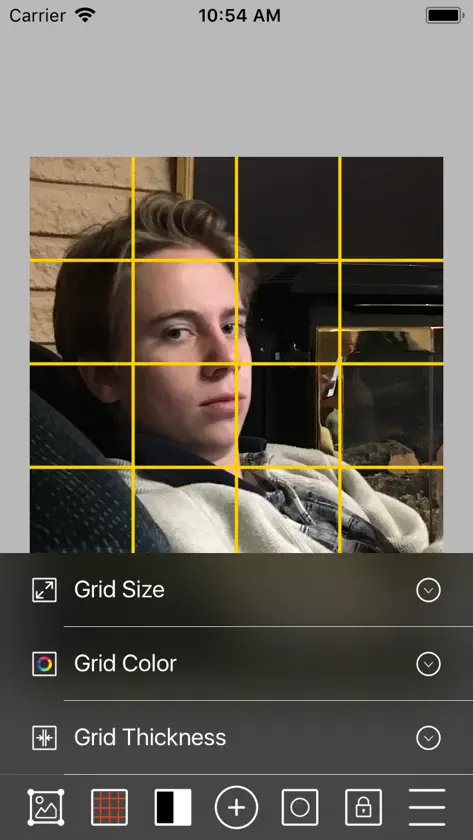
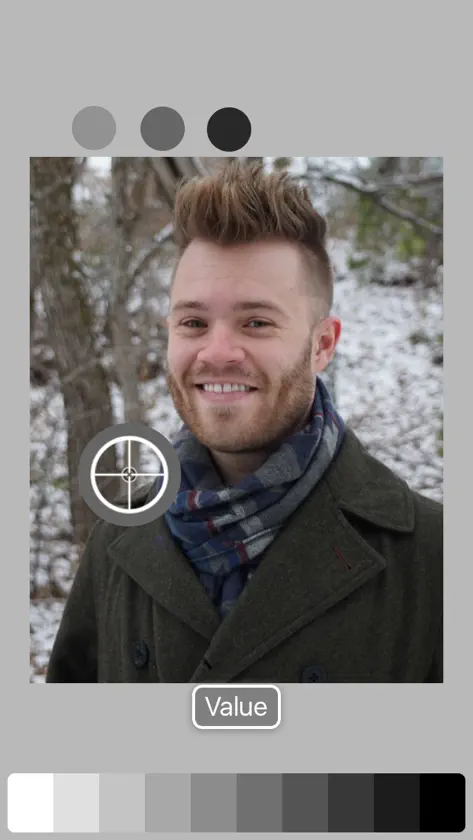
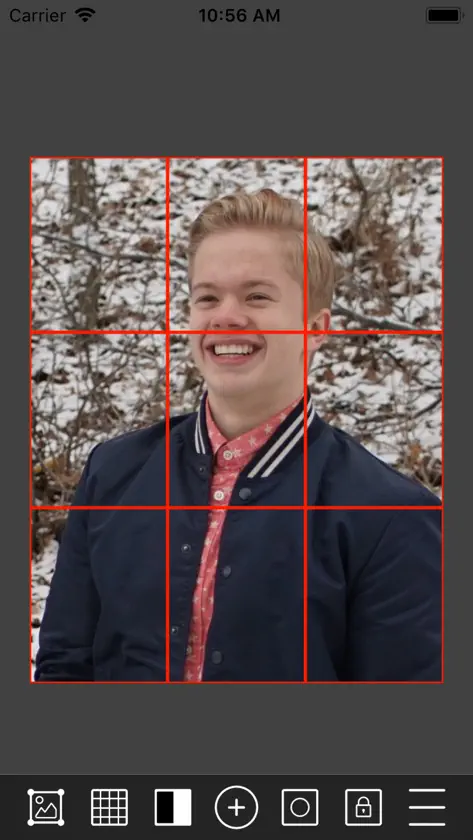
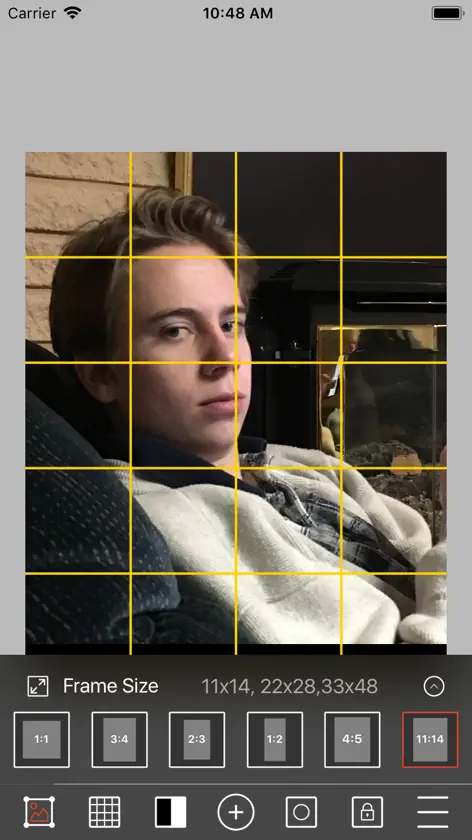
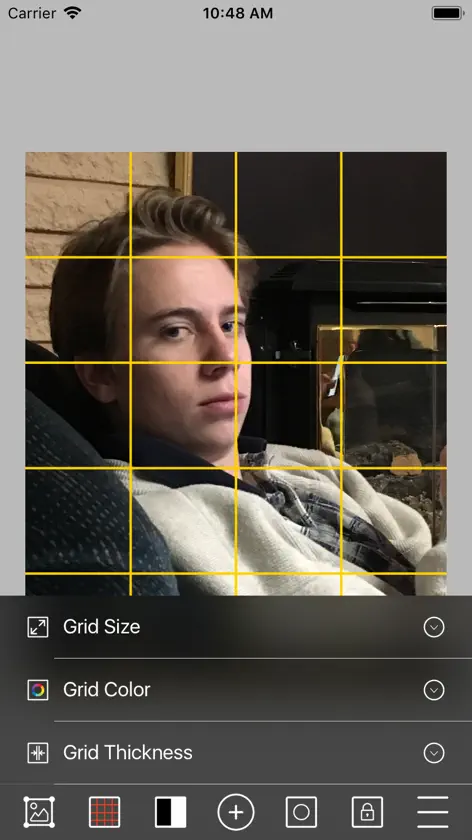
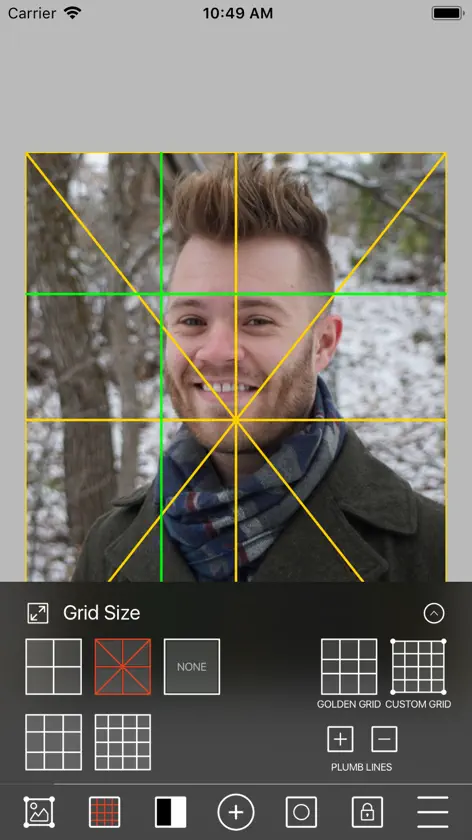
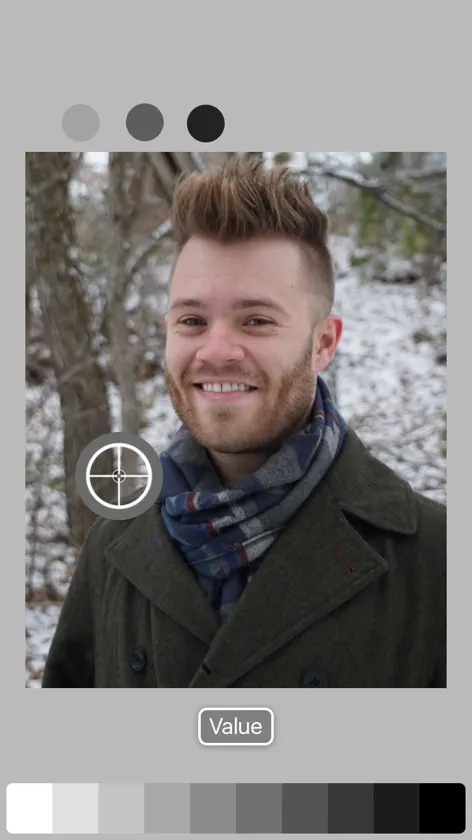
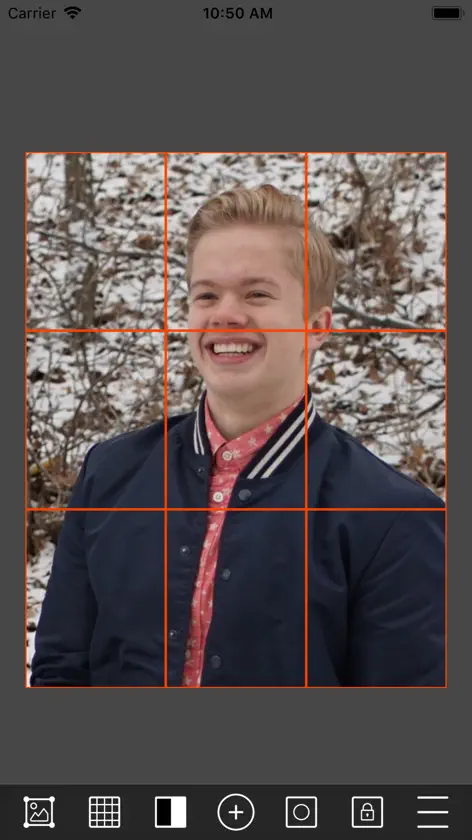
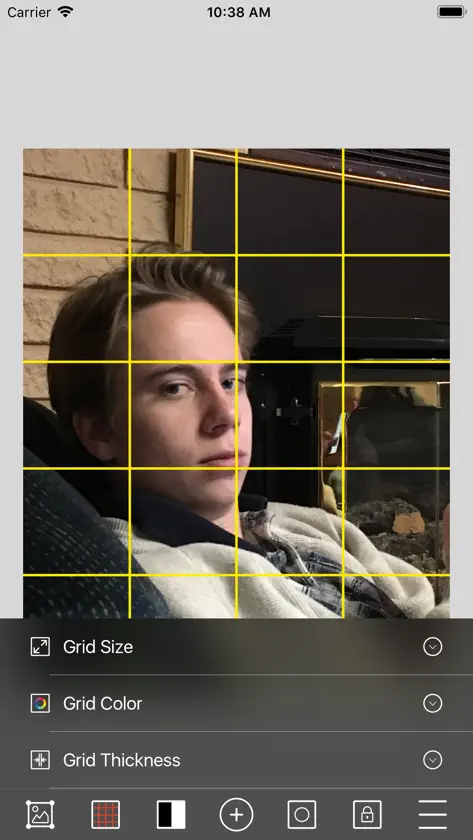
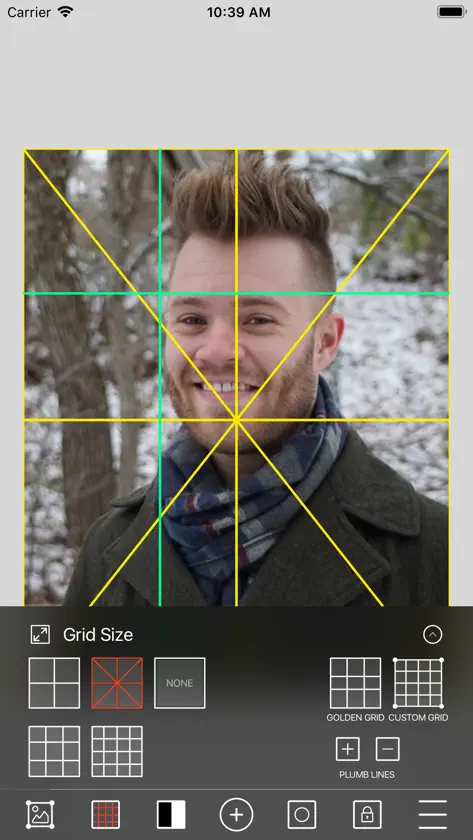
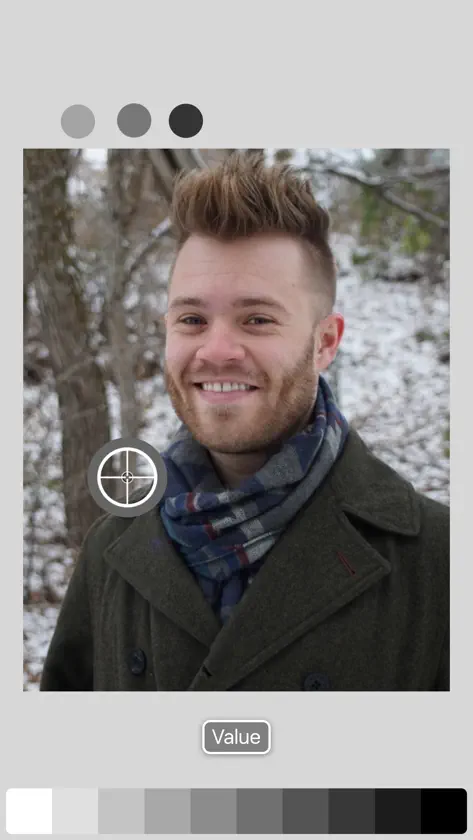
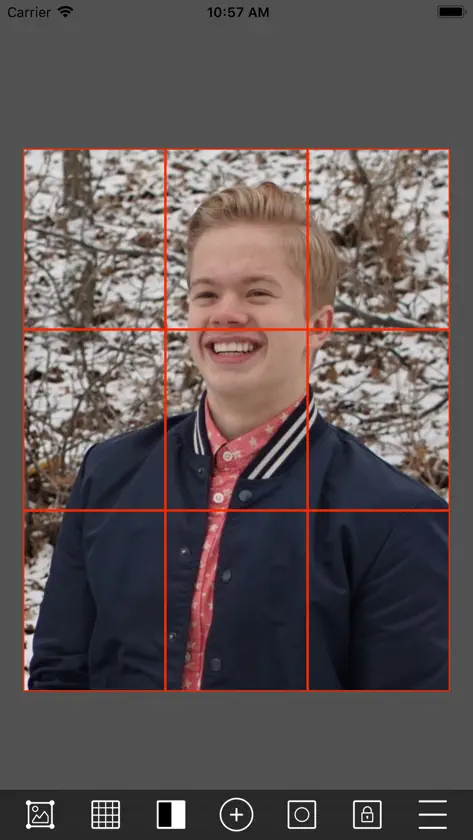
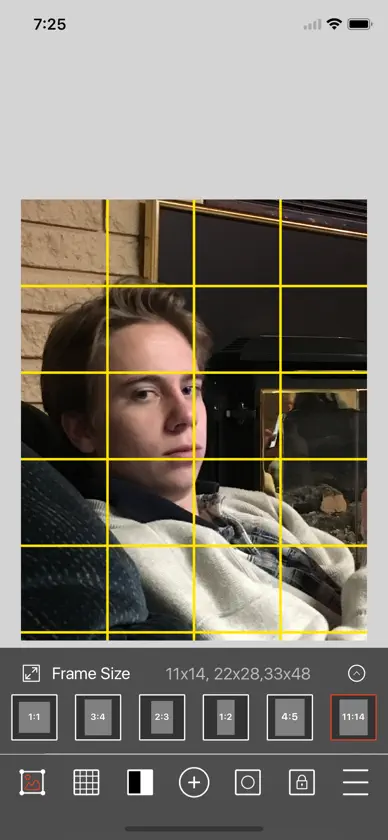
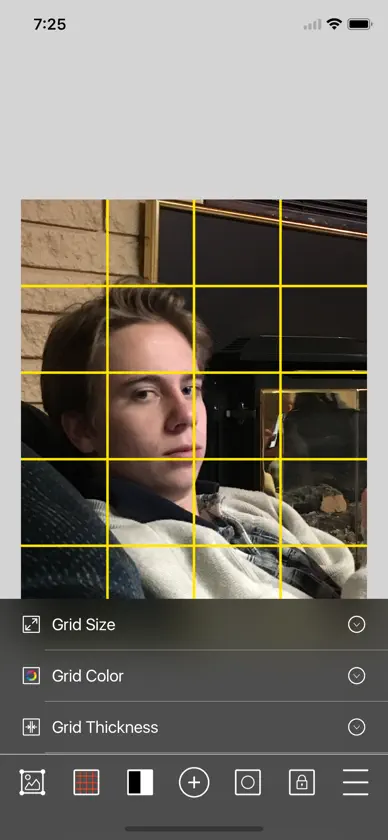
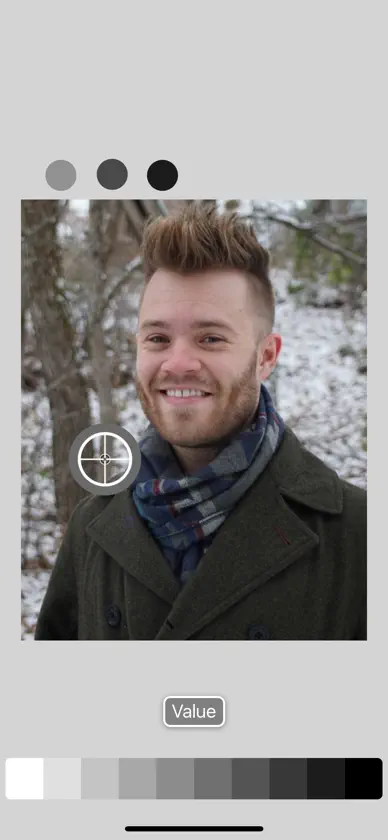
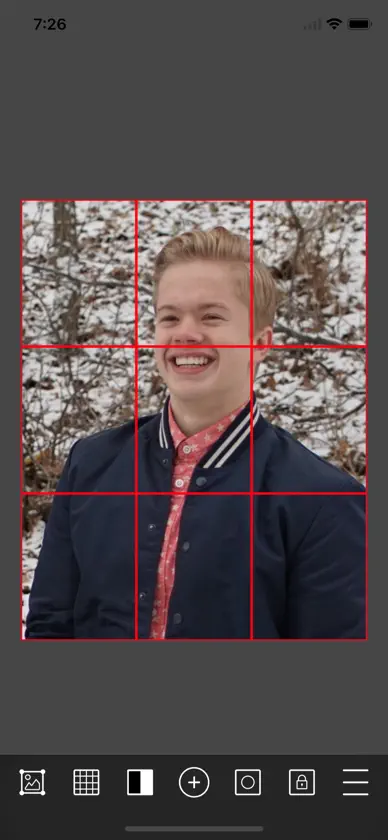
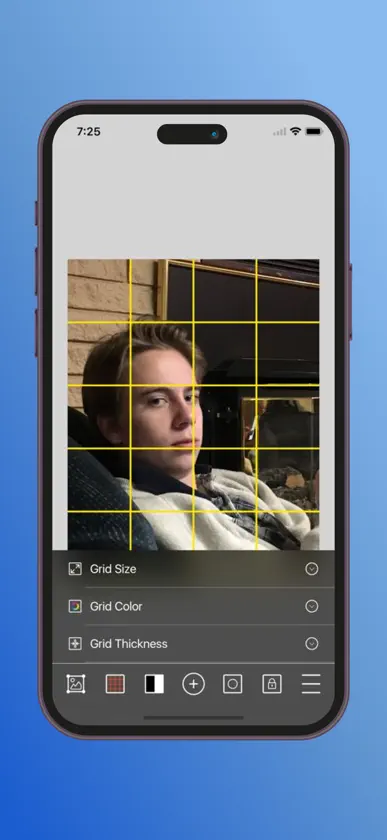
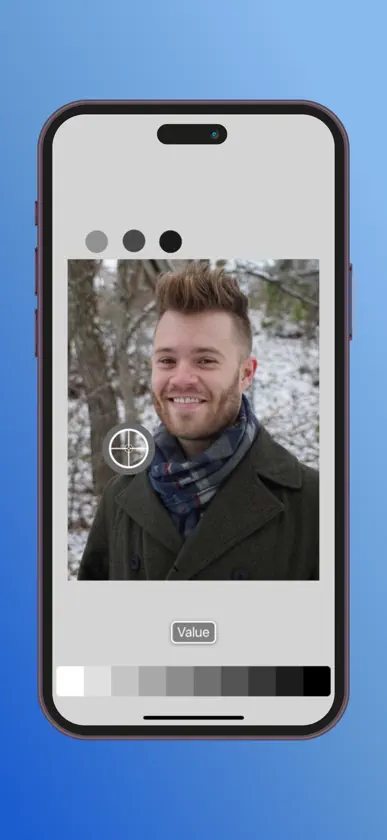
Are you ever in such a hurry to get started painting that you forget to design your canvas or analyze your subject matter? "Take time to save time." Use Accurasee Art Tools to get your composition and your proportions right from the start. 1. Take a photo of desired subject. Or choose reference from the camera roll. 2. Choose the window opening to match your canvas 3. Choose from a selection of grids including the golden ratio or use no grid at all. 4. Alter size relationships, change value, color or thickness of frame and grid. 5. Using 2 finger method, enlarge, shrink, rotate and move your photo for desired compositional effect. 6. Quickly change photo to B/W and color 7. Use the value checker tool to check for proper values. 8. Save and store your project for future reference or email to yourself. We hope that you enjoy Art Tools. If you like Art Tools, please give us a review and share it with your friends. We'd really appreciate any feedback you might have. Thanks and keep drawing!
What's new
Version 3.1.7 · Jan 24, 2026
- Added golden ratio grid - Added image outside frame indicator - Added Reset buttons
In-app purchases
The most popular purchases on the App Store.
- Art Tools ProConsumable$69.00
You might also like
 Head StudyStephen Bauman Artwork
 Colored Pencil PickerKristian Olidana
 Zolly - Perspective ModelsProko
 Milan ArtMilan Art LLC
 Historia del arte - ArtlyPavel Kozemirov
 CraftsyTN Marketing
 Teachable online coursesTeachable
 Domestika - Online coursesDomestika, Inc.
 Google Arts & CultureGoogle
 Lingopie: aprende idiomasLingopie Inc