
Bootbox
chienchung Yu
No ratings yetUtilitiesAges 17+
Screenshots
About this app
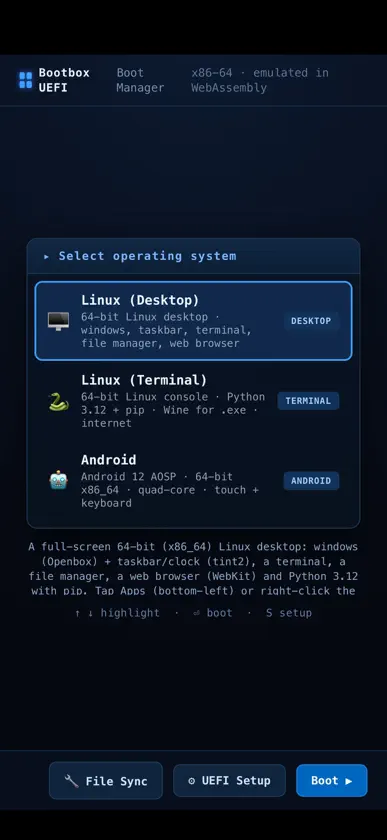
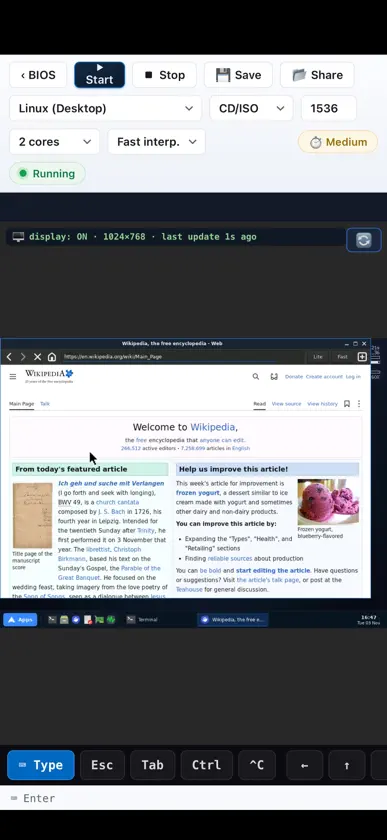
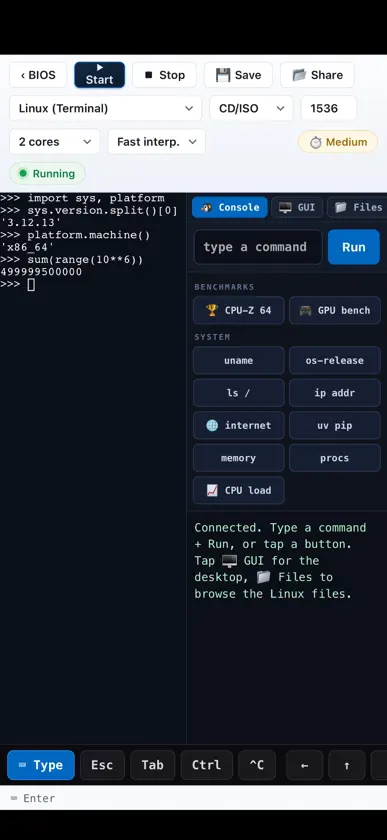
Bootbox is a virtual PC for iPad and iPhone. It emulates a complete 64-bit x86 computer in software and boots real operating systems on it, with no jailbreak, sign-in or server. CHOOSE A SYSTEM • Linux Desktop: windows, a taskbar, a terminal, a file manager and a WebKit web browser. • Linux Terminal: a full Linux console with Python 3.12 and pip, internet access, and Wine for Windows command-line programs. • Android 12 (AOSP): the Android home screen with touch and keyboard. It resumes in seconds from a ready-made snapshot. • Your own disk images and ISO files. A REAL COMPUTER, EMULATED • Up to 8 virtual CPU cores that really run in parallel. • Internet inside the virtual machine, through a network stack built into the app. • Files move between your device and the virtual machine, and machines can be saved and resumed. • Built-in benchmarks (CPU-Z, 7-Zip, sysbench, GPU and web tests) show what the emulated PC can do. GOOD TO KNOW Every instruction of the virtual PC is translated in software, so it runs much slower than a real computer. It's best for learning Linux, scripting, retro-style computing and experiments, not heavy work. The systems download on first use (about 240 MB for the Linux desktop, about 900 MB for Android) and then run offline. Newer devices with more memory run them best. Bootbox collects no data.


