
BrickQuest
Mark van Alphen
No ratings yetEntertainmentAges 4+
Screenshots




About this app
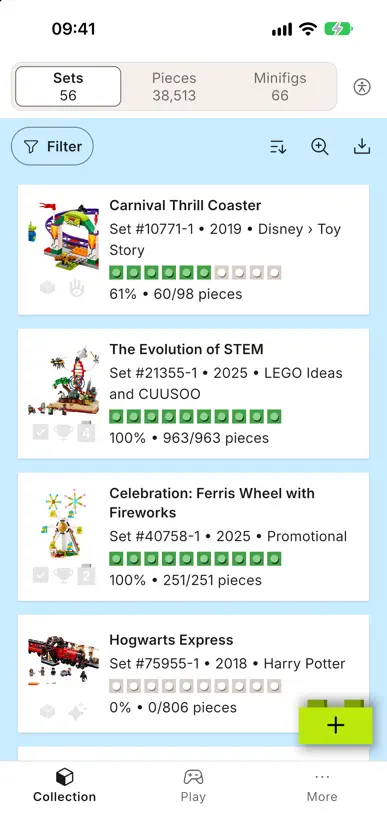
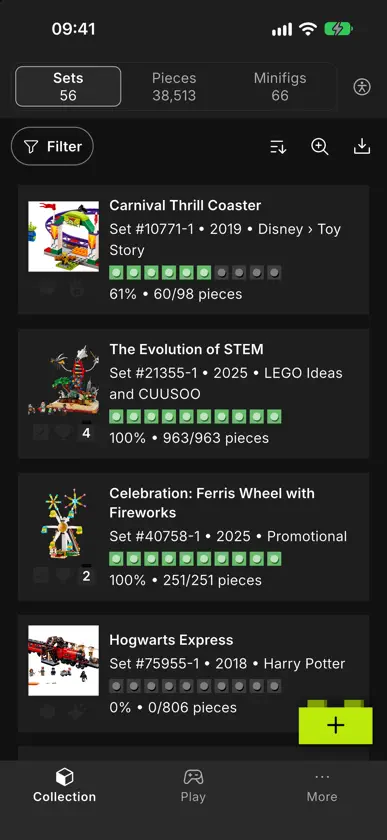
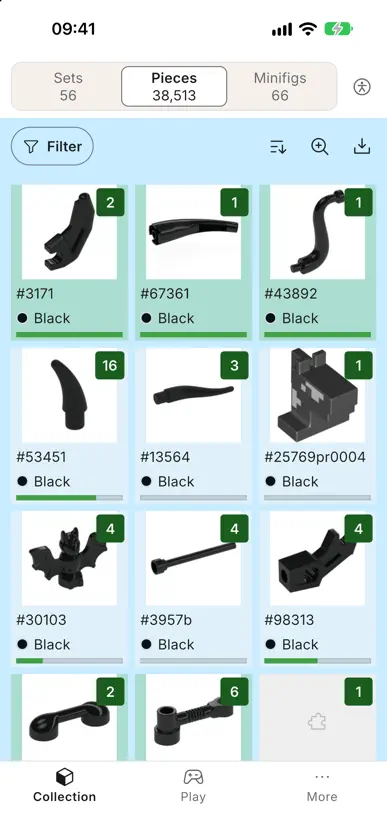
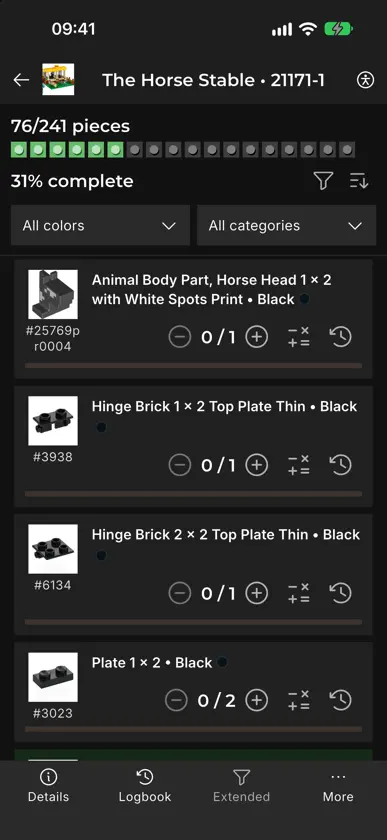
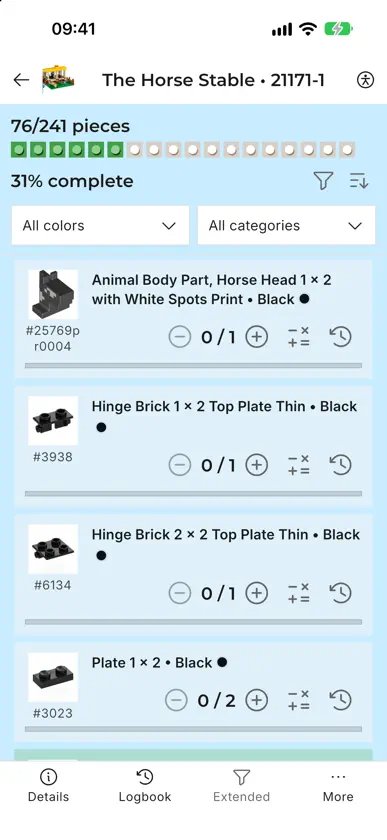
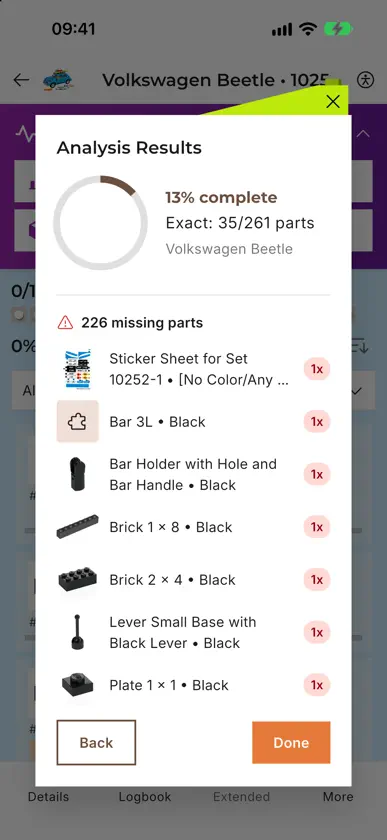
BrickQuest helps you manage your LEGO® collection and builds from start to finish. Create projects from sets, track every part with a checklist, and see exactly how close you are to completing your next build. Stay on top of every build • Turn sets into interactive checklists • Mark parts as found and track quantities • See real-time progress for each project Track build status • Set each project to Not started, Collecting, Ready to build, In progress, or Completed • Quickly see which sets are ready to build and which still need parts Understand what changed • Activity log for important actions like checklist changes and status updates • See how your build progressed over time Designed for focus and clarity • Clean, distraction-free interface in BrickQuest • Clear typography and color use to keep information readable • Accessibility-aware design for better legibility and usability Privacy-friendly • Your collection and build data stay on your device • No unnecessary accounts or social features Whether you are sorting parts, preparing a big build, or tracking which sets are ready to display, BrickQuest keeps your LEGO® projects organized and under control. LEGO® is a trademark of the LEGO Group, which does not sponsor, authorize or endorse this app.
What's new
Version 1.4.3 · Oct 19, 2026
New in 1.4.3 - Updated the biggest parts of the interface - Save your own filters - Zoomlevels on the overviews and checklist - New quiz game (BETA) - Minifig collection progress: the Minifigs overview now shows a colour-coded progress bar for every minifigure, so you can see at a glance which parts you have, which are in an alternative colour and which are still missing. It updates instantly as you tick parts off. - Status filters on Parts and Minifigs: filter by project status and collection status, just like your sets. Your selection also applies to the counts and to exports. - New Alternative Build status: for sets you built as a B-model or MOC, with its own medal icon. - More accessability settings Improvements - Show or hide the totals on the Parts and Minifigs overviews, each set independently. - Faster and smoother: your collection loads faster, large checklists scroll more fluidly and the app no longer freezes while creating or restoring a backup.
You might also like
 Brick Builder: Foto a PiezasSensonet
 Stackable Studio: Scan & BuildQasim Khan
 BrickpediaENIS BURAK DEMIRCI
 BrickFinder CompanionEthan Thomas
 Brick AI : Minifig ScannerChetan Shah
 Escáner Valor MTGSergii Nesterenko
 ontoursOnTours Software OG
 ACE On-DemandDance.Sweat.Sculpt. LLC
 BrickStats: Precios LegoCiao Apps
 LSW SetsKevin Downard