
Screenshots



About this app
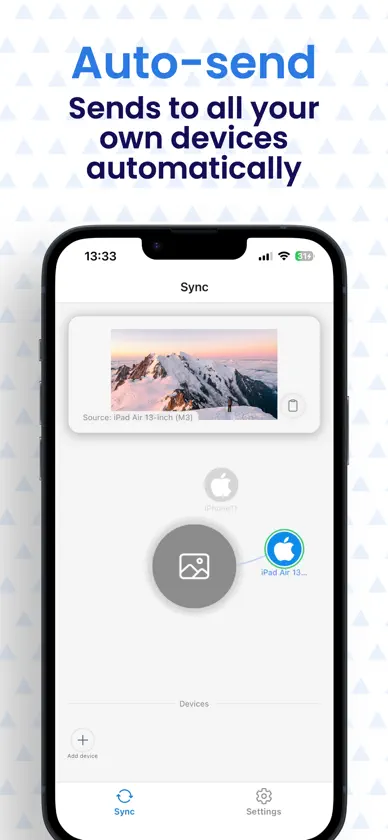
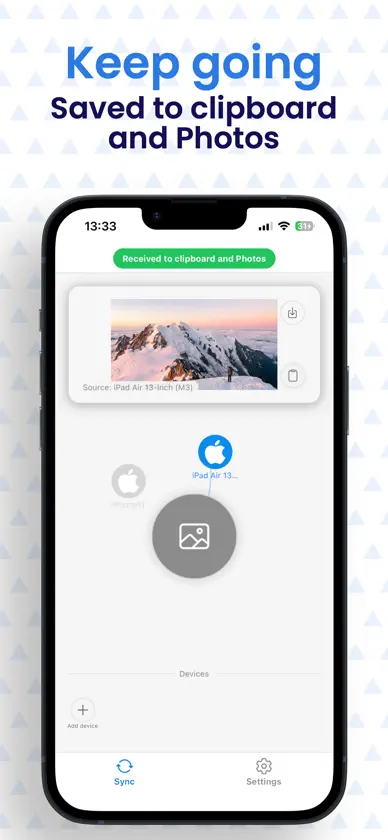
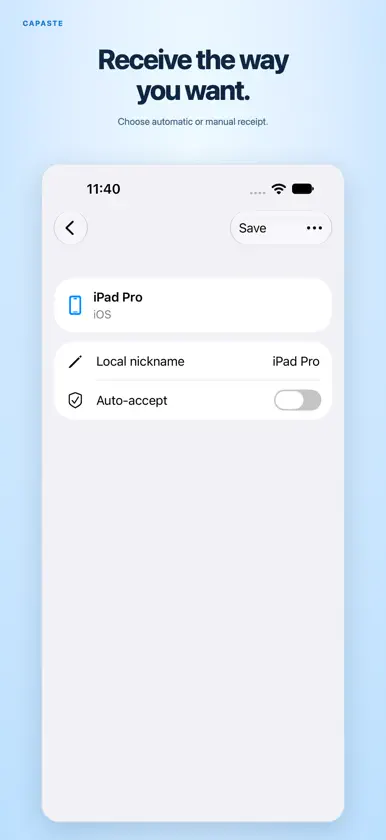
Move text, photos, and files between your phone, tablet, and computer. Copy text on your phone and use it on your computer. Send a photo to your computer for editing, or share a file directly from another app. Pair your devices with Capaste, choose what to send, and select a device. • Pair your devices: Enter a pairing code or scan a QR code. • Share content: Send clipboard content, photos, videos, files, and folders. • Send from other apps: Use the system share menu to send content with Capaste. • Choose how to receive: Set each device to receive automatically or ask for confirmation. • Manage transfers: View transfer history and export received files. Capaste works without an account. Depending on your settings and network connection, files can be sent directly between devices or forwarded through a service. On iOS, the free version supports pairing with one device. A one-time Pro purchase lets each device pair with up to ten devices.
What's new
Version 2.0.0 · Nov 6, 2026
Paste Anywhere is now Capaste. Version 2.0 brings a new way to share between your devices: • Pair devices without creating an account. • Send clipboard content, photos, and files to paired devices. • Share content from other apps. • View transfers and choose how each device receives content. • Self-host your server to control the service used for device connections and related data. • Unlock more paired devices with a one-time Pro purchase.
In-app purchases
The most popular purchases on the App Store.
- Capaste ProConsumable$399.00
You might also like
 ElberProta Studios, LLC
 Para Leer Más Tarde: MarkSaveWystone LLC
 iAssist AIDevan Draper
 Linkstash.ai- Bookmark with AILinkstash Inc
 Clipster Clipboard ManagerSynch Soft Technologies Private Limited
 Voice Real Estate Docs - WitWit Method, Inc
 Rclone GUIVitalys ROUGETET--DE TROYANE
 Cross Paste: PortapapelesMobile Tech Media, LLC
 AllysonAllyson, Inc.
 Halo OSTiago Mendes