
CDRoster
Nathan Coad
No ratings yetProductivityAges 4+
Screenshots





About this app
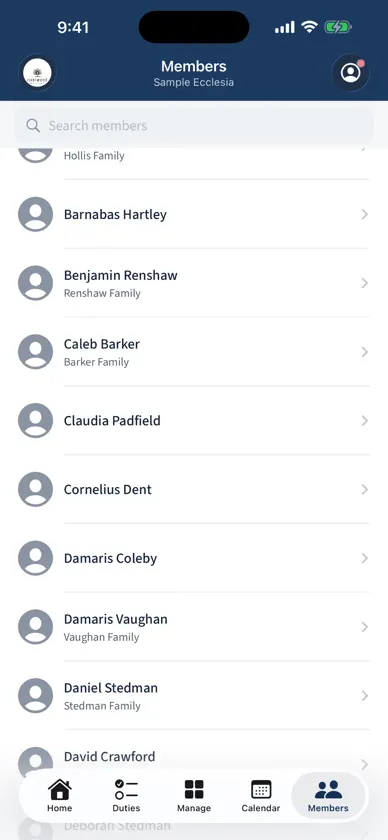
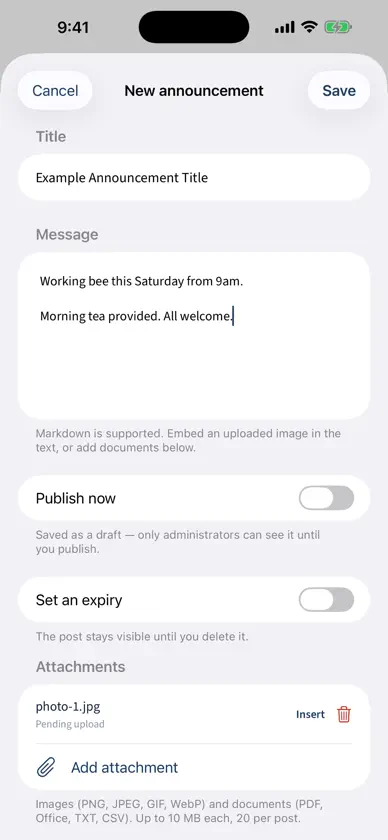
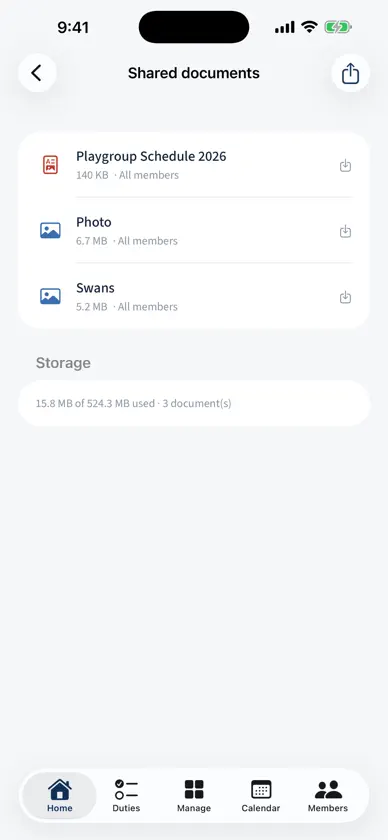
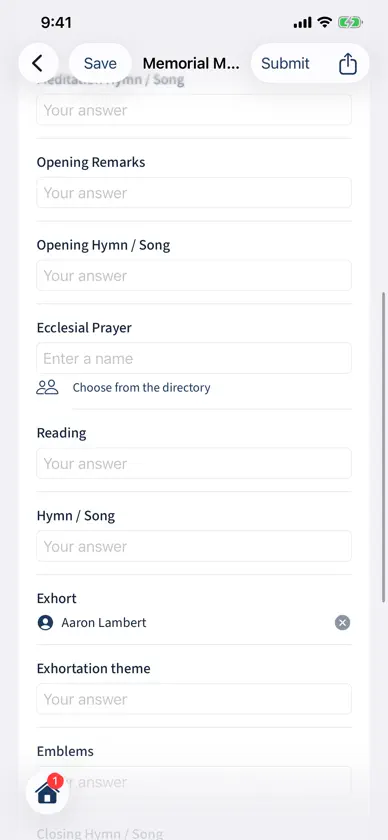
CDRoster brings your ecclesia's duty roster to your iPhone and iPad. See your upcoming duties at a glance, request a swap when you can't serve, or volunteer to fill an open role. Browse the full schedule in a month calendar, look up members in the directory, and keep up with ecclesial news, announcements and surveys. Add a home-screen widget for your next duty, or subscribe to your duties from your own calendar app. FOR EVERY MEMBER • Your upcoming duties, with swap requests and open roles you can volunteer for • A colour-coded month calendar of meetings, marked on the days you're rostered • Announcements with photos, attachments and in-app surveys • The ecclesia directory and shared documents • Your profile: availability, role preferences, household, qualifications, Sunday School classes and notification settings FOR COORDINATORS AND ADMINISTRATORS • Run and publish rosters, assign or reassign duties, and open slots to volunteers • Compose announcements with photos, attachments and member surveys • Sunday School years, classes, teachers, enrolments and attendance • Congregational attendance and child-safety (WWCC) credentials • Member administration, ecclesia settings and spreadsheet exports These tools appear only for members who hold the role — a member sees none of them. DESIGNED FOR IPAD On iPad, Calendar, Members and Manage use a two-column layout, so the list and the detail sit side by side. Home becomes a dashboard, forms and articles keep a comfortable reading width, and an extra-large home-screen widget shows your next duty plus what's coming up. Hardware keyboard shortcuts, all four orientations, Split View and Slide Over are supported. CDRoster works with your ecclesia's existing CDRoster account — you'll need an invitation or login from your ecclesia to sign in. There is no public sign-up and nothing to buy in the app.
What's new
Version 1.3.13 · Nov 7, 2026
Save a roster as an Excel spreadsheet, see in plain words why the roster planner picked each person, and - for Sunday School - room safety checks on the "Mark attendance" screen. For everyone: • Save a published roster as Excel - alongside the PDF, calendar file and CSV, a published roster can now be exported as an .xlsx spreadsheet that opens cleanly in Numbers or Excel, with one sheet per section and an "Assignments" sheet. For coordinators and administrators: • Download a draft roster in any format - the draft-review screen now has a Download menu with Excel, CSV and PDF (list or grid layout). The PDF is clearly titled DRAFT, so a working copy is never mistaken for the published roster. • See why each person was picked - when you generate a draft roster, each assignment now shows the planner's reason in plain words (for example, "chosen to balance the load" or "assigned despite not opting in to this role"), so you can trust a pick at a glance or change it before publishing. • How rostering works - a new guide, opened from the roster-runs screen, explains the rules the planner follows in order of priority, what a soft rule and its weight mean, and what each policy does. A short reassurance note on every run reminds you that a run only writes a draft, never changes published dates, and that you can change any pick before publishing. For Sunday School teachers and secretaries: • Room safety checks on "Mark attendance" - where your ecclesia turns room checks on, each class on the cross-class "Mark attendance" screen now has a "Room checks" button for the twice-a-Sunday check (the live adult-to-child ratio, the checklist to tick, the number of adults, and a note); previously the checks showed only when you opened a single class. The checklist switches also have roomier spacing. Also: refinements and fixes driven by real tester diagnostics.
You might also like
 NSW Education ASTP Driver AppNSW Department of Education
 Snag ListBoluga
 SiteCam Inspection Report AppSeePilot Pty Ltd
 FlexiPurchaseNAB
 AiloAilo Pty Ltd
 Site Audit ProVeam Studios Ltd
 Free PDF File Editor & ViewerAMPLIFY VENTURES
 Private Browser- Smart SearchFAST BROWSER
 BePresent: Tiempo en PantallaScreen Detox Inc