
Check Later
Ilter Cengiz
No ratings yetProductivityAges 4+
Screenshots




About this app
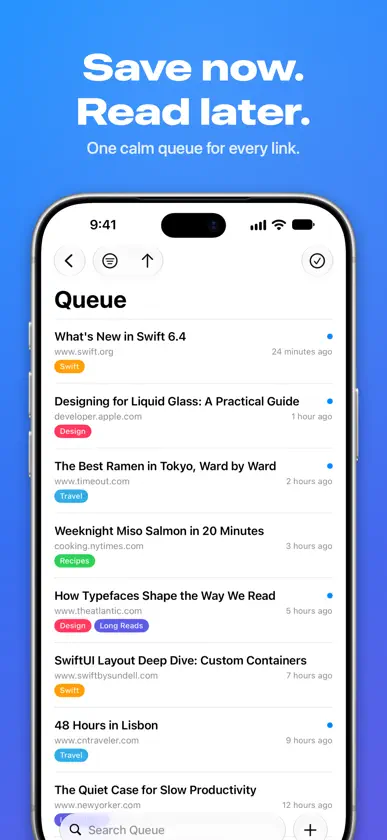
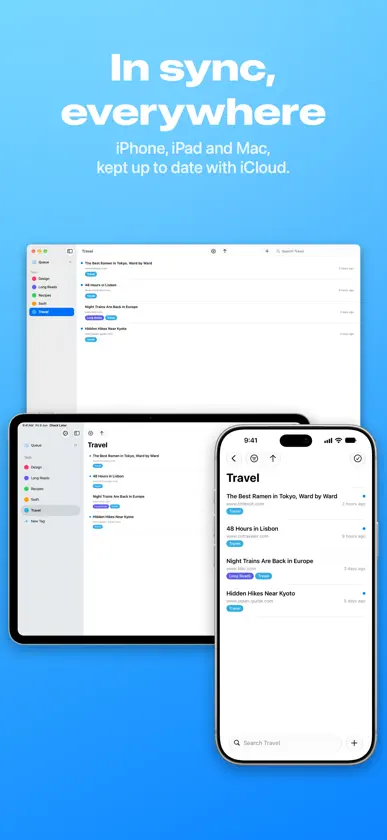
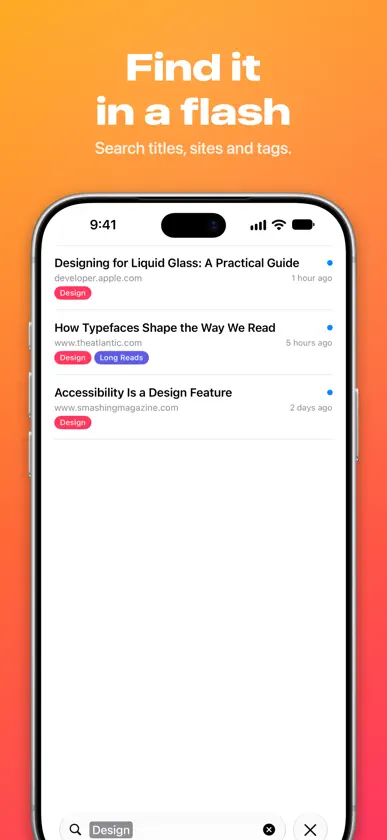
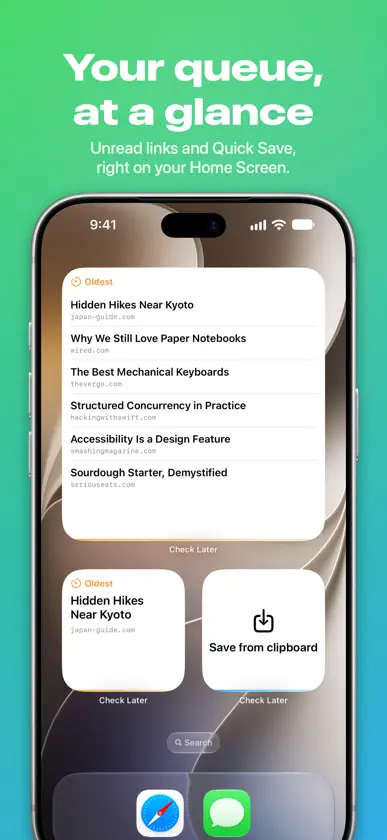
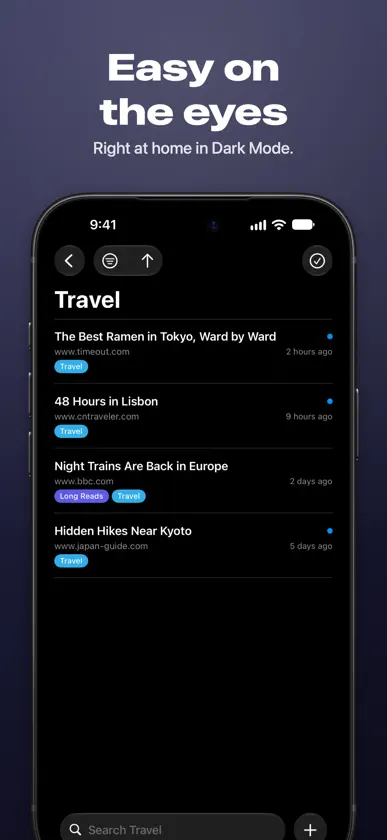
A lightweight inbox for links you don’t want to lose. Tabs pile up, bookmarks get buried and that article is still unread. Check Later gives you a temporary place to park any link—so your browser and read‑later service stay tidy. Why you’ll love it • One‑tap capture – Use the Share Sheet in any app, save a copied link, or drop links onto your queue. • Tags – Organize links with color‑coded tags, then jump to them from the sidebar or narrow a search in a tap. • Widgets everywhere – See and save links from your Home Screen, Lock Screen, Control Center, StandBy and the Mac desktop. • Siri & Shortcuts – Add links, search them and mark them read without opening the app. • Instant iCloud sync – Your queue stays identical on iPhone, iPad, Mac and Apple Vision devices—with no accounts to create. • Smart save – Titles, favicons and timestamps fill in automatically. • Filter, sort & search fast – Find that recipe, podcast or tech article in seconds. • Private by design – Data lives in your iCloud; no ads, no tracking. Stop hoarding tabs Close the browser, clear the clutter and keep moving—then open Check Later when you’re ready to dive in. Download free today and give your brain (and your browser) some breathing room.
What's new
Version 1.8.1 · Oct 25, 2026
New in 1.8.1 • Fixed a rare crash on launch. • Undo is more reliable when your links sync across devices. Check Later 1.8 is the biggest update yet. Tags • Organize your links with color-coded tags. Add them as you save, from the share sheet, or from any link's menu. • Your tags live in the sidebar. Drag a link onto a tag to file it. • Search by tag: start typing a tag's name and pick it to narrow your results. A New Home on iPad, Mac and iPhone Duo • A sidebar with your queue, your tags and an unread count at a glance. • On iPhone Duo, your place stays put as you fold and unfold. • On Mac, rename, recolor and delete tags from Tools › Edit Tags. And More • Select several links at once to mark them read or unread, or delete them in one go. • Deleted something by mistake? Tap Undo. • Touch and hold any link to mark it read, edit its tags, copy, share or open it in your browser. • Drop links onto your queue to save them. • A refreshed design with Liquid Glass on iOS 26 and later. • Clearer empty states, better VoiceOver support, and plenty of fixes.
In-app purchases
The most popular purchases on the App Store.
- Awesome TipConsumable$99.00
- Good TipConsumable$69.00
- Small TipConsumable$19.00
More from Ilter Cengiz

You might also like
 links for laterDev Shahani
 Marcit: Bookmark ManagerTecmyer
 Link ClusterDaniel Witt
 Brace.to - Bookmark ManagerSTX APPS COMPANY LIMITED
 Linkboard: Bookmarks & RSSFrancesco Leoni
 Save "Read Later" - KeepLinkRyutaro Okada
 Bookmarks - Read LaterKhuong Pham
 Save for Later:Links OrganiserAnurag Chutani
 Bookmark Safe - Url managerKota Hayashi
 Pocket Reader: Read LaterDropletApps