
ChessTools.it
Giorgio Donnoli
No ratings yetUtilitiesAges 4+
Screenshots















About this app
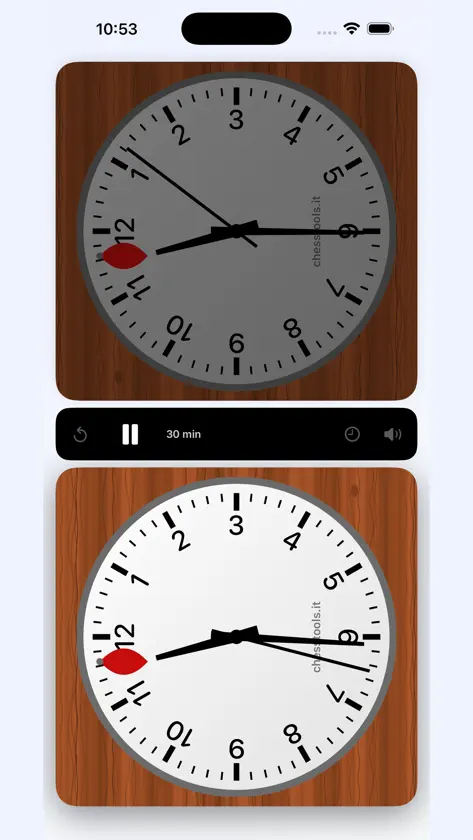
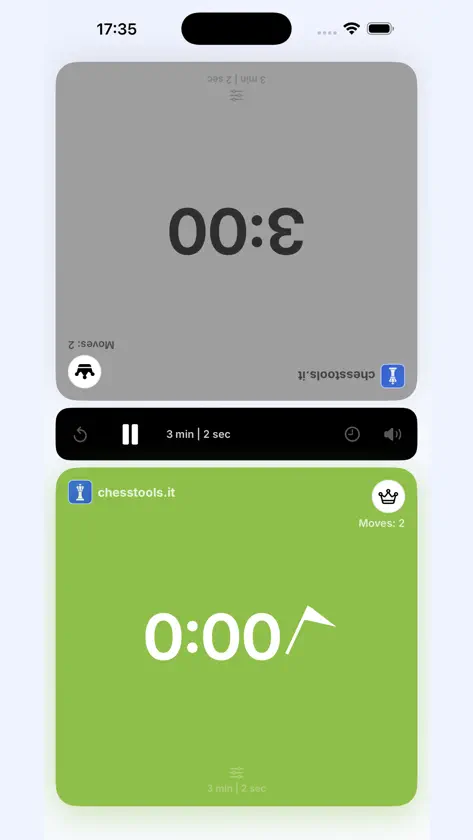
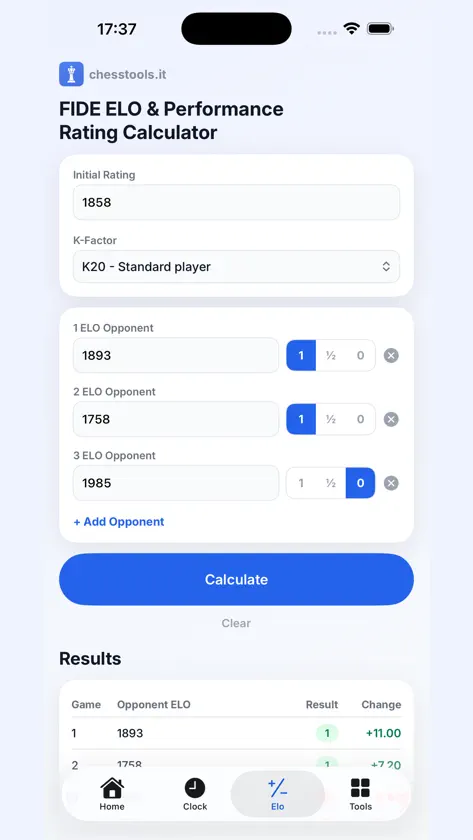
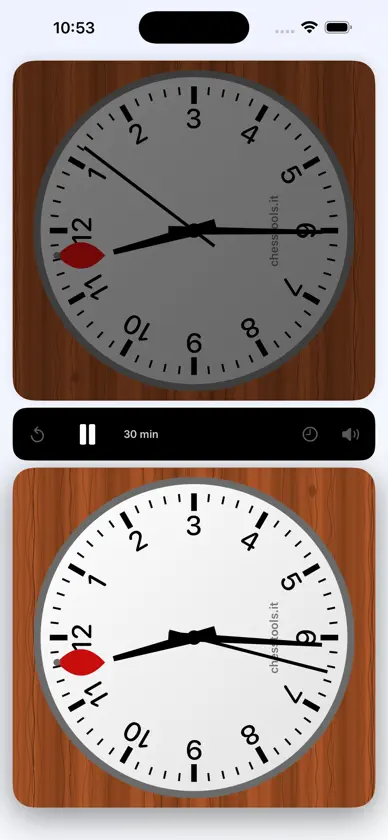
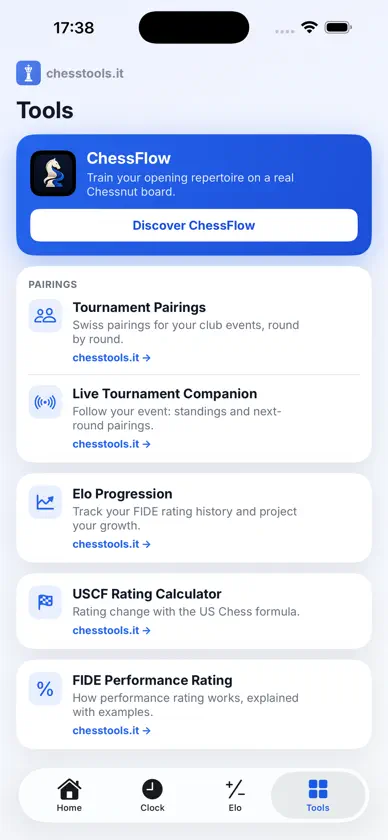
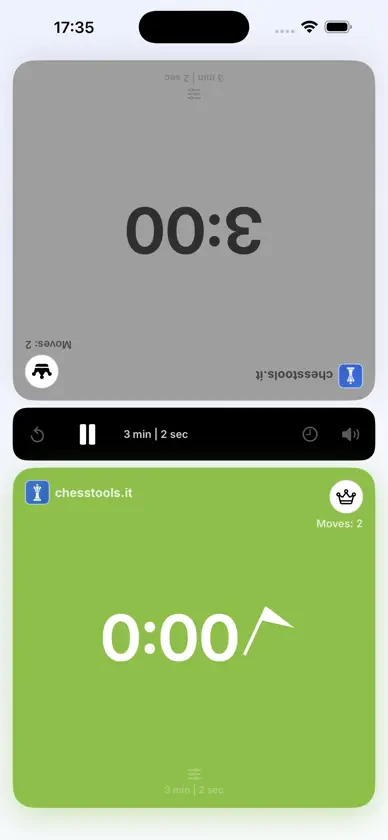
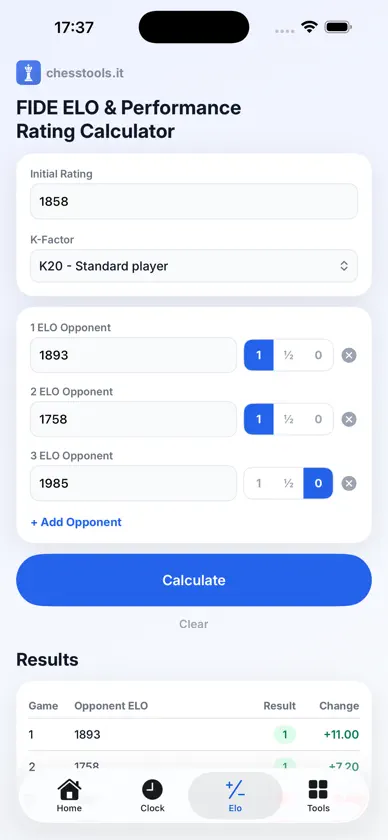
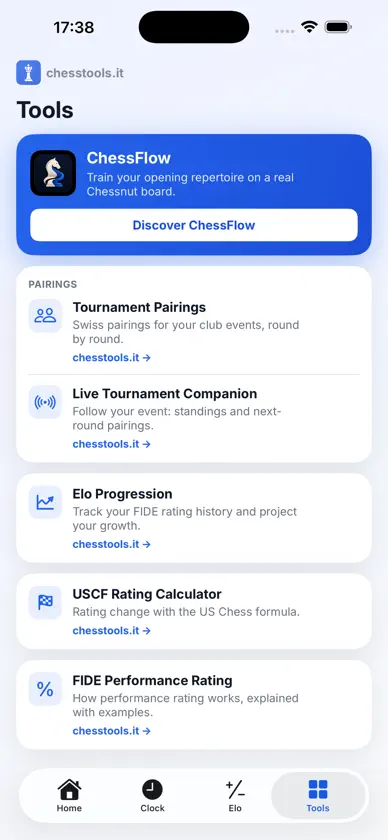
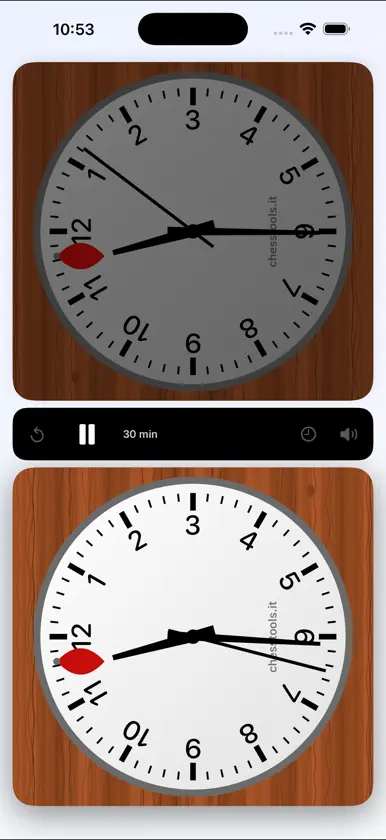
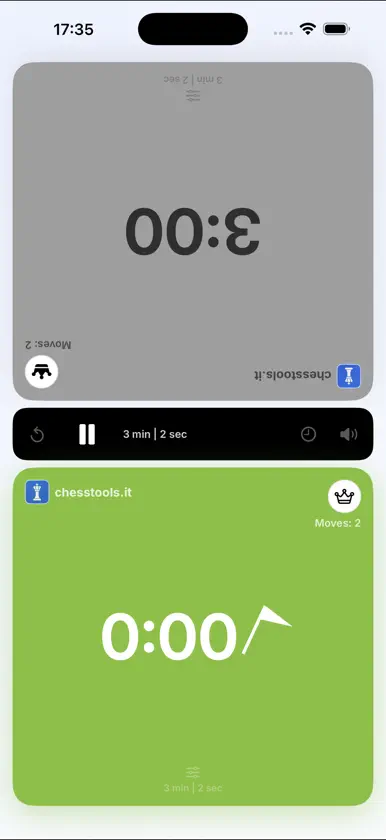
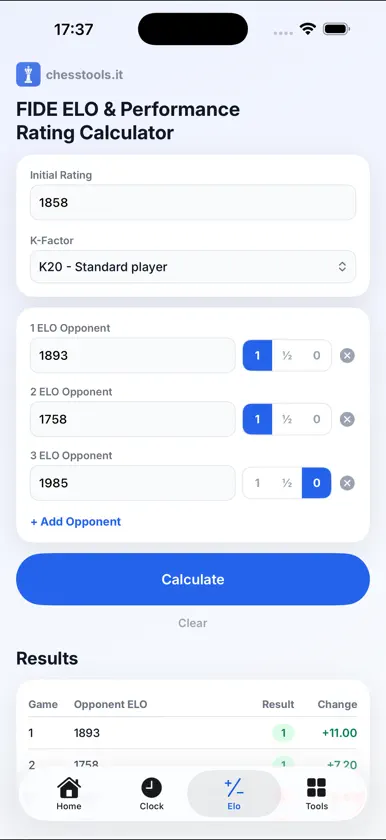
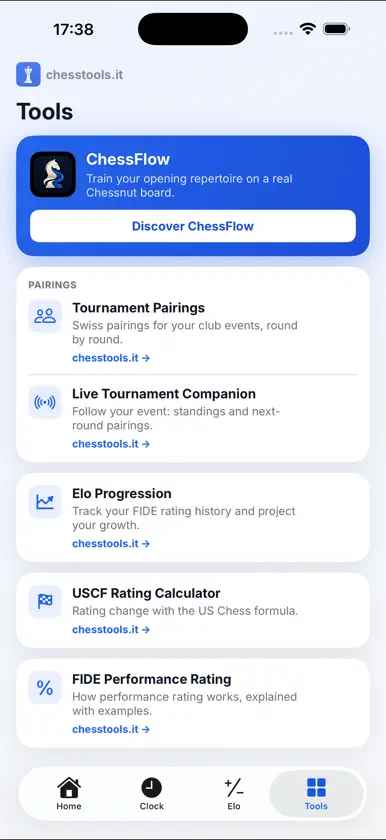
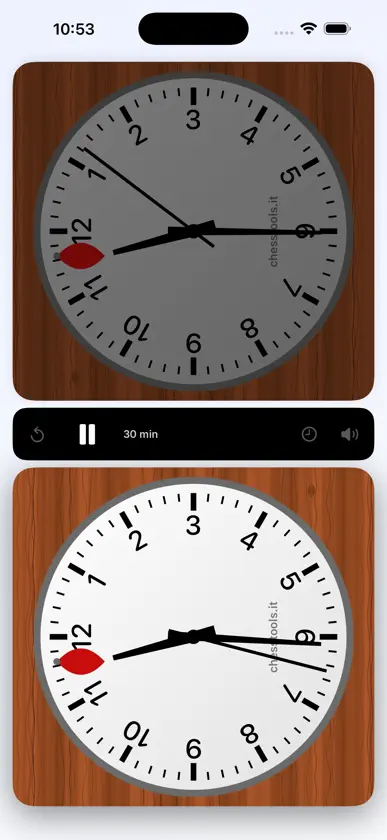
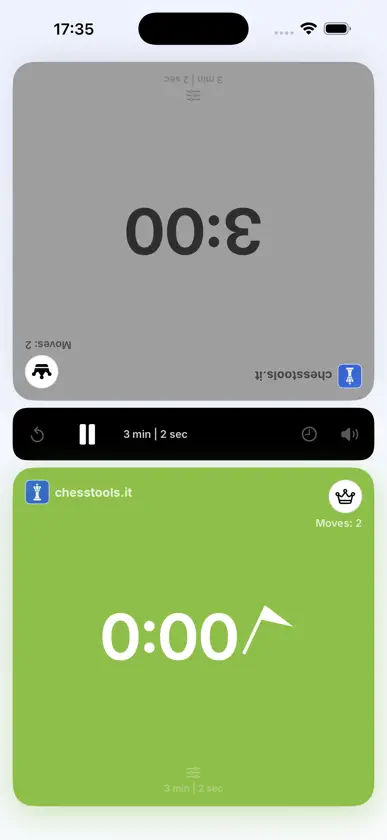
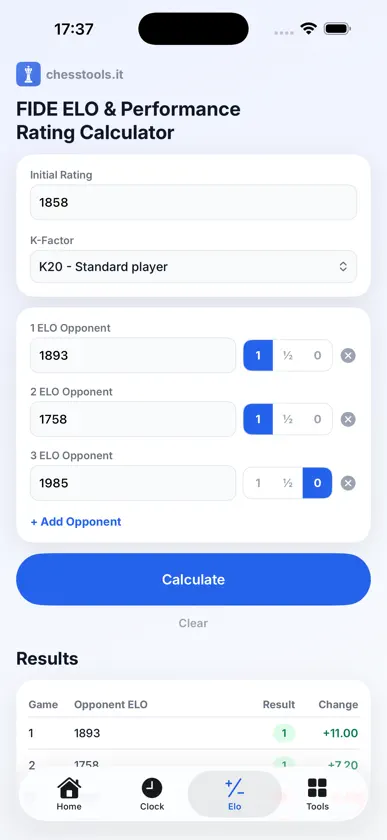
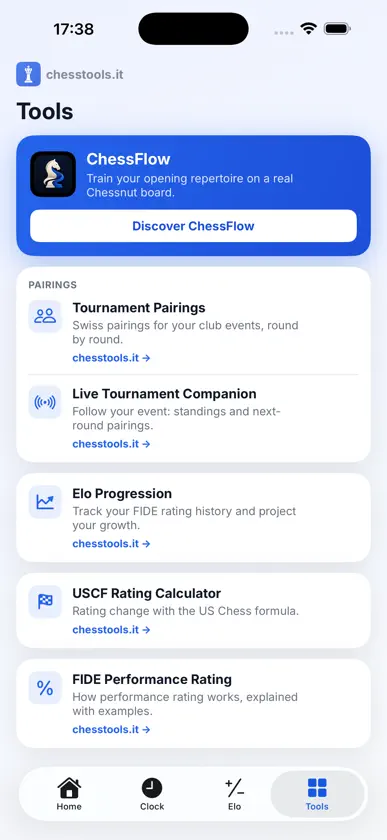
The two tools every over-the-board player needs, now native on your iPhone. No account, no sign-up: clock and calculator both work offline. CHESS CLOCK A real tournament clock, not a toy timer. - Read it from the side: both time displays turn a quarter turn, so the two players read them from the board, the way a real clock sits to the right of Black - An analog clock face if you want one: a mechanical tournament dial where the flag drops at twelve and the hands keep going (for time controls without increment) - 13 time controls, from 1-minute bullet to 90+30 classical, plus a custom one you set yourself - Fischer increment support - Works with ChessFlow: playing the computer in ChessFlow on your iPad, ChessFlow presses this clock for you (same Wi-Fi or Personal Hotspot) - Tap with any finger, even several at once - the clock never misses a press - When a flag falls the clock does not stop: a blinking flag appears and play continues, exactly as on a real board - Adjust either side's time and move count mid-game, for penalties and corrections - Move counter and side-to-move indicator for both colours - Your last time control is remembered, so you start where you left off - The screen stays awake while the clock runs FIDE ELO CALCULATOR The same calculator used on chesstools.it, packaged natively. - Rating change with the correct K-factor, including the automatic reduction rules - FIDE performance rating, expected score against the field, and how your result compares to your rating - Per-game breakdown of every opponent - Export the whole report as a PDF (requires a connection) TOURNAMENT TOOLS Quick access to the pairing and tournament tools on chesstools.it. Free. No advertising.
What's new
Version 1.2.0 · Oct 10, 2026
ChessFlow can now press this clock for you. Playing the computer in ChessFlow on your iPad, ChessFlow tells the clock on your iPhone whose turn it is: you play, it presses. Turn on "Remote control from ChessFlow" in Settings, keep both devices on the same Wi-Fi - or put the iPad on your iPhone's Personal Hotspot - and leave ChessTools open on the clock. Your fingers still work as always, and if the link drops the clock simply carries on.


