
CollageBook
小波 司
No ratings yetGraphics & DesignAges 4+
Screenshots



About this app
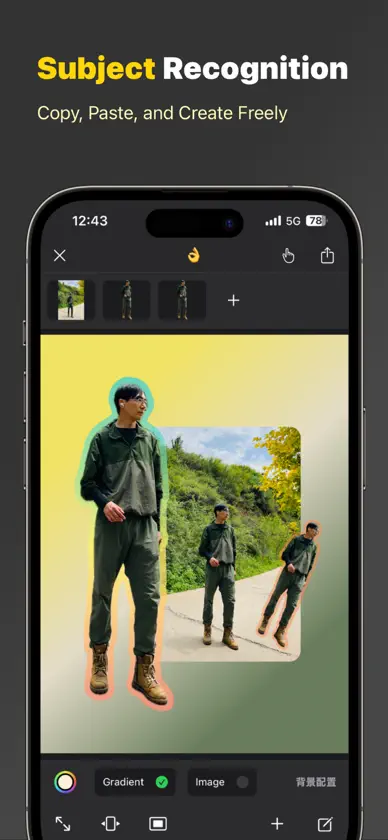
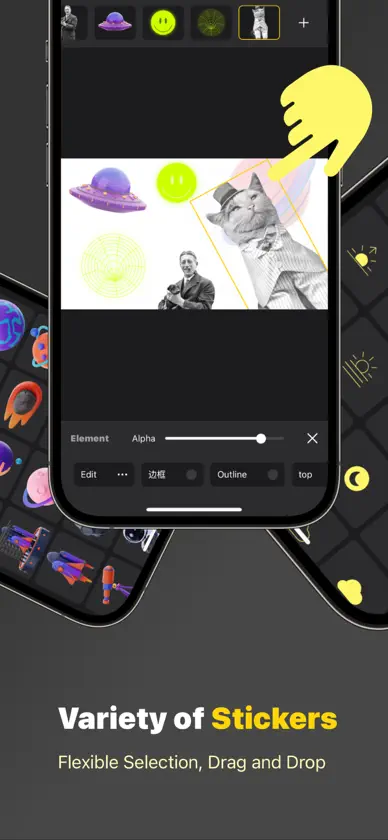
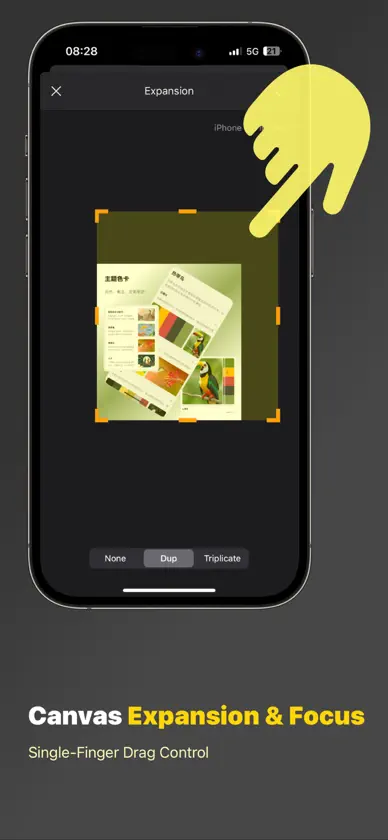
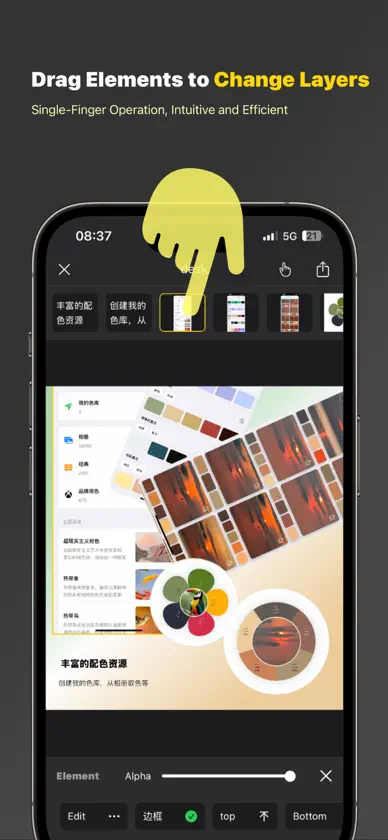
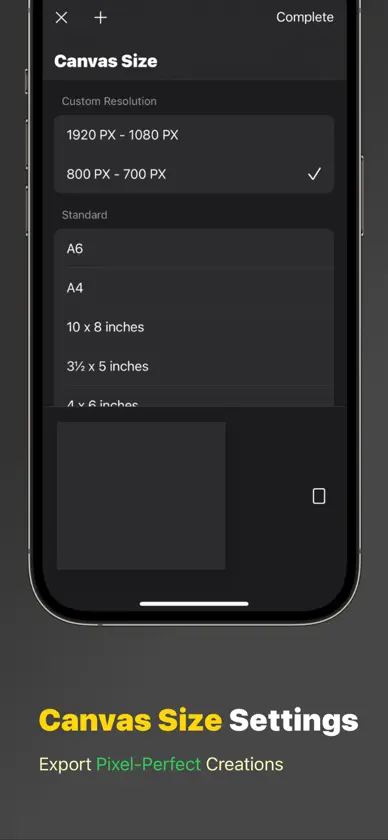
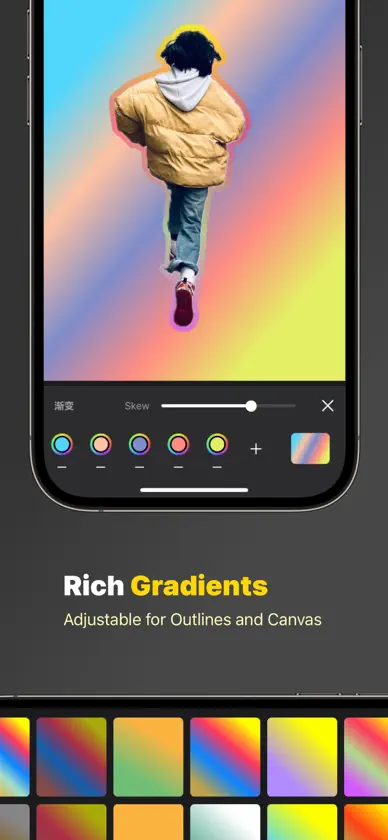
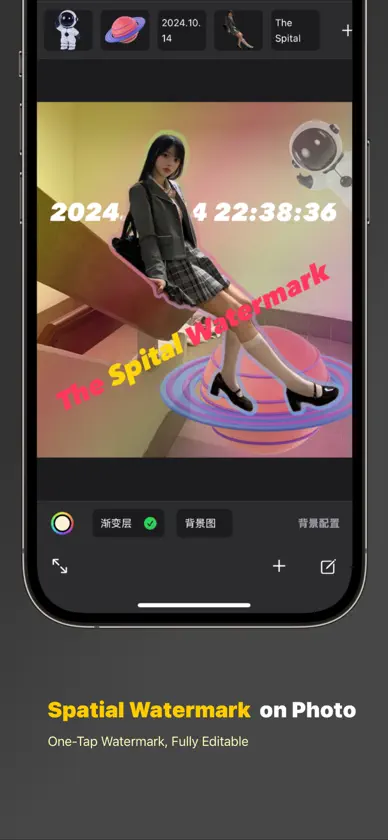
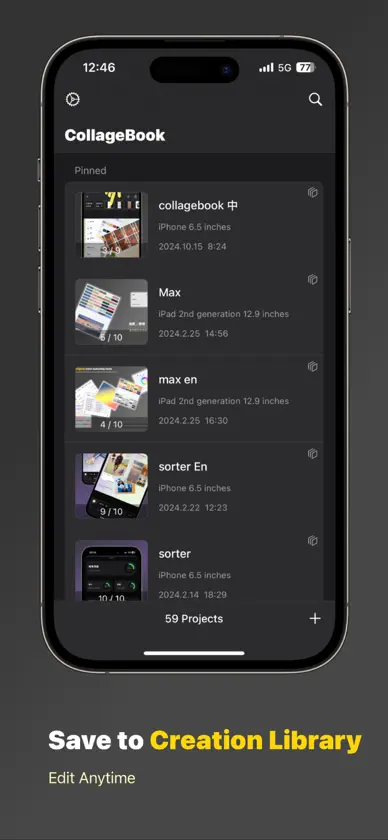
+ A flexible and efficient design tool where all actions are completed with basic gestures like tapping, dragging, and pinching. + The canvas can be expanded, focused, and cropped freely. No more worrying about collage elements going off the edge or running out of canvas space. + Canvas size supports precise settings, allowing you to export pixel-perfect creations. + Supports one-tap export of multi-page collages as PDFs or image collections. + Easily drag elements to switch layers. Adjusting the layer order is now more intuitive and efficient than ever before. + Recognize photo subjects, enabling copy, paste, and flexible operations. + All collage elements support complex gestures like dragging, pinching, zooming, stretching, and rotating. + A wide variety of beautiful stickers are available. + Save gradient effects to a library at any time, applicable to photo outlines or canvas backgrounds. + Save your collage to the creation library, ready for export or further editing at any time. Terms of Use : https://www.apple.com/legal/internet-services/itunes/dev/stdeula
What's new
Version 1.4 · Nov 3, 2024
+ Some minor optimizations
In-app purchases
The most popular purchases on the App Store.
- CollageBook ProConsumable$99.00
More from 小波 司


You might also like
 文字小卡-排版美化&模板生成神器金对 邱
 字探 - 探索复古美术字宇 刘
 LockScreen - Widget飞 张
 Video Figure: Gesture DrawingHonghai Gu
 笺字Houma Econimic Development Zone Jianmin Decoration Material Co., Ltd.
 Holo.Draw: Dibuja en PantallaP&D Capital OU
 Round CornerRuizheng Liu
 Phosphor PressMICHAL ZAJIC
 Phocal - 超好玩桌面照片墙兆康 张
 Spirograph DrawingWu Huang