
Copy Talk
Wa Hong Lui
No ratings yetUtilitiesAges 4+
Screenshots



About this app
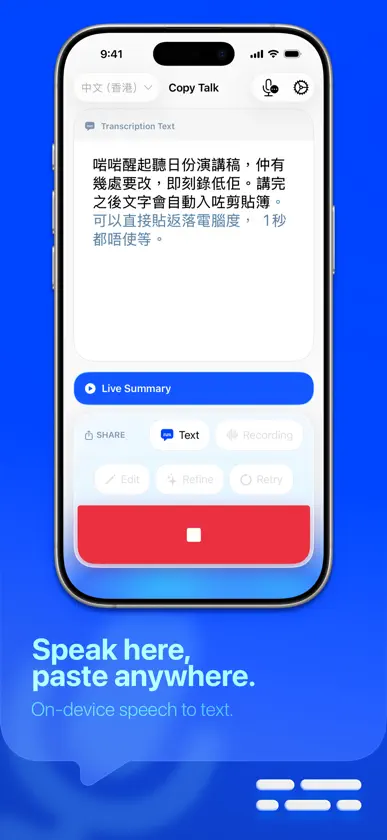
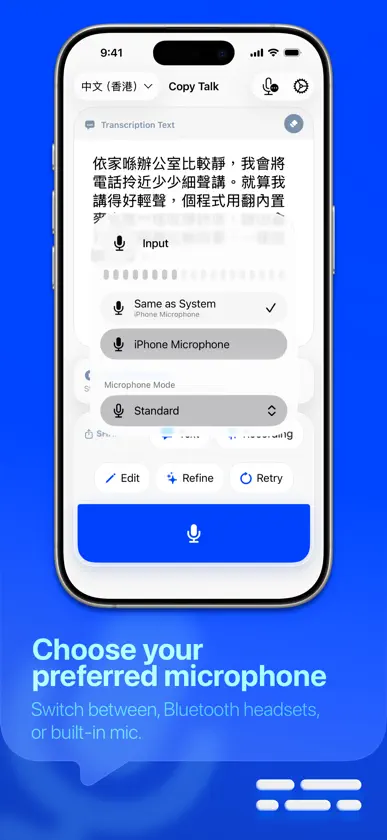
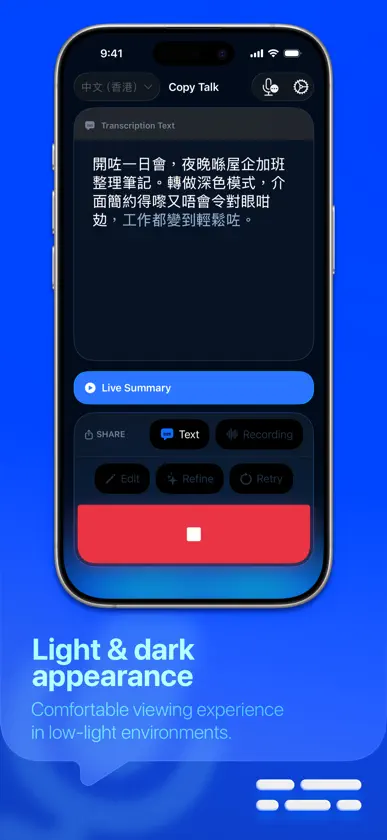
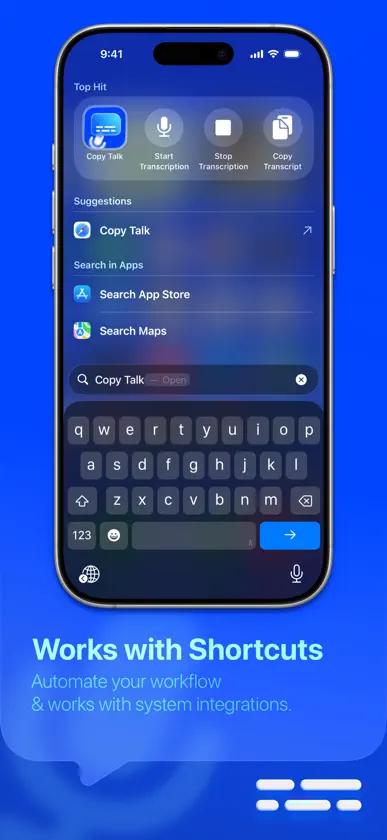
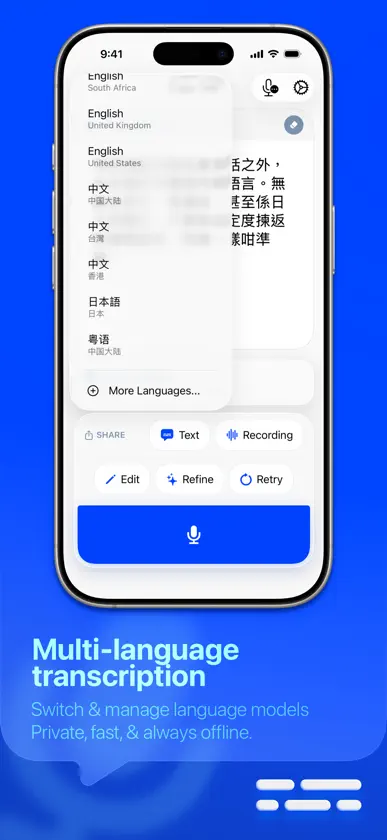
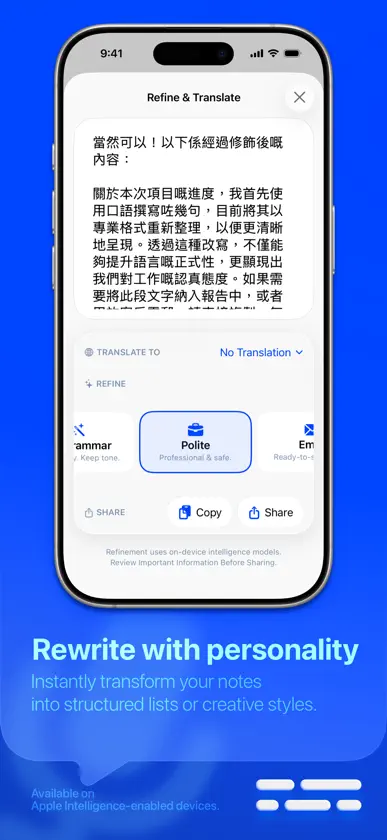
Turn your voice into text instantly, and on-device privately. Key Features: Instant Auto-Copy Your transcript is automatically copied to your clipboard the moment you stop recording. Direct Sharing Send your text or the original audio file directly to other apps via the Share Sheet. Edit Transcript Play your recording while the matching transcript segment is highlighted to make edits faster and more accurate. Universal Clipboard Magic Speak quietly into your iPhone and paste the text instantly on your Mac—perfect for silent offices or libraries. Audio Input Selection Choose your preferred microphone—built-in, AirPods, Bluetooth headsets, or other connected devices. Optimized for high-quality recording on compatible hardware. Shortcuts & Automation Create custom shortcuts to start recording, stop transcription, copy text, or re-transcribe—all hands-free or from the Shortcuts app. High-Accuracy Re-transcription Need better results? Use the "Re-transcribe" feature to process your recording again with higher precision models. On-device & Private Powered by the native iOS Speech Framework. Your voice never leaves your device. Multi-Language Support Transcribe in multiple supported high-quality language models. Download up to 5 languages for offline use. Modern Design Beautiful Liquid Glass aesthetic with haptic feedback. Perfect for: • Quick notes • Meetings and study • Hands-free writing • Accessibility workflows • Quiet environments using Universal Clipboard
What's new
Version 1.3 · Mar 4, 2026
Version 1.3 • Added Edit Transcript flow for post-transcription text editing. • Added audio playback inside the editor with time-synced transcript highlighting for easier correction. • Added/updated settings for a smoother experience (including editor behavior and workflow controls). • Minor UI polish and stability improvements.
More from Wa Hong Lui

You might also like
 Text to Speech - FaacilJuan Camilo Marin Ochoa
 Text Reader: StudioVoice ttsVishal Pawar
 FlyVox: Traductor IA en vivoANNAN WU
 Extension AIPierre Stanislas
 Markdown Voice MemosBagging Groceries
 Rebel WashLIQUID BARCODES SPAIN SL
 Flip Clock: Desk & Alarm ClockUmesh Ghimire
 TouchNow - Escritorio remotoPo hin Ma
 Grocery Budgeting - CleverCartJohn Kevin Basco
 DS Download ManagerWesley Hilhorst