
CSCS Native Scripting
Vassili Kaplan
No ratings yetEducationAges 4+
Screenshots






About this app
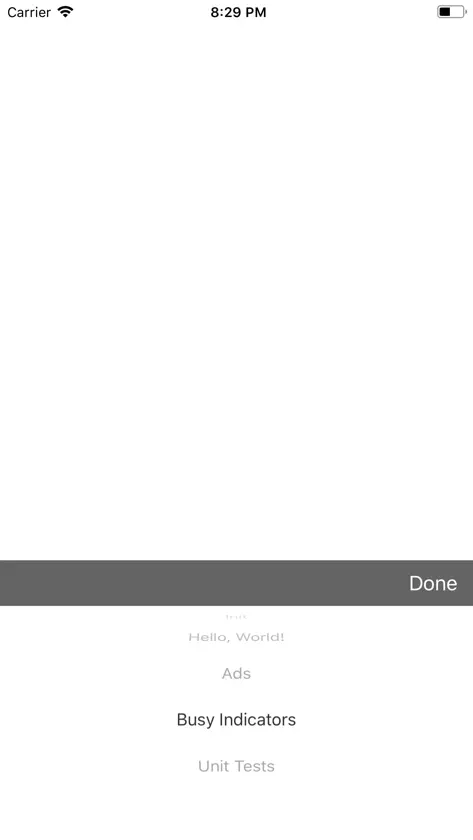
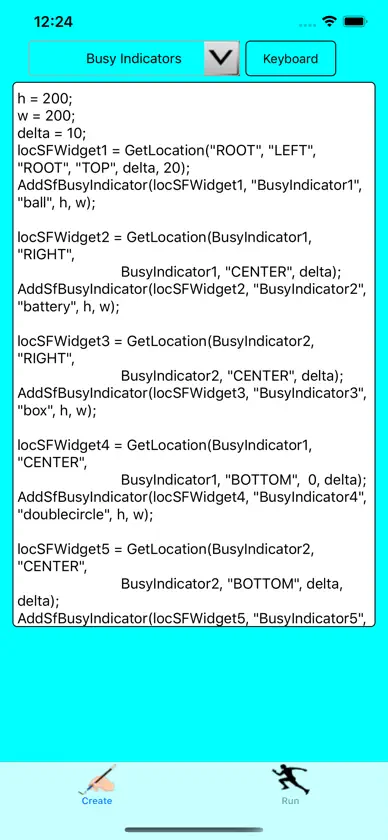
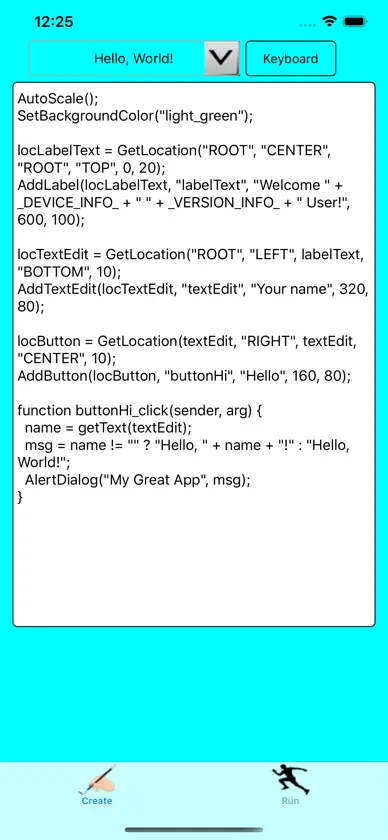
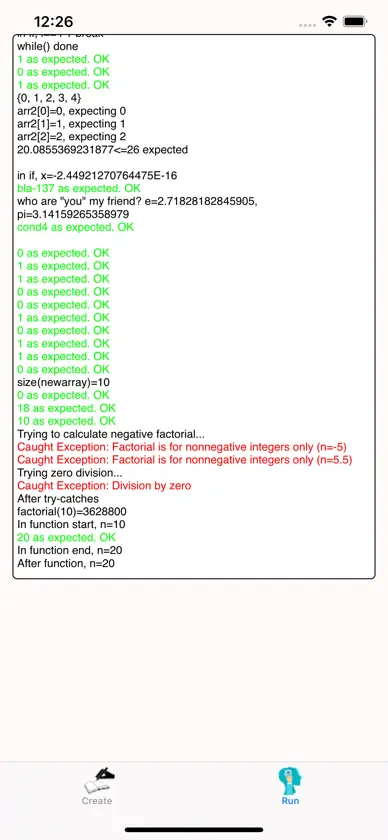
CSCS (Customized Scripting in C#) can now be used for native mobile development. This App contains a CSCS interpreter that you can use to play around with CSCS. There are also a few pre-set examples. You can create any CSCS scripting code in one tab, "Create", and then see the results in another tab, "Run". How to use CSCS for mobile development is described at: - https://msdn.microsoft.com/en-us/magazine/mt829272 - http://www.codemag.com/article/1711081 - https://www.smashingmagazine.com/2020/01/cscs-scripting-language-cross-platform-development/ A Syncfusion E-book describing CSCS: - https://www.syncfusion.com/resources/techportal/details/ebooks/implementing-a-custom-language Another Syncfusion E-book on how to use it for mobile development: https://www.syncfusion.com/ebooks/writing_native_mobile_apps_in_a_functional_language_succinctly The CSCS repository with the description of the language is at: https://github.com/vassilych/cscs The CSCS for mobile repository is at: https://github.com/vassilych/mobile This App itself was produced in CSCS. Here is the complete CSCS code: ========================= AutoScale(); SetBackgroundColor("cyan"); AddOrSelectTab("Create", "test.png", "test2.png"); __locComboFiles = GetLocation("ROOT", "CENTER", "ROOT", "TOP", -100, 40); AddCombobox(__locComboFiles, "__comboFiles", "center:white:clear", 350, 60); __optionsComboFiles = {"Sandbox", "Hello, World!", "Ads", "Busy Indicators", "Unit Tests"}; AddWidgetData(__comboFiles, __optionsComboFiles, "", "center"); SetFontSize(__comboFiles, 13); SetValue(__comboFiles, "text2", "Done"); SetValue(__comboFiles, "alignment", "center"); AddAction(__comboFiles, "comboFilesChanged"); __locRemoveKeyboard = GetLocation(__comboFiles, "RIGHT", __comboFiles, "CENTER", 10); AddButton(__locRemoveKeyboard, "__buttonKeyboard", "Keyboard", 150, 60); SetFontSize(__buttonKeyboard, 12); AddAction(__buttonKeyboard, "hideKeyboard"); __locScriptView = GetLocation("ROOT", "CENTER", __comboFiles, "BOTTOM", 0, 10); AddTextEditView(__locScriptView, "__textView", "", 600, 900); SetFontSize(__textView, 14); AddOrSelectTab("Run", "learn.png", "run_icon.png"); function hideKeyboard(sender, arg) { ShowHideKeyboard(__textView, false);//!IsKeyboard(__textView)); } function comboFilesChanged(sender, arg) { row = GetValue(sender); WriteConsole("Combo row=", row); text = ""; if (row == 1) { text = ReadFileAsString("sfhello.cscs"); } elif (row == 2) { text = ReadFileAsString("ads.cscs"); } elif (row == 3) { text = ReadFileAsString("busyIndicators.cscs"); } elif (row == 4) { text = ReadFileAsString("unitTests.cscs"); } SetText(__textView, text); } function tabSelected(sender, arg) { tabId = int(arg); if (tabId != 1) { return; } script = GetText(__textView); RemoveTabViews(1); try { Run(script); } catch(exc) { AlertDialog("CSCS", exc); WriteConsole(exc); } } OnTabSelected("tabSelected"); SelectTab(0);
What's new
Version 1.1 · Mar 1, 2020
- Updating to the newest CSCS Version
More from Vassili Kaplan


You might also like
 Fish Identifier: AI Scanner IDMehroz Sheikh
 Jones Mindful Living DBTJones Wellness, LLC
 Stevens DucksSTEVENS INSTITUTE OF TECHNOLOGY (INC)
 Ebitengine ReferenceVolodymyr Garnovskyi
 BizVocabularyBuilderArnold Ackerer
 CSCS Test by Rocket Prep 2026Darya Pyzhyk
 vocTVRainer Killinger
 Stacked AIDaniel Cuevas
 Yavapai DictionaryThe Language Conservancy, Inc.
 Curso Adwords: Tutorial G AdsMatias Panusopulos