
djvu-reader
Jiajia Yan
No ratings yetUtilitiesAges 17+
Screenshots


About this app
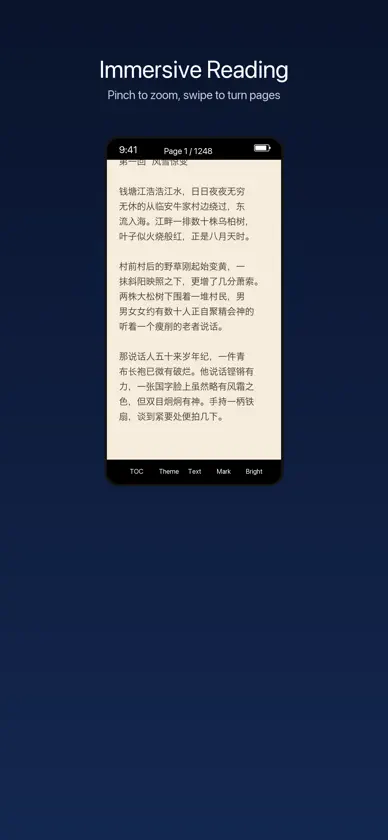
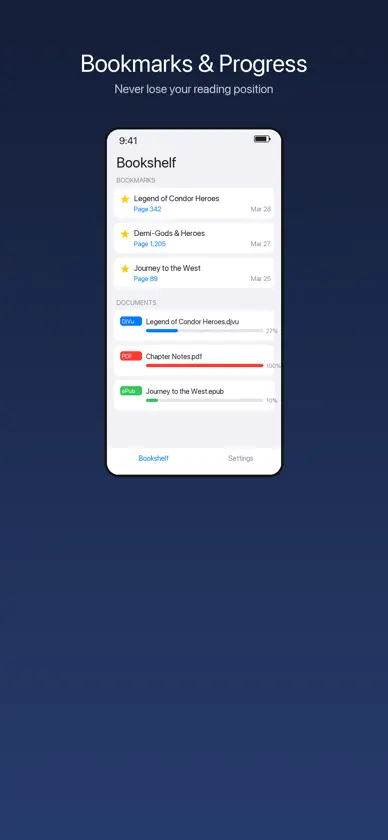
powered by DjVuLibre. Open large scanned books with thousands of pages smoothly. • Multi-Format — Read DjVu, ePub, and PDF files all in one app. Import files directly from the Files app. • Smart Text Extraction — Extract text from any page. Supports both embedded text layers and OCR for scanned/image-only pages (Chinese & English). • Bookmarks — Bookmark any page with one tap. View all your bookmarks from the reader sidebar or the home screen. • Pinch to Zoom — Zoom in up to 5x with smooth pinch gestures. Double-tap to quickly toggle zoom. Perfect for reading fine print in scanned documents. • Dual-Page Mode — Switch to side-by-side dual-page view for landscape reading. • Table of Contents — Quick navigation through document chapters and sections. • Reading Progress — Automatically saves your reading position for every document. Pick up right where you left off. • Dark Mode — Toggle night mode for comfortable reading in low light. • Multi-Language — Interface available in English, 简体中文, 繁體中文, 日本語, 한국어, Français, Deutsch, and Español. BUILT FOR READERS djvu-reader is designed with one goal: make it easy to read DjVu scanned books on your iPhone and iPad. No ads, no subscriptions — just a reader that works. SUPPORTED FORMATS - DjVu (. djvu, .djv) - ePub (.epub) - PDF (.pdf)
What's new
Version 1.0.1 · Apr 9, 2026
fixed some bugs
In-app purchases
The most popular purchases on the App Store.
- Pay Me a CappuccinoSubscription$69.00 / month
- Pay Me a CoffeeSubscription$19.00 / month
You might also like
 Convertidor DJVU, DJVU a PDFAlberto Gonzalez
 Zero Balance: Gastar saldoAleksandr Pustotin
 Яндекс ID – аутентификатор 2FADirect Cursus Computer Systems Trading
 incyLLC ITDEV
 VPN - Plane VPN FlyFREE VPNFLY Lab
 BlancVPNYadda OU
 AmneziaWGPrivacy Technologies
 Sota Connect: Secure NetworkCat Connect
 билайнPJSC VimpelCom
 МегаФонPJSC MegaFon