
DMP Keypad Simulator
Digital Monitoring Products, Inc.
No ratings yetBusinessAges 4+
Screenshots
About this app
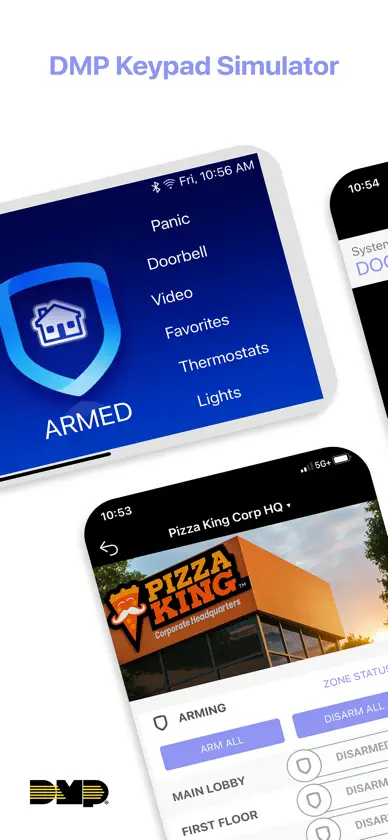
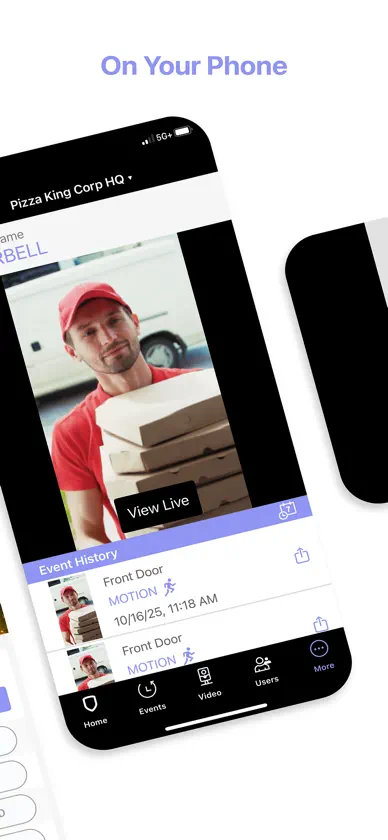
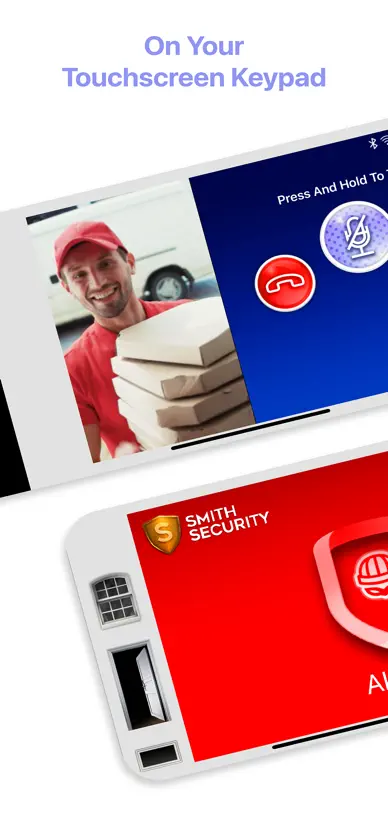
This powerful training tool delivers a realistic simulation of the 7-inch Graphic Touchscreen Keypad and Virtual Keypad, letting you explore its most important features—no hardware setup required. Experience key features, including: Arm Home, Sleep, or Away Arm All or Perimeter Arm Individual Areas Alarm functions Carousel navigation Doorbell Video Z-Wave device control (such as thermostats, doors, and lights) Cancel / Verify Chime Weather Easily show your customers the benefits of the 7-inch Graphic Touchscreen Keypad and Virtual Keypad — right on your phone!
What's new
Version 1.4 · Oct 7, 2026
Virtual Keypad Simulator Updates • The app now remembers your selected system type. • Burglary Alarm: Trigger a burglary alarm example from the top left Menu, including the red alarm state, critical-alert-style banner, verification screen with live video, and Real Alarm / False Alarm question. • Events updates: Person, vehicle and burglary alarm examples added. Tap an event to instantly play the associated clip. • Camera Updates: Scroll through cameras and play clips examples directly within the camera player. • Sprites on Camera Views: Long-press the video to place up to two sprites per camera to control lights, doors, outputs, or favorites. The Main Office camera includes a pre-placed lamp sprite. Tap it to fade the office between lit and dark, with matching previews throughout the simulator. • Various updates and refinements to improve the overall app experience.
More from Digital Monitoring Products, Inc.


You might also like
 FieldHub Tech AppFieldHub Inc
 AlarmNet 360Resideo Technologies, Inc.
 Sedona-XPerennial Software, Inc
 AffiliatedAffiliated Monitoring
 Triangulum AIRapid Response Monitoring, Inc.
 System Surveyor 2.0System Surveyor, Inc.
 Rapid_MobileRapid Response Monitoring, Inc.
 HID Reader ManagerHID Global
 ScanSeriesBuildingReports.com, Inc
 Partner MobileTechOnabridge Technologies LLC