
DOT Install
Road Tech Computer Systems Ltd.
No ratings yetUtilitiesAges 17+
Screenshots




About this app
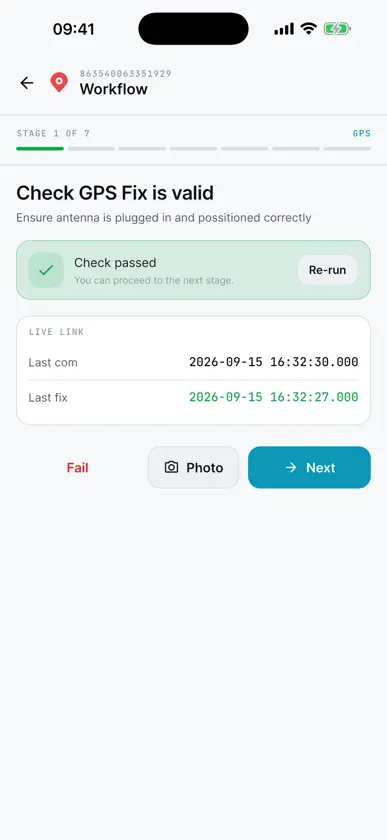
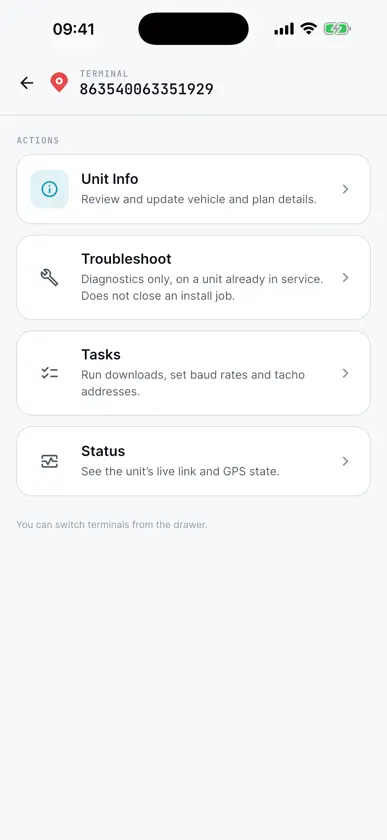
The DOT Install companion app is designed to help technicians install DOT devices that have been provided by Road Tech. That app will guide you through installing and checking that everything is working as it should be.
What's new
Version 1.8.11 · Sep 17, 2026
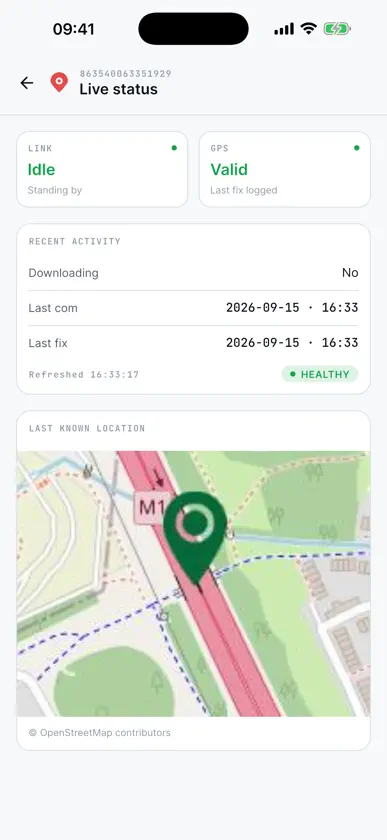
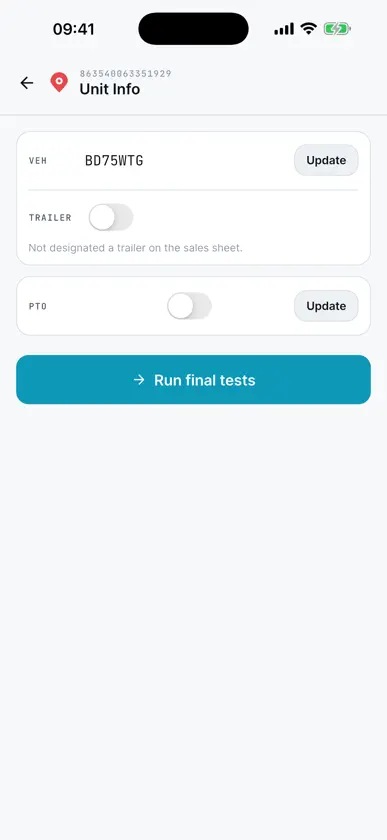
• Install and troubleshoot checks now include a Download step, between the CAN and K-line checks. It starts a tacho download, re-checks on its own and shows the state the unit reached, so a failure tells you where it got to. It stops if the command is stuck. • K-line only passes while a download is running, so doing this first clears K-line failures that were never real faults. The result is saved to install history. • The update prompt now tracks the build actually released to the field. • The app now checks it is up to date. An out-of-date build shows a reminder you can dismiss; one too old to be relied on asks you to update before going further. • Finishing the final tests now keeps you on the unit you just worked on — its settings, a download test and live status are all one tap away, with no need to re-scan the IMEI. • Live status now shows download history (last vehicle-unit and driver-card download) and refreshes every few seconds while you are watching a download land.
More from Road Tech Computer Systems Ltd.


You might also like
 Vanguarder Vehicle TrackingVanguarder
 Detector Seguridad - DetectifyRory Allan
 CdMRSolvent LTD
 CAN-PHANTOMKonstantinos Zoupalis
 Keis iControlDavid Gath
 FPDailyCheckFleet Planner Compliance Solutions Ltd
 Copy That - URL ManagerMaarten Borsje
 Hot Wheels Escáner - ValorEternalBeam Software
 Battery Power Doctor & BoosterFragranze Apps Limited
 DFDS - Logistics DriverDFDS