
DotDay
William Keene
No ratings yetProductivityAges 4+
Get it free on the App StoreOpens Apple's App Store
Screenshots
About this app
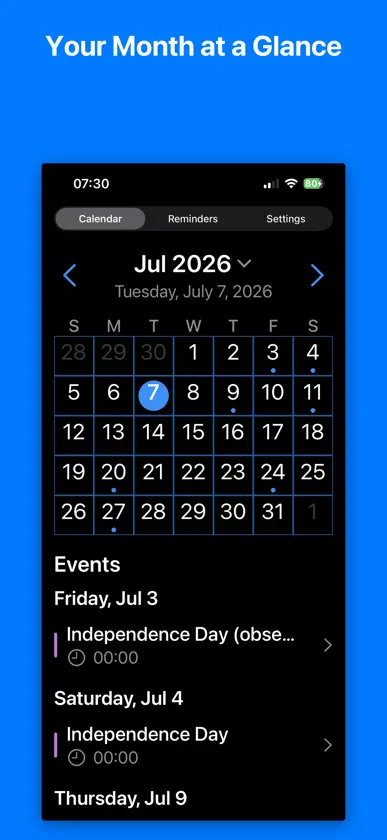
See your month at a glance. Color-coded dots use each of the Calendar’s color scheme. Scroll the same screen to read every event, grouped by day. Tap a day to jump there. Long-press to add one. Swipe to the next month. Create and edit events and reminders without leaving the app. Type a name to fill the title from Contacts. Choose which calendars appear. Pick a default list for reminders. Your data lives in Apple Calendar, Reminders, and iCloud. No accounts. No clutter. Just your month.
What's new
Version 2.2 · Sep 15, 2026
The month dots use each calendar’s color. Compact Mac utility window with desktop settings. Agenda lists events by time. Fixes for all-day days, Mac Space return, and reminder save.
More from William Keene


You might also like
 BestWeekCalendarViewSebas Visser
 OurCalendarJehron Petty
 TimePeace CalendarMulberry Tree Media LLC
 Matí - CalendarRobert Torres
 To-do List Task and calendarDenis Vithani
 PicoCal: The Tiniest CalendarBryan de Bourbon
 PDF Reader - Text to SpeechMorgan Zellers
 Sealed CalendarJohn Quigley
 Calendar Notes ProAlok Haldiya
 myWeekxis int. ag