
DPay LY
DITS - DIMENSIONS IT SOLUTIONS
No ratings yetFinanceAges 4+
Screenshots








About this app
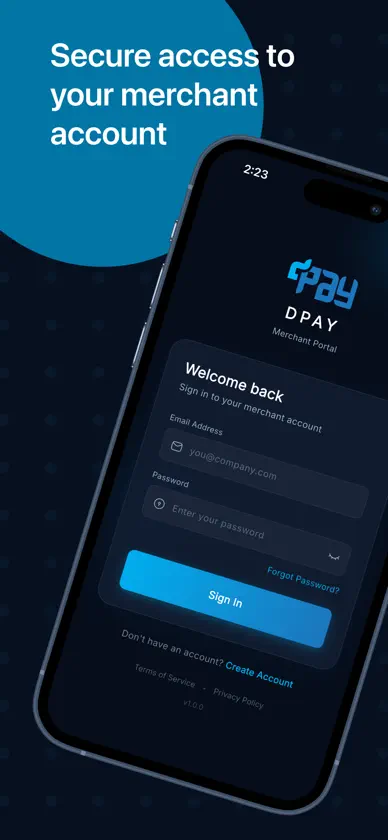
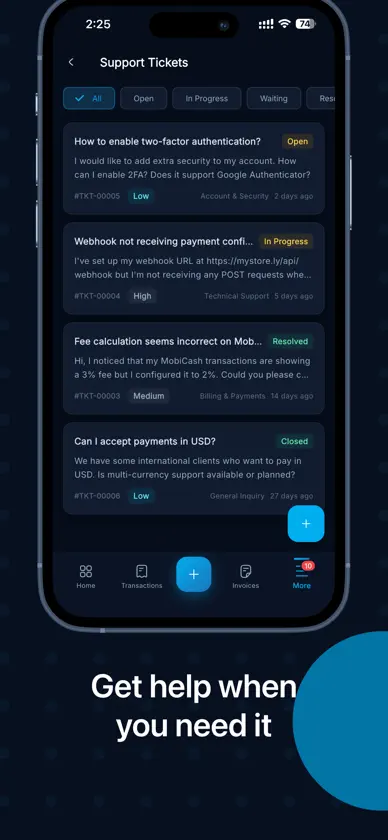
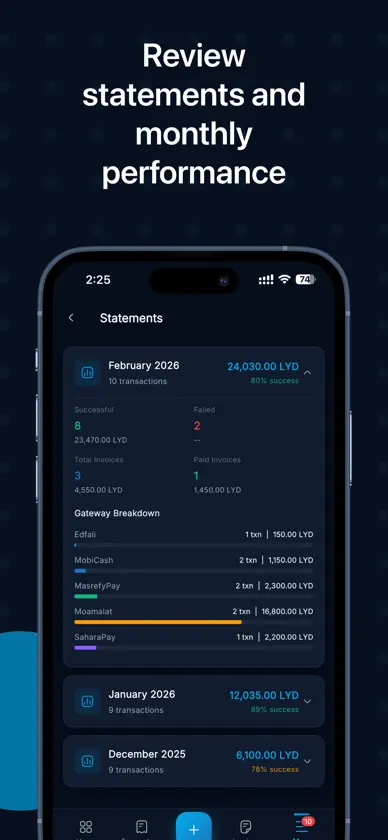
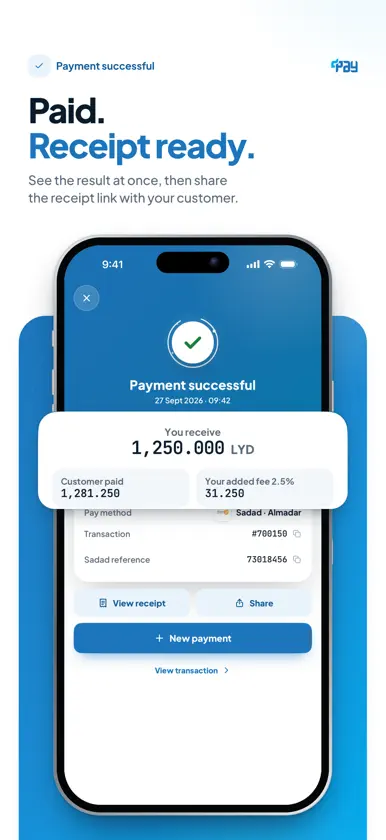
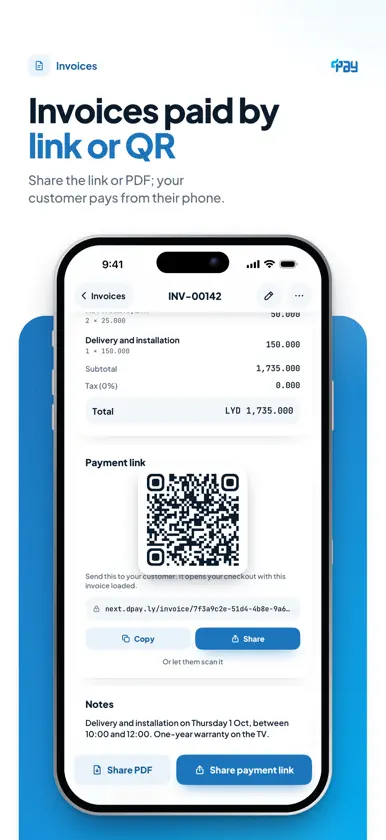
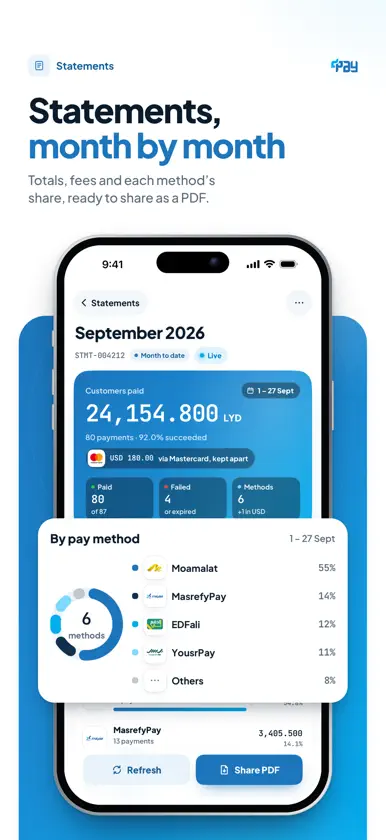
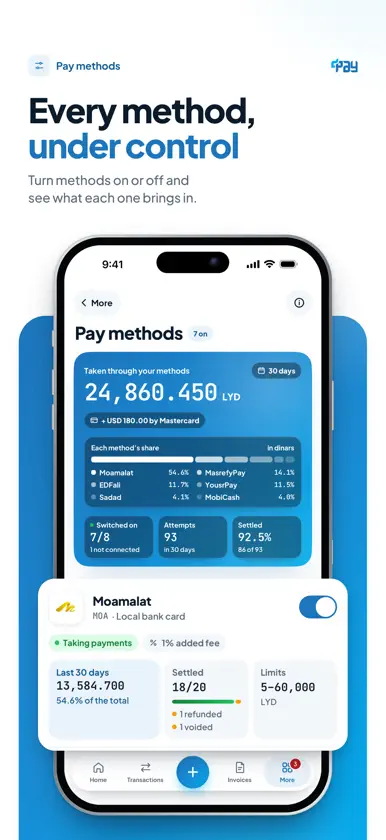
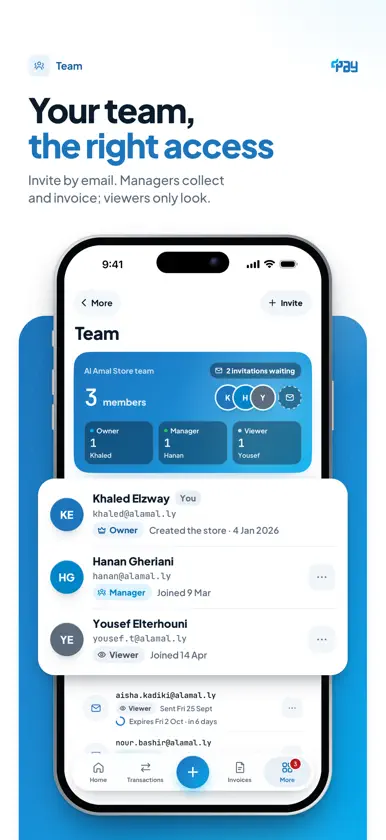
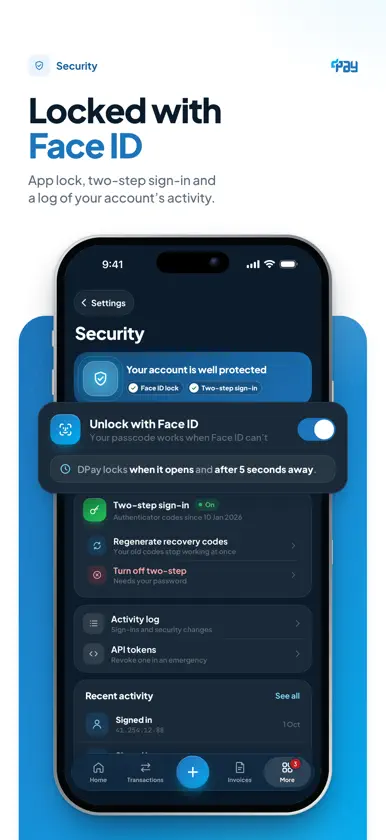
Libya's payment methods, in one app. DPay for merchants: collect from your customers, send invoices, and follow every payment from your iPhone or iPad. When a customer pays, the provider credits your own account with them. The money never passes through DPay. COLLECT • Enter the amount, pick one of the pay methods turned on for your account, and add your customer's details. • By phone number: EDFali and Sadad. By card or account number: MobiCash and the bank methods MasrefyPay, YousrPay and SaharaPay. The provider texts your customer a code, and you type it in. • Local bank cards through Moamalat, and international cards through MPGS by Mastercard, charged in USD: your customer types the card details on a secure payment page, and the app never sees them. • See the result at once, with a receipt link when the payment succeeds. INVOICES AND PAYMENT LINKS • Create an invoice with items, tax and a due date. Sending it turns its payment link on, ready to share with your customer. • Each sent invoice has a payment link and a QR code your customer scans to pay from their phone, plus a PDF you share from the app. • Follow each invoice from draft to paid, overdue ones included, with every payment attempt. • Your customers in one place: their details, recent invoices and your notes. TRANSACTIONS AS THEY HAPPEN • Home shows your volume and key figures for the period you choose, and each payment appears the moment it settles. • Every payment session and every payment in full: amount, fee, method, bank reference and timeline. • An alert as each payment arrives, and when an invoice is paid. • Switch between Live and Test to see your test activity. STATEMENTS AND REPORTS • A monthly statement with totals and fees per payment method, as a PDF. • Transaction reports with a summary. YOUR TEAM • Invite teammates by email. Managers collect and invoice; Viewers see transactions and invoices and can open a support ticket; pay methods, the team and cancelling invoices stay with the owner. FOR DEVELOPERS • Webhooks: HTTPS endpoints for payment events, with every delivery logged, redelivery, pause and secret rotation. • Payment method settings and provider credentials, once you confirm it's you. SECURITY • An optional app lock with Face ID, Touch ID or your device passcode: on every launch, and after more than 5 seconds away. • A cover that hides your data in the app switcher. • No screenshots on sensitive screens: the customer's code, card pages and secret keys. • Two-step sign-in and your account's activity log. ADMIN CONSOLE • For authorised DPay staff only, within each person's permissions: merchants, verification requests, support tickets and transactions. Merchant accounts never see it. ALSO • Support tickets from inside the app. • Arabic, right to left, with English in Settings; light and dark. • On iPad: a sidebar, with lists beside their details. You need a DPay account: create one in the app or at dpay.ly, then verify your business to start collecting. Made by DITS (Dimensions IT Solutions).
What's new
Version 2.0.1 · Oct 28, 2026
Bug fixes
More from DITS - DIMENSIONS IT SOLUTIONS


You might also like
 Hawelli – Digital WalletZaho
 PayNow by FawriFAWRI COMPANY FOR ELECTRONIC PAYMENT SERVICES
 BCD WalletEVO DIGITAL SOLUTIONS COMPANY
 Libya Guide GPayLibya Guide for Information Technology
 RunPayRunPay
 MaaarPay: Card & USD AccountMAAAR PAY FZCO
 معاملاتكMoamalat Financial Services
 anis lyECOM TECHNICAL SERVICES LTD
 ATIB OnlineATIB
 EVO wallet - إيفوEVO DIGITAL SOLUTIONS COMPANY