
Screenshots


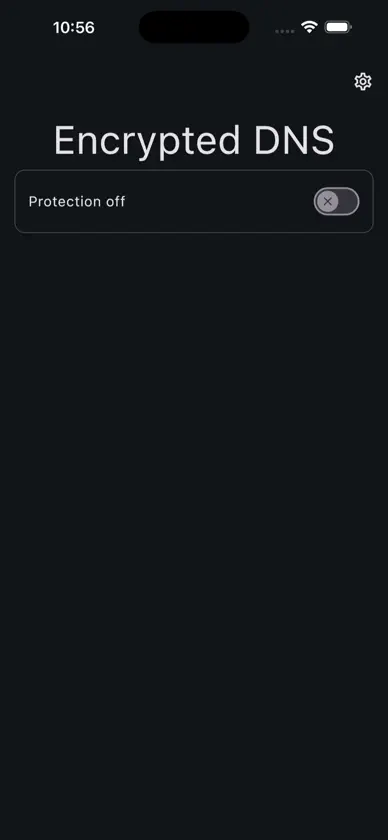
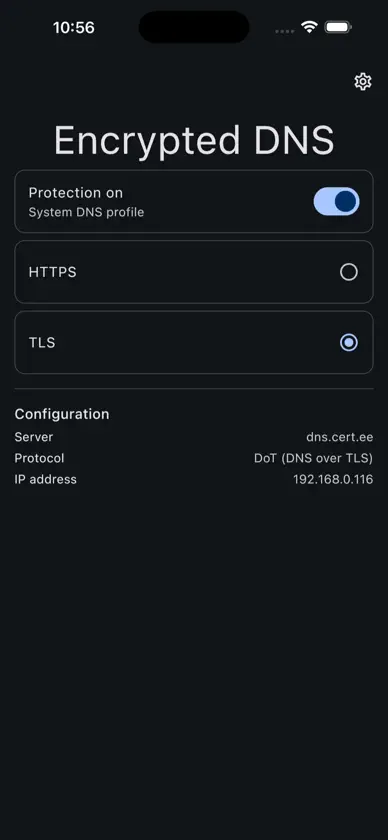
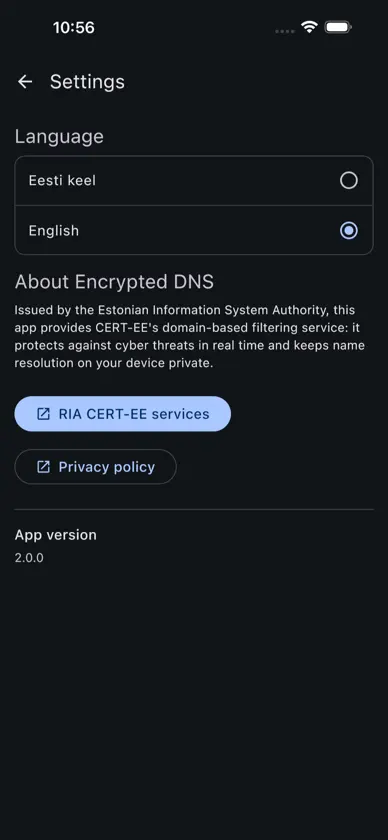
About this app
Encrypted DNS adds an extra layer of security on top of standard network protection. Leveraging CERT-EE's threat intelligence, it blocks access to cyber threats directly at the DNS level.
What's new
Version 2.0.87 · Oct 20, 2026
1. External IP row — correctness, and that it appears only while protection is ON (data comes from CERT-EE's own service). 2. Toggling protection — turn it on, allow the DNS profile install, then select it: Settings → General → VPN & Device Management → DNS → Encrypted DNS. Status should become "Protected". 3. Protocol switch — while protected, switch DoT ↔ DoH; protection must survive and status stay truthful. 4. No internet — enable airplane mode: the app must show an honest error (never "protected") and recover when connectivity returns. 5. VPN coexistence — if you use a VPN, check the guide card and the reported status/warning. 6. Language switch (Settings → Language) and rotation (portrait/landscape).
More from RIA


You might also like
 NS3 - DNS Security & PrivacyDef24 Inc
 DNS SecurityCHUNG-HO LEE
 Tracker ProtectionDisconnect
 NetShadeRayner Software LLC
 Ad Blocker:DNS&VPN AdblockingAdsFree LLC
 HideIPVPN - VPN & Smart DNSServer Management LLC
 DNS Changer: DNSCloakprosafe ltd
 Next Dash Dns - NextDNS remoteJesther Silvestre
 Infoblox EPInfoblox, Inc
 HTTPS Guard: Bypass SNIRedev Inc.