
ExpenseWire
ExpenseWire
No ratings yetBusinessAges 4+
Screenshots

About this app
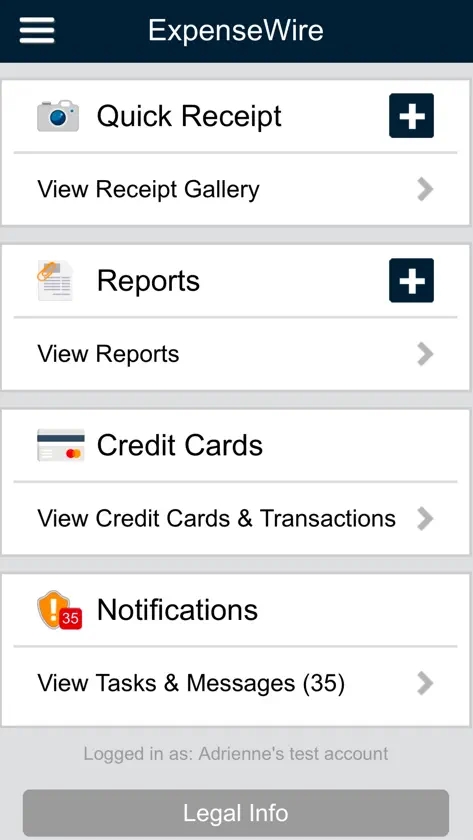
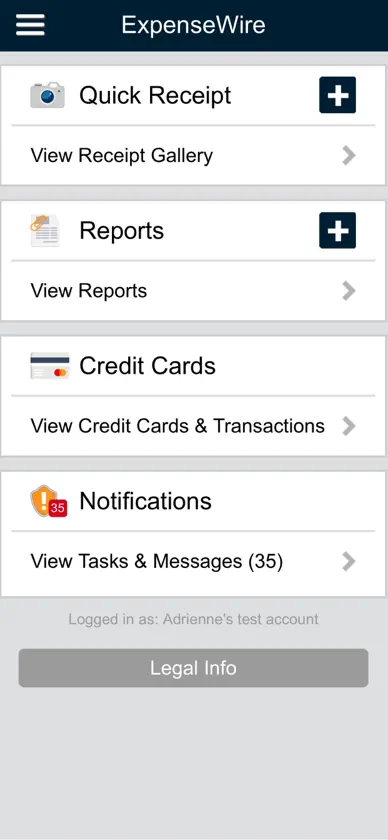
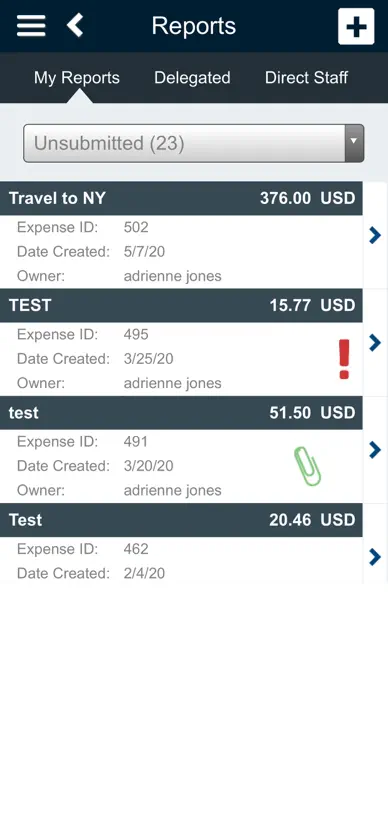
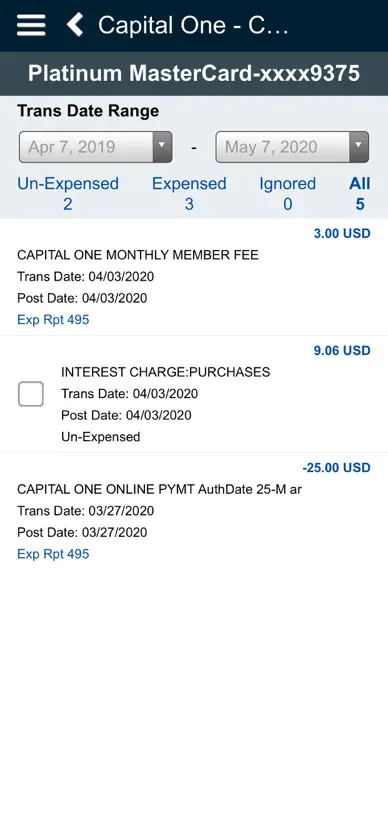
App for use by ExpenseWire clients. For more information and pricing, contact sales at 1-866-381-8334. The ExpenseWire app allows employees to: • Create expense reports on the go • Upload receipts to a photo gallery, and then attach them to their report • Import credit card transactions • Enter expense information required by their employer • See when expenses are out-of-policy • Submit their report for approval • View the status of their expense reimbursement • Review messages from the reviewer The app can also be used by employers to approve reports as they come in, and review any questions employees might have about their reimbursements. ********* ExpenseWire helps employers save time and money by allowing employees to easily submit and approve expense reports online, reducing the need for your accounting team to handle paper receipts or manually enter data into a spreadsheet. Our product streamlines the employee expense reimbursement process, is easy to use, mobile, and flexible enough to accommodate the needs of both large and small organizations. It works seamlessly with most current payroll and accounting systems, all major credit cards, and is always available – it's up and running 24/7. Backed by Paychex, ExpenseWire is supported by a U.S.-based setup and customer service team. Employers input expense policies during our implementation process, potentially saving thousands of dollars from out-of-policy charges. Our world-class U.S.-based setup and customer support means you’ll be up and running quickly with an expense system with 99.9% uptime.
What's new
Version 1.3.8 · Jun 18, 2026
Performance Improvements: Updated the iOS app to support the latest mobile web enhancements and domain configuration changes. Bug Fixes: Resolved an issue for mobile web behavior in Safari to ensure tap interactions for the "Receipt Verification" checkbox function properly on the Approve Report screen.
You might also like
 HORIZON Fluid Analysis ResultsPolaris Laboratories
 IntelliShift - FleetVehicle Tracking Solutions
 CiraSync Public Folders O365CiraApps Limited
 Resco Mobile CRMRESCO, sro.
 CTM MobileCorporate Travel Management North America
 PacificTimePacific Timesheet
 Omnitracs Mobile ManagerOmnitracs LLC
 Hanger LIVEHanger, Inc.
 SonicWall Mobile ConnectSonicWall Inc.
 Consumer Goods Cloudsalesforce.com