
ExtendPad
YUAN-CHENG FU
No ratings yetProductivityAges 4+
Screenshots

About this app
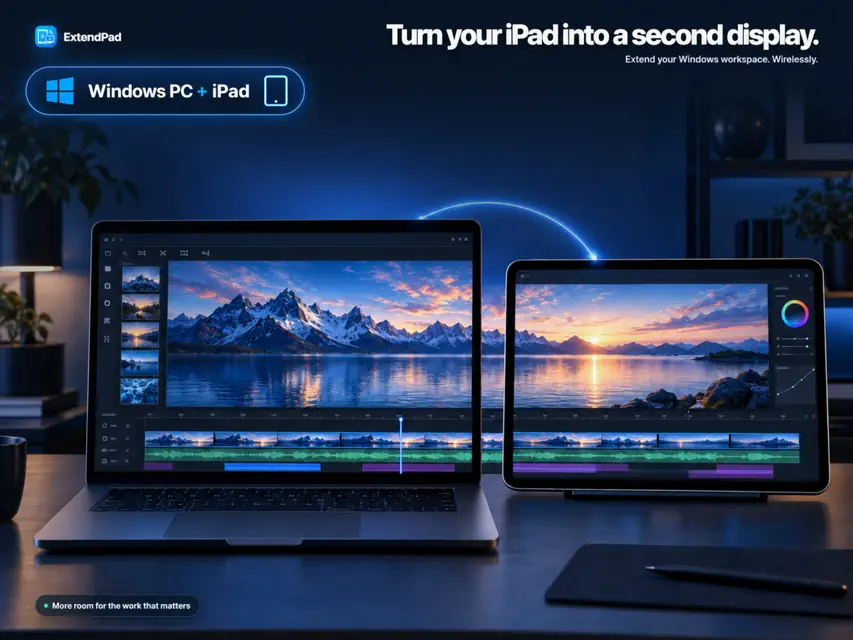
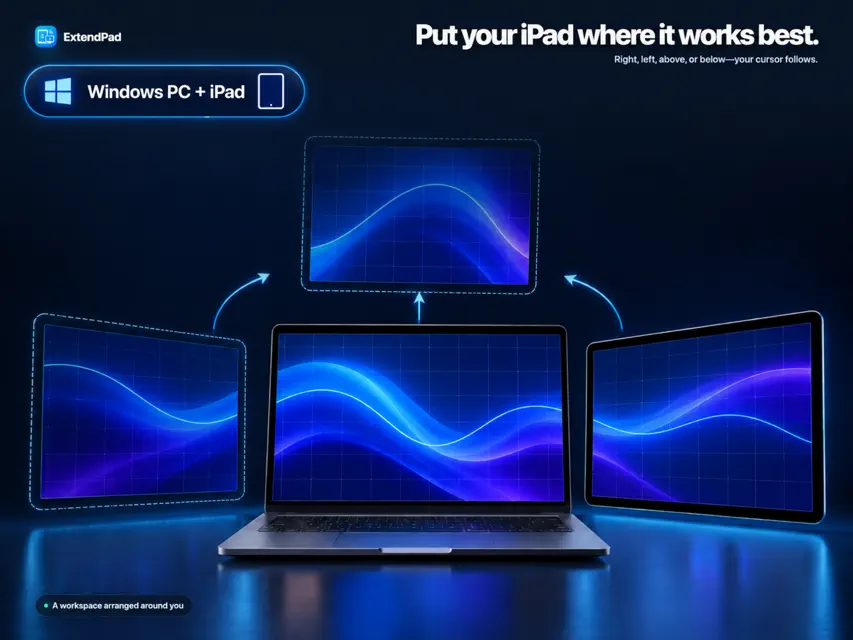
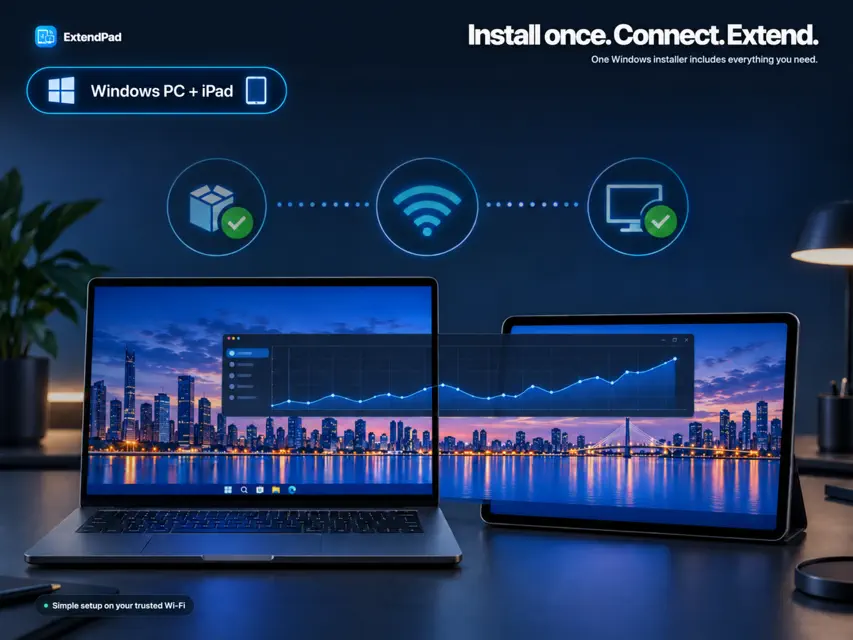
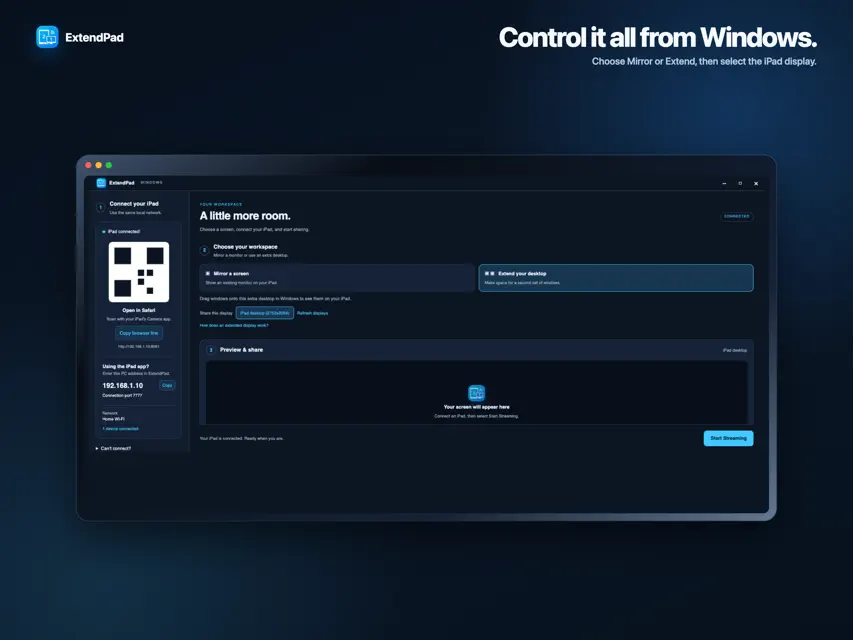
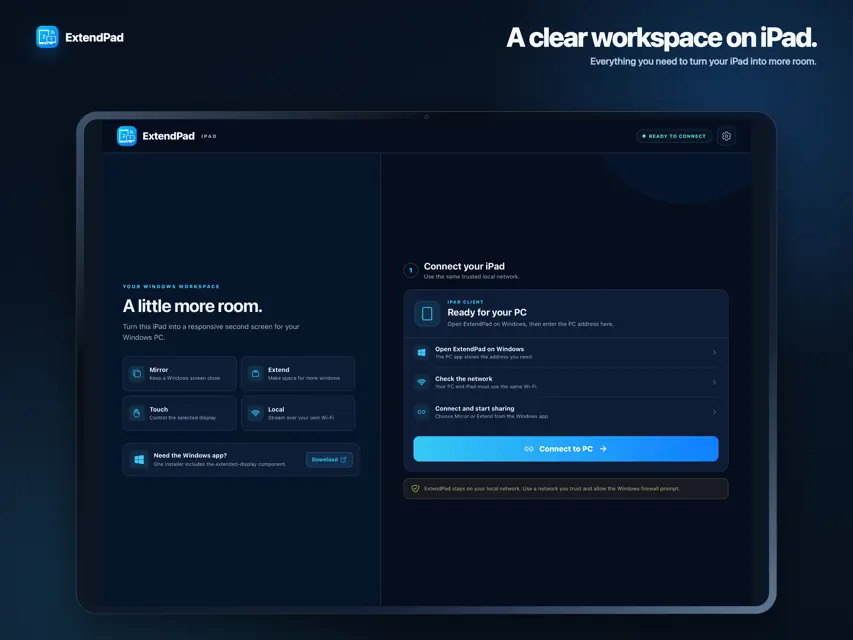
ExtendPad turns your iPad into a wireless second display for your Windows PC. Move a document, chat, dashboard, or reference window onto your iPad and keep your main monitor focused on the work that matters. SET UP IN MINUTES 1. Install the ExtendPad companion app on Windows. 2. Connect the PC and iPad to the same trusted Wi-Fi network. 3. Open ExtendPad on both devices and connect using the address shown on your PC. 4. Choose Mirror or Extend, then start streaming. The Windows installer includes the display component needed for Extend mode. There is no separate virtual-display app to find or configure. FEATURES • True extended Windows desktop or screen mirroring • Responsive local streaming over Wi-Fi • Touch, drag, click, and long-press input • Automatic iPad resolution matching • Place the iPad to the left, right, above, or below your main monitor • Automatic reconnect after temporary Wi-Fi interruptions • Adjustable frame rate and image quality • Browser connection option for quick access REQUIREMENTS • A 64-bit Windows 10 or Windows 11 PC • An iPad and PC connected to the same local network • Administrator approval during the first Extend-mode setup ExtendPad streams directly across your local network. For best performance and privacy, use it only on a Wi-Fi network you trust.
What's new
Version 1.2.2 · Sep 29, 2026
• Added smart App Store review prompts after successful sessions • Added permanent Rate ExtendPad and Send Feedback actions • Improved the Windows companion update experience • Refined connection reliability and setup guidance
More from YUAN-CHENG FU


You might also like
 Slate: 보조 모니터Junho Lee
 Flex Extend Display健昌 陈
 AltRDP: Escritorio remoto HDtae ho cho
 BeMyDisplay一康 樊
 muxd AI AgentBata Labs, LLC
 Any Display: Segundo monitorFULLSTACKHUB
 EO.workspaceIDENTITY, Lda.
 WebdashboardIn Summa Data Solutions B.V.
 PrompTessor - Prompt IAMuhammad Rizki Murtadha
 LavaChat: Your AI Hub友娥 尹