
Floating Clock - Server Time
Moongil Jeon
No ratings yetUtilitiesAges 4+
Screenshots







About this app
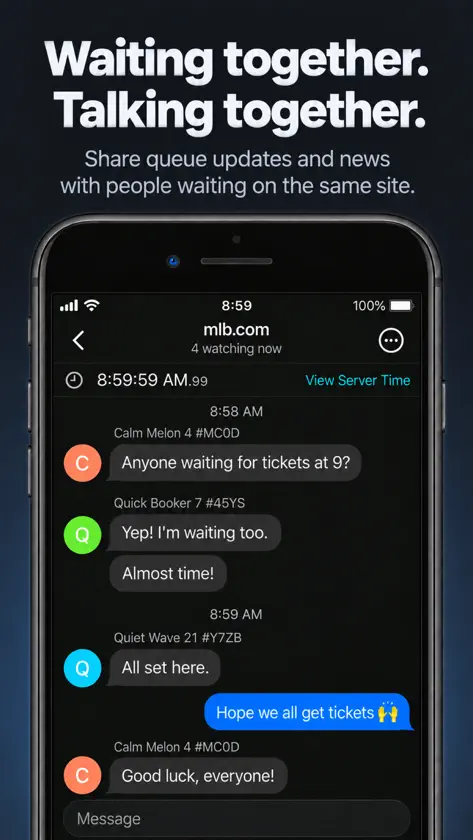
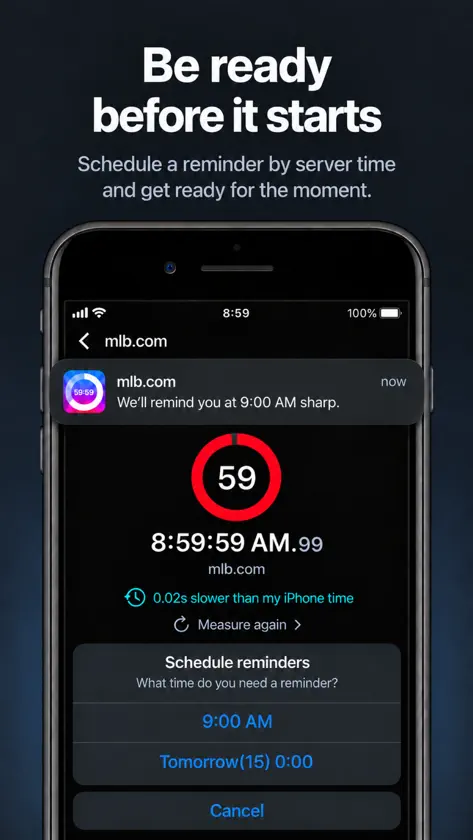
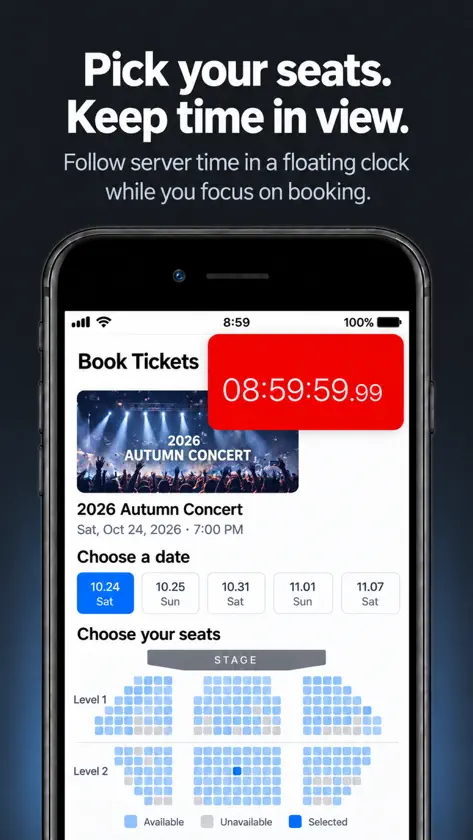
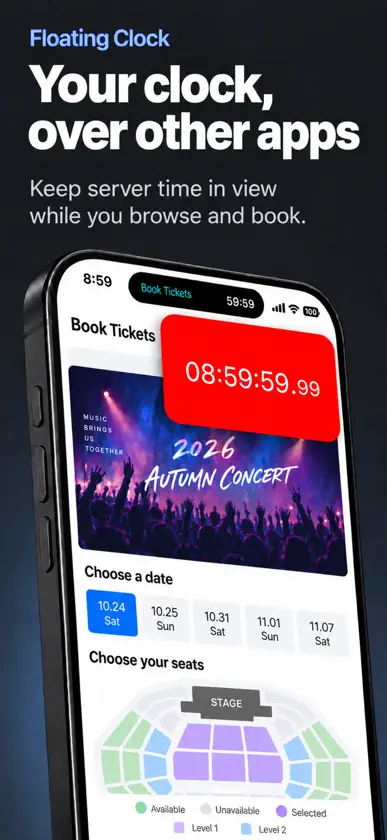
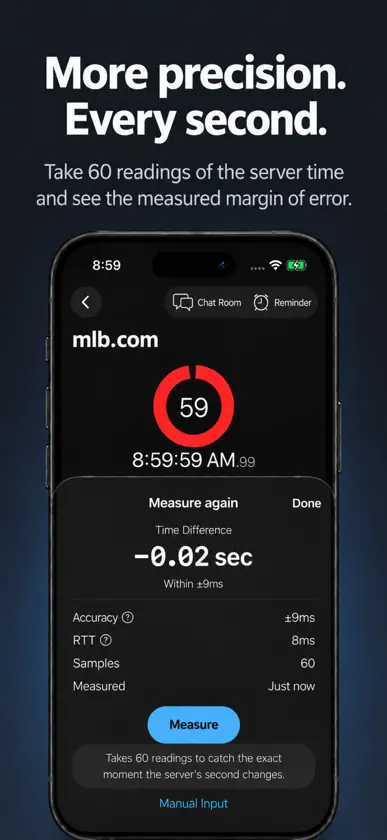
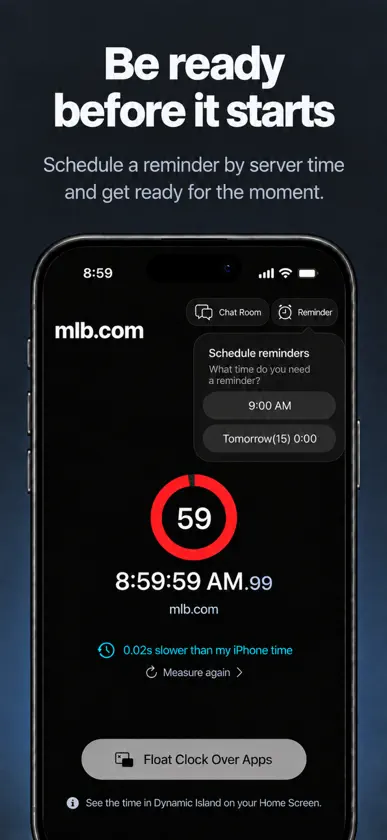
Keep a clock with seconds visible over other apps. Browse, buy tickets or wait for a product drop without switching back to check the time. You can also compare a website's server time with your iPhone's clock. Keep a floating clock over other apps • Use Picture in Picture (PiP) to keep a clock with seconds visible over another app. • Choose your iPhone's current time or a website's measured server time. • Choose how often the clock alerts you, with sound and color cues starting 10 seconds beforehand. Check server time and the time difference • When you open a site for the first time, the app measures its server time and shows how it differs from your iPhone's clock. • Time is displayed in hundredths of a second. You can also check the estimated measurement error. See the time on your Lock Screen and Dynamic Island • Use Live Activities to see server time, down to the second, on your Lock Screen. • On compatible iPhones, Dynamic Island shows the site's name and time. Schedule reminders by server time • Set a reminder for the top of the next hour or midnight tonight. • Get a reminder beforehand or at the scheduled time. iPhone Duo and iPad support • Stand your Duo on a desk to view server time on a large clock. Chat while you wait • Share queue numbers and server status in the chat room for your site, and react to messages with emoji. • Join the Lounge to talk with other app users.
What's new
Version 1.5.0 · Nov 4, 2026
• Added iPhone Duo and iPad support • Added an option to keep the screen on while viewing the clock • Usability and stability improvements


