
Fluidium
Colordodge Labs
No ratings yetEntertainmentAges 4+
Screenshots
About this app
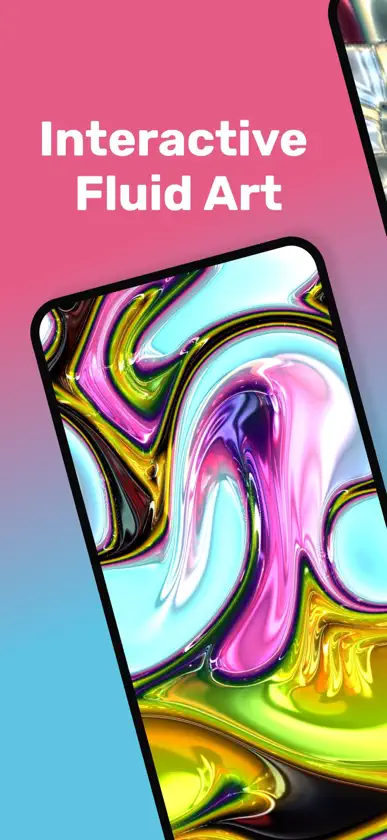
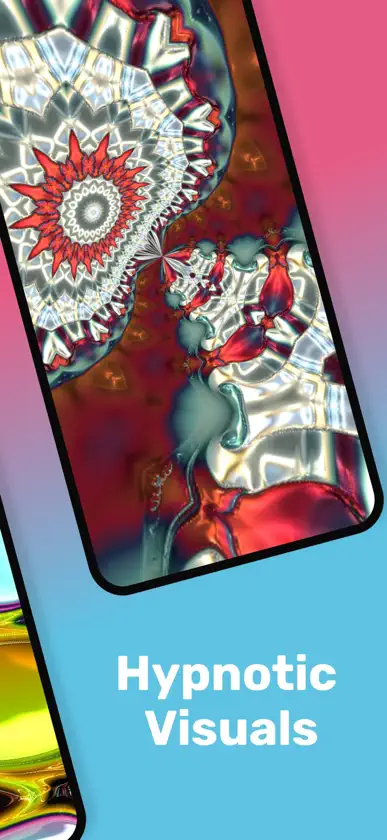
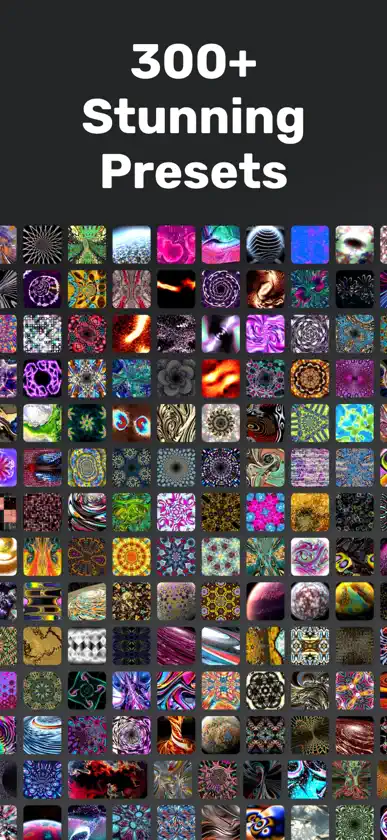
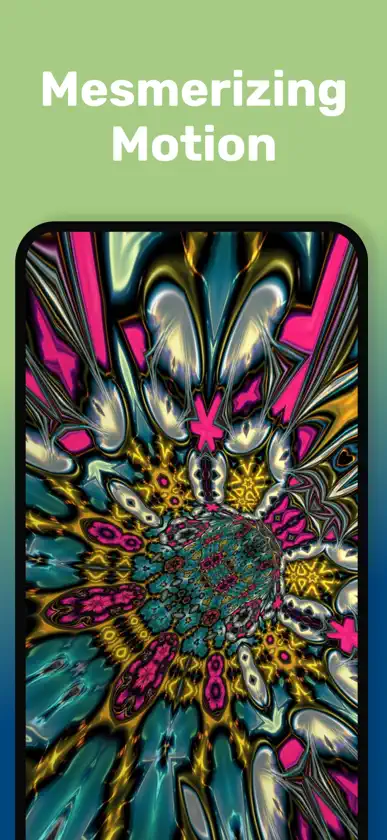
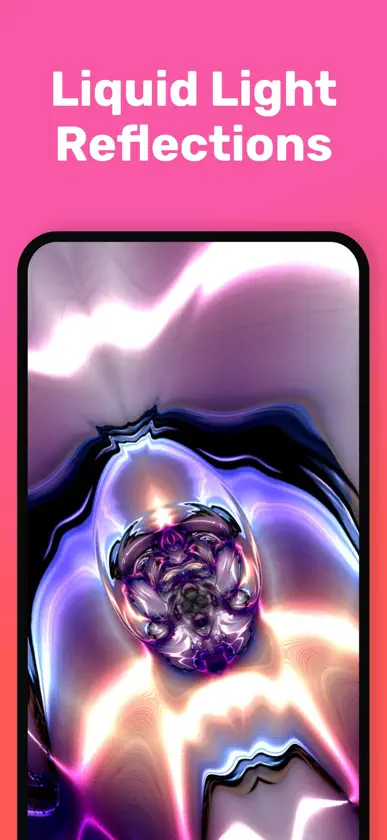
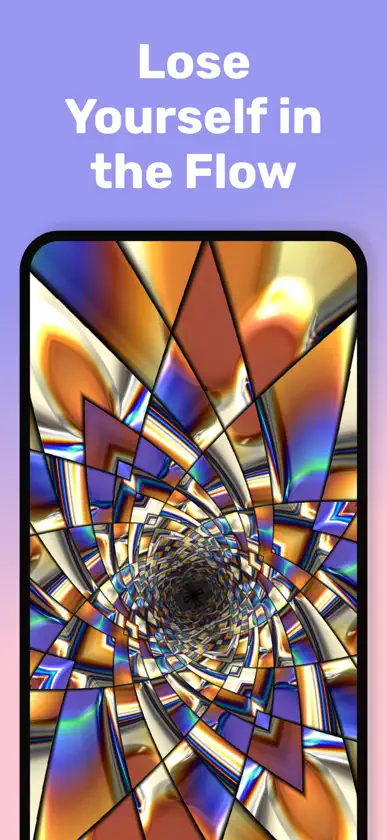
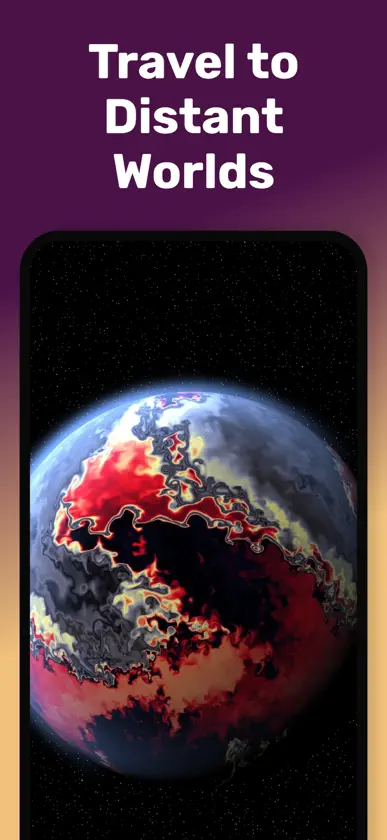
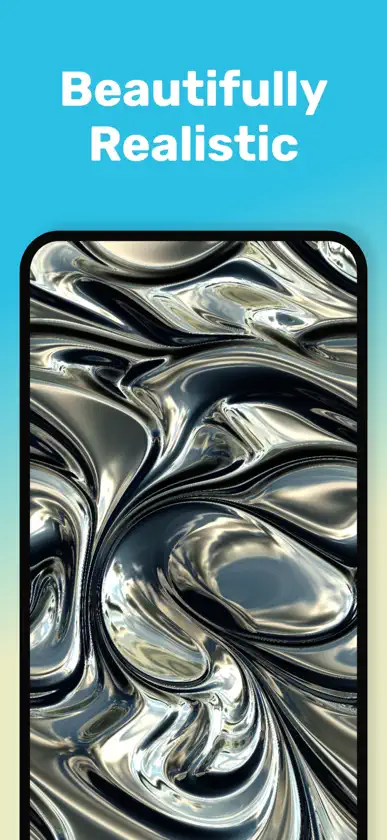
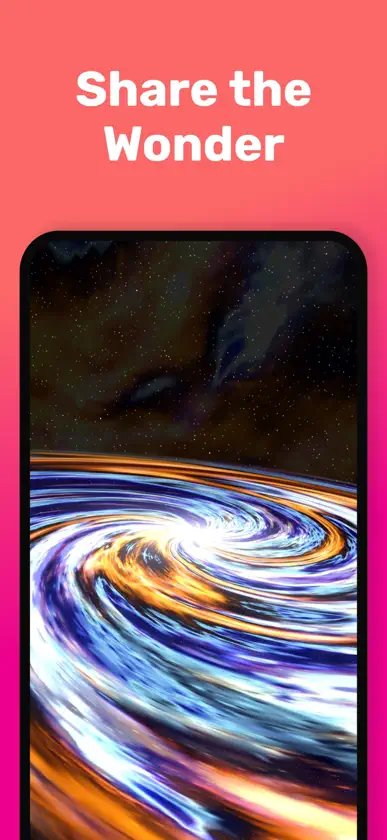
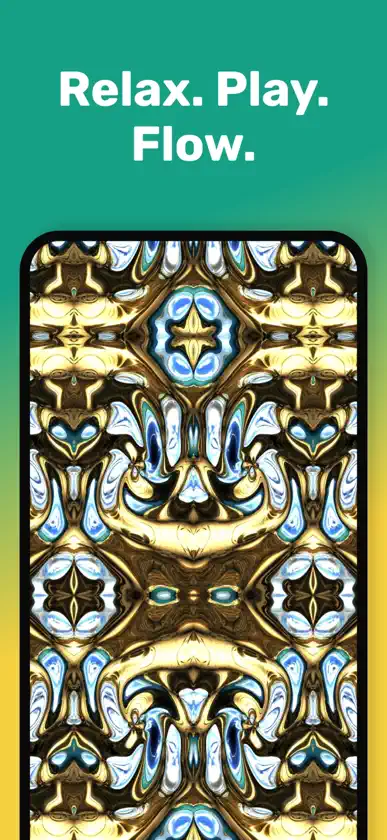
From the award-winning creator of Uzu comes Fluidium — a mesmerizing world of living color and motion at your fingertips. Watch as vibrant streams of light and liquid respond instantly to your touch, creating endlessly unique, breathtaking visuals. Whether you want to relax, explore creativity, or share dazzling videos, Fluidium turns your screen into a canvas of pure magic. Fluidium 2.0 expands that world with a redesigned interface, deeper creative control, and a new generation of effects — from Warp worlds and Particles to Mask shapes and richer Symmetry modes. Features: - 300+ stunning factory presets, organized into collections - Design, save, import, and export your own presets - Create and organize custom preset collections - Real-time interactive fluid simulation powered by Metal - Micro-presets for Fluid, Brush, Color, and Effects • Deep customization to fine-tune every detail • Expressive Warp effects: Radial, Tunnel, Horizon, Pillar, Planet, and Galaxy • Particles, Mask shapes, and advanced Symmetry modes • 4 expressive brush types, each with unique dynamics • Advanced reflection effects for immersive visuals • Auto-cycling color palettes and improved palette tools • Generate stunning wallpapers and background images • Smart Pause freezes the flow when you lift your fingers • Auto-Play mode for hands-free relaxation — choose which presets to cycle • Optimized quality settings for smooth performance on any device • One-time in-app purchase to unlock all features
What's new
Version 2.0.1 · Aug 21, 2026
Fluidium 2.0 is here — rebuilt with a cleaner interface, deeper creative control, and a whole new generation of effects. • Completely redesigned SwiftUI interface • 167 new factory presets, organized into collections • New Warp worlds: Radial, Tunnel, Horizon, Pillar, Planet & Galaxy • New Particles and Mask effects • Improved Symmetry: Prism, Tile & Orbit • Micro-presets for Fluid, Brush, Color & Effects • Create and organize custom preset collections • Import & export presets • Auto-cycling color palettes • Choose which presets Autoplay switches between • Fast preset switching from the screen edges • Shake to show or hide the interface • Plus haptic feedback, smoother workflows & performance improvements Thank you for all the ongoing support — it really means a lot.
In-app purchases
The most popular purchases on the App Store.
- Fluidium Pro Mode UnlockConsumable$99.00
More from Colordodge Labs


You might also like
 LīnArt (LineArt)Nicholas Giarraputo
 Visual Sandbox SimulationMarvin Krueger
 Euler VSAllOneWord Software LLC
 Sensory Particle Sleep GamesDimitri Liwenetz
 Lava: 3D Fluid ArtJarrett Homan
 Fluid ArtDmitry Shurco
 Kaleidoscopic IllusionsMorgan Houston
 Alchemist Rose • for iPadMark Buchanan
 AexelsAepryus Software
 Fluid Simulation - Fluids CalmMarvin Krueger