
Foundry Control
PS Audio
No ratings yetUtilitiesAges 4+
Screenshots
About this app
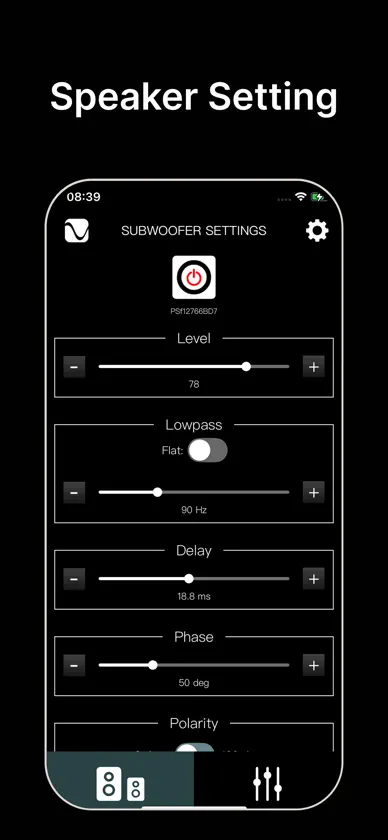
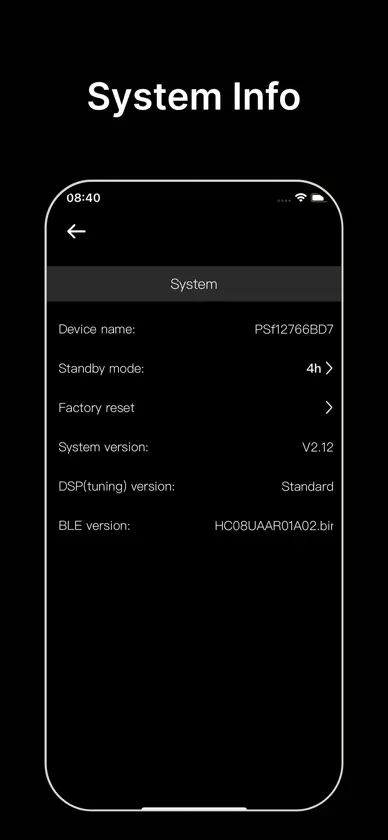
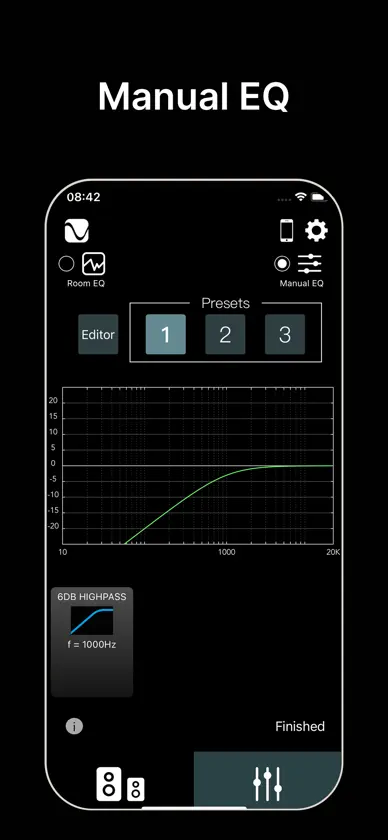
About this app The PS Audio app makes it easy to control and fine-tune your Foundry F12 subwoofer from your iPhone—right from your listening seat. Connect over Bluetooth, select your subwoofer, and adjust core settings in seconds. When you’re ready to go deeper, the app unlocks advanced tools like delay alignment and room EQ, including automatic Room EQ for single-sub systems and manual parametric EQ for advanced users and multi-sub setups. Whether you’re dialing in a clean crossover blend, time-aligning multiple subs, or taming room peaks, the PS Audio app gives you intuitive control with clear, practical workflows. Key features Optimize your Foundry subwoofer system with: Power control (turn the subwoofer on/off) Level control (quick output adjustments from the couch) Low-pass filter (20–250 Hz) plus “Flat” bypass toggle to defeat the sub’s crossover Delay alignment (0–40 ms) for multi-sub timing and integration with main speakers Phase control (0–180° in 10° steps) Room EQ tools Automatic Room EQ (single-sub installations) Manual EQ with parametric filters (choose filter types, enter values, stack filters) Multiple presets (save EQ setups as one of 3 presets—for example, Music vs Movies) Multi-sub management (switch/connect to another Foundry subwoofer from inside the app) Wireless setup options via WiSA (connect using a Foundry Subwoofer Transmitter, sold separately) System info & diagnostics, including firmware version What you’ll need Bluetooth enabled on your iPhone/iPad Close proximity to the subwoofer to discover and connect Support Have questions, problems, or feedback? Please feel free to call us.
More from PS Audio

You might also like
 PSI Audio - AVAA ControllerRelec SA
 Moongate: Klipper ControlPaul Sharman
 McIntosh Cast ConnectMcIntosh Laboratory, Inc.
 LinnDARLinn Products Ltd
 VitOS Managerthunderdata
 Calipers Tape MeasureJacob Parker
 DALI Update ToolDALI A/S
 MA RemoteMatrix Electronic Technology Co., LTD
 TRIANGLE CAPELLATRIANGLE HI-FI
 NexisAbbingdon Limited