
Screenshots



About this app
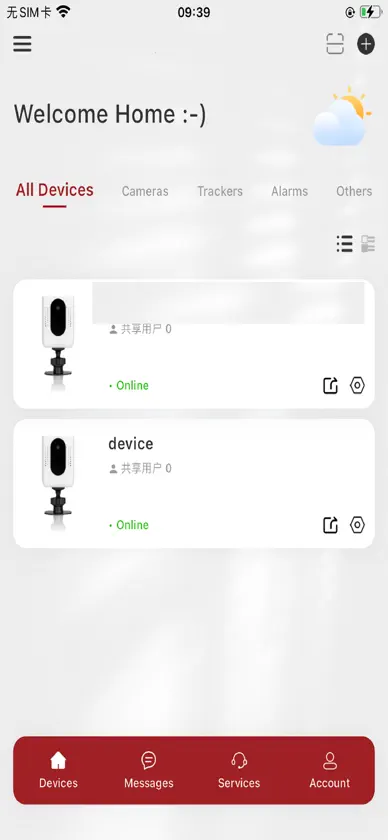
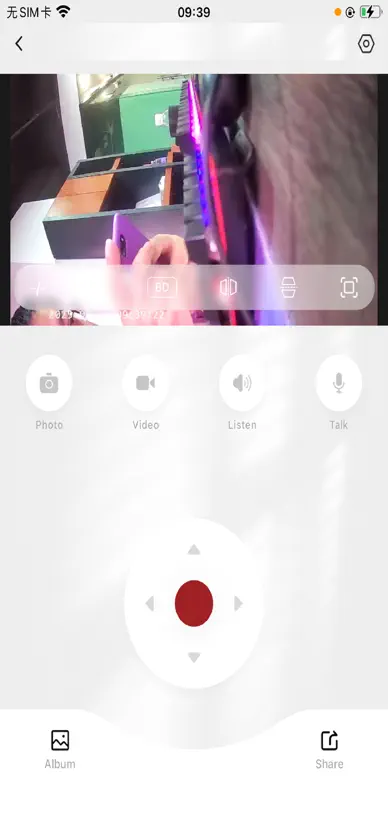
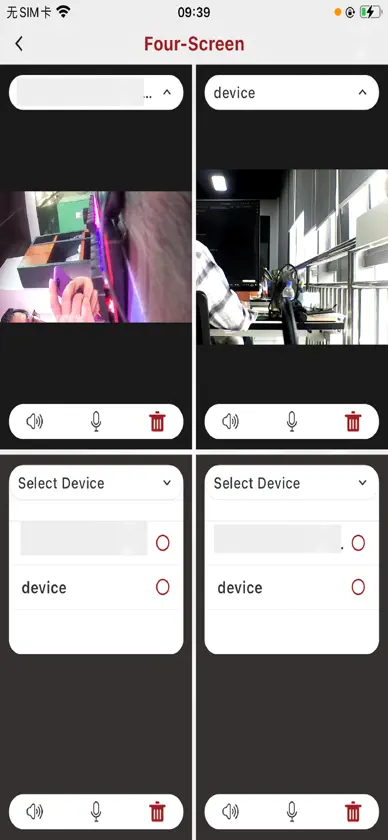
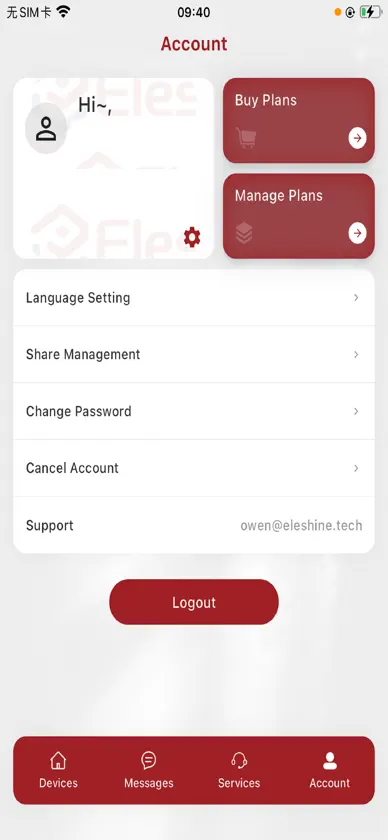
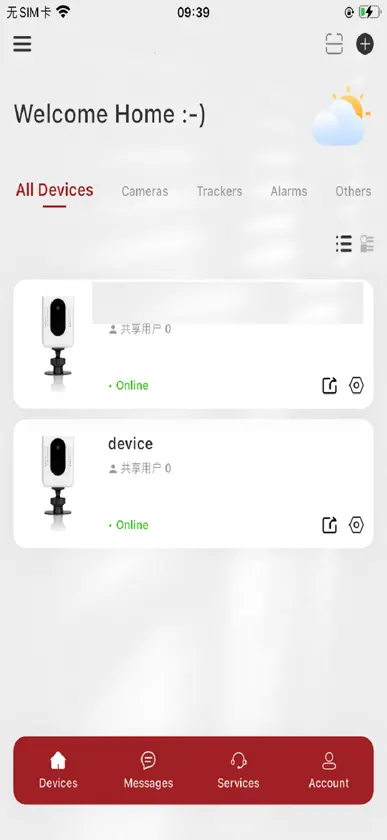
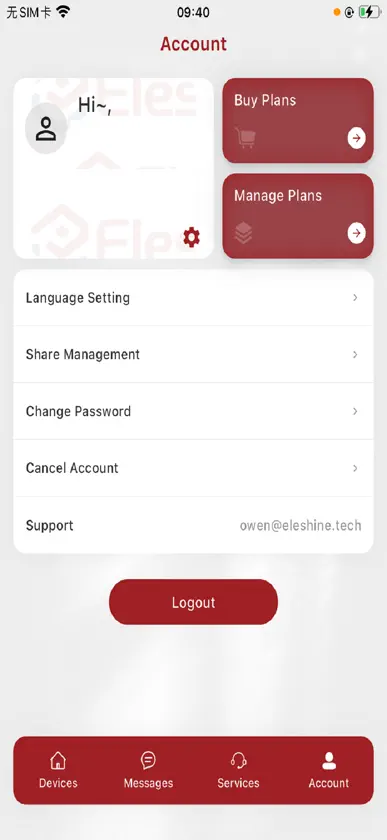
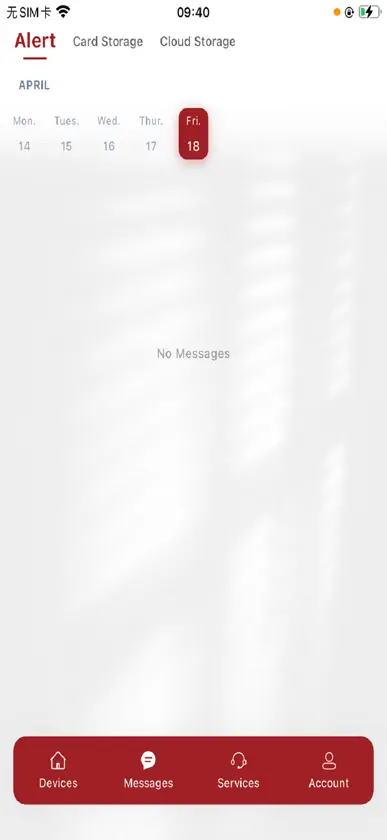
The main applications include: login and registration, device addition, video intercom, video playback, and so on. 1. Login and Registration: You can register and log in using your email to access the relevant functions of the app. 2. Add device: There are several ways to add a device: 1) Connect to the network via Bluetooth; 2) Use AP connection for distribution network; 3) Use the device to scan the QR code generated by the mobile app for network distribution; 4) Share with friends. 3. Visual intercom: Click on the device list on the homepage to enter the real-time video intercom page, which has functions such as controlling microphones and speakers, taking screenshots, recording videos, and sharing devices. 4. Video playback: If the device has a TF card, you can enter the video playback page from the real-time intercom page. You can select the date you want to play back to obtain the video list, and click on the video to play back.
What's new
Version 1.0.39 · Oct 30, 2026
1. SDK upgrade 2. Feature optimization and fixes
In-app purchases
The most popular purchases on the App Store.
- QR Code Call One YearConsumable$199.00
- 15-Day Cloud Annual CardConsumable$3,499.00
- 15-Day Cloud 6-Month CardConsumable$1,999.00
- 15-Day Cloud Monthly CardConsumable$399.00
- 7-Day Cloud 6-Month CardConsumable$999.00
- 3-Day Cloud 6-Month CardConsumable$499.00
- 7-Day Cloud Monthly CardConsumable$199.00
- 7-Day Cloud Annual CardConsumable$1,799.00
- 3-Day Cloud Annual CardConsumable$899.00
- 3-Day Cloud Monthly CardConsumable$99.00
More from 建建 黄


You might also like
 Print A Giftwww.My-Software.co.uk
 Saat TeduhDimas Nathanael
 新方向文 万
 XBOyong cao
 iCareCam勇 谭
 XXVisionSharetronic Data Technology Co., Ltd
 TOWNPLACE by SHKPHong Yip Service Company Ltd.
 Sentry Driver—For your TeslaSENTRY BRAIN SINGLE MEMBER P.C.
 Multitek Online LinuxMultitek Elektronik A.Ş.
 PetCareHUBFEPFT (Shenzhen) Co., Ltd.