
Gutterly
Jude Hathway
No ratings yetGraphics & DesignAges 4+
Screenshots

About this app
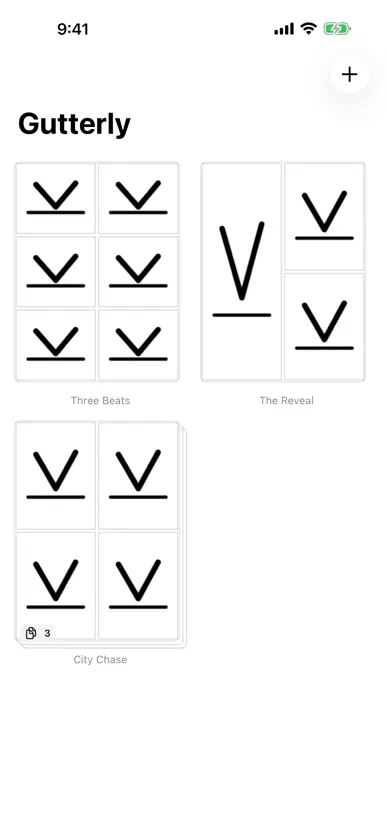
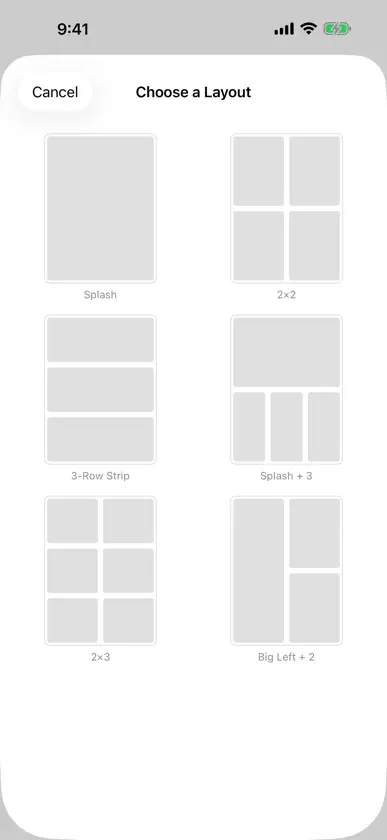
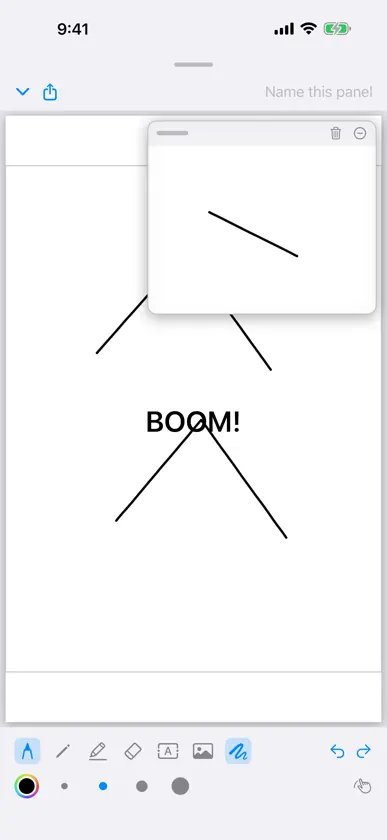
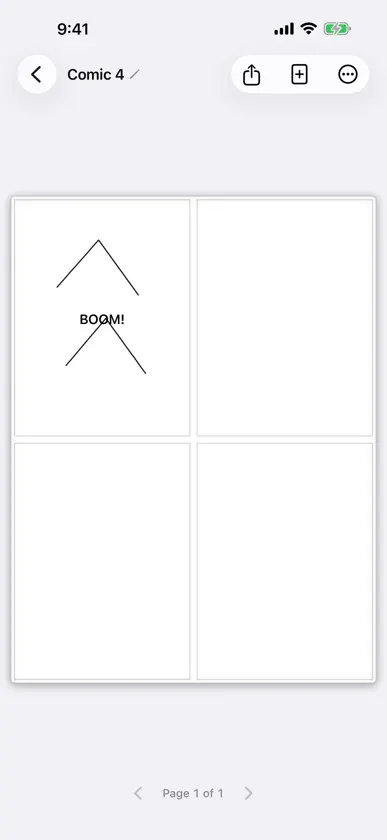
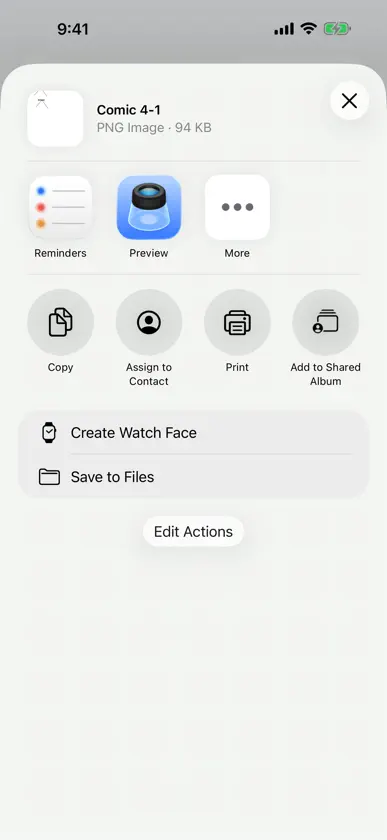
Gutterly is the fast way to make comic pages. Pick a layout, tap a panel, draw. No accounts, no cloud, no clutter — just you and the page. MAKE PAGES, NOT FILES • Six classic panel layouts: splash, 2x2, 3-row strip, splash+3, 2x3, big-left • Tap any panel to zoom it full screen and draw with a monoline, pen, pencil, or marker • Monoline is the default: one steady line that ignores pressure, so a stroke reads the same from start to finish • Undo, redo, and autosave on every stroke • Build multi-page comics — your library shows each book as one stacked cover LETTER IT LIKE YOU MEAN IT • Drop captions anywhere — even punching through panel borders for that live, kinetic look • Drag, resize, and scale text with simple handles • Name your panels with classic corner captions • Make any caption the title: one tap and it grows and settles near the top of the panel, like a cover KEEP YOUR LETTERING CONSISTENT • Turn on Consistent Text for a comic and every new caption arrives ready-made: a settled width, one shared size, parked top, middle, or bottom of the panel — tap where you want it • Resize one caption and every linked caption follows, across every page of that comic • Unlink any box to let a BAM! break the rule, and relink it whenever you like • Your next comic starts with the style you last settled on DRAW OVER ANYTHING • Import a photo into a panel and draw right on top of it — references, backgrounds, collage • Move, resize, and crop images by reframing them • A floating scratch pad for trying out colors and sketching ideas — never shows up on the page SHARE THE FINISHED THING • Export any panel, page, or whole comic as crisp PNGs • What you see is exactly what exports — same rendering everywhere PRIVATE BY DESIGN Everything lives on your device. Gutterly collects nothing, tracks nothing, and never phones home. Made for getting the idea down while it's still moving.
What's new
Version 1.1 · Nov 4, 2026
Consistent Text — lettering that reads the same across every panel and page of a comic. • Turn it on from the comic menu. Every new caption arrives ready-made: a settled width, one shared size, parked at the top, middle, or bottom of the panel. Tap where you want it. • Resize one caption with the green handle and every linked caption in the comic follows, on every page. • Unlink any box to let a BAM! break the rule, and relink it whenever you like. • New comics start with the style you last settled on. Your existing text is untouched. Monoline, the new default drawing tool: one steady line that ignores pressure, tilt, and speed, so a stroke reads the same from start to finish. Pen, pencil, and marker are still there when you want the weight. Titles: tap the T on any selected caption and it becomes the title — a size up, settled near the top of the panel like a cover. Tap again for ordinary text.
More from Jude Hathway


You might also like
 StitchCraft: Design ClothesNinuk Novianti
 Boom! Cómics y CaricaturasTensortech Apps
 Fashion Sketch: DesignReva Desai
 Mockwear: 3D Clothing MockupHarshit Tyagi
 Designing Clothes: SketchesIryna Chupryna
 Book Cover Maker - DesignerAyesha Aslam
 3D Mockups - T-Shirt DesignAriel Ortiz
 Blend3D: Image to 3DMuhammad Shahbaz
 Diseño de Moda: BocetosSmartmove Global Limited
 UT Create!HYOCT GAMES LLC