
Handphone
Languix AB
No ratings yetProductivityAges 17+
Screenshots


About this app
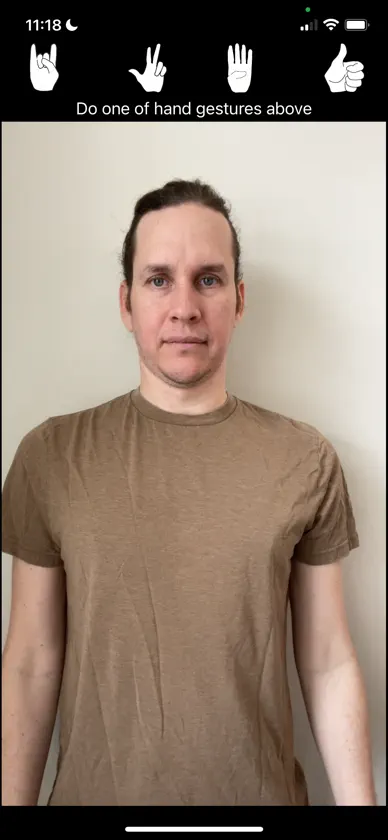
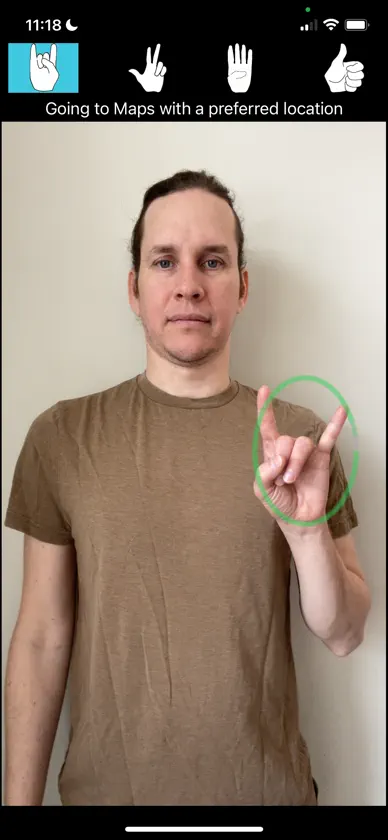
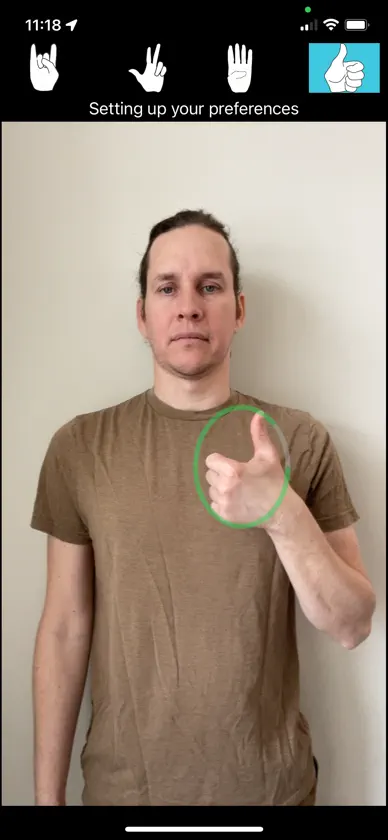
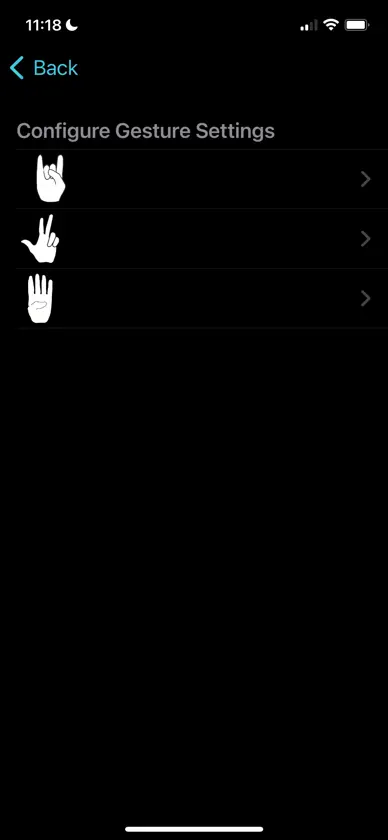
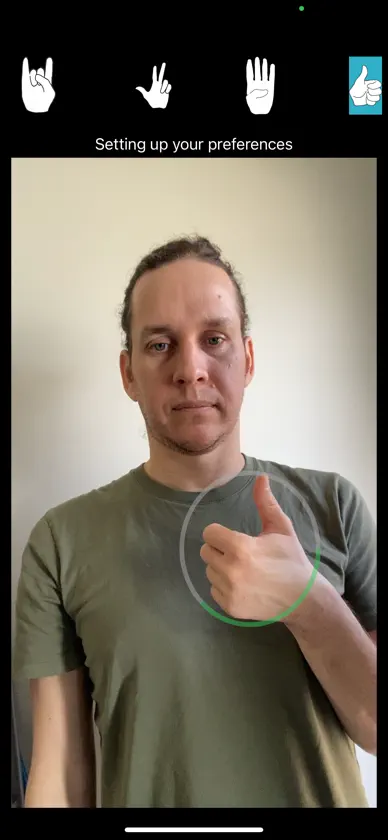
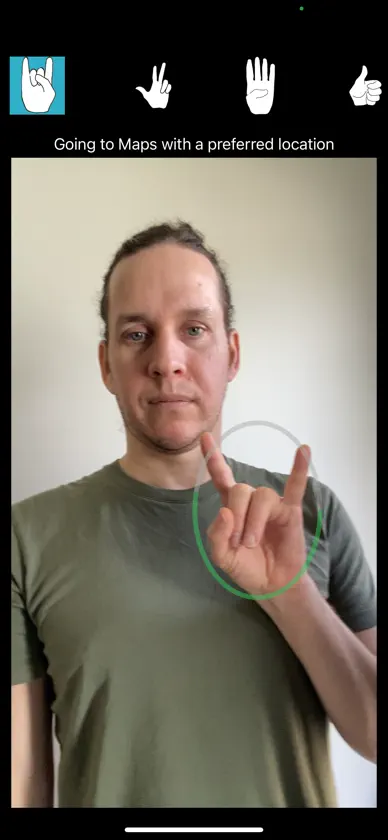
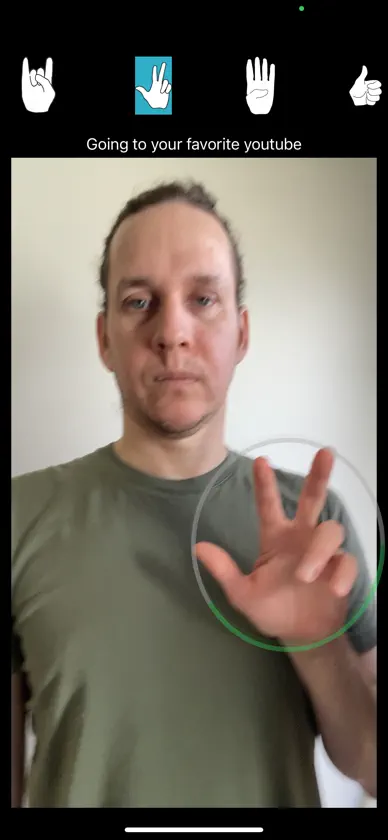
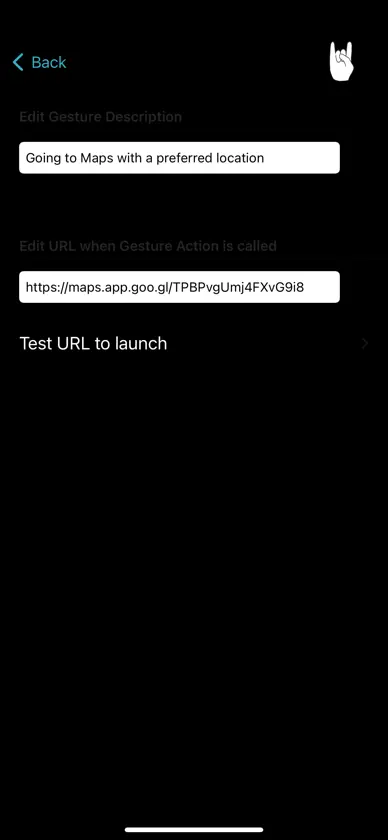
Interact with your world—hands first. Gest uses cutting-edge hand gesture recognition to let you control your device, trigger actions, and explore a whole new way of interfacing with technology—using nothing but your hand. Features: Gesture-Activated Actions Recognize custom gestures like thumbs-up, UT sign, three, four signs and trigger real-time responses like opening a link, navigating a menu, or launching an url. Precise Hand Detection Built on Apple’s Vision framework and CoreML, our system tracks hand poses with high accuracy—even on the move. Live Camera Feedback View gesture feedback live on screen with visual overlays and progress indicators to confirm detection. Custom Gesture Mapping Assign your own actions to gestures—open a website, open your favorite app with a simple hand movement. Offline-Friendly No need for a server. Everything runs on-device for speed and privacy. Whether you're an enthusiast, a developer, or someone looking for an accessible way to interact with technology, Gest makes it easy, fast, and fun to control your digital experience—hands-free.
What's new
Version 2.0 · Aug 26, 2026
What's New Navigation Save places by sharing them from Google Maps or Apple Maps — the app now tells you when a place has been saved Choose a starting point and a destination, then open the route in Apple Maps or Google Maps for real turn-by-turn directions Swipe a saved place to remove it Notes Save short notes and show them full-screen to the person in front of you Add a note without leaving the list Send a note to a contact as a message Swipe to delete Camera Video with an adjustable self-timer — set the length, get a countdown, and it saves automatically Photo with an adjustable self-timer Send a video or photo straight to a contact after taking it Cancel a countdown if you change your mind FaceTime Reachable from the home screen in one gesture Add people from your phone's contacts, or by sharing a contact into the app Contacts without a phone number are clearly marked Throughout The screen no longer goes to sleep while you're using gestures Lists wrap around when you reach the end, and you can tap a row if a gesture isn't working Buttons only show a hand shape when there's something to do Norwegian language support
You might also like
 Amethyst AuthenticatorMia Lina Koring
 Mudra BandWearable Devices Ltd
 iAllo: AI Call AssistantiAllo
 SimiGo eSIM - Data for TravelTelmobil Inc
 AssetRangerIan May
 Glance: Lock Screen HubPeter Broas
 ResumeOK: ATS Resume Builderpixflow
 DocVault: Doc Scanner & SignHarsh Kanani
 GESTO: Gesture LauncherHebbian AI Co., Ltd.
 Untouched: Don’t TouchMaksym Kiryanov