
Screenshots




About this app
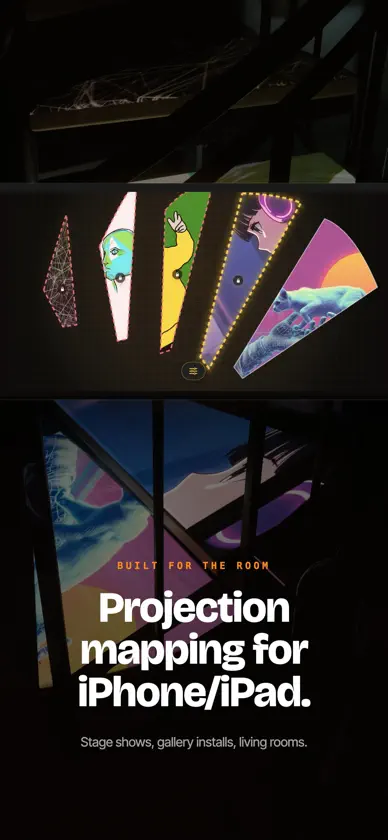
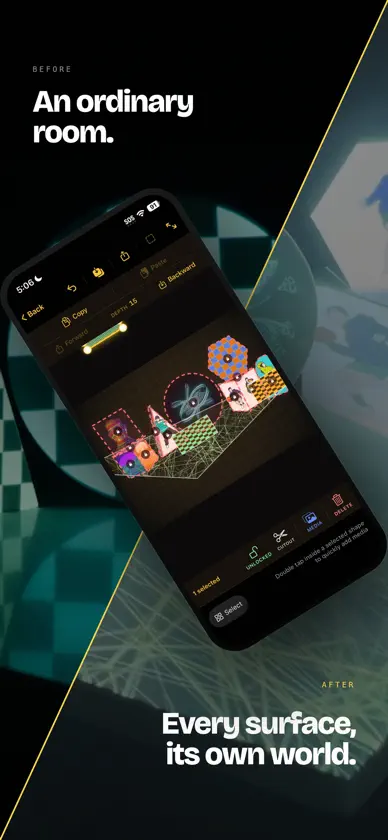
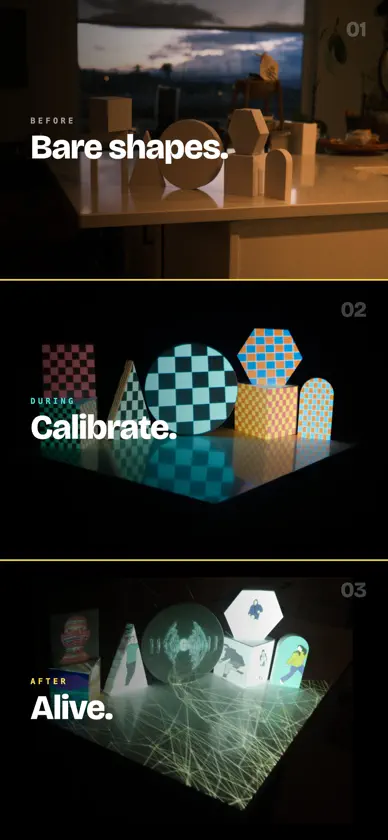
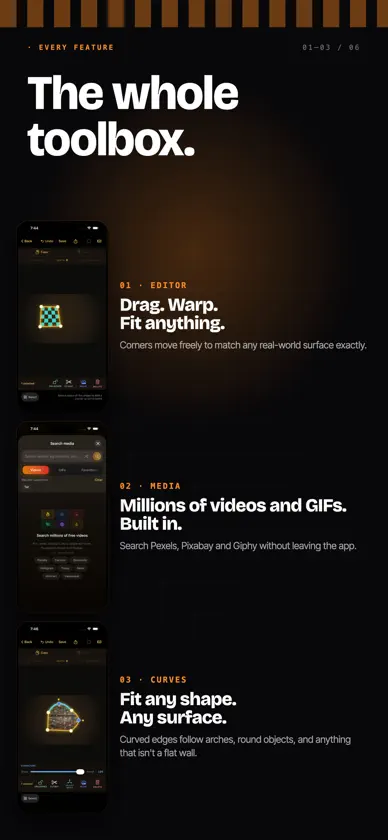
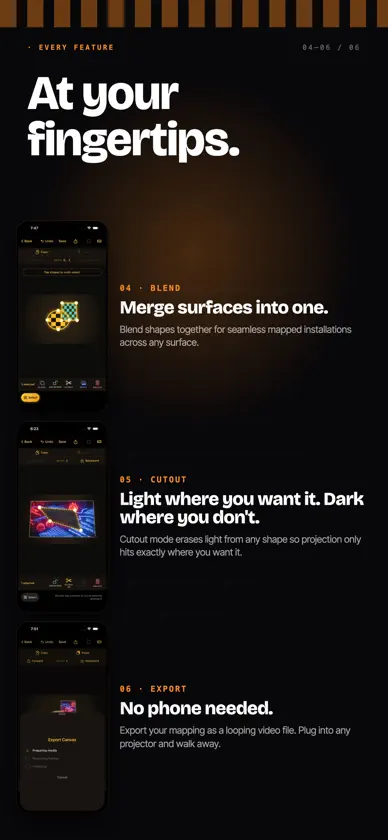
HappyMapper turns your iPhone or iPad and a projector into an art studio without walls. Turn walls, furniture, sculptures, and everyday objects into living art with light, color, and motion. Create stunning projection-mapped installations without design experience or expensive software. Just your device, a projector, and your imagination. POWERFUL PROJECTION MAPPING, MADE SIMPLE • Draw to Map: Draw any outline with your finger, and HappyMapper automatically creates a projection-ready shape • Photo Overlay Mapping: Take a photo of your projection surface and use it as a reference to precisely map curved, complex, and irregular objects • AirPlay Support: Wirelessly send your creations to an AirPlay-compatible projector or display • Screen-Off Playback: Keep your projections running with your device's screen off to help conserve battery • Unlimited Video Searches: Explore millions of free videos directly inside the app, with no search limits • Video Export: Export your finished projection as a video file for playback without keeping HappyMapper open. CREATE YOUR OWN LIGHT INSTALLATIONS • Add shapes and warp them to fit almost any surface • Curve edges to follow arches, round objects, and organic shapes • Layer multiple surfaces for complex, room-filling installations • Blend shapes together for seamless mapped surfaces • Block light from specific areas with Cutout mode • Rotate, resize, and position shapes with intuitive touch gestures BRING YOUR SPACE TO LIFE • Find ready-to-use visuals from multiple built-in video sources • Browse millions of GIFs from GIPHY for looping animations and memes • Import your own photos and videos • Pan, rotate, and zoom media within each shape for precise placement MADE FOR CREATORS • Intuitive touch controls make projection mapping accessible to beginners • Built-in quick start guide gets you mapping in minutes • Save your setups and reload them anytime • Your last session is automatically saved so you can pick up where you left off INSPIRE YOUR SPACE Set the mood for a dinner party. Create personalized wedding projections. Transform your bedroom into an immersive art installation. Film unique social media content. Light up your home for the holidays. Bring visual art to the stage. From simple decorations to elaborate installations, HappyMapper makes projection art accessible to everyone. TRY FREE. UNLOCK FOREVER. Start creating with one fully featured shape for free. Unlock unlimited shapes with a one-time purchase of HappyMapper Pro. No subscriptions.
What's new
Version 2.01 · Nov 5, 2026
NEW: Smarter, Easier Projection Mapping • Draw to Map: Simply draw an outline, and HappyMapper automatically creates a projection-ready shape. Choose a smart-fit quad or preserve your original drawing. • Photo Overlay Mapping: Take a photo of your projection surface and use it as a reference to precisely map curved and irregular objects. • Gesture Rotation: Rotate shapes naturally with touch gestures. • New Shape Templates: Quickly add circles or use the new cube template to map boxes and other geometric objects. • Improved Full-Screen Mode: Redesigned controls for a cleaner, more intuitive experience. • Bug Fixes & Improvements: Various fixes for a smoother mapping experience. • No More Subscriptions: Unlock HappyMapper Pro forever with a single purchase.
In-app purchases
The most popular purchases on the App Store.
- HappyMapper PRO LifetimeConsumable$399.00
- HappyMapper ProSubscription · 3 days free trial$499.00 / year
- HappyMapper ProSubscription · 3 days free trial$69.00 / month
More from Kenny Lu

You might also like
 Viso - Projection MappingMerek Barrett
 ILW LightMapperStuart Griese
 One Big Projector: MappingHello Good Day LLC
 Modelar - 3D LiDAR ScannerModelar Technologies
 RealityScan MobileUnreal Engine
 Krea: AI Images and VideosKrea AI
 AR VideoLabCH3 DELTA LIMITED
 Luma Dream MachineLuma AI, Inc.
 Atlas Photo – Photo CompanionEnsemble Technologies Incorporated
 KIRI Engine:3D Scanner & LiDARKIRI Innovation (Hongkong) Limited