
iInvited
Sareuon Sum
No ratings yetLifestyleAges 17+
Screenshots


About this app
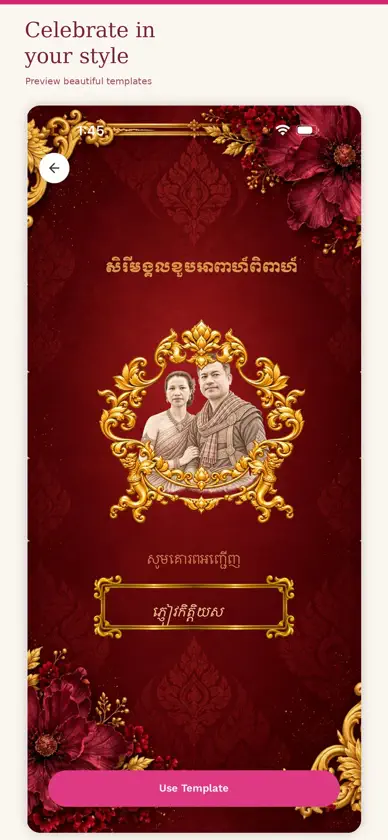
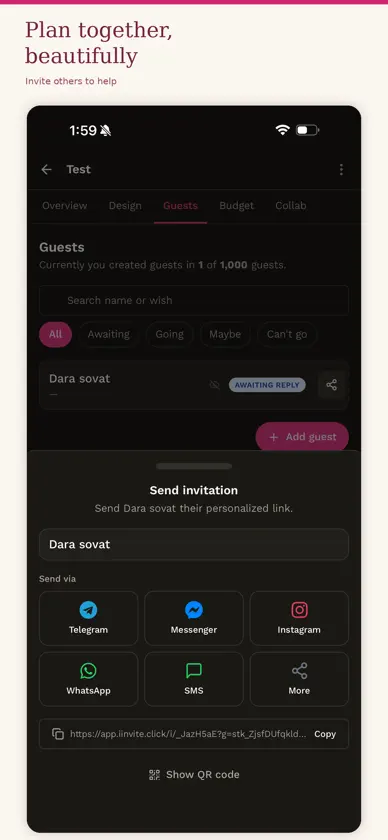
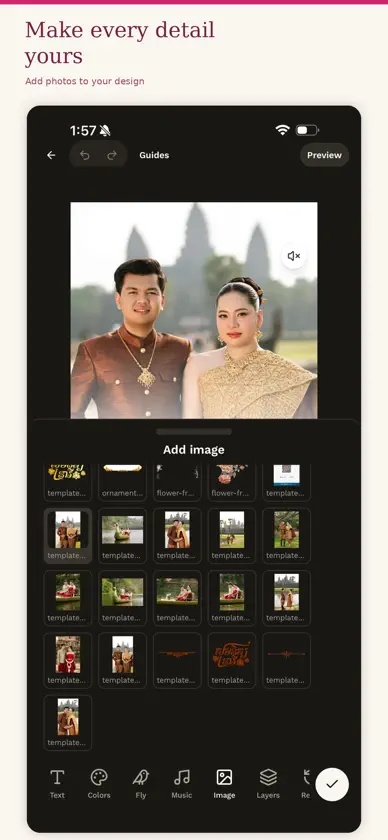
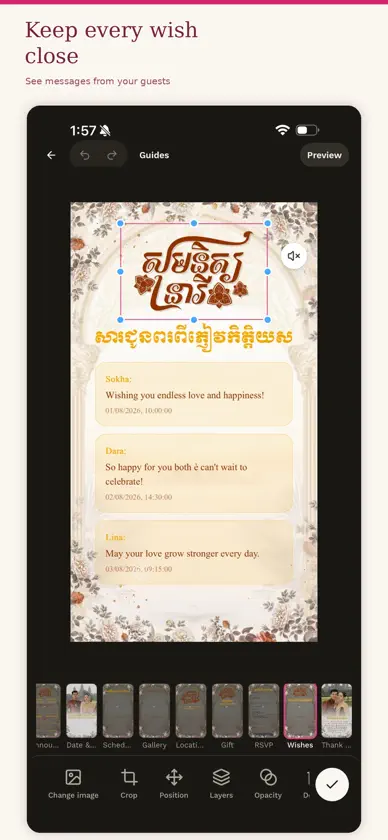
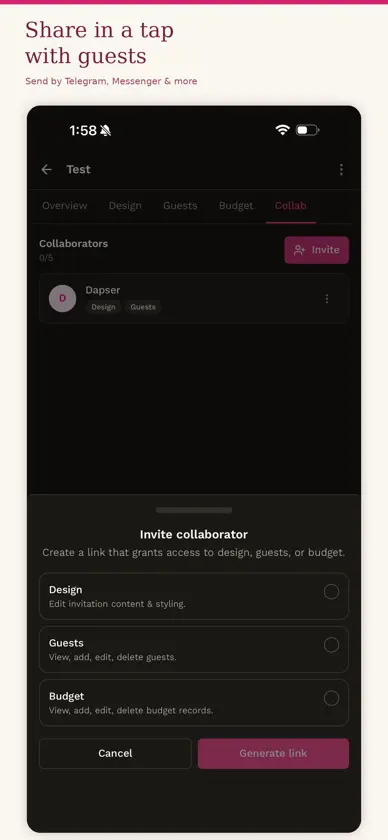
iInvited is the easiest way to create and share digital invitations for weddings, engagements, birthdays, housewarmings and every celebration in between. CHOOSE A DESIGN Browse a gallery of templates designed for Khmer celebrations. Every template is animated, looks right on any phone, and works in Khmer and English. MAKE IT YOURS Add your names, your date, your venue and your photos. Change the colours, fonts and decorations until it feels like yours. Preview it on your phone before anyone else sees it. SHARE ONE LINK Publish your invitation and share a single link on Telegram, Facebook, or anywhere else you talk to people. Your guests open it straight away. They do not need to install anything. KNOW WHO IS COMING Guests reply with one tap. Your guest list updates as they answer, so you always know how many people to expect, and you can read the wishes they leave for you. EVERYTHING IN ONE INVITATION - Your date, with a live countdown - The programme for the day - Your venue, with a map link - A photo gallery - A gift registry with KHQR, ABA, Wing and Bakong - A wall of wishes from your guests SIMPLE PRICING Browsing templates and designing your invitation is free. You pay once, for that invitation, when you publish it. Editing it afterwards costs nothing.
What's new
Version 1.2.7 · Nov 3, 2026
Editor - Move page: move a page earlier or later, the cover too. The first page can only go later and the last page only earlier. - Field tool: link any text to an event detail, such as the names or the date. - Group: the owner can now group their own text with the template's layers. - Delete: a template layer's button now says "Delete" instead of "Hide". Undo, Reset or Layers → Show still brings it back. - Page strip: the "Empty" label is no longer cut off. - Add → Gallery and Add → Map: the style pictures show properly. Before, they were broken "?" images. Gift block - Three new animated styles: Gift box, Blossom box and Envelope. RSVP form - New look for the three styles (Default, Modern, Soft), and the form no longer asks for the guest's relation. - Typing in the form works properly again. Other pages - Schedule (agenda): it always starts at the top, so it no longer jumps when a guest switches day. - Credit page on a partner's own design: - The partner's shop logo shows in the editor's Preview too, not only for guests. - A thin line now sits between the two logos, instead of "×". - My Library: the Photos, Videos, Fonts and Music tabs were updated. - Guests tab and notifications: they now show when a guest is linked to a partner. - iOS: pulling down on the first scroll no longer reloads the template. Who gets it when - Web (app. domain): the guest page and template preview get these changes when this deploy finishes. - Phone app: users get these changes only after the store release (Release Mobile, 1.2.6). I'll start it after the deploy checks pass.
In-app purchases
The most popular purchases on the App Store.
- Publish one invitation ($99.99)Consumable$1,999.00
- Publish one invitation ($89.99)Consumable$1,999.00
- Publish one invitation ($79.99)Consumable$1,799.00
- Publish one invitation ($69.99)Consumable$1,499.00
- Publish one invitation ($59.99)Consumable$1,299.00
- Publish one invitation ($39.99)Consumable$899.00
- Publish one invitation ($29.99)Consumable$599.00
- Publish one invitation ($19.99)Consumable$399.00
- Publish one invitation ($9.99)Consumable$199.00
- Publish one invitation ($4.99)Consumable$99.00
More from Sareuon Sum

You might also like
 Best Property SaleChief (Cambodia) Commercial Bank Plc
 Aamantran: Digital InvitationJyoti Vaidya
 Unmapped: Walk & City TrackerArtem Viacheslavovych Grishin
 小未物联小未科技(珠海)有限公司
 Skincare Routine Time HaloBugra Sirin
 Diseño de Invitaciones & RSVPPT INVITANKU SOLUSI DIGITAL
 iBloomingHybrid Learning Ocean Limited
 Ratnak Luxury Car DealerSela Chan
 Crocheteer - Crochet TrackerRafa Sokoowski
 Orkun App - Home ServicesORKUN SOLUTIONS CO., LTD.