
iMacroPad
Erkan CIFTCI
No ratings yetProductivityAges 4+
Screenshots

About this app
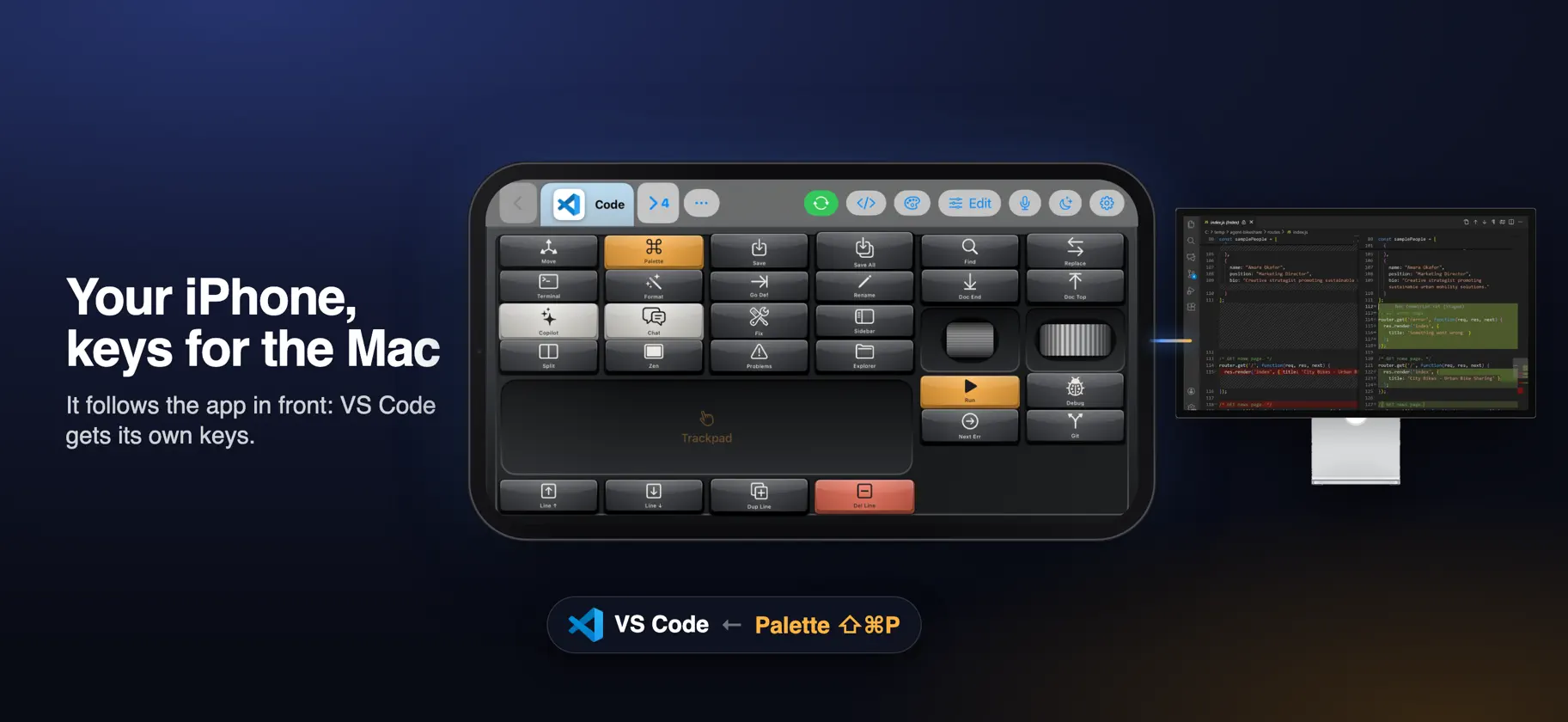
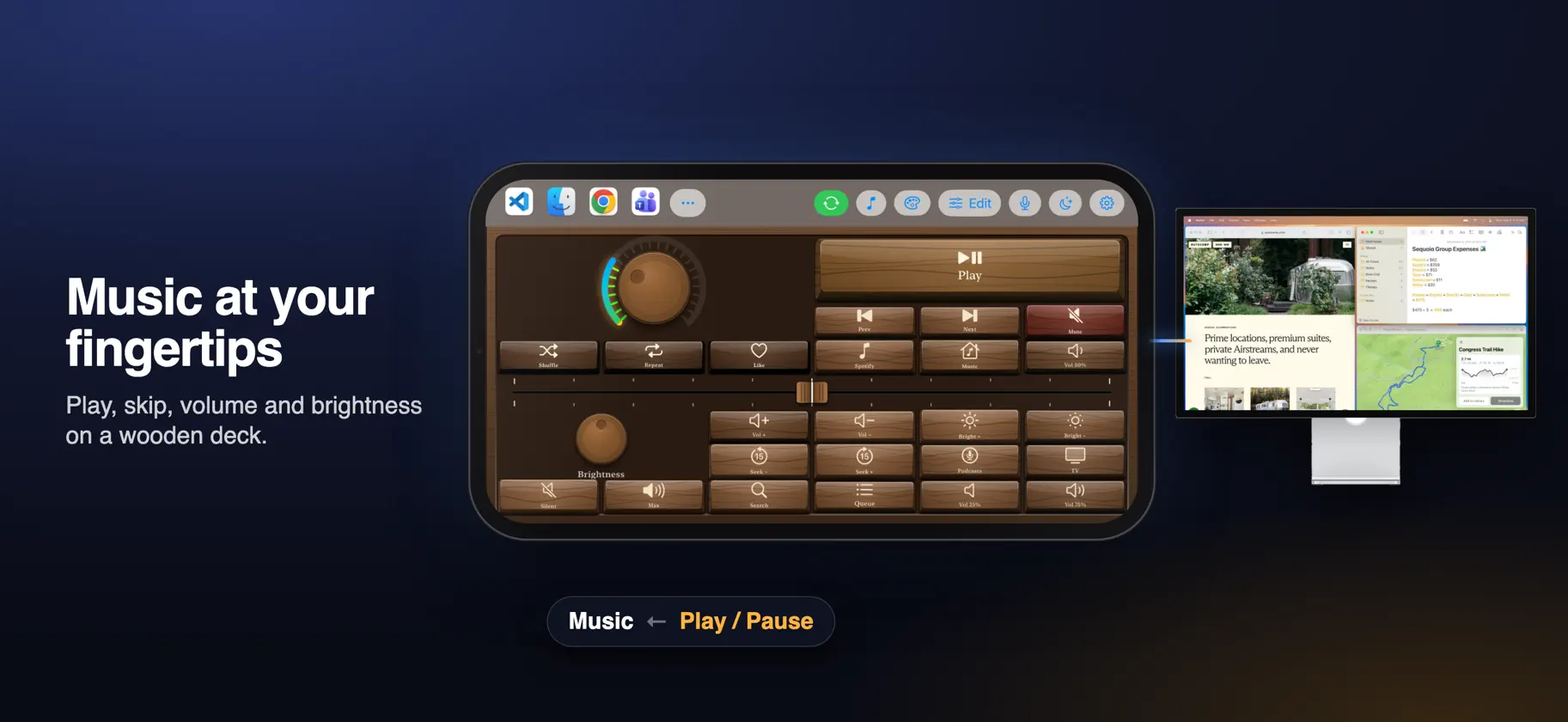
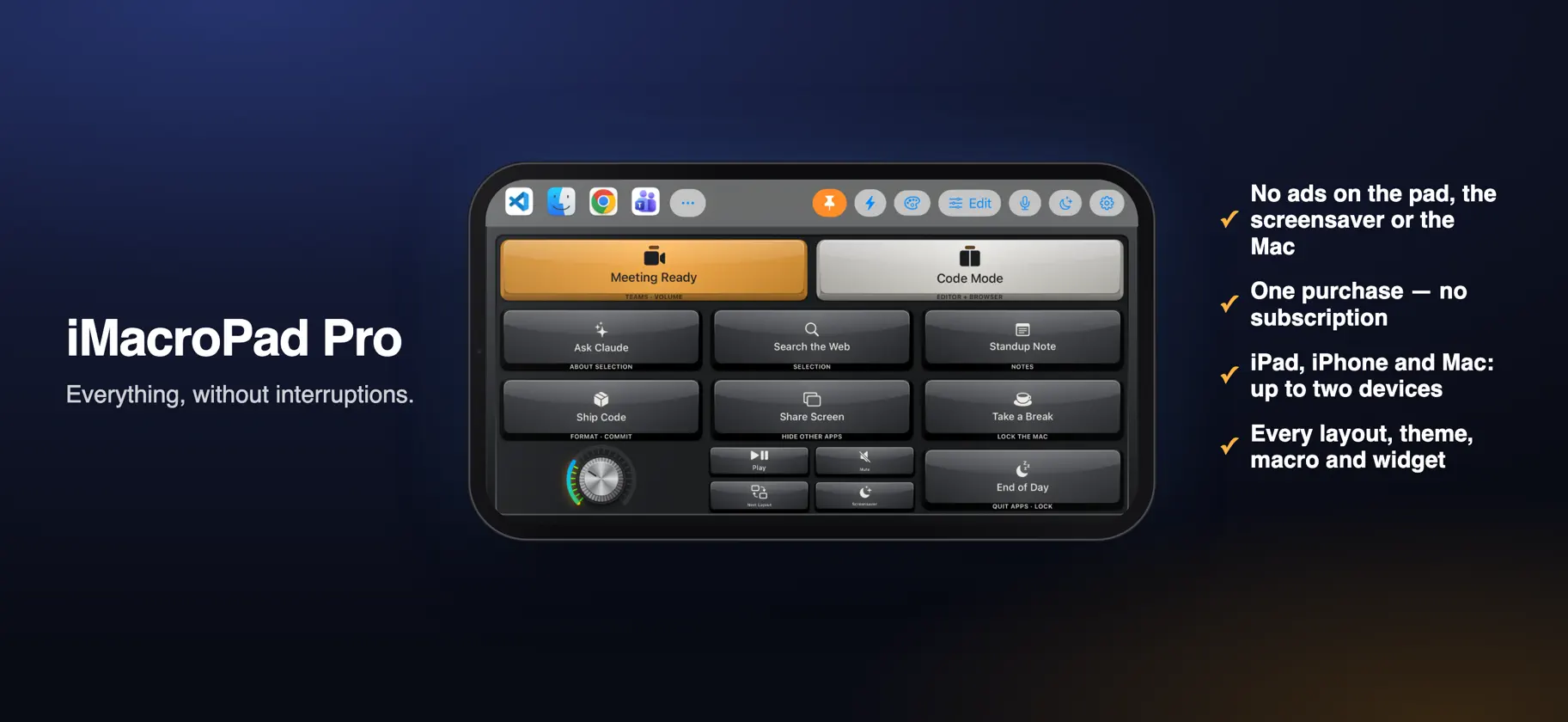
iMacroPad turns your iPad or iPhone into a control deck for your Mac. Keys, knobs, sliders and pads on the touch screen; the real work happens on the Mac. FOLLOWS THE APP IN FRONT Bring an app to the front on your Mac and its own layout appears on the pad. Switch to another app and the keys change with it. No buttons to press, no profiles to pick. 81 READY LAYOUTS Layouts for video and audio editing, design, streaming, meetings, coding, spreadsheets, 3D and everyday use, with the shortcuts already in place. Final Cut Pro, Logic Pro, Photoshop, OBS, Teams, VS Code, Excel, Blender and many more are covered from the first launch. MORE THAN SHORTCUTS • Pick menu items, scroll, change the volume and launch apps. • Switch OBS scenes and see which one is live. • Run Photoshop and Teams commands directly. • Click words on screen and run the Shortcuts on your Mac. • Use knobs and sliders for fine control, with haptic feedback. MACROS AND VOICE Chain keys, text, pauses and conditions into macros with a visual editor. Say a command, like “open Safari”, and the Mac does it. 105 THEMES Every layout works with every theme: glass, mechanical keyboards, typewriters, retro computers, neon and more. Make your own with the theme editor, from colours to keycap shapes. A SCREENSAVER WITH WIDGETS When you are not pressing keys, the pad can show a clock, your next events, reminders, the weather, currency and crypto rates, and live stats from your Mac. PLUGINS Add new keys and integrations with plugins. Every permission a plugin asks for is shown with its reason and starts switched off. FREE, OR PRO FOR GOOD Every feature is free. After a free period of a few weeks, the free version shows an ad in its own strip beside the pad (it never covers a key) and in the screensaver, and a few times a day a full-screen video ad that can be closed after a few seconds. iMacroPad Pro removes the ads for good with one in-app purchase, no subscription. Pro is tied to your e-mail address and works on up to two devices; it is checked online every few days. YOUR KEYS STAY ON YOUR NETWORK The pad and the Mac talk directly on your own network. Your keys, layouts and macros are never sent to us. WHAT YOU NEED • An iPad with iPadOS 16 or later, or an iPhone with iOS 16 or later. • A Mac with macOS 13 or later, running the iMacroPad for Mac companion app. • Both on the same Wi‑Fi network. The pad finds the Mac by itself. Terms of Use: https://www.imacropad.app/licence/ Privacy Policy: https://www.imacropad.app/privacy/ Questions? support@imacropad.app
In-app purchases
The most popular purchases on the App Store.
- iMacroPad ProConsumable$399.00


