
iMoonCamera3
康行 Nagasima
3.0(1)Photo & VideoAges 4+
Screenshots

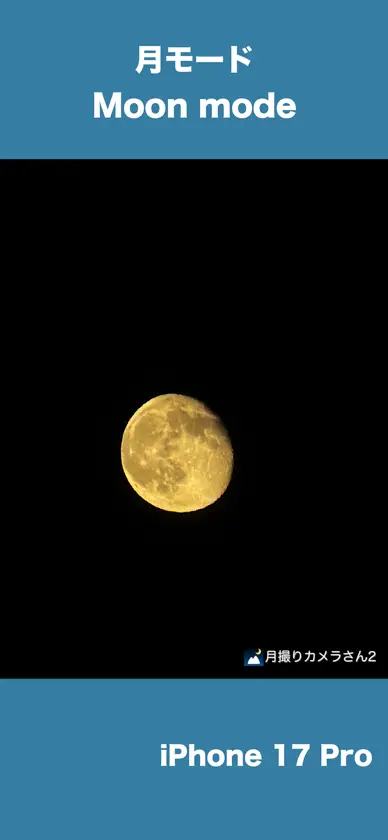


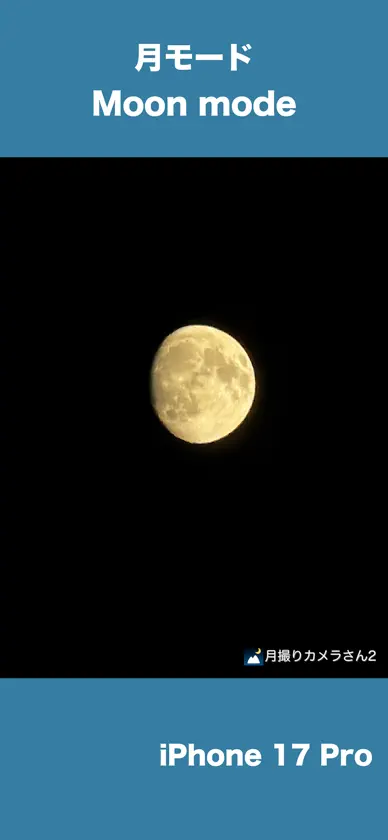

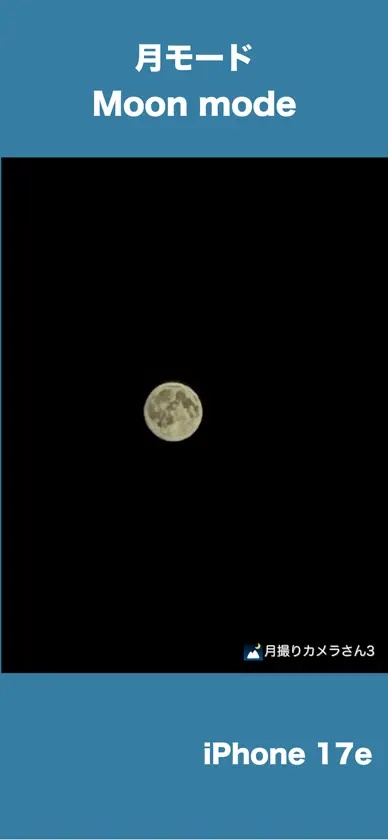
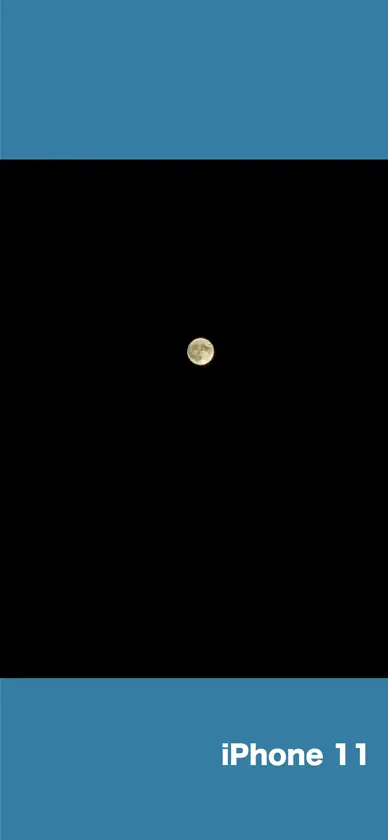
About this app
iMoonCameraPro is a camera app to shoot the moon easily. # How to use the moon mode 1. Select brightness. 2. Select zoom magnification. 3. Adjust focus manually. or Touch the moon (in case iPhone with telephoto lens) If it doesn't work, adjust focus manually. 4. Tap the shutter button. # How to use the moon + scene mode 1. Put iPhone on a tripod 2. Adjust moon brightness. 3. Tap the shutter button. 4. Adjust scene brightness. 5. Tap the OK button. 6. Wait a few seconds for the end of the shot. # How to use the lunar eclipse mode 1. Put iPhone on a tripod because a lunar eclipse is much darker than the full moon. 2. Adjust focus before eclipse begin. 3. Take a photo of a lunar eclipse. # 3 app modes Easy mode : Adjust exposure by brightness slider only. Manual mode : Adjust exposure by ISO & Shutter speed sliders. High-quality mode: The basic operation is the same as easy mode, but this mode prioritizes image quality. However, it may not function properly depending on the iOS version. # For good photos If the shutter speed is slow, fix iPhone on a tripod or something.
What's new
Version 3.5.0 · Oct 26, 2026
Updated internal data. Replaced a screenshot of iPhone17e on AppStore.
More from 康行 Nagasima


You might also like
 MoonCatcherHIROFUMI MARUO
 NightShootingStudio ra,labo.
 moontakeZIZICICI LIMITED
 Moon Zoom Pro: Camera 100xKhairul Anwar
 Super Zoom 100x - Moon CameraKhairul Anwar
 120X SuperZoom - Moon CameraKhairul Anwar
 StarryLens - Night Sky CameraYuanye Technology
 Yamera (Manual Camera)AppMadang
 Photo Expert Calendario LunarMIOPS TEKNOLOJI ANONIM SIRKETI
 Nightcam Camera: Night ModeRAY INFORMATICS YAZILIM TEKNOLOJI MEDYA DANISMANLIK VE EGITIM TICARET LIMITED SIRKETI