
iSimpleLoop
Artem Kolchin
No ratings yetMusicAges 4+
Screenshots




About this app
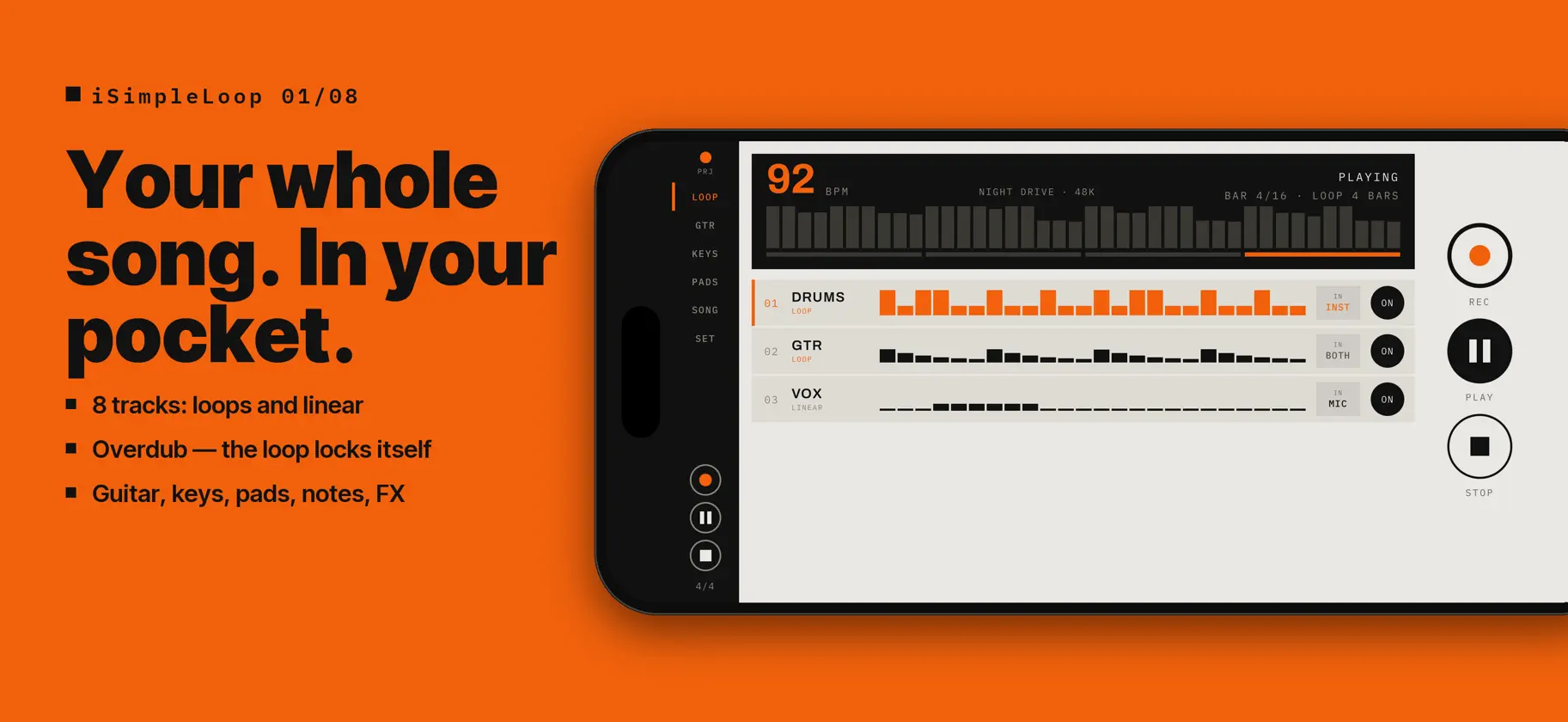
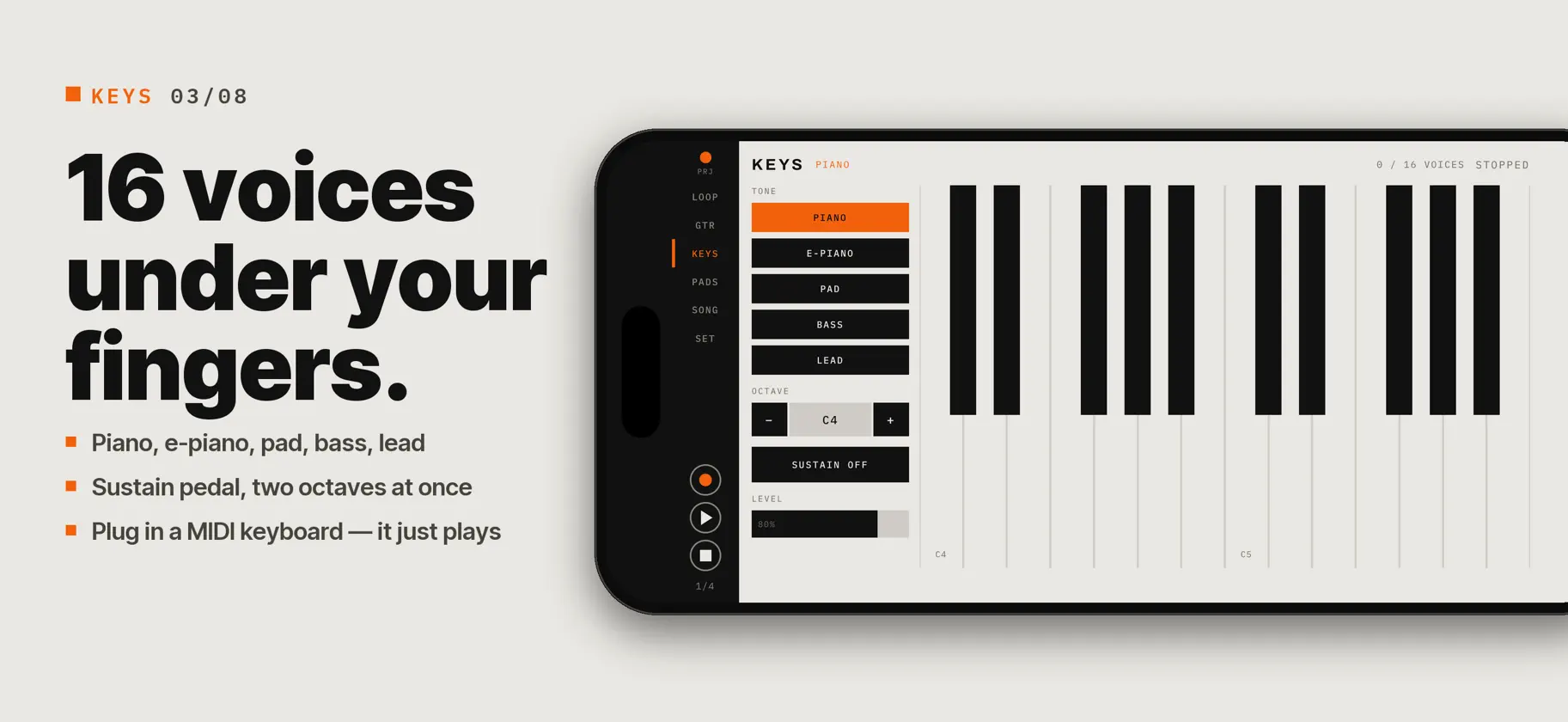
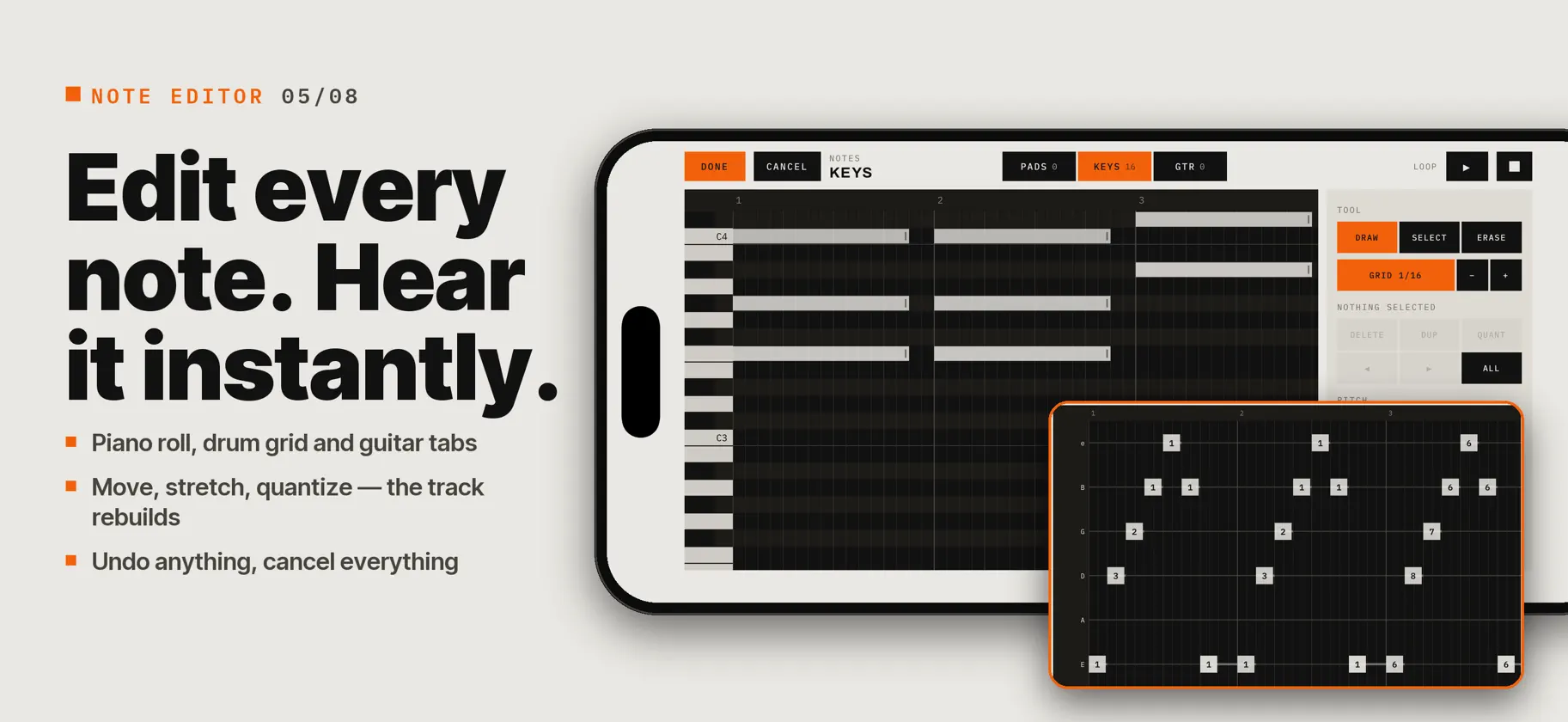
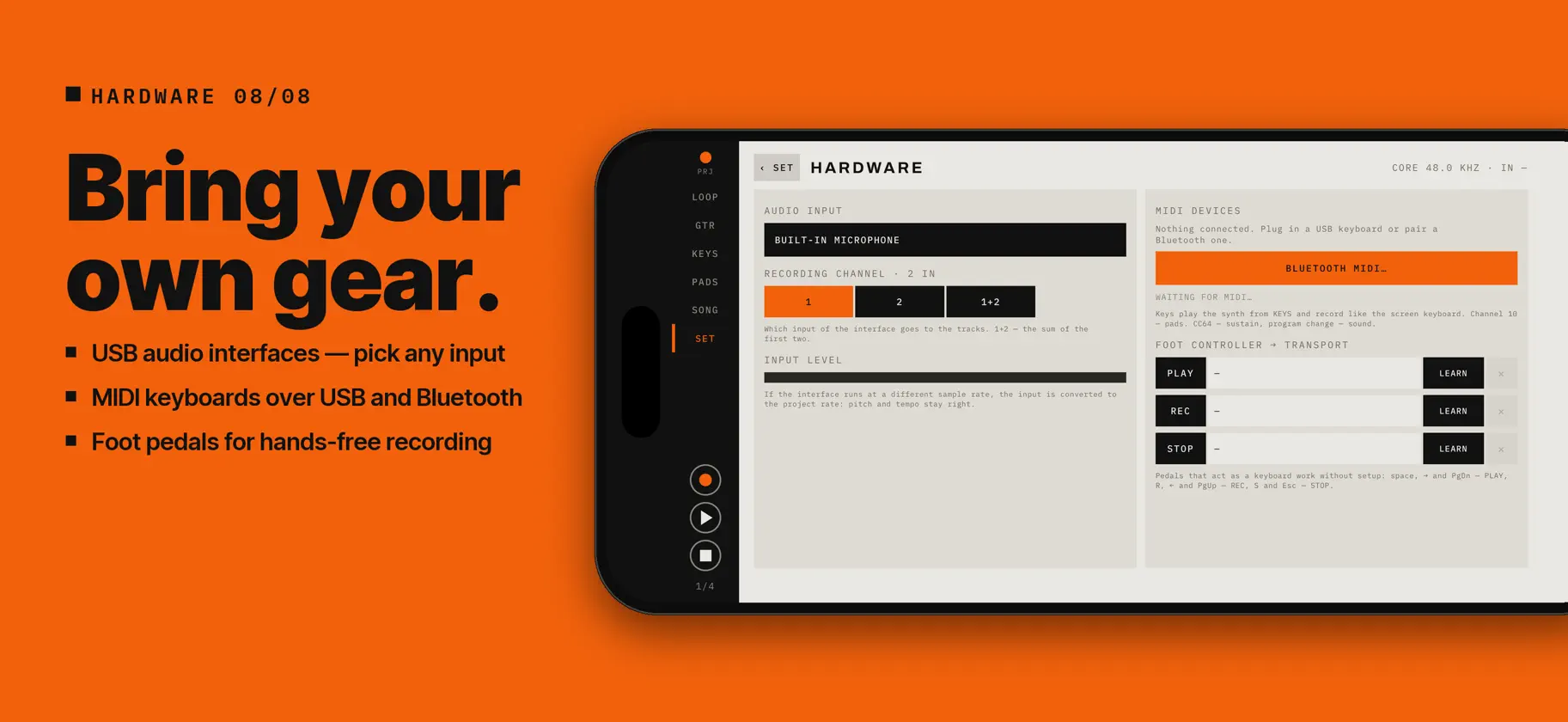
iSimpleLoop is a pocket sketchpad for songs. Record a loop, stack takes over it, play the guitar, the keys and the pads on top, keep the lyrics in front of you — and take the result out as audio or MIDI. Everything runs on the device. No account, no subscription, no cloud, no internet connection. LOOPER • Up to 8 tracks. Looped tracks follow the master loop, linear ones run the whole length of the song. • The first take sets the loop length; an overdub stops itself after one lap. • Count-in, metronome, and a per-track input: microphone, the app's instruments, or both. • Latency compensation, so a take lands where you played it. INSTRUMENTS • Guitar: strum and pluck six strings with your fingers, chords of the chosen key, power chords, capo, four tones from nylon to overdrive. • Keys: a polyphonic synth with piano, e-piano, pad, bass and lead, sustain and an octave shift. • Pads: 16 pads, 62 built-in sounds, pitch, filter and decay knobs, reverse. • Sampling from the microphone straight onto a pad, plus import of WAV, MP3, M4A, AIFF and FLAC with a trim screen. ARRANGEMENT AND EDITING • The whole song on one timeline: bar ruler, waveforms, playhead, scrubbing. • Select a fragment and trim, cut, silence, fade, normalise, reverse or nudge it by a beat — or drag it onto another track. • Three-band EQ and pan on every track. EFFECTS • Inserts on each track: compressor, overdrive, chorus and flanger. • Two project-wide send buses: a tempo-synced delay and a reverb. • Live instruments sound with the effect but are recorded dry, so the decision stays reversible. LYRICS • The lyrics live in the project, split into sections, and can sit next to the guitar while you play. NOTE EDITOR • Piano roll for the keys, a drum grid for the pads and six-line tabs for the guitar. • Move, stretch, copy, quantize, change pitch, fret, string and velocity — the track rebuilds from the notes right away, so you hear the change in the mix. • Undo and redo; cancel brings the track back exactly as it was. SLICE • Chop a sample by hits, into equal parts or on the tempo grid, drag the markers, tap a slice to hear it. • Slices land on consecutive pads — optionally together with a notes track that plays them in the original order. CHORDS • Any chord on any of the eight buttons: major, minor, 7, maj7, m7, sus2, sus4, add9, 6, m6, dim, aug. • Playable shapes are found automatically; pick a variant or place your own fingers on the fretboard. HARDWARE • USB audio interfaces: choose the input and the channel to record; other sample rates are converted on the fly. • MIDI keyboards over USB and Bluetooth play the synth and record like the on-screen keys; channel 10 plays the pads. • Foot controllers: MIDI Learn for play, record and stop; keyboard-style page-turner pedals work out of the box. EXPORT • WAV 24-bit, M4A (AAC) and MIDI — a track per instrument, pads on channel 10. • A home screen widget records a sample straight into the library. Landscape on iPhone and iPad. Interface in English, Russian, German and Italian.
What's new
Version 1.1 · Sep 25, 2026
Version 1.1 is a big one. • Note editor: piano roll, drum grid and guitar tabs. Every edit rebuilds the track instantly. • Slice: chop a break by hits, evenly or on the grid — straight onto the pads. • Chord editor: 12 chord types, automatic shapes and your own fingerings. • Hardware: USB audio interfaces with input and channel choice, MIDI keyboards over USB and Bluetooth, foot pedals. • Fixed: on iPhones with Dynamic Island the side rail no longer slides under it on the SONG screen.
More from Artem Kolchin


You might also like
 midi-sinkVibetuned
 FrankenJazzJeffrey Emanuel
 VoltageControlVictorien Genna
 Glyph Cubetodd cunningham
 Sequencer PalJoshua Escribano Fontanet
 Sampledex Effect ShiftRobert Clemons
 yawp — drifting loopsKuta Tsuchikawa
 Octal: Pocket SynthRYAN JAMES,GALANG ELLIS
 Roboto AUv3 Singing SynthDiscoDSP LLC
 POLYMACHINEMike Gao