
Screenshots



About this app
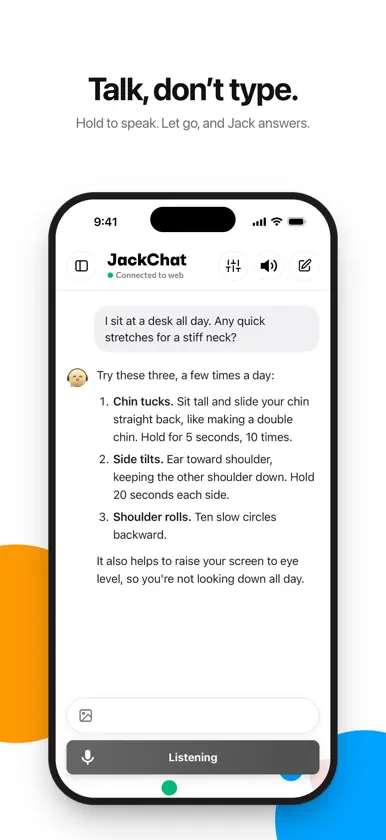
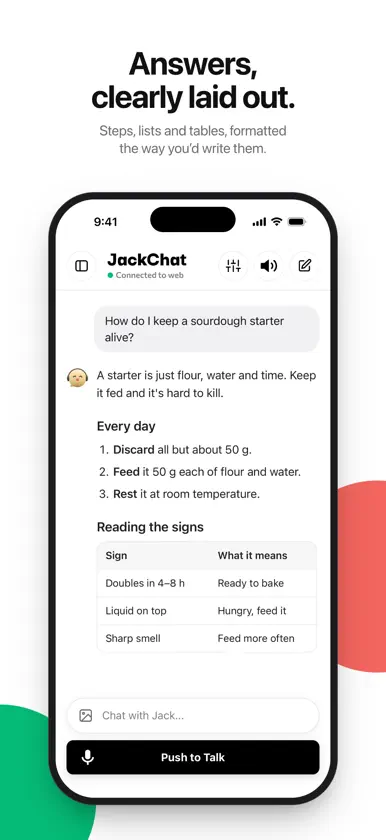
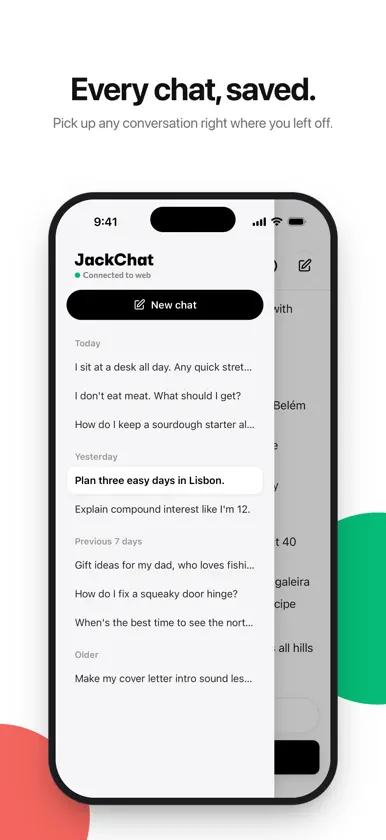
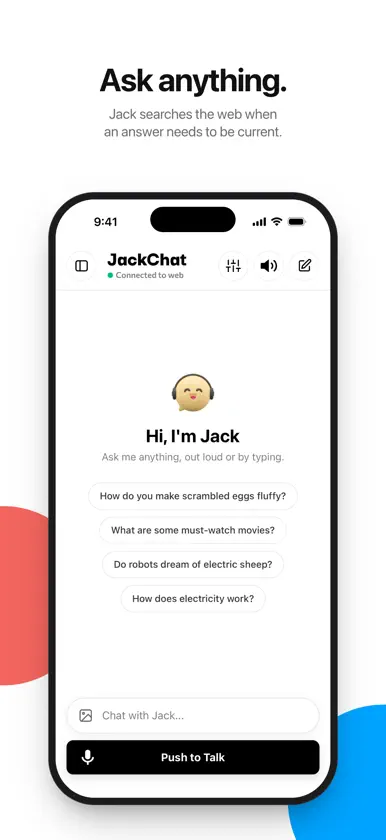
Talk to Jack the way you'd talk to a friend. Hold the button, say what you need, let go, and Jack answers. No typing required. TALK, DON'T TYPE Hold Push to Talk, ask your question and let go. Jack can read answers aloud in the voice you choose, so you can keep your eyes on whatever you're doing. ANSWERS YOU CAN USE Replies come back clearly formatted, with steps, lists, tables and code laid out to read at a glance. When a question needs current information, Jack searches the web first. SHOW JACK WHAT YOU SEE Take a photo or pick one from your library, then ask about it: a menu, a plant, a recipe, a sign in another language. EVERY CHAT, SAVED Your conversations are kept on your iPhone and grouped by day, so you can pick up any of them right where you left off. BUILT FOR IPHONE DUO Unfolded, your chats sit beside the conversation. Folded, every control moves to the side toolbar, so the whole screen is yours to read, with Push to Talk right under your thumb. YOUR PRIVACY Nothing is shared until you agree. Your chats are stored on your iPhone, and photos you send are deleted from our servers after 30 days.
What's new
Version 2.0.0 · Oct 27, 2026
JackChat 2.0 is a complete redesign. • A new look, with clearer type and more room for the conversation • Chat history: every conversation is saved and grouped by day • Photos: take or pick a picture and ask Jack about it • Formatted answers, with lists, tables and code • Replies stream in as they're written, and Stop ends them right away • Built for iPhone Duo: chats and conversation side by side when unfolded, and Push to Talk in the side toolbar • Many fixes and refinements throughout


