Screenshots



About this app
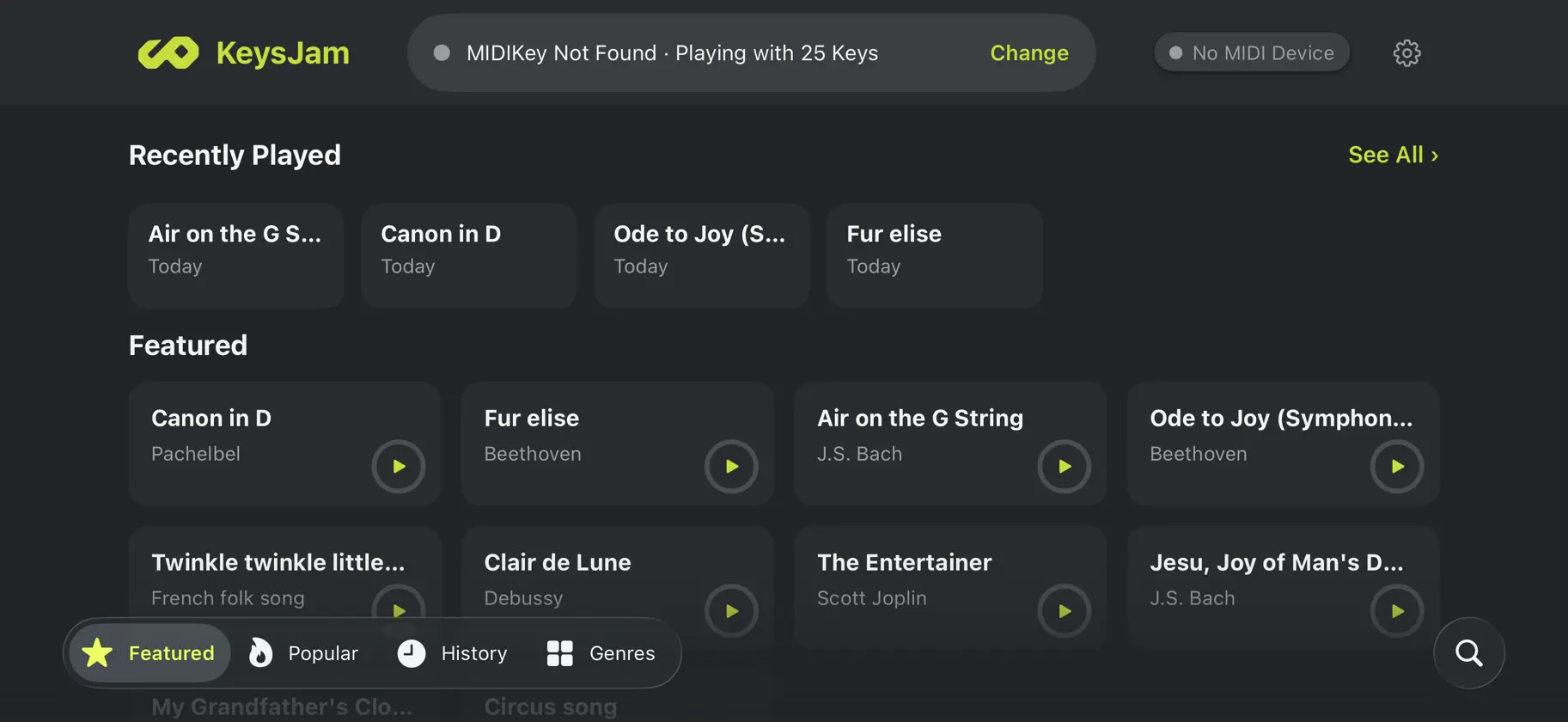
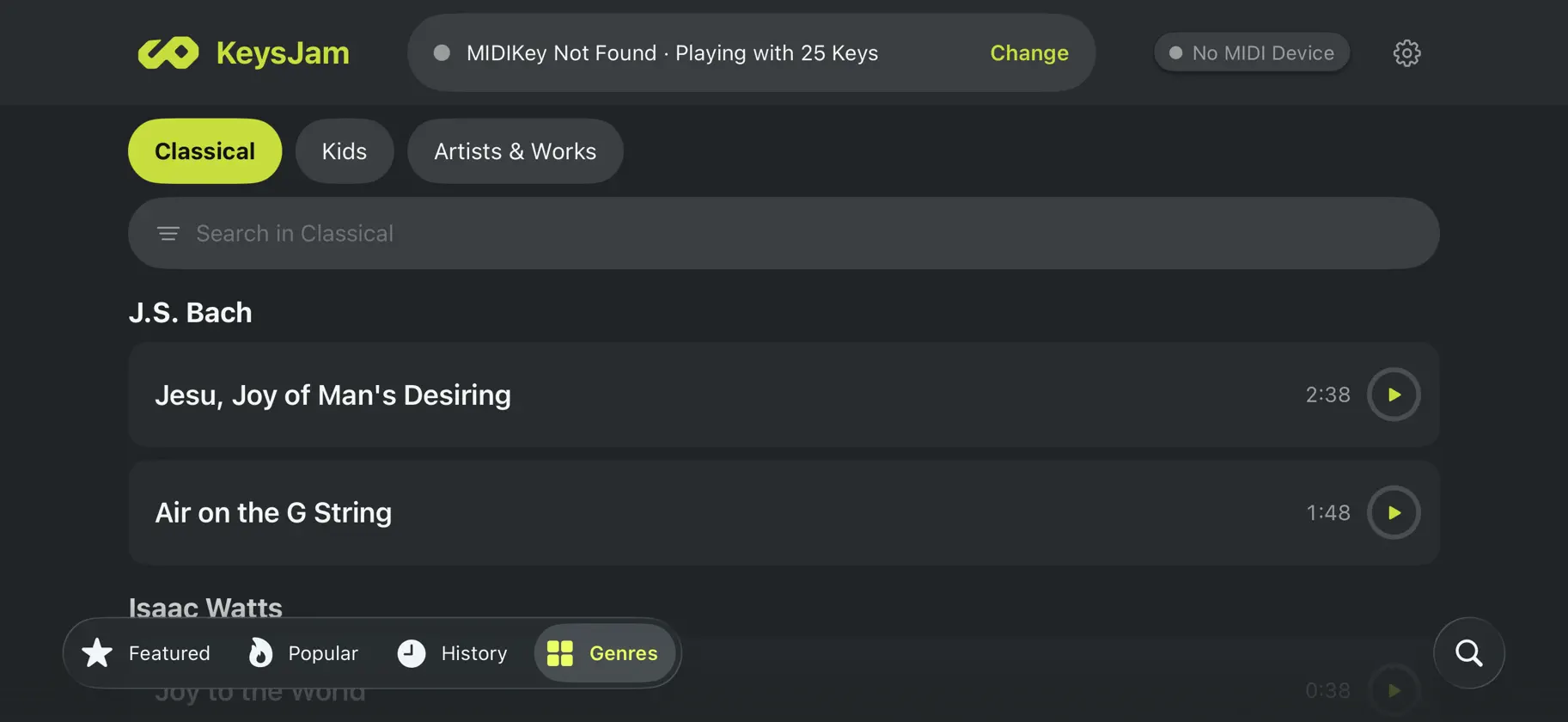
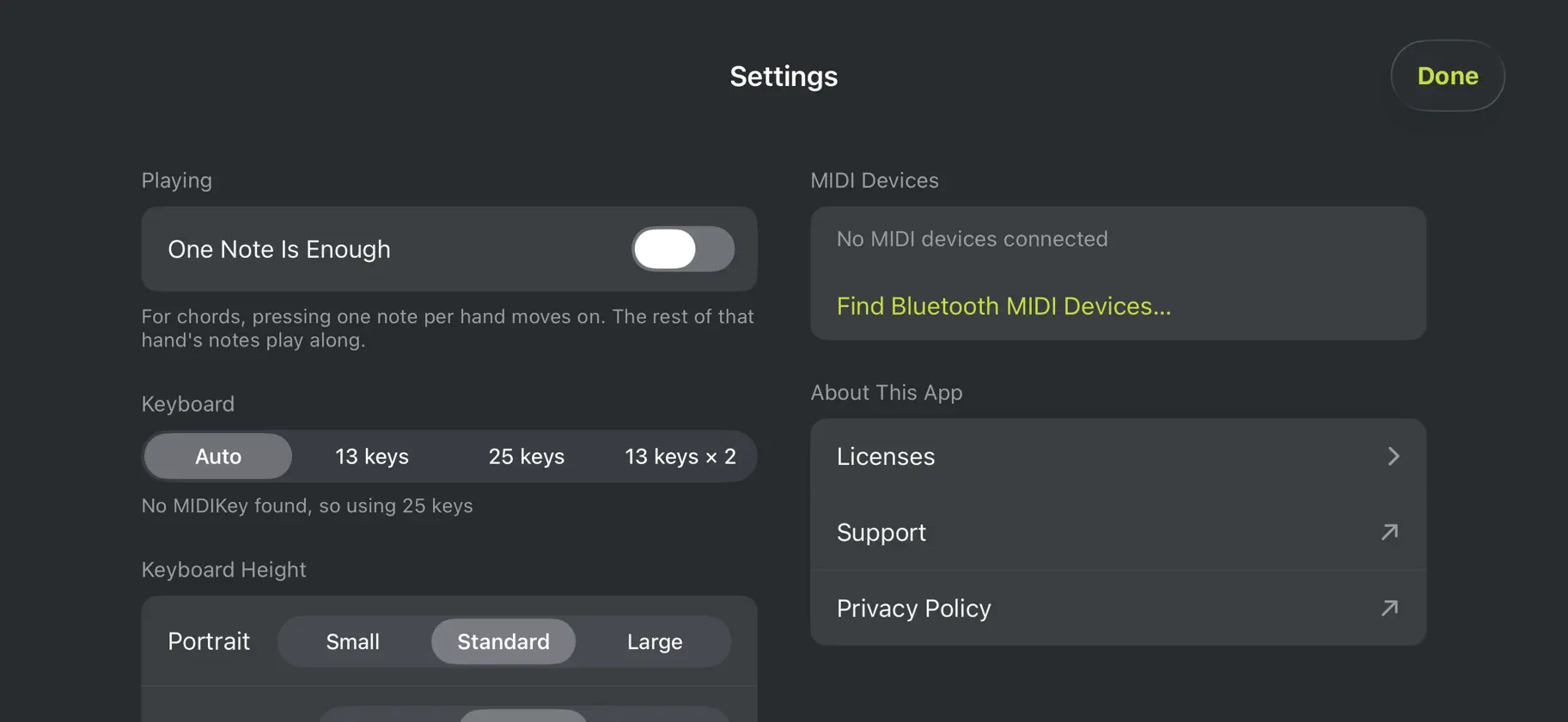
You want to play songs. Piano apps are everywhere, yet playing a whole song is still hard. While you are hunting for the next key, the song has already moved on. JPKeysJam waits for you. The song and its accompaniment pause until you press the right key. Connect a MIDI keyboard such as JP-MIDIKey13/25 and play a whole song from start to finish, with accompaniment. - Waits until you play ・The next key lights up. Press it and the song moves on, with the accompaniment playing up to that point ・Only the note name counts, so any octave is fine. For chords, the song moves on once all the notes are there ・No keyboard at hand? Play on the on-screen keyboard - An arrangement that fits you ・Three levels: Easy, Normal, and Hard. Play the right hand only, or both hands ・Listen to the whole song first with auto play ・Choose a different sound and volume for each hand - Find a song quickly ・Home has Featured, Popular, History, and Genres + Search tabs ・Listen to a 20-second preview before you play ・The Popular tab shows the songs played most in the last 30 days - Songs ・126 classical pieces and 7 children's songs, all in the public domain. All free - Keyboards ・MIDI keyboards over USB or Bluetooth, such as JP-MIDIKey13/25 ・The on-screen keyboard adapts to 13-key and 25-key keyboards ・Includes the GeneralUser GS SoundFont 2 Works on iPhone and iPad. To count popular songs, the app sends an anonymous ID and the song ID when you start playing. No names or email addresses are sent. See the privacy policy for details.